Category: Systeme.io

Posts on using System.io.

  • Create a Landing Page in System.io

    Create a Landing Page in System.io

    Learn how to create a landing page using Systeme.io step-by-step in this beginner-friendly tutorial.

    In this video, you’ll learn how to build your first landing page using the Systeme.io funnel builder.

    We’ll cover how to create a funnel, choose a landing page template, customise your page using the drag-and-drop editor, and publish your page so it can start collecting email subscribers.

    This tutorial is perfect for beginners who want to build their first opt-in page or lead capture page using Systeme.io.
    What you’ll learn:

    • How to create a funnel in Systeme.io
    • How to add a landing page step
    • How to customise pages with the drag-and-drop editor
    • How to add forms and buttons
    • How to publish and test your landing page

    ✅ Free resource
    📌 Beginner Funnel Checklist / Freebie:
    🔗https://www.pagebuilderacademy.com/starter

    Get a FREE Systeme.io account below:
    🔗https://www.pagebuilderacademy.com/systeme

    See my full Systeme.io review + bonuses:
    🔗https://www.pagebuilderacademy.com/2r8b

    #systemeio #landingpage #funnelbuilder #emailmarketing #leadgeneration #systemeiotutorial #landingpagetutorial #createalandingpage #funneltutorial #systemeiobeginner #buildyourlist #optinpage #salesfunnel #landingpagebuilder #digitalmarketing #pagebuilderacademy
     

    ⏱️ Timestamps
    00:00 How to Create a Landing Page (Systeme.io)
    00:24 What is a Funnel in Systeme.io
    00:41 Go to Sales Funnels
    00:58 Create a New Funnel
    01:35 Choose “Build an Audience”
    02:15 Choose a Landing Page Template
    03:28 Open Page Editor
    03:42 Edit & Clean Up Your Page
    05:39 Write Your Headline
    06:39 Customise the Opt-In Form
    07:55 Improve Your CTA Button
    09:21 Save and Preview Page
    10:20 Add Privacy Policy + Final Checks
    11:04 What Happens After Opt-In
    11:35 Free Landing Page Template

    ========================
    QUESTIONS? CONTACT ME!
    ========================

    EMAIL: zaf@pagebuilderacademy.com

    ===========
    FOLLOW ME
    ===========

    ▶ YOUTUBE SUBSCRIBE – @PageBuilderAcademy

    ============
    DISCLAIMER
    ============
    Some of the links in this description may be affiliate links, which means I receive a small commission at NO ADDITIONAL cost to you if you decide to purchase something.
  • Your First Thank You Page in Systeme.io Start Here

    Your First Thank You Page in Systeme.io Start Here

    Building a funnel in Systeme.io?

    The next step after your opt-in page is creating a thank-you page.

    In this beginner-friendly tutorial, I show you exactly how to create your first thank you page in Systeme.io so you can confirm signups, guide your new subscribers, and keep your funnel working smoothly.
    In this video, you’ll learn:

    • How to add a thank you page step in your funnel
    • How to customise your thank you page using the Systeme.io page builder
    • What to include on your thank you page
    • How to test your funnel to make sure everything works

    This tutorial is part of a beginner series showing how to build your first funnel in Systeme.io.
    See the first part here: https://youtu.be/dlTIuSDJcM8

    ✅ Free resource
    📌 Beginner Funnel Checklist / Freebie:
    🔗https://www.pagebuilderacademy.com/starter

    Get a FREE Systeme.io account below:
    🔗https://www.pagebuilderacademy.com/systeme

    See my full Systeme.io review + bonuses:
    🔗https://www.pagebuilderacademy.com/2r8b

    ⏱️ Timestamps:
    0:00 Why Thank You Pages Matter
    0:10 What You’ll Learn in This Video
    0:18 Navigate to Sales Funnels
    0:33 Open Your Funnel
    0:49 Add a Thank You Page Step
    1:04 Select Thank You Page Type
    1:22 Choose a Thank You Page Template
    1:50 Open the Page Builder
    2:05 Edit the Thank You Page Message
    2:32 Tell Subscribers What Happens Next
    2:55 Optional Next Steps for Your Funnel
    3:21 Save Your Thank You Page
    3:31 Test Your Funnel
    3:57 Your First Thank You Page Complete
    4:05 Free Systeme.io Starter Kit
    4:21 Like & Subscribe

    #systemeio #emailmarketing #emailscheduling #systemeiotutorial #emailautomation #scheduleemails #howto #funnelbuilding #onlinebusiness #beginnermarketing #pagebuilderacademy

    This video is part of my Systeme.io beginner funnel series.

    For the first video

    ========================
    QUESTIONS? CONTACT ME!
    ========================

    EMAIL: zaf@pagebuilderacademy.com

    ===========
    FOLLOW ME
    ===========

    ▶ YOUTUBE SUBSCRIBE – @PageBuilderAcademy

    ============
    DISCLAIMER
    ============
    Some of the links in this description may be affiliate links, which means I receive a small commission at NO ADDITIONAL cost to you if you decide to purchase something.
  • How to Schedule Emails by Timezone in Systeme.io

    How to Schedule Emails by Timezone in Systeme.io

    Want to schedule emails at the right time inside Systeme.io?

    In this beginner-friendly tutorial, you’ll learn how timezone settings affect your email scheduling and how to make sure your newsletters and campaigns go out exactly when you expect.

    Systeme.io schedules emails based on your account timezone, so setting this up correctly is essential if you want better open rates and smarter automation. In this video, I’ll walk you step-by-step through checking your timezone, scheduling newsletters, and setting email campaign timing inside Systeme.io.
    Perfect for beginners building funnels, email lists, and automated campaigns.

    ✅ Free resource
    📌 Beginner Funnel Checklist / Freebie:
    🔗https://www.pagebuilderacademy.com/starter

    Get a FREE Systeme.io account below:
    🔗https://www.pagebuilderacademy.com/systeme

    See my full Systeme.io review + bonuses:
    🔗https://www.pagebuilderacademy.com/2r8b

    #systemeio #systemeiotutorial #emailmarketing #emailautomation #ScheduleEmails #emailscheduling #EmailTimezone #SystemeioEmails #funnelbuilding #onlinebusiness #emailmarketingforbeginners #digitalmarketing #pagebuilderacademy

    ⏱️ Timestamps:
    0:00 The Email Timing Mistake Most Beginners Miss
    0:16 What This Tutorial Covers
    0:37 Why Your Emails Send at Strange Times
    0:49 Check Your Account Timezone (Fix This First)
    1:13 The Key Email Timing Trick in Systeme.io
    1:39 How to Schedule a Newsletter
    2:18 Save & Schedule Your Email
    3:19 Why Timezone Still Controls Send Time
    3:33 Campaign Emails vs Newsletters Explained
    4:17 Set Send Hours in Campaign Emails
    4:58 Sending Emails to a Global Audience
    5:14 The Key Takeaway (Fix Your Email Timing)
    5:35 Free Systeme.io Starter Kit

    ========================
    QUESTIONS? CONTACT ME!
    ========================

    EMAIL: zaf@pagebuilderacademy.com

    ===========
    FOLLOW ME
    ===========

    ▶ YOUTUBE SUBSCRIBE – @PageBuilderAcademy

    ============
    DISCLAIMER
    ============
    Some of the links in this description may be affiliate links, which means I receive a small commission at NO ADDITIONAL cost to you if you
  • Your First Opt In Page in Systeme.io Start Here

    Your First Opt In Page in Systeme.io Start Here

    If you want to start building an email list, the very first thing you need is a simple opt-in page.

    In this beginner-friendly tutorial, I’ll show you how to create your first opt-in page in Systeme.io step-by-step. You’ll learn how to set up a funnel, choose a template, customise the page, and connect a popup so you can start collecting email subscribers.

    No coding.
    No complicated tools.
    Just a clean, simple landing page that works.

    This tutorial is perfect if you’re new to Systeme.io and want to start building your email list or online business without tech overwhelm.

    Click to play

    In this video you’ll learn how to:

    • Create your first funnel in Systeme.io
    • Choose a simple opt-in page template
    • Write a clear headline and subheadline
    • Configure the popup email capture form
    • Optimise your landing page for conversions

    By the end of the video, you’ll have a working opt-in page ready to start capturing leads.

    Next: How To Tag Contacts on Opt-in Form in Systeme.io Easy Method


    ✅ Free resource
    📌 Beginner Funnel Checklist / Freebie:
    🔗https://www.pagebuilderacademy.com/starter

    Get a FREE Systeme.io account below:
    🔗https://www.pagebuilderacademy.com/systeme

    See my full Systeme.io review + bonuses:
    🔗https://www.pagebuilderacademy.com/2r8b

    ⏱ Timestamp
    0:00 Why You Need a Landing Page
    0:10 Final Page Preview
    0:15 Channel Intro
    0:22 Go to Funnels in Systeme.io
    0:35 Create a New Funnel
    0:54 Choose “Build an Audience”
    1:05 Open Your Funnel
    1:17 Choose an Opt-In Page Template
    1:52 Open the Page Editor
    2:01 Clean Up the Template Layout
    2:23 Write Your Headline
    3:17 Add a Benefit-Focused Subheadline
    4:19 Add a High-Converting Button
    5:32 Configure the Popup Form
    6:03 Remove the Name Field (Higher Conversions)
    6:44 Write the Popup Headline
    7:18 Add Privacy Policy
    8:15 Test Your Landing Page
    8:35 Free Systeme.io Starter Kit
    8:53 Like & Subscribe

    #systemeio #landingpage #emailmarketing #buildemaillist #systemeiotutorial #onlinebusiness #leadgeneration #funnels
    #digitalmarketing #pagebuilderacademy

    QUESTIONS? CONTACT ME!
    ========================

    EMAIL: zaf@pagebuilderacademy.com

    ===========
    FOLLOW ME
    ===========

    ▶ YOUTUBE SUBSCRIBE – @PageBuilderAcademy

    ============
    DISCLAIMER
    ============
    Some of the links in this description may be affiliate links, which means I receive a small commission at NO ADDITIONAL cost to you if you decide to purchase something.
  • Most Beginners Miss This Systeme.io Form Trick

    Most Beginners Miss This Systeme.io Form Trick

    Want to add multiple fields to a form in Systeme.io but not sure where to start?

    In this beginner-friendly tutorial, I’ll walk you through exactly how to add extra form inputs, change input types, and create custom fields so you can collect better lead information inside your funnels.

    This step-by-step Systeme.io guide is perfect for beginners building opt-in pages, email lists, or simple sales funnels without tech overwhelm.

    You’ll learn how to structure your form fields correctly, keep your layout clean, and avoid common mistakes that reduce conversions.

    If you’re building your first funnel or improving an existing opt-in form, this tutorial will help you create smarter lead capture pages inside Systeme.io.
    Subscribe for more simple Systeme.io tutorials from Page Builder Academy.

    ✅ Free resource
    📌 Beginner Funnel Checklist / Freebie:
    🔗https://www.pagebuilderacademy.com/starter

    Get a FREE Systeme.io account below:
    🔗https://www.pagebuilderacademy.com/systeme

    See my full Systeme.io review + bonuses:
    🔗https://www.pagebuilderacademy.com/2r8b

    ⏱️ Timestamps:
    0:00 The Form Trick Most Beginners Miss
    0:22 Open Your Funnel Page in Systeme.io
    1:05 The “Form Input” Trick Explained
    1:50 Change Input Type (Name, Phone, Text)
    2:54 Create Custom Fields in Contacts
    4:29 Add Custom Field to Your Form
    4:50 Duplicate Fields the Smart Way
    5:54 When NOT to Add More Fields
    6:26 Test Your Form (Live Example)
    7:10 Check Contact Data in CRM
    7:30 Final Recap + Free Starter Kit

    #systemeio .io #systemeiotutorial #systemeioforbeginners #emailmarketing #leadgeneration #OptInForms #funnelbuilding #onlinebusiness #digitalmarketing #makemoneyonlinebeginners #listbuilding #systemeiotutorial #SystemeioTips #beginnertutorial #salesfunnels #marketingautomation #pagebuilderacademy

    ========================
    QUESTIONS? CONTACT ME!
    ========================

    EMAIL: zaf@pagebuilderacademy.com

    ===========
    FOLLOW ME
    ===========

    ▶ YOUTUBE SUBSCRIBE – @PageBuilderAcademy

    ============
    DISCLAIMER
    ============
    Some of the links in this description may be affiliate links, which means I receive a small commission at NO ADDITIONAL cost to you if you decide to purchase something.
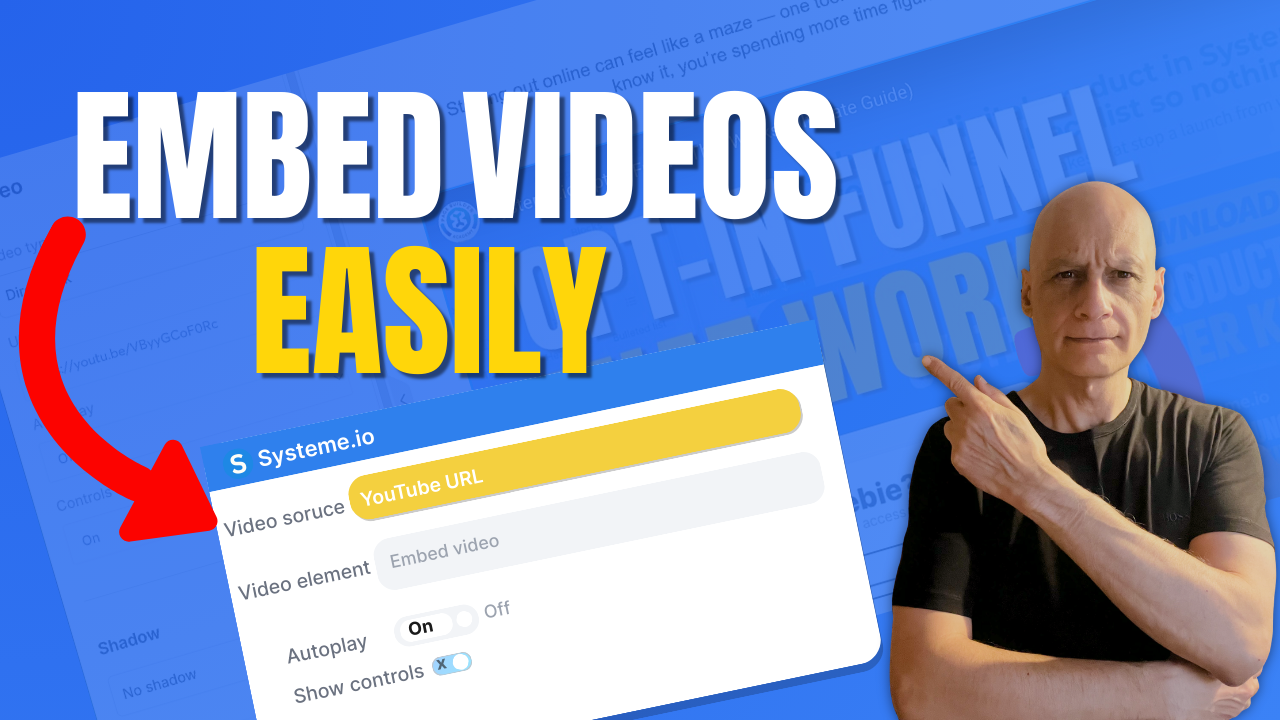
  • How to Add a Video to a Page in Systeme.io

    How to Add a Video to a Page in Systeme.io

    Want to add a video to your page in Systeme.io but not sure where to start?

    In this beginner-friendly tutorial, I’ll show you exactly how to add a video to any Systeme.io page step by step. Whether you’re embedding a YouTube video, Vimeo video, or hosted content, this method works fast and requires no coding.
    You’ll learn:

    • Where to find the video element in Systeme.io
    • How to embed a video using a simple link
    • How to customise video settings for better page design

    This is perfect for landing pages, funnels, and sales pages built with Systeme.io.

    👉 Watch till the end to make sure your video displays correctly on all devices.

    ✅ Free resource
    📌 Beginner Funnel Checklist / Freebie:
    🔗https://www.pagebuilderacademy.com/starter

    Get a FREE Systeme.io account below:
    🔗https://www.pagebuilderacademy.com/systeme

    See my full Systeme.io review + bonuses:
    🔗https://www.pagebuilderacademy.com/2r8b

    ⏱️ Video Timestamps — How to Add a Video to a Page in Systeme.io

    0:00 Add Videos to Pages (Intro)
    0:17 New Sites Menu Explained
    0:32 Open the Page Editor
    0:59 Method 1 — Add Video Using Link
    1:41 Method 2 — Custom Embed Option
    2:58 Method 3 — Upload Your Own Video
    4:09 Video Settings (Autoplay, Controls, Thumbnail)
    4:40 Where You Can Use Videos
    4:54 Quick Recap — 3 Methods
    4:59 Free Systeme.io Starter Kit

    #systemeio #systemeiotutorial #systemeiobeginner #pagebuilderacademy
    #addvideotopage #videopagetutorial #landingpagevideo #videofunnel
    #buildfunnels #landingpagetutorial #digitalmarketingforbeginners
    #onlinemarketingtools #makemoneyonlinebeginners

    ========================
    QUESTIONS? CONTACT ME!
    ========================

    EMAIL: zaf@pagebuilderacademy.com

    ===========
    FOLLOW ME
    ===========

    ▶ YOUTUBE SUBSCRIBE – @PageBuilderAcademy

    ============
    DISCLAIMER
    ============
    Some of the links in this description may be affiliate links, which means I receive a small commission at NO ADDITIONAL cost to you if you decide to purchase something.
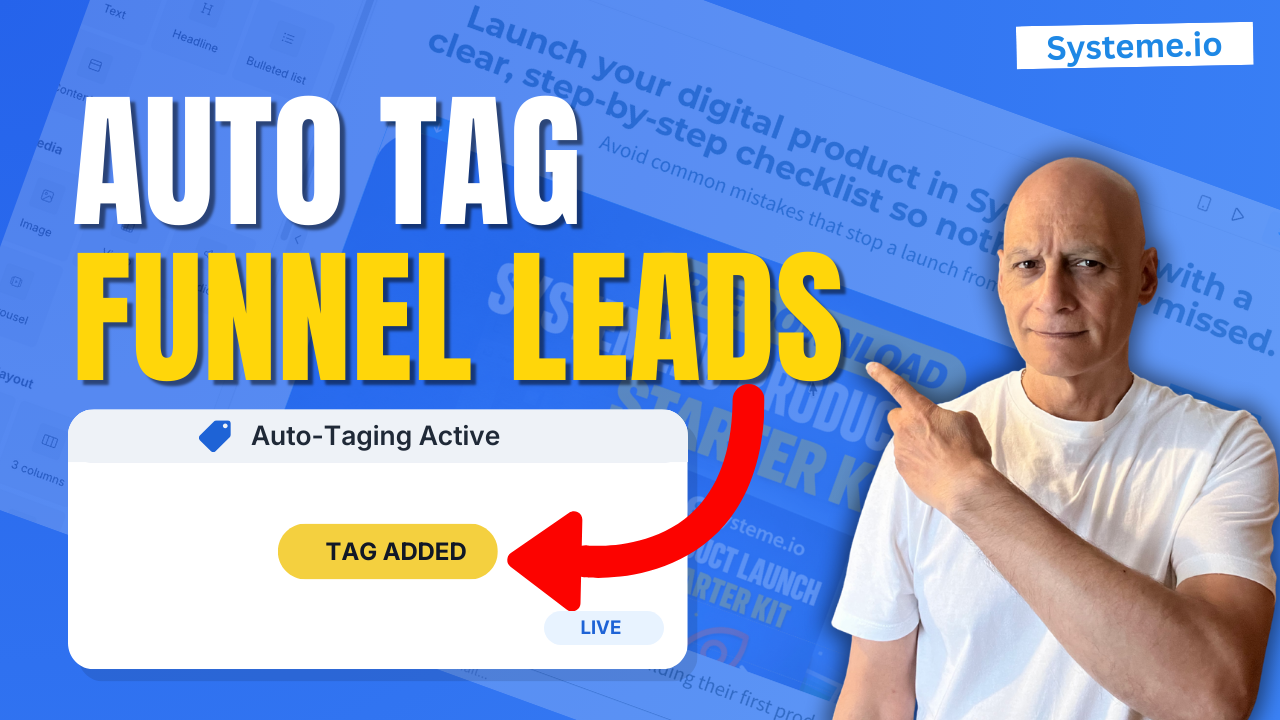
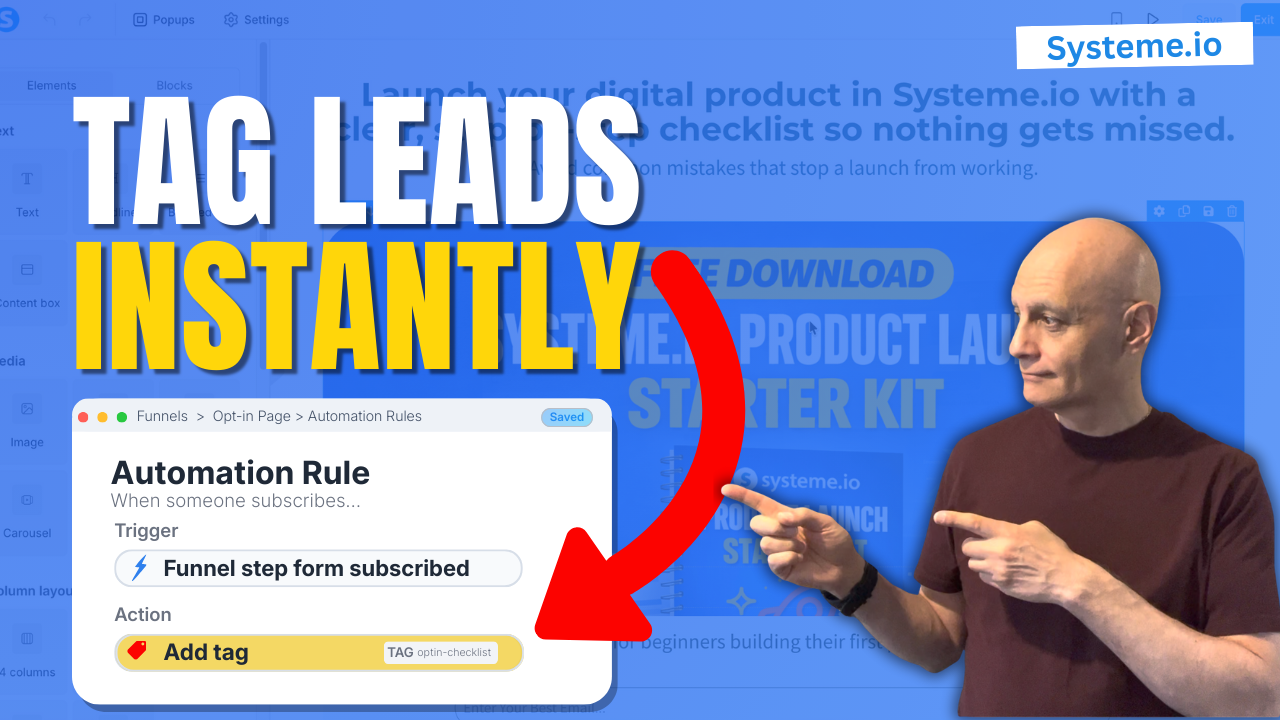
  • Tag Contacts Automatically by Funnel Step in Systeme.io Automation Rule

    Tag Contacts Automatically by Funnel Step in Systeme.io Automation Rule

    Want to tag contacts automatically by funnel step in Systeme.io?

    In this tutorial, you’ll learn the best-practice method: use an Automation Rule with the trigger “Funnel step form subscribed,” then automatically apply a tag.
    Want to tag contacts automatically by funnel step in Systeme.io?

    In this tutorial, you’ll learn the best-practice method: use an Automation Rule with the trigger “Funnel step form subscribed,” then automatically apply a tag.

    ✅ You’ll learn:

    • The exact trigger to use (Funnel step form subscribed)
    • How to auto-apply tags to new leads
    • Why tagging makes funnels easier to track
    • How to confirm the tag is working in Contacts

    ✅ Free resource
    📌 Beginner Funnel Checklist / Freebie:
    🔗https://www.pagebuilderacademy.com/starter

    Get a FREE Systeme.io account below:
    🔗https://www.pagebuilderacademy.com/systeme

    See my full Systeme.io review + bonuses:
    🔗https://www.pagebuilderacademy.com/2r8b

    ⏱️Timestamps
    0:00 Auto-tag leads instantly
    0:07 Why this saves time & confusion
    0:20 Open the funnel you want to track
    0:53 Add a tagging automation
    1:03 Tag leads when they opt in
    1:37 Choose the right tag
    2:17 Activate automatic tagging
    2:31 Test your tags in Contacts
    2:55 Use tags to track funnels
    3:01 Quick recap
    3:15 Free Systeme.io starter kit

    #systemeio #marketingautomation #emailmarketing #tags #optin #systemeiotutorial

    ========================
    QUESTIONS? CONTACT ME!
    ========================

    EMAIL: zaf@pagebuilderacademy.com

    ===========
    FOLLOW ME
    ===========

    ▶ YOUTUBE SUBSCRIBE – @PageBuilderAcademy

    ============
    DISCLAIMER
    ============
    Some of the links in this description may be affiliate links, which means I receive a small commission at NO ADDITIONAL cost to you if you decide to purchase something.
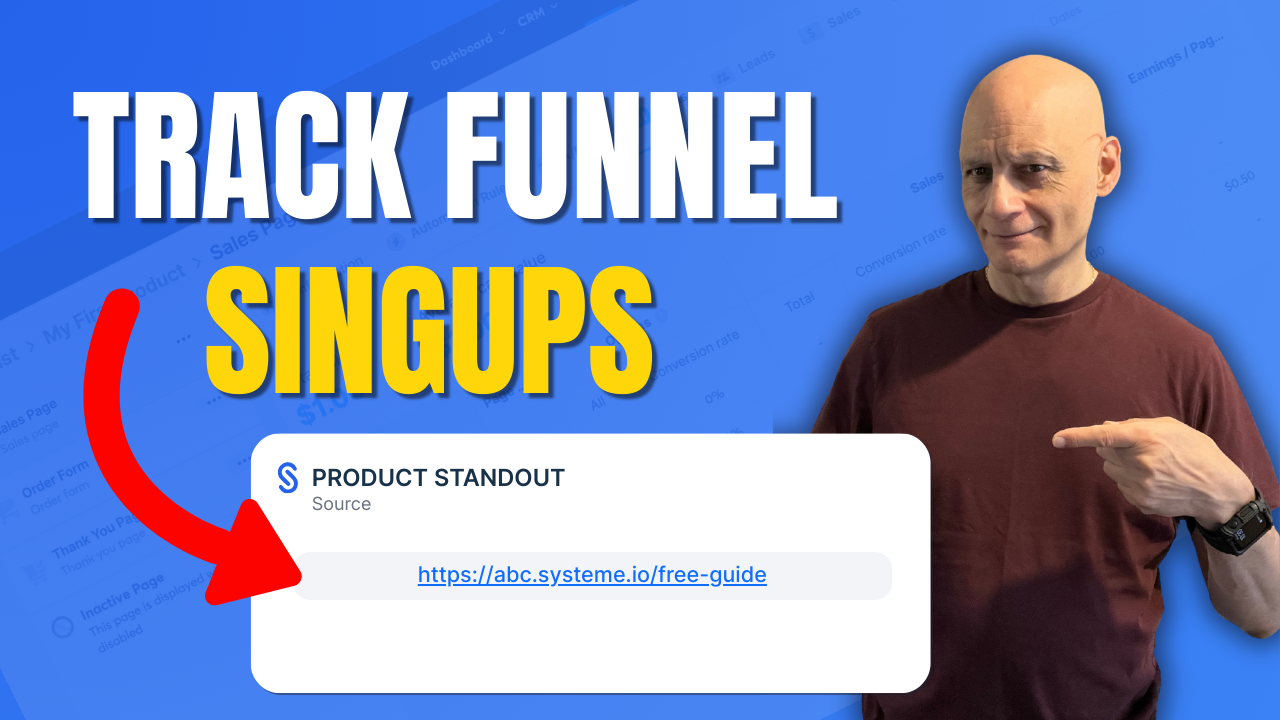
  • Which Funnel Did The Lead Use? Systeme.io Source URL

    Which Funnel Did The Lead Use? Systeme.io Source URL

    Want to know exactly which funnel a contact signed up through in Systeme.io?

    In this quick beginner-friendly tutorial, I’ll show you the fastest way to find the Source URL inside the contact record — so you’re not guessing where your leads came from and you can make smarter funnel and follow-up decisions.
    ✅ What you’ll learn in this video:

    • Where to find the Source URL in Systeme.io
    • How to see the exact opt-in page/funnel step a contact used
    • Why Source URL shows the funnel step, not the traffic source
    • What it means if the Source URL is missing
    • The best practice way to tag contacts automatically by funnel step

    ▶️ Next video (recommended): How to tag contacts automatically by funnel step
    🔗https://youtu.be/h4QSr4SEenc

    👉 Subscribe for more Systeme.io tutorials, funnel tips, and simple automation guides.

    ✅ Free resource

    📌 Beginner Funnel Checklist / Freebie:
    Includes my 10-minute landing page blueprint + a ready-to-use landing page template
    🔗https://www.pagebuilderacademy.com/starter

    Get a FREE Systeme.io account below:
    🔗https://www.pagebuilderacademy.com/systeme

    See my full Systeme.io review + bonuses:
    🔗https://www.pagebuilderacademy.com/2r8b

    I use Systeme.io to run my funnels, pages, and emails — both links above will help you get started faster.

    ⏱️ Timestamps:
    0:00 – Intro
    0:33 – Navigating to contact
    0:47 – Selecting our contact
    0:58 – Finding the sign-up source
    1:14 – Viewing the funnel step
    1:24 – Quick tip on funnel source
    2:56 – Outro

    #systemeio #systemeiotutorial #pagebuilder #funnelbuilder #onlinemarketingtips #emailmarketingtips #pagebuilderacademy #emailmarketing

    ========================
    QUESTIONS? CONTACT ME!
    ========================

    EMAIL: zaf@pagebuilderacademy.com

    ===========
    FOLLOW ME
    ===========

    ▶ YOUTUBE SUBSCRIBE – @PageBuilderAcademy

    ============
    DISCLAIMER
    ============
    Some of the links in this description may be affiliate links, which means I receive a small commission at NO ADDITIONAL cost to you if you decide to purchase something.