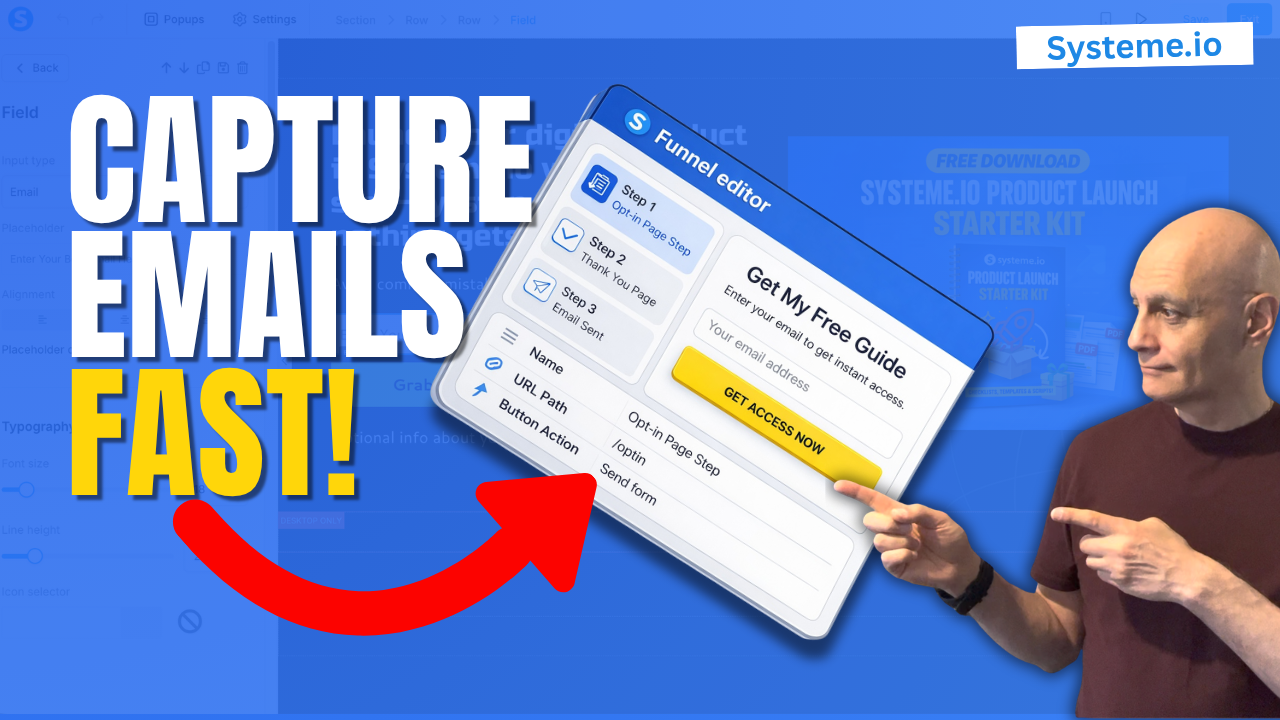
In this beginner-friendly tutorial, you’ll learn how to create a simple opt-in page using Systeme.io step-by-step.
This is one of the most important pages in your funnel because it allows you to start collecting email subscribers and building your list.
This is one of the most important pages in your funnel because it allows you to start collecting email subscribers and building your list.
In this video, I’ll show you how to:
 Create a funnel inside Systeme.io
Choose an opt-in template
Edit your page
Set up your form correctly
Test everything so it works
If you’re new to funnels or email marketing, this is the perfect place to start.
 Get your free landing page checklist here:
 https://www.pagebuilderacademy.com/starter
Get a FREE Systeme.io account below:
https://www.pagebuilderacademy.com/systeme
See my full Systeme.io review + bonuses:
https://www.pagebuilderacademy.com/2r8b
#systemeio #emailmarketing #listbuilding #funneltutorial #onlinebusiness #digitalmarketing #beginnerfunnels #systemeiotutorial #systemeioforbeginners
 Timestamps
00:00 Why You Need an Opt-in Page
00:30 Create a New Funnel
00:47 Name Your Funnel
01:18 Choose “Build an Audience”
01:34 What Systeme.io Creates for You
01:45 Pick an Opt-in Template
02:20 Open the Page Editor
02:35 Remove the Clutter
03:45 Write Your Headline & Subheadline
04:45 Edit the Email Field & Button
05:55 Add Your Lead Magnet Image
06:10 Add Your Privacy Policy
07:10 Improve the Page Layout
07:39 What to Keep on Your Opt-in Page
08:05 Save, Exit & Test Your Page
08:50 Your Opt-in Page Is Done
09:03 Free Resource + Next Step
========================
QUESTIONS? CONTACT ME!
========================
EMAIL: zaf@pagebuilderacademy.com
===========
FOLLOW ME
===========
 YOUTUBE SUBSCRIBE – @PageBuilderAcademy
============
DISCLAIMER
============
Some of the links in this description may be affiliate links, which means I receive a small commission at NO ADDITIONAL cost to you if you decide to purchase something.
Create a funnel inside Systeme.io Choose an opt-in template Edit your page Set up your form correctly Test everything so it worksIf you’re new to funnels or email marketing, this is the perfect place to start.
Get your free landing page checklist here: https://www.pagebuilderacademy.com/starterGet a FREE Systeme.io account below:
https://www.pagebuilderacademy.com/systemeSee my full Systeme.io review + bonuses:
https://www.pagebuilderacademy.com/2r8b#systemeio #emailmarketing #listbuilding #funneltutorial #onlinebusiness #digitalmarketing #beginnerfunnels #systemeiotutorial #systemeioforbeginners
Timestamps00:00 Why You Need an Opt-in Page
00:30 Create a New Funnel
00:47 Name Your Funnel
01:18 Choose “Build an Audience”
01:34 What Systeme.io Creates for You
01:45 Pick an Opt-in Template
02:20 Open the Page Editor
02:35 Remove the Clutter
03:45 Write Your Headline & Subheadline
04:45 Edit the Email Field & Button
05:55 Add Your Lead Magnet Image
06:10 Add Your Privacy Policy
07:10 Improve the Page Layout
07:39 What to Keep on Your Opt-in Page
08:05 Save, Exit & Test Your Page
08:50 Your Opt-in Page Is Done
09:03 Free Resource + Next Step
========================
QUESTIONS? CONTACT ME!
========================
EMAIL: zaf@pagebuilderacademy.com
===========
FOLLOW ME
===========
YOUTUBE SUBSCRIBE – @PageBuilderAcademy ============
DISCLAIMER
============
Some of the links in this description may be affiliate links, which means I receive a small commission at NO ADDITIONAL cost to you if you decide to purchase something.
Leave a Reply