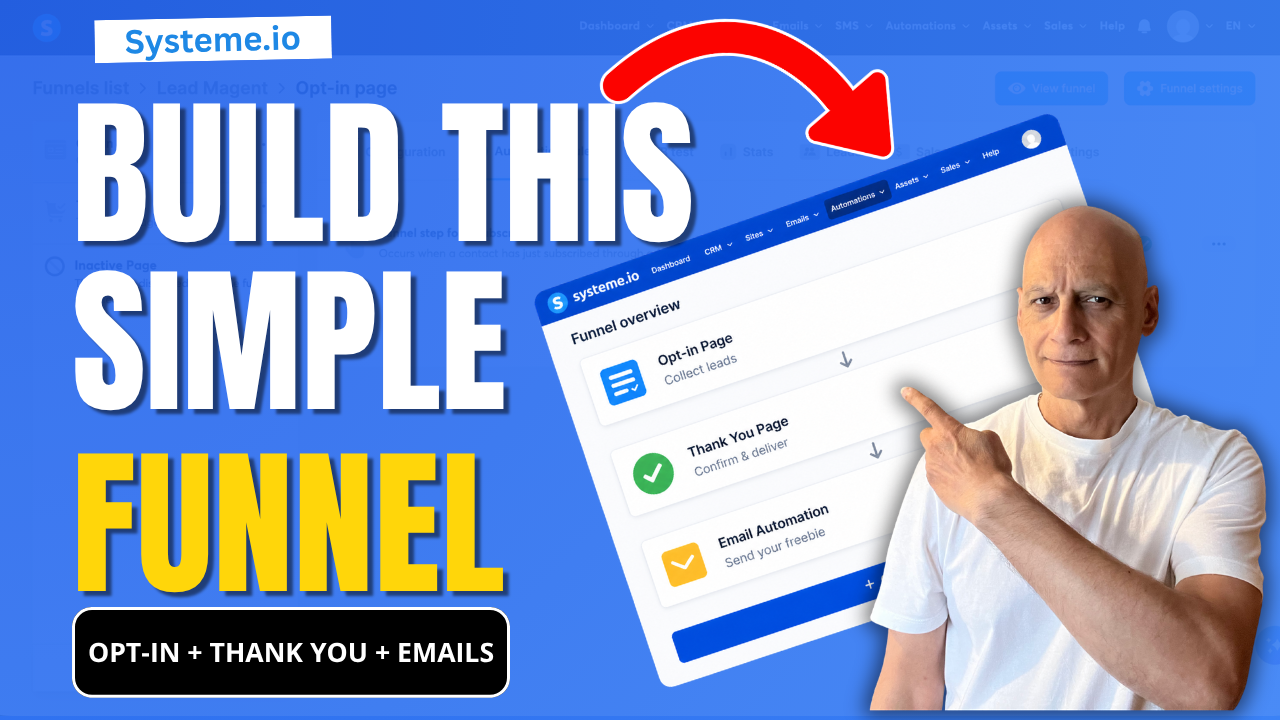
If you’re new to Systeme.io and want to start building your email list, this video shows you the exact beginner funnel setup you need:
 Opt-in page (collect emails)
Thank you page (guide your subscriber)
Email automation (deliver your freebie automatically)
This is the simplest funnel you can build to start growing your list without confusion.
Opt-in page (collect emails) Thank you page (guide your subscriber) Email automation (deliver your freebie automatically)This is the simplest funnel you can build to start growing your list without confusion.
 What You’ll Learn
* How to create a basic funnel in Systeme.io
* How all parts of a funnel connect together
* The two simple ways to send your freebie automatically
* How to test your funnel properly (most beginners skip this)
 Step-by-Step Tutorials (Watch Next)
 Full Opt-in Page Tutorial → https://youtu.be/dlTIuSDJcM8 Thank You Page Tutorial → https://youtu.be/VjRpHNbhoyM Automation with Tags → https://youtu.be/t4h6SreY558 Automation with Campaigns → https://youtu.be/VByyGCoF0Rc How to Test Your Funnel → https://youtu.be/Wj1Tg2j8jHA
If you want help building better funnels in Systeme.io, download my free checklist here:
 https://www.pagebuilderacademy.com/starter
Get a FREE Systeme.io account below:
https://www.pagebuilderacademy.com/systemeSee my full Systeme.io review + bonuses:
https://www.pagebuilderacademy.com/2r8b About This Channel
I create simple, beginner-friendly tutorials to help you build funnels, grow your email list, and start earning online — without overwhelm.
 If This Helped
Like the video and subscribe if you want more step-by-step Systeme.io tutorials designed for beginners.
#systemeio #emailmarketing #funnelbuilding #leadgeneration #makemoneyonline #digitalmarketing #affiliatemarketing #emailfunnels #onlinebusiness #listbuilding #pagebuilderacademy #systemeiotutorial
 Timestamps:
0:00 Build Your First Funnel in Systeme.io
0:18 See How This Funnel Works (Preview)
0:31 Start Building Step-by-Step
0:40 Create Your Funnel (Dashboard Setup)
1:25 Choose a Simple Funnel Template
1:42 Your Opt-in Page Explained (Keep It Simple)
2:19 Your Thank You Page Explained
3:08 Set Up Email Automation (Important Step)
3:46 How Your Freebie Is Sent Automatically
4:02 Test Your Funnel (Full Walkthrough)
4:40 Check Email Delivery (Freebie Sent)
4:47 What To Do Next (Improve Your Funnel)
5:07 Subscribe for More Beginner Tutorials
5:12 Free Systeme.io Starter Kit (Bonus)
===========
FOLLOW ME
===========
 YOUTUBE SUBSCRIBE – @PageBuilderAcademy
 ============
DISCLAIMER
============
Some of the links in this description may be affiliate links, which means I receive a small commission at NO ADDITIONAL cost to you if you decide to purchase something.
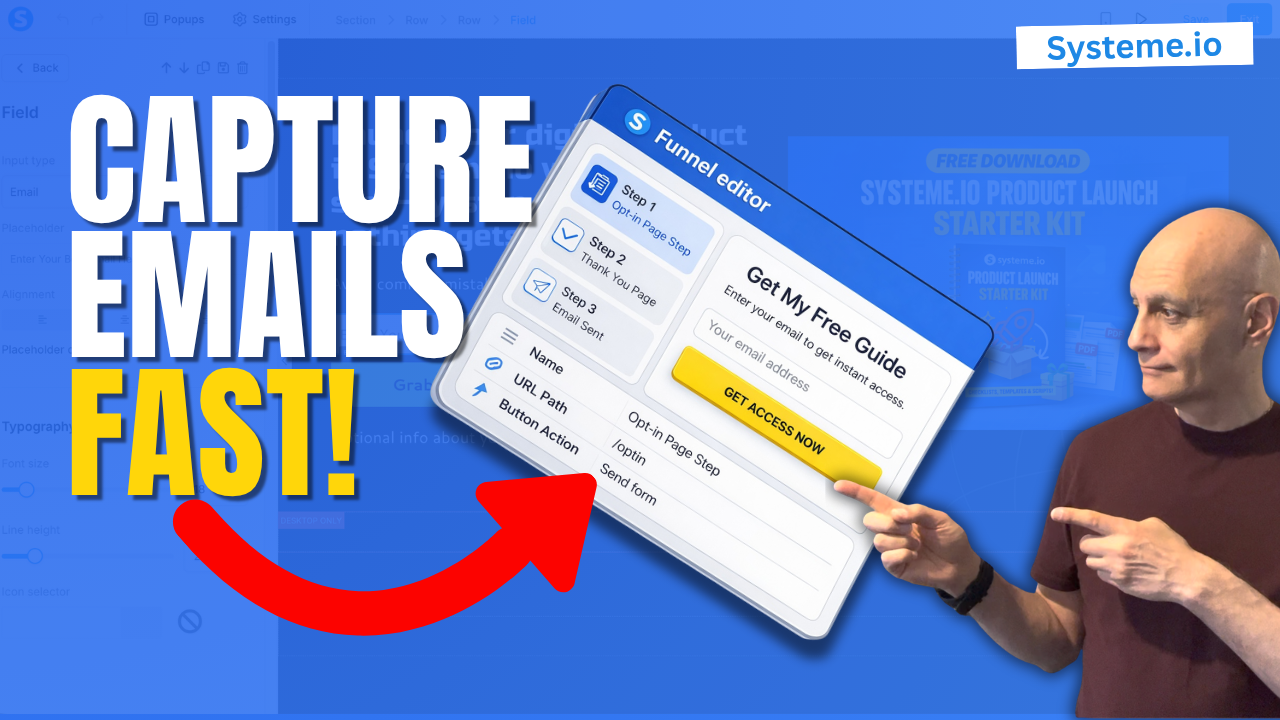
 Create a funnel inside Systeme.io