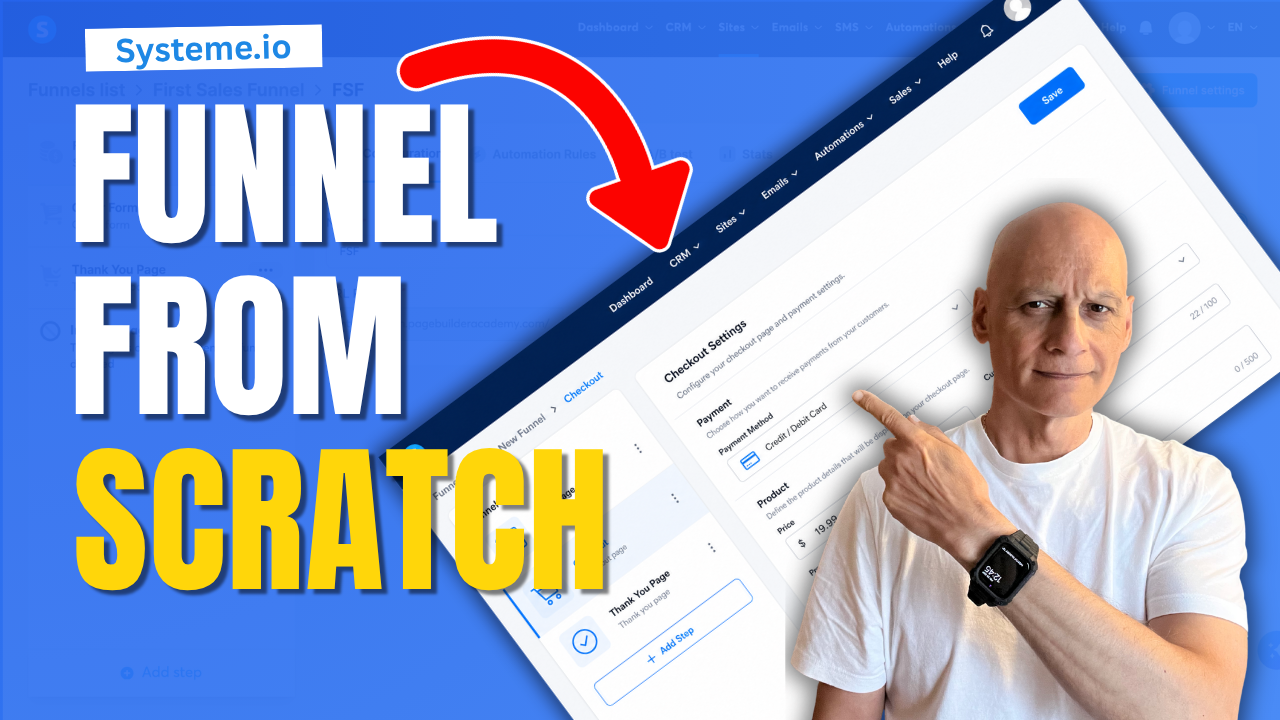
In this beginner-friendly Systeme.io tutorial, you’ll learn how to create a sales funnel, choose and customise your pages, connect the different funnel steps, set up your email follow-up, and test everything before publishing.
By the end of the video, you’ll understand how the main parts of a sales funnel work together and have a practical funnel you can adapt for your own product, service, lead magnet, course, or online business.
In this tutorial, you’ll learn:
 How to create a new funnel in Systeme.io
How to choose the right funnel structure
How to customise your funnel pages
How to collect leads and customer information
How to set up basic email automation
How to connect and test your funnel steps
How to prepare your funnel for launch
Add and Configure a Digital Product in Systeme.io (Step-by-Step Series)
https://www.youtube.com/playlist?list=PL-Vkn_82egqK9T9qZxVraPLeFnctI5yE5
Get a FREE Systeme.io account below:
 https://www.pagebuilderacademy.com/systeme
See my full Systeme.io review + bonuses:
https://www.pagebuilderacademy.com/2r8bOpt-in Funnel Prompts
https://www.pagebuilderacademy.com/AI-Prompts
 Free Companion Download: Systeme.io Product Launch Starter Kit
Includes checklists, templates, and scripts to help you complete each step of the series.
https://www.pagebuilderacademy.com/splsk
 Timestamp:
0:00 Why Urgency Increases Funnel Sales
0:30 Open Your Funnel in Systeme.io
0:48 When to Use a Deadline Funnel
0:57 Enable the Deadline Feature
1:13 Choose the Deadline Duration
1:22 Redirect Visitors After the Deadline
1:42 Set the Expiry Time
1:50 Apply the Deadline to Funnel Steps
2:05 Save Your Deadline Settings
2:17 Open the Systeme.io Page Editor
2:25 Add a Countdown Timer
2:35 Connect the Timer to Your Deadline
2:51 Add a Deadline Reminder Automation
3:15 Mistake #1: Fake Countdown Timers
3:29 Mistake #2: Unenforced Deadlines
3:39 Mistake #3: Overcomplicated Funnels
3:44 Deadline Funnel Setup Recap
4:16 Free Systeme.io Starter Kit
#SalesFunnelTutorial #digitalmarketing #onlinebusiness #funnelbuilder #emailmarketing #leadgeneration #marketingautomation #beginnertutorial #pagebuilderacademy
========================
QUESTIONS? CONTACT ME!
========================
EMAIL: zaf@pagebuilderacademy.com
===========
FOLLOW ME
===========
▶ YOUTUBE SUBSCRIBE – @pagebuilderacademy
============
DISCLAIMER
============
Some of the links in this description may be affiliate links, which means I receive a small commission at NO ADDITIONAL cost to you if you decide to purchase something.
Leave a Reply