If you want to start building an email list, the very first thing you need is a simple opt-in page.
In this beginner-friendly tutorial, I’ll show you how to create your first opt-in page in Systeme.io step-by-step. You’ll learn how to set up a funnel, choose a template, customise the page, and connect a popup so you can start collecting email subscribers.
No coding.
No complicated tools.
Just a clean, simple landing page that works.
This tutorial is perfect if you’re new to Systeme.io and want to start building your email list or online business without tech overwhelm.
In this beginner-friendly tutorial, I’ll show you how to create your first opt-in page in Systeme.io step-by-step. You’ll learn how to set up a funnel, choose a template, customise the page, and connect a popup so you can start collecting email subscribers.
No coding.
No complicated tools.
Just a clean, simple landing page that works.
This tutorial is perfect if you’re new to Systeme.io and want to start building your email list or online business without tech overwhelm.
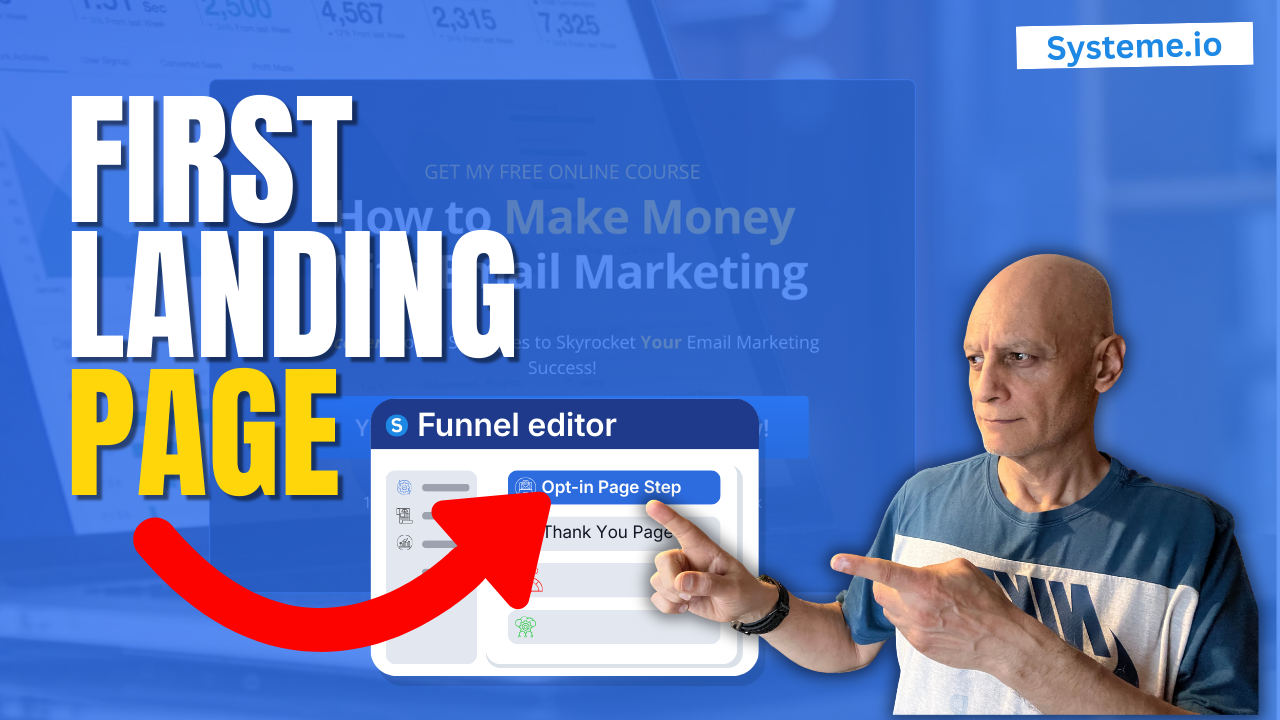
Click to play
In this video you’ll learn how to:
• Create your first funnel in Systeme.io
• Choose a simple opt-in page template
• Write a clear headline and subheadline
• Configure the popup email capture form
• Optimise your landing page for conversions
By the end of the video, you’ll have a working opt-in page ready to start capturing leads.
 Free resource
 Beginner Funnel Checklist / Freebie:
 https://www.pagebuilderacademy.com/starter
Get a FREE Systeme.io account below:
https://www.pagebuilderacademy.com/systeme
See my full Systeme.io review + bonuses:
https://www.pagebuilderacademy.com/2r8b
 Timestamp
0:00 Why You Need a Landing Page
0:10 Final Page Preview
0:15 Channel Intro
0:22 Go to Funnels in Systeme.io
0:35 Create a New Funnel
0:54 Choose “Build an Audience”
1:05 Open Your Funnel
1:17 Choose an Opt-In Page Template
1:52 Open the Page Editor
2:01 Clean Up the Template Layout
2:23 Write Your Headline
3:17 Add a Benefit-Focused Subheadline
4:19 Add a High-Converting Button
5:32 Configure the Popup Form
6:03 Remove the Name Field (Higher Conversions)
6:44 Write the Popup Headline
7:18 Add Privacy Policy
8:15 Test Your Landing Page
8:35 Free Systeme.io Starter Kit
8:53 Like & Subscribe
#systemeio #landingpage #emailmarketing #buildemaillist #systemeiotutorial #onlinebusiness #leadgeneration #funnels
#digitalmarketing #pagebuilderacademy
QUESTIONS? CONTACT ME!
========================
EMAIL: zaf@pagebuilderacademy.com
===========
FOLLOW ME
===========
 YOUTUBE SUBSCRIBE – @PageBuilderAcademy
============
DISCLAIMER
============
Some of the links in this description may be affiliate links, which means I receive a small commission at NO ADDITIONAL cost to you if you decide to purchase something.
• Create your first funnel in Systeme.io
• Choose a simple opt-in page template
• Write a clear headline and subheadline
• Configure the popup email capture form
• Optimise your landing page for conversions
By the end of the video, you’ll have a working opt-in page ready to start capturing leads.
Next: How To Tag Contacts on Opt-in Form in Systeme.io Easy Method
Free resource Beginner Funnel Checklist / Freebie:https://www.pagebuilderacademy.com/starterGet a FREE Systeme.io account below:
https://www.pagebuilderacademy.com/systemeSee my full Systeme.io review + bonuses:
https://www.pagebuilderacademy.com/2r8b Timestamp0:00 Why You Need a Landing Page
0:10 Final Page Preview
0:15 Channel Intro
0:22 Go to Funnels in Systeme.io
0:35 Create a New Funnel
0:54 Choose “Build an Audience”
1:05 Open Your Funnel
1:17 Choose an Opt-In Page Template
1:52 Open the Page Editor
2:01 Clean Up the Template Layout
2:23 Write Your Headline
3:17 Add a Benefit-Focused Subheadline
4:19 Add a High-Converting Button
5:32 Configure the Popup Form
6:03 Remove the Name Field (Higher Conversions)
6:44 Write the Popup Headline
7:18 Add Privacy Policy
8:15 Test Your Landing Page
8:35 Free Systeme.io Starter Kit
8:53 Like & Subscribe
#systemeio #landingpage #emailmarketing #buildemaillist #systemeiotutorial #onlinebusiness #leadgeneration #funnels
#digitalmarketing #pagebuilderacademy
QUESTIONS? CONTACT ME!
========================
EMAIL: zaf@pagebuilderacademy.com
===========
FOLLOW ME
===========
YOUTUBE SUBSCRIBE – @PageBuilderAcademy
============
DISCLAIMER
============
Some of the links in this description may be affiliate links, which means I receive a small commission at NO ADDITIONAL cost to you if you decide to purchase something.
Leave a Reply