Want to collect more leads with Systeme.io?
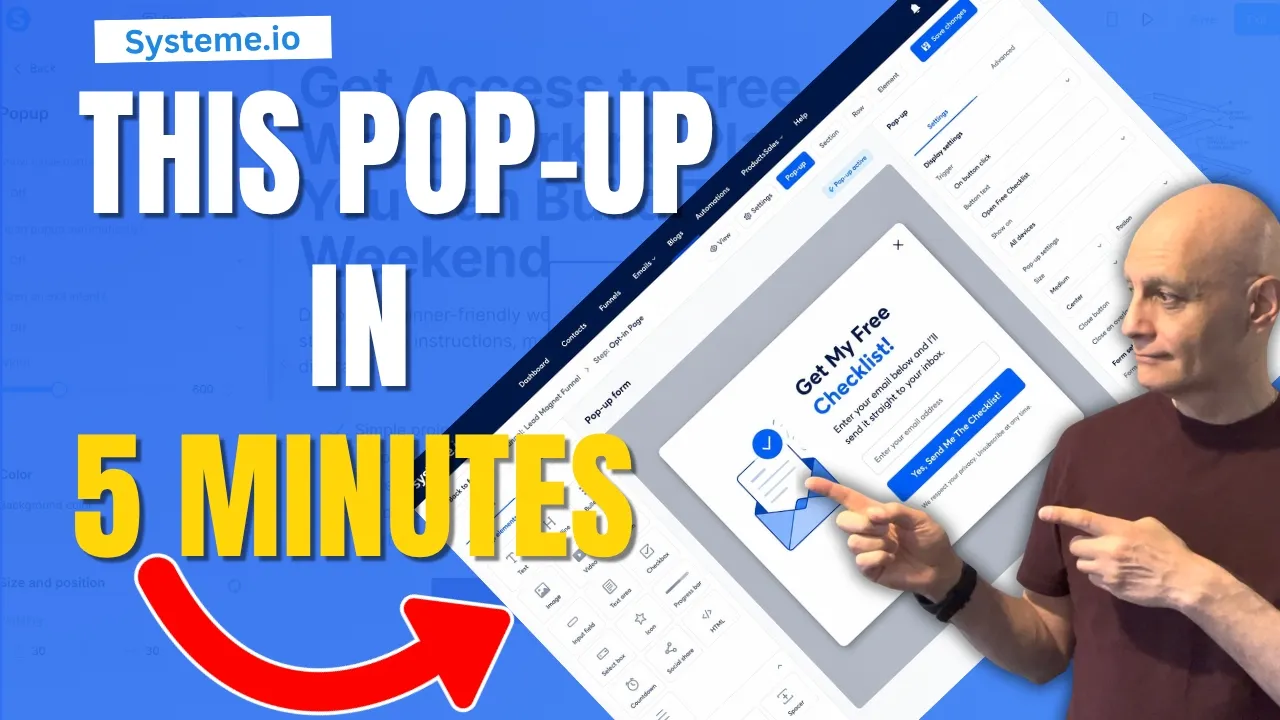
In this step-by-step Systeme.io tutorial, I’ll show you exactly how to set up a pop-up form on your landing page so you can capture email subscribers, grow your list, and build your funnel more effectively.
In this step-by-step Systeme.io tutorial, I’ll show you exactly how to set up a pop-up form on your landing page so you can capture email subscribers, grow your list, and build your funnel more effectively.
In this video you’ll learn:
 How to create a pop-up form in Systeme.io
How to customize your pop-up design
How to add email input fields and buttons
How to connect your form to your email campaign
How to test your pop-up before publishing
This tutorial is beginner-friendly and perfect if you’re building your first funnel with Systeme.io.
Whether you’re creating a lead magnet funnel, email list, affiliate marketing funnel, or simple opt-in page, a pop-up form can help increase conversions without rebuilding your entire page.
⏱ Timestamps
00:00 Introduction
00:16 Finished Pop-Up Preview
00:33 Open Your Funnel Page
00:59 Add a Button and Create a Pop-Up
01:44 Configure Pop-Up Settings
02:40 Build Your Pop-Up Form
03:47 Connect the Form to Your Email Campaign
04:24 Link the Button to the Pop-Up
05:06 Mobile View and Testing
06:29 Test Email Delivery
06:45 Pop-Up Form Recap
07:01 Next Steps
#systemeio #systemeiotutorial #emailmarketing #leadgeneration #funnelbuilding #landingpages #onlinebusiness #digitalmarketing #affiliatemarketing #emaillistbuilding #leadmagnets #marketingautomation #pagebuilderacademy
Watch: https://youtu.be/soY1OHZuIZY
 Beginner Funnel Checklist / Freebie:
 https://www.pagebuilderacademy.com/starter
Get a FREE Systeme.io account below:
https://www.pagebuilderacademy.com/systeme
See my full Systeme.io review + bonuses:
https://www.pagebuilderacademy.com/2r8b
========================
QUESTIONS? CONTACT ME!
========================
EMAIL: zaf@pagebuilderacademy.com
===========
FOLLOW ME
===========
▶ YOUTUBE SUBSCRIBE – @PageBuilderAcademy
============
DISCLAIMER
============
Some of the links in this description may be affiliate links, which means I receive a small commission at NO ADDITIONAL cost to you if you decide to purchase something.
How to create a pop-up form in Systeme.io How to customize your pop-up design How to add email input fields and buttons How to connect your form to your email campaign How to test your pop-up before publishingThis tutorial is beginner-friendly and perfect if you’re building your first funnel with Systeme.io.
Whether you’re creating a lead magnet funnel, email list, affiliate marketing funnel, or simple opt-in page, a pop-up form can help increase conversions without rebuilding your entire page.
⏱ Timestamps
00:00 Introduction
00:16 Finished Pop-Up Preview
00:33 Open Your Funnel Page
00:59 Add a Button and Create a Pop-Up
01:44 Configure Pop-Up Settings
02:40 Build Your Pop-Up Form
03:47 Connect the Form to Your Email Campaign
04:24 Link the Button to the Pop-Up
05:06 Mobile View and Testing
06:29 Test Email Delivery
06:45 Pop-Up Form Recap
07:01 Next Steps
#systemeio #systemeiotutorial #emailmarketing #leadgeneration #funnelbuilding #landingpages #onlinebusiness #digitalmarketing #affiliatemarketing #emaillistbuilding #leadmagnets #marketingautomation #pagebuilderacademy
Watch: https://youtu.be/soY1OHZuIZY
Beginner Funnel Checklist / Freebie:https://www.pagebuilderacademy.com/starterGet a FREE Systeme.io account below:
https://www.pagebuilderacademy.com/systemeSee my full Systeme.io review + bonuses:
https://www.pagebuilderacademy.com/2r8b========================
QUESTIONS? CONTACT ME!
========================
EMAIL: zaf@pagebuilderacademy.com
===========
FOLLOW ME
===========
▶ YOUTUBE SUBSCRIBE – @PageBuilderAcademy
============
DISCLAIMER
============
Some of the links in this description may be affiliate links, which means I receive a small commission at NO ADDITIONAL cost to you if you decide to purchase something.
 Timestamps:
 YOUTUBE SUBSCRIBE –