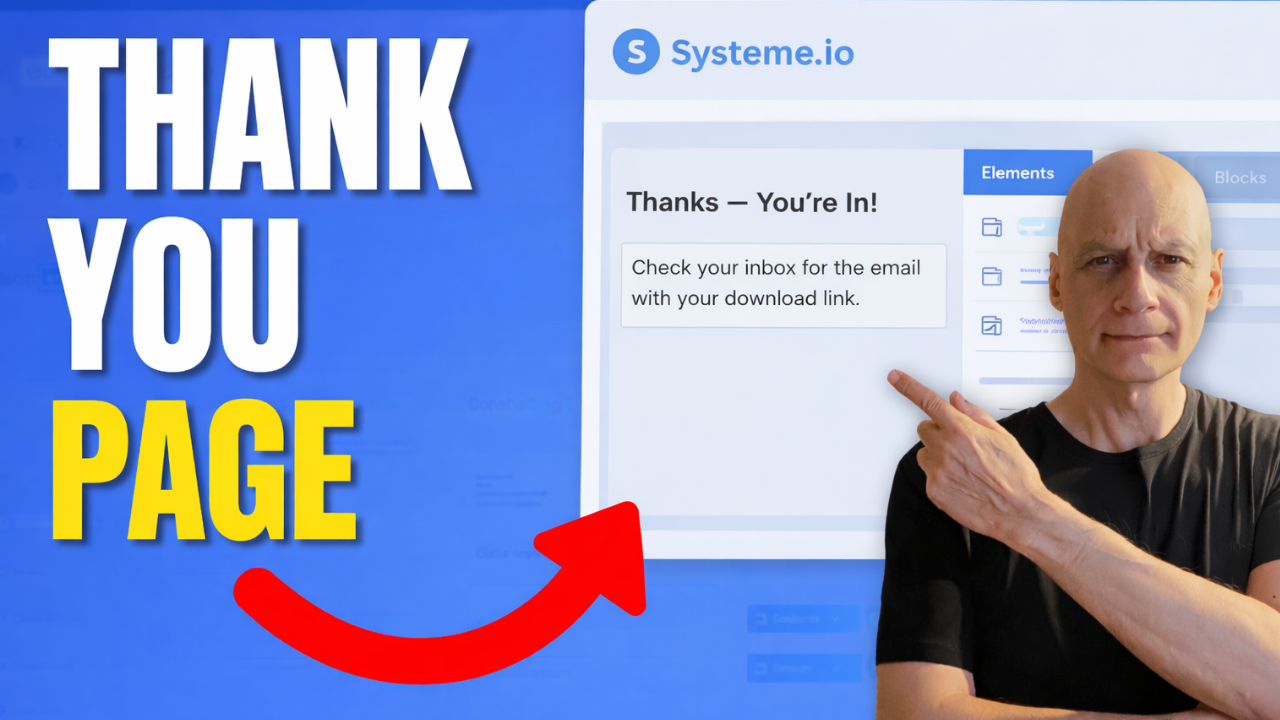
Building a funnel in Systeme.io?
The next step after your opt-in page is creating a thank-you page.
In this beginner-friendly tutorial, I show you exactly how to create your first thank you page in Systeme.io so you can confirm signups, guide your new subscribers, and keep your funnel working smoothly.
The next step after your opt-in page is creating a thank-you page.
In this beginner-friendly tutorial, I show you exactly how to create your first thank you page in Systeme.io so you can confirm signups, guide your new subscribers, and keep your funnel working smoothly.
In this video, you’ll learn:
• How to add a thank you page step in your funnel
• How to customise your thank you page using the Systeme.io page builder
• What to include on your thank you page
• How to test your funnel to make sure everything works
This tutorial is part of a beginner series showing how to build your first funnel in Systeme.io.
See the first part here: https://youtu.be/dlTIuSDJcM8
 Free resource
 Beginner Funnel Checklist / Freebie:
 https://www.pagebuilderacademy.com/starter
Get a FREE Systeme.io account below:
https://www.pagebuilderacademy.com/systeme
See my full Systeme.io review + bonuses:
https://www.pagebuilderacademy.com/2r8b
 Timestamps:
0:00 Why Thank You Pages Matter
0:10 What You’ll Learn in This Video
0:18 Navigate to Sales Funnels
0:33 Open Your Funnel
0:49 Add a Thank You Page Step
1:04 Select Thank You Page Type
1:22 Choose a Thank You Page Template
1:50 Open the Page Builder
2:05 Edit the Thank You Page Message
2:32 Tell Subscribers What Happens Next
2:55 Optional Next Steps for Your Funnel
3:21 Save Your Thank You Page
3:31 Test Your Funnel
3:57 Your First Thank You Page Complete
4:05 Free Systeme.io Starter Kit
4:21 Like & Subscribe
#systemeio #emailmarketing #emailscheduling #systemeiotutorial #emailautomation #scheduleemails #howto #funnelbuilding #onlinebusiness #beginnermarketing #pagebuilderacademy
This video is part of my Systeme.io beginner funnel series.
For the first video
========================
QUESTIONS? CONTACT ME!
========================
EMAIL: zaf@pagebuilderacademy.com
===========
FOLLOW ME
===========
 YOUTUBE SUBSCRIBE – @PageBuilderAcademy
============
DISCLAIMER
============
Some of the links in this description may be affiliate links, which means I receive a small commission at NO ADDITIONAL cost to you if you decide to purchase something.
• How to add a thank you page step in your funnel
• How to customise your thank you page using the Systeme.io page builder
• What to include on your thank you page
• How to test your funnel to make sure everything works
This tutorial is part of a beginner series showing how to build your first funnel in Systeme.io.
See the first part here: https://youtu.be/dlTIuSDJcM8
Free resource Beginner Funnel Checklist / Freebie:https://www.pagebuilderacademy.com/starterGet a FREE Systeme.io account below:
https://www.pagebuilderacademy.com/systemeSee my full Systeme.io review + bonuses:
https://www.pagebuilderacademy.com/2r8b Timestamps:0:00 Why Thank You Pages Matter
0:10 What You’ll Learn in This Video
0:18 Navigate to Sales Funnels
0:33 Open Your Funnel
0:49 Add a Thank You Page Step
1:04 Select Thank You Page Type
1:22 Choose a Thank You Page Template
1:50 Open the Page Builder
2:05 Edit the Thank You Page Message
2:32 Tell Subscribers What Happens Next
2:55 Optional Next Steps for Your Funnel
3:21 Save Your Thank You Page
3:31 Test Your Funnel
3:57 Your First Thank You Page Complete
4:05 Free Systeme.io Starter Kit
4:21 Like & Subscribe
#systemeio #emailmarketing #emailscheduling #systemeiotutorial #emailautomation #scheduleemails #howto #funnelbuilding #onlinebusiness #beginnermarketing #pagebuilderacademy
This video is part of my Systeme.io beginner funnel series.
For the first video
========================
QUESTIONS? CONTACT ME!
========================
EMAIL: zaf@pagebuilderacademy.com
===========
FOLLOW ME
===========
YOUTUBE SUBSCRIBE – @PageBuilderAcademy ============
DISCLAIMER
============
Some of the links in this description may be affiliate links, which means I receive a small commission at NO ADDITIONAL cost to you if you decide to purchase something.
Leave a Reply