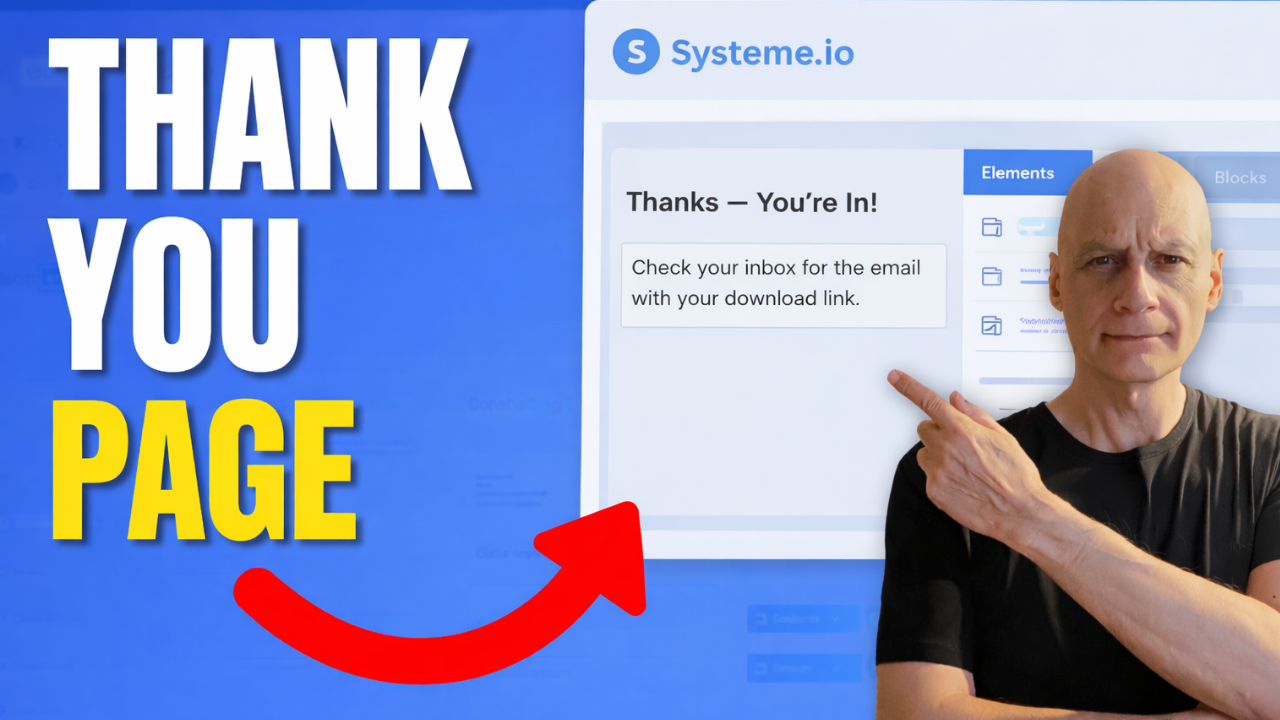
Want to know how to create a thank you page in Systeme.io step by step?
In this beginner-friendly tutorial, I’ll show you exactly how to build a simple thank-you page that confirms signups, delivers your free resource, and guides your visitors to the next step in your funnel.
Most beginners miss this step — and it can cost you leads, engagement, and sales.
In this beginner-friendly tutorial, I’ll show you exactly how to build a simple thank-you page that confirms signups, delivers your free resource, and guides your visitors to the next step in your funnel.
Most beginners miss this step — and it can cost you leads, engagement, and sales.
In this video, you’ll learn:
• How to add a thank you page in Systeme.io
• What to include on your page
• How to guide your subscribers properly
• Simple tips to improve your funnel
 Grab your free checklist here:
 https://www.pagebuilderacademy.com/starter
Get a FREE Systeme.io account below:
https://www.pagebuilderacademy.com/systeme
See my full Systeme.io review + bonuses:
https://www.pagebuilderacademy.com/2r8b
#systemeio #thankyoupage #funnelbuilding #emailmarketing #systemeiotutorial #buildanemaillist #leadgeneration #conversiontips #funneltutorial #onlinebusiness #makemoneyonline #stepbystep #tutorialforbeginners #pagebuilderacademy
 Timestamps
0:00 Don’t Skip This Step
0:21 What Happens After Opt-In
0:48 Create Your Thank You Page
2:26 Pick a Simple Template
3:21 Edit Your Page Fast
4:52 Tell Them What to Do
5:38 Guide the Next Step
5:54 Save & Test Everything
6:58 Free Resource
========================
QUESTIONS? CONTACT ME!
========================
EMAIL: zaf@pagebuilderacademy.com
===========
FOLLOW ME
===========
 YOUTUBE SUBSCRIBE – @PageBuilderAcademy
============
DISCLAIMER
============
Some of the links in this description may be affiliate links, which means I receive a small commission at NO ADDITIONAL cost to you if you decide to purchase something.
• How to add a thank you page in Systeme.io
• What to include on your page
• How to guide your subscribers properly
• Simple tips to improve your funnel
Grab your free checklist here:https://www.pagebuilderacademy.com/starterGet a FREE Systeme.io account below:
https://www.pagebuilderacademy.com/systemeSee my full Systeme.io review + bonuses:
https://www.pagebuilderacademy.com/2r8b#systemeio #thankyoupage #funnelbuilding #emailmarketing #systemeiotutorial #buildanemaillist #leadgeneration #conversiontips #funneltutorial #onlinebusiness #makemoneyonline #stepbystep #tutorialforbeginners #pagebuilderacademy
Timestamps0:00 Don’t Skip This Step
0:21 What Happens After Opt-In
0:48 Create Your Thank You Page
2:26 Pick a Simple Template
3:21 Edit Your Page Fast
4:52 Tell Them What to Do
5:38 Guide the Next Step
5:54 Save & Test Everything
6:58 Free Resource
========================
QUESTIONS? CONTACT ME!
========================
EMAIL: zaf@pagebuilderacademy.com
===========
FOLLOW ME
===========
YOUTUBE SUBSCRIBE – @PageBuilderAcademy ============
DISCLAIMER
============
Some of the links in this description may be affiliate links, which means I receive a small commission at NO ADDITIONAL cost to you if you decide to purchase something.
 Free resource
 Beginner Funnel Checklist / Freebie: