Tag: systeme.io for beginners

  • Start Here: Build a Simple Online System (Beginner Guide)

    Start Here: Build a Simple Online System (Beginner Guide)

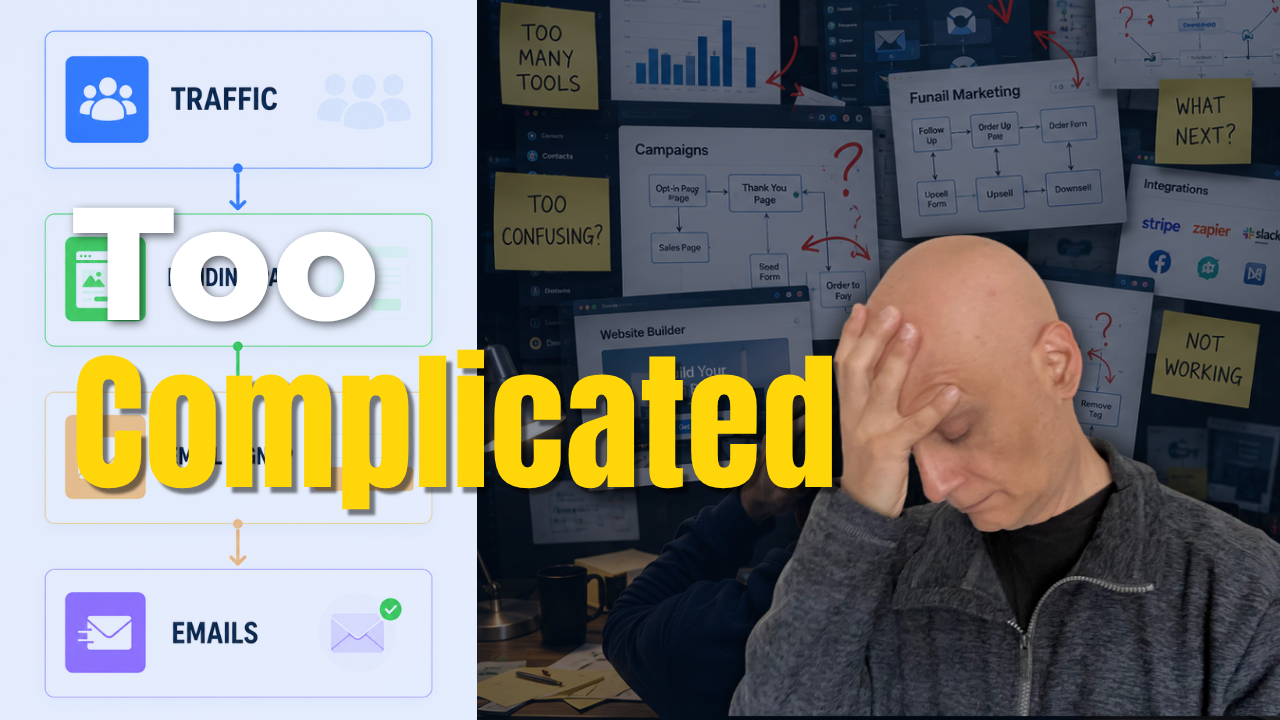
    Most beginners make an online business way more complicated than it needs to be.

    You do NOT need:
    ❌ complicated funnels
    ❌ giant automations
    ❌ dozens of tools
    ❌ perfect systems
    In this video, I’ll show you a much simpler way to get started using a basic funnel setup inside Systeme.io.

    We’ll cover:
    ✔ Simple funnel structure
    ✔ Beginner-friendly opt-in page setup
    ✔ Email automation basics
    ✔ How to avoid overwhelm
    ✔ Why simple systems work better for beginners

    If you’ve been feeling stuck trying to build an online business, affiliate marketing funnel, or email list… this video will help simplify the process.

    👇 FREE Beginner Resource:
    📌 Beginner Funnel Checklist / Freebie:
    🔗https://www.pagebuilderacademy.com/starter

    Get a FREE Systeme.io account below:
    🔗https://www.pagebuilderacademy.com/systeme

    See my full Systeme.io review + bonuses:
    🔗https://www.pagebuilderacademy.com/2r8b

    ⏱️Timestamps:
    00:00 Why Most Beginners Stay Stuck
    00:22 Simple Funnels Build Momentum
    00:37 The Simple Funnel Setup Explained
    01:07 Create a Funnel in Systeme.io
    01:24 Choosing a Simple Opt-In Page
    01:45 Don’t Overcomplicate Your Funnel
    02:00 Simplify Your Opt-In Form
    02:17 What Makes a Good Opt-In Page
    02:36 Simple Email Automation Setup
    02:47 Stop Overcomplicating Automation
    03:02 Simple Systems Work Better
    03:27 Free Beginner Funnel Resource
    03:38 Beginner Funnels & Email Marketing

    #systemeio #affiliatemarketing #emailmarketing #onlinebusiness #funnels #leadgeneration #digitalmarketing #passiveincome #entrepreneur #marketingautomation #pagebuilderacademy

    If you enjoy beginner-friendly videos about:
    – Systeme.io
    – affiliate marketing
    – email marketing
    – funnels
    – online business
    – automation
    – growing an email list

    …consider subscribing.

    New videos every week.

    ========================
    QUESTIONS? CONTACT ME!
    ========================

    EMAIL: zaf@pagebuilderacademy.com

    ===========
    FOLLOW ME
    ===========

    ▶ YOUTUBE SUBSCRIBE – @PageBuilderAcademy

    ============
    DISCLAIMER
    ============
    Some of the links in this description may be affiliate links, which means I receive a small commission at NO ADDITIONAL cost to you if you decide to purchase something.
  • How To Build A Simple Funnel in Systeme.io

    How To Build A Simple Funnel in Systeme.io

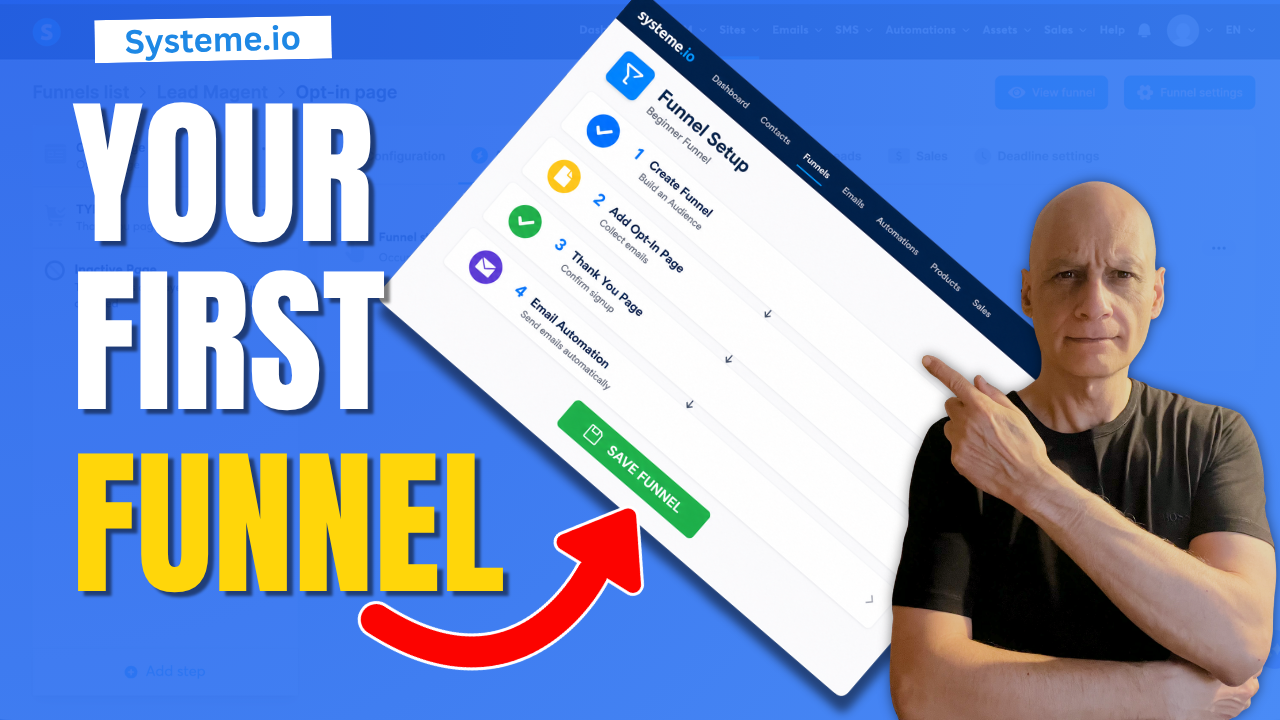
    If funnels have been feeling confusing or overwhelming, this beginner-friendly Systeme.io tutorial will show you how to build a simple funnel step-by-step.
    In this video, you’ll learn how to:

    ✅ Create a simple funnel in Systeme.io
    ✅ Add an opt-in page
    ✅ Set up a thank you page
    ✅ Connect a basic email automation
    ✅ Understand how the funnel flow works

    This tutorial is designed for beginners who want a simple online system without getting overwhelmed by complicated setups or advanced strategies.

    🎁 FREE Starter Kit:
    🔗https://www.pagebuilderacademy.com/starter

    Get a FREE Systeme.io account below:
    🔗https://www.pagebuilderacademy.com/systeme

    See my full Systeme.io review + bonuses:
    🔗https://www.pagebuilderacademy.com/2r8b

    🎥 WATCH NEXT:
    How to Create a Simple Opt-In Page in Systeme.io
    🔗https://www.pagebuilderacademy.com/create-an-opt-in-page-in-systeme-io/

    📌 Subscribe for beginner-friendly funnel tutorials, landing page builds, email list strategies and online business systems.

    #systemeio #funneltutorial #emailmarketing #landingpage #onlinebusiness #digitalmarketing #leadgeneration #systemeiotutorial #beginnerfunnels #emaillistbuilding #pagebuilderacademy

    ⏱️Timestamps:
    0:00 Intro – Why Funnels Feel Complicated
    0:10 Simple Funnel Flow Explained
    0:25 Create a New Funnel in Systeme.io
    0:50 Choose an Opt-In Page Template
    1:08 Quick Opt-In Page Setup
    1:17 Completed Opt-In Page Example
    1:26 Set Up the Thank You Page
    1:38 Completed Thank You Page Example
    1:47 Test the Funnel Flow
    2:02 Add Email Automation
    2:12 Create a Workflow
    2:29 Set the Form Subscribe Trigger
    3:03 Add the Subscribe to Campaign Action
    3:19 Connect the Email Campaign
    3:26 Your Simple Funnel System Explained
    3:34 Build Your Email List Step-by-Step
    3:42 Free Starter Resource + Next Video


    ========================
    QUESTIONS? CONTACT ME!
    ========================

    EMAIL: zaf@pagebuilderacademy.com

    ===========
    FOLLOW ME
    ===========

    ▶ YOUTUBE SUBSCRIBE – @PageBuilderAcademy

    ============
    DISCLAIMER
    ============
    Some of the links in this description may be affiliate links, which means I receive a small commission at NO ADDITIONAL cost to you if you decide to make a purchase.
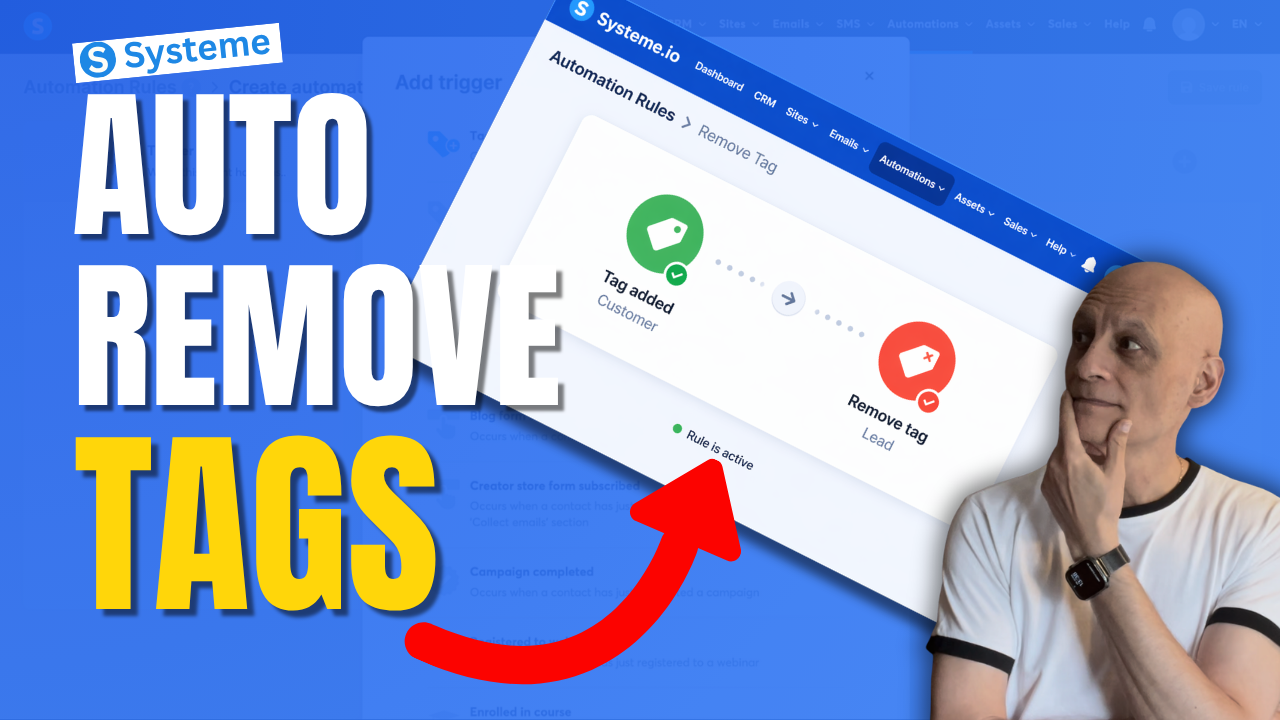
  • How to Remove a tag With Automation in Systeme.io

    How to Remove a tag With Automation in Systeme.io

    Want to remove a tag automatically in Systeme.io instead of doing it manually every time?

    In this beginner-friendly tutorial, I’ll show you step by step how to remove a tag using automation in Systeme.io so you can keep your contacts organised and avoid messy tag setups.
    This is really useful if you want to:

    * clean up old tags automatically
    * move people between automations
    * stop contacts staying in the wrong segment
    * make your email marketing more organised

    If you’re new to Systeme.io, don’t worry — I’ll keep this simple and easy to follow.

    🎁 Free resource: Download my free checklist to help you build better pages and funnels inside Systeme.io.

    📌 Beginner Funnel Checklist / Freebie:
    🔗https://www.pagebuilderacademy.com/starter

    Get a FREE Systeme.io account below:
    🔗https://www.pagebuilderacademy.com/systeme

    See my full Systeme.io review + bonuses:
    🔗https://www.pagebuilderacademy.com/2r8b

    ⏱️Timestamps:
    0:00 Most Beginners Miss This
    0:07 Remove Tags Automatically
    0:14 What a Tag Is
    0:22 Why Old Tags Hurt
    0:32 What We’re Building
    0:46 Go to Automations
    1:01 Create Rule
    1:08 Trigger: Tag Added
    1:31 Add Remove Tag Action
    1:50 Lead to Customer Example
    2:14 Best Use Cases
    2:32 Save Rule
    2:40 Beginner Tip
    3:02 Final Thoughts
    3:10 Free Starter Kit


    #systemeio #emailmarketing #automation #funnels #systemeiotutorial #systemeiotutorial #pagebuilderacademy

    ========================
    QUESTIONS? CONTACT ME!
    ========================

    EMAIL: zaf@pagebuilderacademy.com

    ===========
    FOLLOW ME
    ===========

    ▶ YOUTUBE SUBSCRIBE – @PageBuilderAcademy

    ============
    DISCLAIMER
    ============
    Some of the links in this description may be affiliate links, which means I receive a small commission at NO ADDITIONAL cost to you if you decide to purchase something.
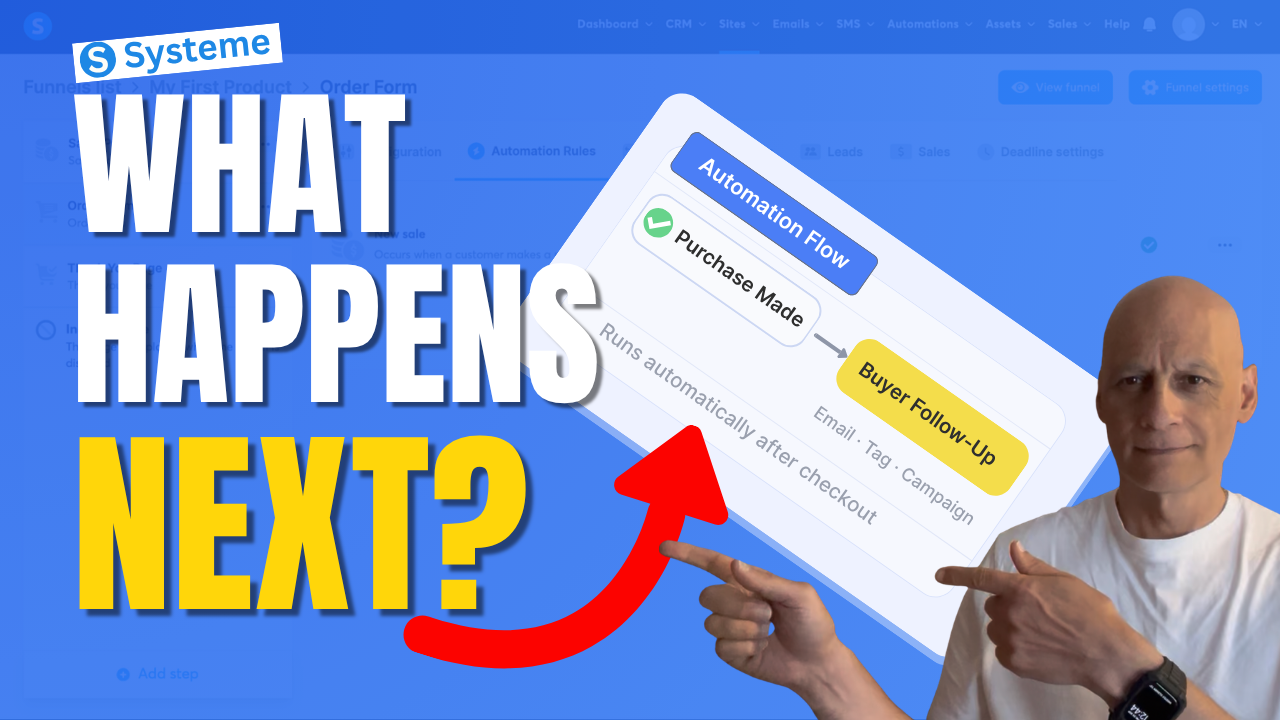
  • What Happens After a Sale? Automate It in Systeme.io

    What Happens After a Sale? Automate It in Systeme.io

    If you want Systeme.io to automatically do something after someone buys your product, this video will show you exactly how to set that up.

    In this beginner-friendly Systeme.io tutorial, I’ll walk you through how to trigger an automation when a purchase is made — so you can automatically send emails, add tags, subscribe buyers to a campaign, and more.

    This is one of the most useful automations you can set up if you’re selling digital products, using funnels, or building your email list inside Systeme.io.
    If you want Systeme.io to automatically do something after someone buys your product, this video will show you exactly how to set that up.

    In this beginner-friendly Systeme.io tutorial, I’ll walk you through how to trigger an automation when a purchase is made — so you can automatically send emails, add tags, subscribe buyers to a campaign, and more.

    This is one of the most useful automations you can set up if you’re selling digital products, using funnels, or building your email list inside Systeme.io.

    In this video, you’ll learn how to:

    • trigger an automation after a purchase
    • use the New sale trigger
    • automatically subscribe buyers to a campaign
    • streamline your Systeme.io sales funnel

    If you’re new to Systeme.io, this is a simple but powerful setup to get working inside your funnel.

    👇 Grab my free resource below to help you build better-performing pages in Systeme.io.

    ✅ Free resource
    📌 Beginner Funnel Checklist / Freebie:
    🔗https://www.pagebuilderacademy.com/starter

    Get a FREE Systeme.io account below:
    🔗https://www.pagebuilderacademy.com/systeme

    See my full Systeme.io review + bonuses:
    🔗https://www.pagebuilderacademy.com/2r8b

    ⏱️Timestamps
    0:00 What actually happens after a sale?
    0:18 The simple automation rule explained
    0:38 Where to set this up in Systeme.io
    0:54 The step most people miss
    1:01 Where automation starts
    1:11 Create your automation rule
    1:18 Trigger the automation after a sale
    1:36 What should happen next?
    1:44 Your main automation options
    1:51 Send buyers into a follow-up sequence
    2:07 Choose your campaign
    2:16 Turn on your automation
    2:23 What happens automatically now
    2:30 More things you can automate
    2:39 The one rule to remember
    2:46 Don’t skip this step (important)
    2:55 Why this setup works so well
    3:04 Free Systeme.io starter kit

    #systemeio #systemeiotutorial #emailmarketing #salesfunnels #marketingautomation #automationtutorial #onlinebusiness #makemoneyonlinebeginners #beginnermarketing #digitalproducts #funnelbuilding #emaillistbuilding #passiveincome #systemeioforbeginners
    #affiliatemarketing #pagebuilderacademy

    ========================
    QUESTIONS? CONTACT ME!
    ========================

    EMAIL: zaf@pagebuilderacademy.com

    ===========
    FOLLOW ME
    ===========

    ▶ YOUTUBE SUBSCRIBE – @PageBuilderAcademy

    ============
    DISCLAIMER
    ============
    Some of the links in this description may be affiliate links, which means I receive a small commission at NO ADDITIONAL cost to you if you decide to purchase something.
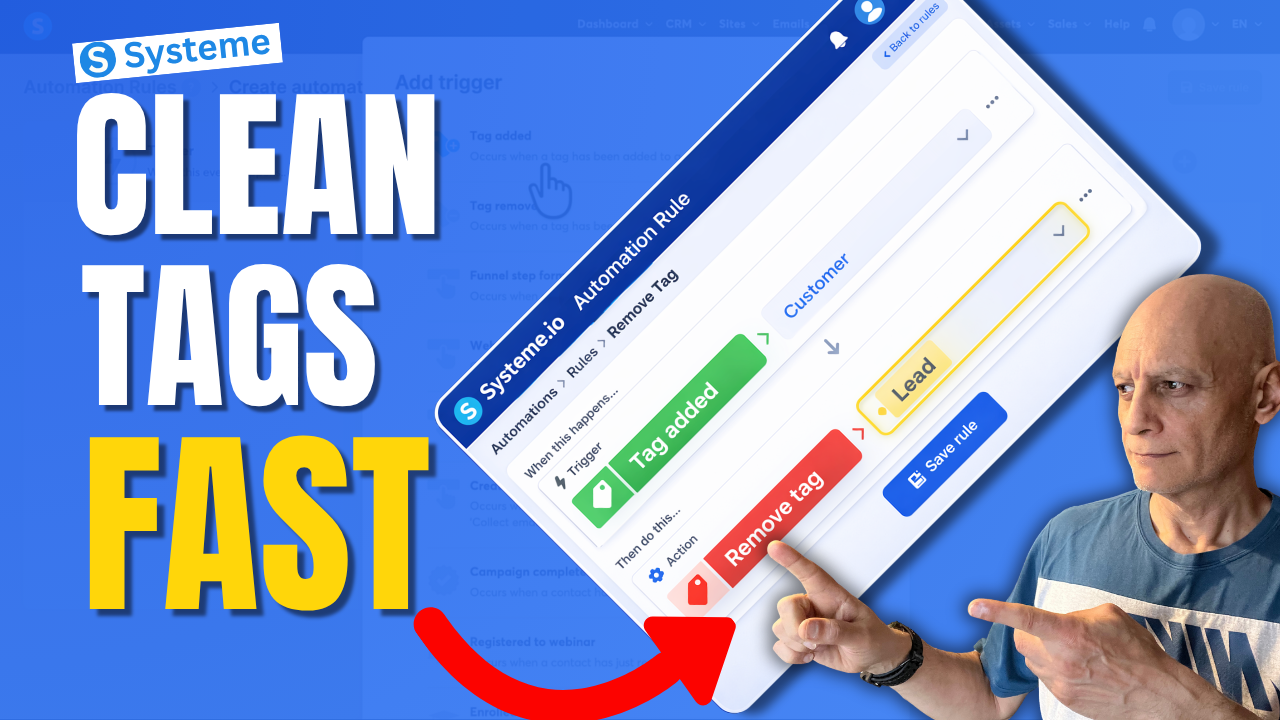
  • This Simple Systeme.io Automation Can Clean Up Your Tags

    This Simple Systeme.io Automation Can Clean Up Your Tags

    Want to remove a tag automatically in Systeme.io instead of doing it manually every time?

    In this beginner-friendly tutorial, I’ll show you step by step how to remove a tag with automation in Systeme.io so you can keep your contacts organised and avoid messy tag setups.
    This is useful if you want to:

    • clean up old tags automatically
    • organise your contacts better
    • stop people from staying in the wrong segment
    • improve your email follow-up automations

    If you’re new to Systeme.io, don’t worry — I’ll keep everything simple and easy to follow.

    In this video, you’ll learn:

    • how to create an automation rule
    • how to choose the right trigger
    • how to remove a tag automatically
    • how to keep your tags cleaner as your list grows

    Next Video: Tag Contacts Automatically by Funnel Step in Systeme.io Automation Rule
    https://youtu.be/t4h6SreY558

    🎁 Free Resource: Check out the free checklist below to help you build better-performing pages and funnels inside Systeme.io.
    🔗https://www.pagebuilderacademy.com/starter

    Get a FREE Systeme.io account below:
    🔗https://www.pagebuilderacademy.com/systeme

    See my full Systeme.io review + bonuses:
    🔗https://www.pagebuilderacademy.com/2r8b

    If you enjoy beginner-friendly Systeme.io tutorials, make sure to subscribe for more.

    #systemeio #emailmarketing #automation #funnels #systemeiotutorial #pagebuilderacademy

    ⏱️ Timestamps
    0:00 Stop Messy Tags (Big Mistake)
    0:09 The Simple Fix (What You’ll Learn)
    0:20 What a Tag Actually Is
    0:35 What We’re Building (Quick Overview)
    0:51 Where to Find Automations
    0:59 Create a New Rule
    1:06 Choose Your Trigger (Tag Added)
    1:23 Select Your Customer Tag
    1:39 Add the Clean-Up Step (Remove Tag)
    1:47 Choose Which Tag to Remove
    2:03 How the Automation Works
    2:08 Save Your Rule (Important)
    2:16 Real Example (Customer vs Lead)
    2:25 Why This Keeps Your List Clean
    2:33 More Use Cases (Funnels & Segments)
    2:49 Avoid Sending Wrong Emails
    2:57 Beginner Tip (Fix Your Tag Names)
    3:09 Why This Simple Automation Matters
    3:17 Free Systeme.io Starter Kit

    ========================
    QUESTIONS? CONTACT ME!
    ========================

    EMAIL: zaf@pagebuilderacademy.com

    ===========
    FOLLOW ME
    ===========

    ▶ YOUTUBE SUBSCRIBE – @PageBuilderAcademy

    ============
    DISCLAIMER
    ============
    Some of the links in this description may be affiliate links, which means I receive a small commission at NO ADDITIONAL cost to you if you decide to purchase something.
  • Your First Thank You Page in Systeme.io Start Here

    Your First Thank You Page in Systeme.io Start Here

    Building a funnel in Systeme.io?

    The next step after your opt-in page is creating a thank-you page.

    In this beginner-friendly tutorial, I show you exactly how to create your first thank you page in Systeme.io so you can confirm signups, guide your new subscribers, and keep your funnel working smoothly.
    In this video, you’ll learn:

    • How to add a thank you page step in your funnel
    • How to customise your thank you page using the Systeme.io page builder
    • What to include on your thank you page
    • How to test your funnel to make sure everything works

    This tutorial is part of a beginner series showing how to build your first funnel in Systeme.io.
    See the first part here: https://youtu.be/dlTIuSDJcM8

    ✅ Free resource
    📌 Beginner Funnel Checklist / Freebie:
    🔗https://www.pagebuilderacademy.com/starter

    Get a FREE Systeme.io account below:
    🔗https://www.pagebuilderacademy.com/systeme

    See my full Systeme.io review + bonuses:
    🔗https://www.pagebuilderacademy.com/2r8b

    ⏱️ Timestamps:
    0:00 Why Thank You Pages Matter
    0:10 What You’ll Learn in This Video
    0:18 Navigate to Sales Funnels
    0:33 Open Your Funnel
    0:49 Add a Thank You Page Step
    1:04 Select Thank You Page Type
    1:22 Choose a Thank You Page Template
    1:50 Open the Page Builder
    2:05 Edit the Thank You Page Message
    2:32 Tell Subscribers What Happens Next
    2:55 Optional Next Steps for Your Funnel
    3:21 Save Your Thank You Page
    3:31 Test Your Funnel
    3:57 Your First Thank You Page Complete
    4:05 Free Systeme.io Starter Kit
    4:21 Like & Subscribe

    #systemeio #emailmarketing #emailscheduling #systemeiotutorial #emailautomation #scheduleemails #howto #funnelbuilding #onlinebusiness #beginnermarketing #pagebuilderacademy

    This video is part of my Systeme.io beginner funnel series.

    For the first video

    ========================
    QUESTIONS? CONTACT ME!
    ========================

    EMAIL: zaf@pagebuilderacademy.com

    ===========
    FOLLOW ME
    ===========

    ▶ YOUTUBE SUBSCRIBE – @PageBuilderAcademy

    ============
    DISCLAIMER
    ============
    Some of the links in this description may be affiliate links, which means I receive a small commission at NO ADDITIONAL cost to you if you decide to purchase something.
  • The Easiest Way to Add Stunning Backgrounds in Systeme.io

    The Easiest Way to Add Stunning Backgrounds in Systeme.io

    Want to make your Systeme.io pages stand out and look more professional?

    In this quick tutorial, you’ll learn step-by-step how to add an image background section in Systeme.io — no design skills needed!

    Whether you’re building a landing page, sales page, or funnel, adding a background image is one of the easiest ways to give your pages a polished, branded look.

    Click to play

    In this video, you’ll learn:
    ✅ How to add a new section in Systeme.io
    ✅ How to upload and use an image as your section background
    ✅ How to adjust image size, position, and overlay colour for a clean design
    ✅ How to add text or buttons on top of your image

    Download The Free Starter Kit: A step-by-step checklist and a ready-made landing page template (for Systeme.io)

    🔗https://www.pagebuilderacademy.com/starter


    💡See my full Systeme.io review + bonuses:
    🔗https://www.pagebuilderacademy.com/2r8b

    I use Systeme.io to run my funnels, pages, and emails — both links above will help you get started faster.
    Timestamps:
    0:00 – Intro
    0:29 – Navigating to Sales Funnels
    0:48 – Select Required Funnel
    1:01 – Go into Page Editor
    1:12 – Add a section
    1:47 – Add/upload background image
    2:54 – Adjusting settings for background image
    4:51 – Adding a button element
    5:08 – Formatting the button
    6:10 – Configuring button action
    6:31 – Previewing the page
    6:59 – Checking in mobile view
    7:42 – Checking and adjusting the background image
    9:01 – Outro

    #systemeio #systemeiotutorial #pagebuilder #funnelbuilder #onlinemarketingtips #PageBuilderAcademy #SystemeioForBeginners #landingpagedesign

    ========================
    QUESTIONS? CONTACT ME!
    ========================

    EMAIL: zaf@pagebuilderacademey.com

    ===========
    FOLLOW ME
    ===========

    ▶ YOUTUBE SUBSCRIBE – @PageBuilderAcademy

    ============
    DISCLAIMER
    ============

    Some of the links in this description may be affiliate links, which means I receive a small commission at NO ADDITIONAL cost to you if you decide to purchase something.

    These are my opinions and do not represent the views of the companies that create these products.

    My opinions are based on my personal experience and research. I never recommend poor-quality products or create false reviews to generate sales.

    I intend to explain products so you can make an informed decision on which ones suit your needs best.

    Any forward-looking statements in this video are intended to express my opinions. They are opinions only and should not be relied upon as fact.

    Success in any endeavour is based on many factors, individual to you. I do not know your educational background, your skills, your prior experience, or the time you can and will devote to the endeavour.
  • The Easiest Way to Check Funnel Stats in Systeme.io

    The Easiest Way to Check Funnel Stats in Systeme.io

    Want to know how your funnels are really performing inside Systeme.io? 🚀

    In this beginner-friendly video, I’ll show you exactly how to track funnel stats in Systeme.io — step by step. You’ll discover where to find your analytics, how to read the key numbers, and how to use them to improve your funnel results.

    Click to play

    By the end, you’ll know how to check visitors, leads, and conversion rates — without needing any complicated tools.

    👉 If you don’t already have a free Systeme.io account, grab one using the link in the description and start tracking your funnels today.

    📌 What you’ll learn in this video:

    Where to find funnel stats in Systeme.io
    How to read visitors, contacts, and conversions

    If you found this helpful, give the video a like 👍 and don’t forget to subscribe for more bite-sized Systeme.io tutorials.

    Video mentioned:
    Pages That Pop!
    https://youtu.be/De82UqkhaFE

    Download The Free Starter Kit: A step-by-step checklist and a ready-made landing page template (for Systeme.io) 🔗https://optin.pagebuilderacademy.com

    💡 Grab yourself a free Systeme.io account: An all-in-one platform, create emails, funnels and more!

    🔗https://www.pagebuilderacademy.com/systeme

    Timestamps:
    0:00 – Intro
    0:47 – Navigate to and select the required sales funnel
    0:51 – Select Required Funnel
    1:10 – Viewing Your Stats
    2:07 – Selecting the ‘Date’ range.
    2:55 – Outro

    #systemeio #systemeiotutorial #pagebuilder #funnelbuilder #onlinemarketingtips #funnels #analytics

    ========================
    QUESTIONS? CONTACT ME!
    ========================

    EMAIL: zaf@pagebuilderacademey.com

    ===========
    FOLLOW ME
    ===========

    ▶ YOUTUBE SUBSCRIBE – @PageBuilderAcademy

    ============
    DISCLAIMER
    ============

    Some of the links in this description may be affiliate links, which means I receive a small commission at NO ADDITIONAL cost to you if you decide to purchase something.

    These are my opinions and do not represent the views of the companies that create these products.

    My opinions are based on my personal experience and research. I never recommend poor-quality products or create false reviews to generate sales.

    I intend to explain products so you can make an informed decision on which ones suit your needs best.

    Any forward-looking statements in this video are intended to express my opinions. They are opinions only and should not be relied upon as fact.

    Success in any endeavour is based on many factors, individual to you. I do not know your educational background, your skills, your prior experience, or the time you can and will devote to the endeavour.
  • Set Up Your Funnel and Payment Gateway in Systeme.io

    Set Up Your Funnel and Payment Gateway in Systeme.io

    Want to start selling your digital product inside Systeme.io?

    In this beginner-friendly video, I’ll show you how to quickly set up your sales funnel and connect your payment gateway (Stripe or PayPal) so you can start accepting payments the right way.
    Inside this tutorial, you’ll learn:
    ✅ How to create a new sales funnel in Systeme.io
    ✅ The correct funnel type to choose for selling digital products
    ✅ How to connect Stripe or PayPal step-by-step
    ✅ Why currency settings matter (and how to get them right)
    ✅ The essential setup you must complete before adding your product

    By the end, you’ll have a working funnel and activated payments — the foundation you need to start making sales in the next video of the series.

    🎁 Free Download: Systeme.io Product Launch Starter Kit
    👉 Checklists, product setup templates, launch scripts, and more
    🔗https://www.pagebuilderacademy.com/splsk

    💡 Grab yourself a free Systeme.io account: An all-in-one platform, create emails, funnels and more!
    🔗https://www.pagebuilderacademy.com/systeme

    📺 Watch Part 2 next: Add and configure your digital product
    https://youtu.be/7DAAPQfAJJo

    Timestamps:
    0:00 – Intro
    0:50 – Navigating to Sales Funnels
    1:08 – Creating your funnel
    2:19 – Creating a funnel step
    3:14 – Adding the page
    4:40 – Editing the page
    7:23 – Selecting the order page template
    7:48 – Adding payment gateway
    8:44 – Checking the payment gateway is connected
    9:00 – Outro What’s covered in video 2

    #systemeio #systemeiotutorial #pagebuilder #funnelbuilder #onlinemarketingtips #emailmarketing #PageBuilderAcademy #systemeioforbeginners #onlinesellingtips #funnelsforbeginners
    #paymentgatewaysetup #stripeintegration

    ========================
    QUESTIONS? CONTACT ME!
    ========================

    EMAIL: zaf@pagebuilderacademey.com

    ===========
    FOLLOW ME
    ===========

    ▶ YOUTUBE SUBSCRIBE – @PageBuilderAcademy

    ============
    DISCLAIMER
    ============

    Some of the links in this description may be affiliate links, which means I receive a small commission at NO ADDITIONAL cost to you if you decide to purchase something.

    These are my opinions and do not represent the views of the companies that create these products.

    My opinions are based on my personal experience and research. I never recommend poor-quality products or create false reviews to generate sales.

    I intend to explain products so you can make an informed decision on which ones suit your needs best.

    Any forward-looking statements in this video are intended to express my opinions. They are opinions only and should not be relied upon as fact.

    Success in any endeavour is based on many factors, individual to you. I do not know your educational background, your skills, your prior experience, or the time you can and will devote to the endeavour.