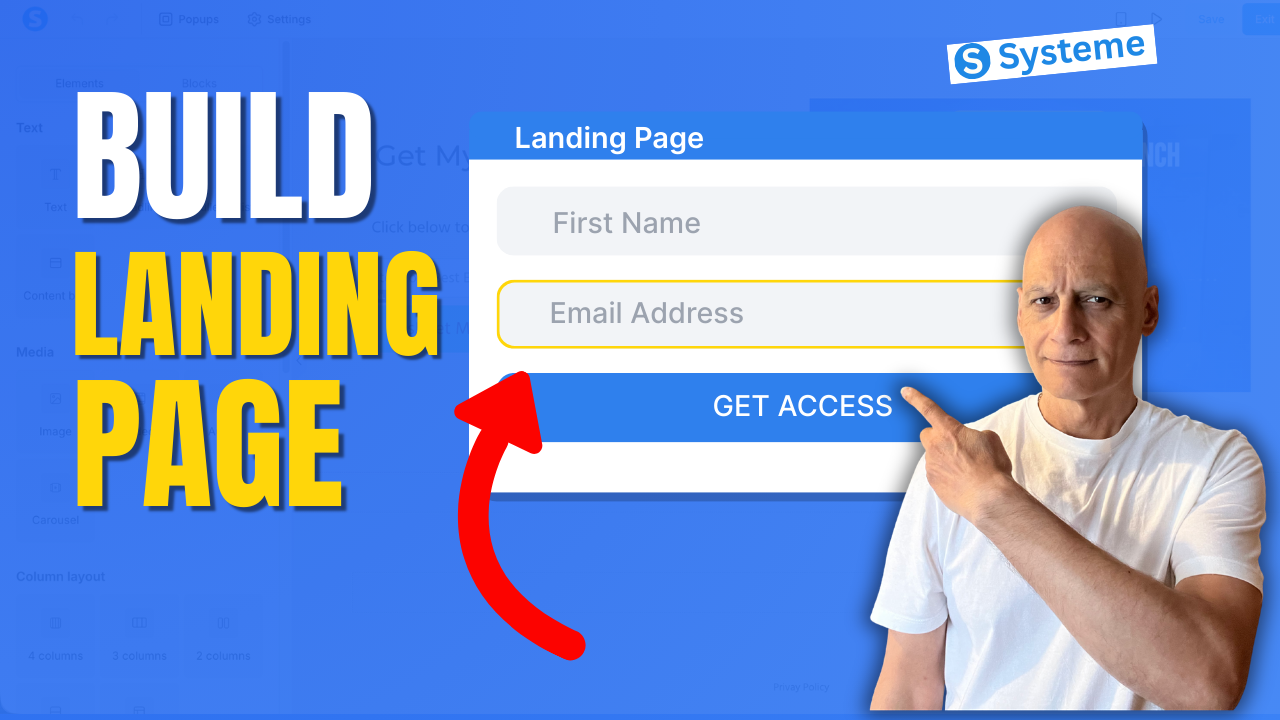
Learn how to create a landing page using Systeme.io step-by-step in this beginner-friendly tutorial.
In this video, you’ll learn how to build your first landing page using the Systeme.io funnel builder.
We’ll cover how to create a funnel, choose a landing page template, customise your page using the drag-and-drop editor, and publish your page so it can start collecting email subscribers.
This tutorial is perfect for beginners who want to build their first opt-in page or lead capture page using Systeme.io.
In this video, you’ll learn how to build your first landing page using the Systeme.io funnel builder.
We’ll cover how to create a funnel, choose a landing page template, customise your page using the drag-and-drop editor, and publish your page so it can start collecting email subscribers.
This tutorial is perfect for beginners who want to build their first opt-in page or lead capture page using Systeme.io.
What you’ll learn:
• How to create a funnel in Systeme.io
• How to add a landing page step
• How to customise pages with the drag-and-drop editor
• How to add forms and buttons
• How to publish and test your landing page
 Free resource
 Beginner Funnel Checklist / Freebie:
 https://www.pagebuilderacademy.com/starter
Get a FREE Systeme.io account below:
https://www.pagebuilderacademy.com/systeme
See my full Systeme.io review + bonuses:
https://www.pagebuilderacademy.com/2r8b
#systemeio #landingpage #funnelbuilder #emailmarketing #leadgeneration #systemeiotutorial #landingpagetutorial #createalandingpage #funneltutorial #systemeiobeginner #buildyourlist #optinpage #salesfunnel #landingpagebuilder #digitalmarketing #pagebuilderacademy
 Timestamps
00:00 How to Create a Landing Page (Systeme.io)
00:24 What is a Funnel in Systeme.io
00:41 Go to Sales Funnels
00:58 Create a New Funnel
01:35 Choose “Build an Audience”
02:15 Choose a Landing Page Template
03:28 Open Page Editor
03:42 Edit & Clean Up Your Page
05:39 Write Your Headline
06:39 Customise the Opt-In Form
07:55 Improve Your CTA Button
09:21 Save and Preview Page
10:20 Add Privacy Policy + Final Checks
11:04 What Happens After Opt-In
11:35 Free Landing Page Template
========================
QUESTIONS? CONTACT ME!
========================
EMAIL: zaf@pagebuilderacademy.com
===========
FOLLOW ME
===========
 YOUTUBE SUBSCRIBE – @PageBuilderAcademy
============
DISCLAIMER
============
Some of the links in this description may be affiliate links, which means I receive a small commission at NO ADDITIONAL cost to you if you decide to purchase something.
• How to create a funnel in Systeme.io
• How to add a landing page step
• How to customise pages with the drag-and-drop editor
• How to add forms and buttons
• How to publish and test your landing page
Free resource Beginner Funnel Checklist / Freebie:https://www.pagebuilderacademy.com/starterGet a FREE Systeme.io account below:
https://www.pagebuilderacademy.com/systemeSee my full Systeme.io review + bonuses:
https://www.pagebuilderacademy.com/2r8b#systemeio #landingpage #funnelbuilder #emailmarketing #leadgeneration #systemeiotutorial #landingpagetutorial #createalandingpage #funneltutorial #systemeiobeginner #buildyourlist #optinpage #salesfunnel #landingpagebuilder #digitalmarketing #pagebuilderacademy
Timestamps00:00 How to Create a Landing Page (Systeme.io)
00:24 What is a Funnel in Systeme.io
00:41 Go to Sales Funnels
00:58 Create a New Funnel
01:35 Choose “Build an Audience”
02:15 Choose a Landing Page Template
03:28 Open Page Editor
03:42 Edit & Clean Up Your Page
05:39 Write Your Headline
06:39 Customise the Opt-In Form
07:55 Improve Your CTA Button
09:21 Save and Preview Page
10:20 Add Privacy Policy + Final Checks
11:04 What Happens After Opt-In
11:35 Free Landing Page Template
========================
QUESTIONS? CONTACT ME!
========================
EMAIL: zaf@pagebuilderacademy.com
===========
FOLLOW ME
===========
YOUTUBE SUBSCRIBE – @PageBuilderAcademy
============
DISCLAIMER
============
Some of the links in this description may be affiliate links, which means I receive a small commission at NO ADDITIONAL cost to you if you decide to purchase something.
Leave a Reply