Tag: Systeme.io

  • If I Had To Start Affiliate Marketing Again, I’d Do This

    If I Had To Start Affiliate Marketing Again, I’d Do This

    Most beginners don’t fail at affiliate marketing because they’re lazy…
    They fail because they overcomplicate everything.

    Too many tools.
    Too many funnels.
    Too many tutorials.
    Too many moving parts.
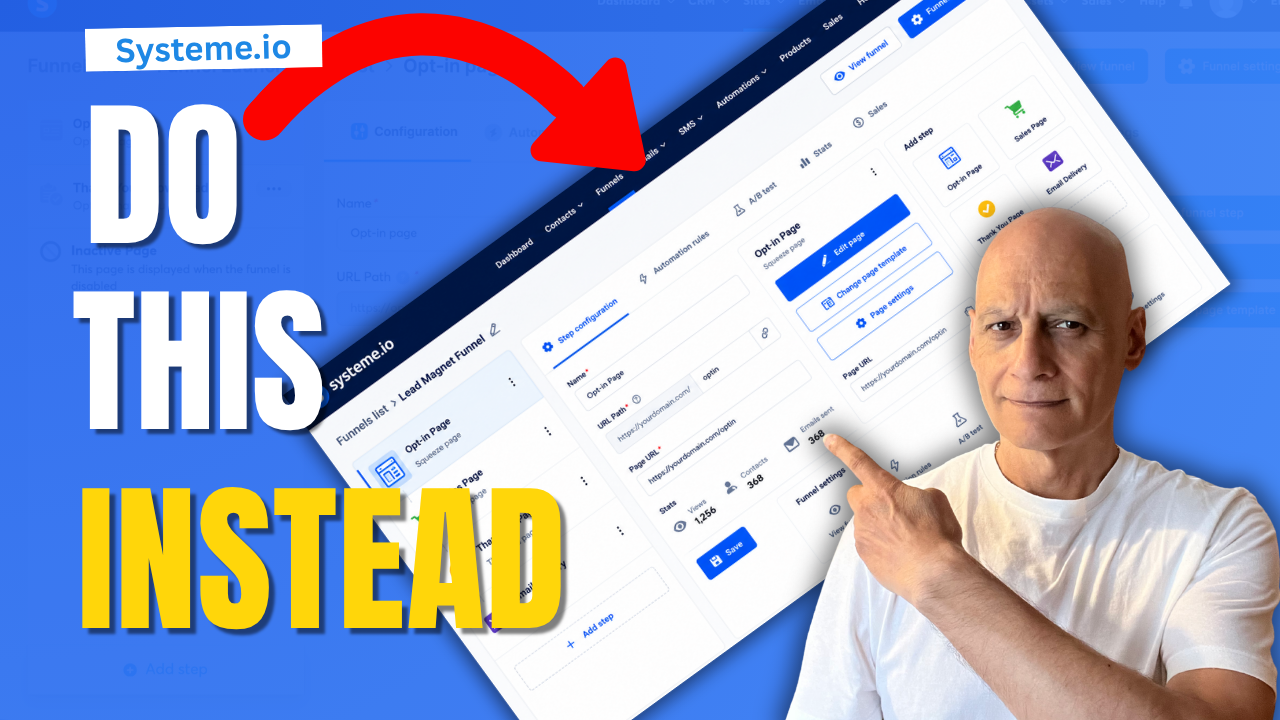
    In this video, I’ll show you the simple system I’d focus on if I had to start affiliate marketing again from scratch.

    We’ll cover:

    * Why most beginners get overwhelmed
    * The simple funnel structure I’d use today
    * How to connect content, email, and offers together
    * Why simpler systems are easier to build and improve
    * The biggest mistake new affiliate marketers make

    If you’ve been feeling stuck, confused, or overwhelmed trying to build an online business… this video is for you.

    ━━━━━━━━━━━━━━━

    🛠 Recommended Tool:
    Systeme.io — Funnels, Email Marketing & Automation In One Place
    🔗https://www.pagebuilderacademy.com/systeme

    📌 Beginner Funnel Checklist / Freebie:
    🔗https://www.pagebuilderacademy.com/starter

    See my full Systeme.io review + bonuses:
    🔗https://www.pagebuilderacademy.com/2r8b

    ━━━━━━━━━━━━━━━

    🎥 WATCH NEXT:
    https://youtu.be/OZPq2g63ohE

    ━━━━━━━━━━━━━━━

    📌 Subscribe for:

    * Simple funnel strategies
    * Beginner affiliate marketing
    * Systeme.io tutorials
    * Email marketing tips
    * Online business simplification
    * Practical beginner-friendly systems

    ━━━━━━━━━━━━━━━

    #affiliatemarketing #systemeio #onlinebusiness #emailmarketing #funnels #beginneraffiliatemarketing #digitalmarketing #makemoneyonline #pagebuilderacademy

    ⏱️Timestamps:
    0:00 Why Most Beginners Get Stuck
    0:44 The Simple Affiliate System I’d Build Today
    0:52 Step 1 — Pick One Audience Problem
    2:06 Step 2 — Create Content Around One Problem
    3:35 Step 3 — Create a Simple Free Resource
    4:36 Step 4 — Build a Simple Email Sequence
    5:19 Step 5 — Choose One Affiliate Offer
    5:55 The Simple System Explained
    6:26 What the Funnel Looks Like
    6:46 Why Simple Systems Work Better
    7:09 Final Advice for Beginners
    7:21 Watch Next — Build Your First Simple Funnel in Systeme.io

    QUESTIONS? CONTACT ME!
    ========================

    EMAIL: zaf@pagebuilderacademy.com

    ===========
    FOLLOW ME
    ===========

    ▶ YOUTUBE SUBSCRIBE – @PageBuilderAcademy

    ============
    DISCLAIMER
    ============
    Some of the links in this description may be affiliate links, which means I receive a small commission at NO ADDITIONAL cost to you if you decide to purchase something.
  • Systeme.io Funnels Are Missing This One Thing

    Systeme.io Funnels Are Missing This One Thing

    Want to add a progress bar inside Systeme.io but can’t find the feature?

    In this tutorial, I’ll show you a simple way to create a clean progress bar for your funnel pages using the Systeme.io page editor.

    This works great for:

    * opt-in funnels
    * multi-step funnels
    * checkout pages
    * applications
    * quizzes
    * onboarding funnels
    You’ll learn:

    * How to create the progress bar layout
    * How to style the progress fill
    * How to update progress across pages
    * How to improve funnel user experience
    * simple design tips for cleaner pages

    This is beginner-friendly and only takes a few minutes to set up.

    Subscribe for more Systeme.io tutorials, funnel tips, automation walkthroughs, and beginner-friendly online business content.

    ✅ Free resource
    📌 Beginner Funnel Checklist / Freebie:
    🔗https://www.pagebuilderacademy.com/starter

    Get a FREE Systeme.io account below:
    🔗https://www.pagebuilderacademy.com/systeme

    See my full Systeme.io review + bonuses:
    🔗https://www.pagebuilderacademy.com/2r8b

    #systemeio #funnels #emailmarketing #onlinebusiness #digitalmarketing #pagebuilderacademy

    ⏱️Timestamps:
    00:00 Add a Progress Bar in Systeme.io
    00:27 Open Your Funnel Page
    00:45 Create the Progress Bar Layout
    02:16 Add the Filled Progress Bar
    03:10 Set Progress Percentages
    03:44 Style the Progress Bar
    05:18 Check Mobile View
    05:57 Save as a Reusable Block
    06:43 Reuse Across Funnel Pages
    07:32 Final Result + Free Resource

    ========================
    QUESTIONS? CONTACT ME!
    ========================

    EMAIL: zaf@pagebuilderacademy.com

    ===========
    FOLLOW ME
    ===========

    ▶ YOUTUBE SUBSCRIBE – @PageBuilderAcademy

    ============
    DISCLAIMER
    ============
    Some of the links in this description may be affiliate links, which means I receive a small commission at NO ADDITIONAL cost to you if you decide to purchase something.
  • Build your first simple funnel in Systeme.io

    Build your first simple funnel in Systeme.io

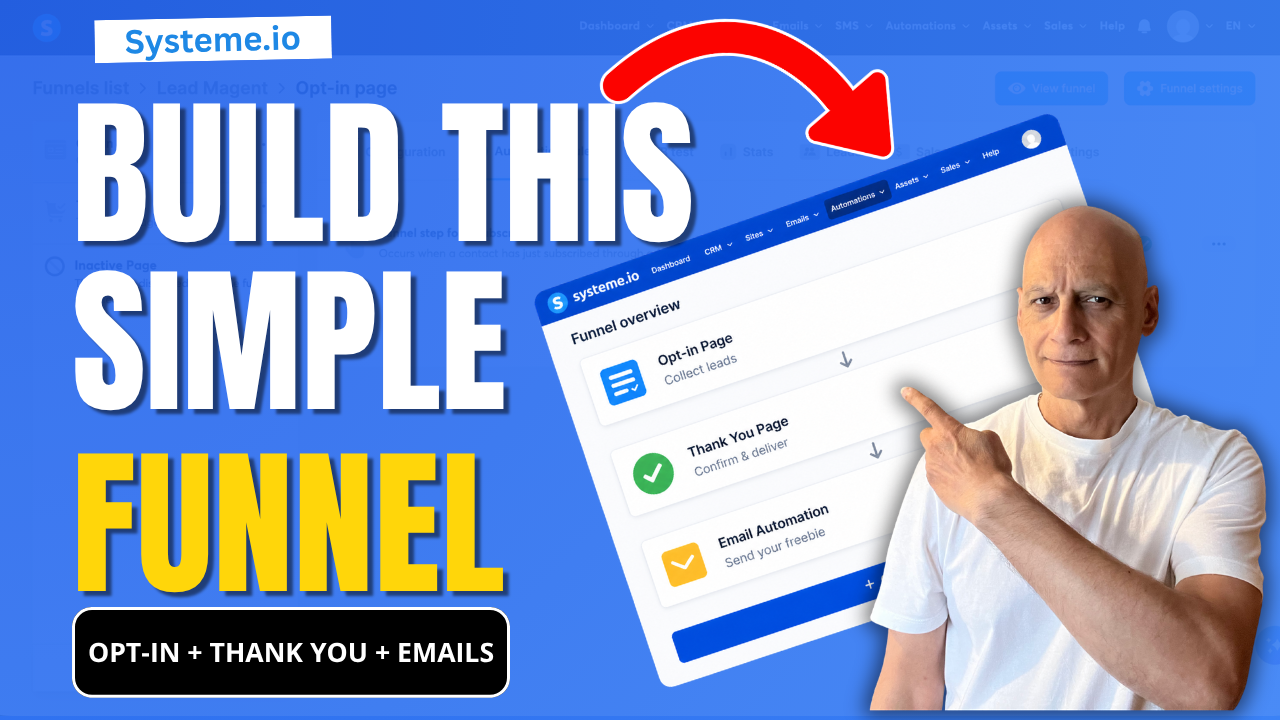
    If you’re new to Systeme.io and want to start building your email list, this video shows you the exact beginner funnel setup you need:

    ✔ Opt-in page (collect emails)
    ✔ Thank you page (guide your subscriber)
    ✔ Email automation (deliver your freebie automatically)

    This is the simplest funnel you can build to start growing your list without confusion.
    🎯 What You’ll Learn

    * How to create a basic funnel in Systeme.io
    * How all parts of a funnel connect together
    * The two simple ways to send your freebie automatically
    * How to test your funnel properly (most beginners skip this)

    🔧 Step-by-Step Tutorials (Watch Next)

    👉 Full Opt-in Page Tutorial → https://youtu.be/dlTIuSDJcM8
    👉 Thank You Page Tutorial → https://youtu.be/VjRpHNbhoyM
    👉 Automation with Tags → https://youtu.be/t4h6SreY558
    👉 Automation with Campaigns → https://youtu.be/VByyGCoF0Rc
    👉 How to Test Your Funnel → https://youtu.be/Wj1Tg2j8jHA

    If you want help building better funnels in Systeme.io, download my free checklist here:
    👉 🔗https://www.pagebuilderacademy.com/starter

    Get a FREE Systeme.io account below:
    🔗https://www.pagebuilderacademy.com/systeme

    See my full Systeme.io review + bonuses:
    🔗https://www.pagebuilderacademy.com/2r8b

    💬 About This Channel

    I create simple, beginner-friendly tutorials to help you build funnels, grow your email list, and start earning online — without overwhelm.

    👍 If This Helped

    Like the video and subscribe if you want more step-by-step Systeme.io tutorials designed for beginners.

    #systemeio #emailmarketing #funnelbuilding #leadgeneration #makemoneyonline #digitalmarketing #affiliatemarketing #emailfunnels #onlinebusiness #listbuilding #pagebuilderacademy #systemeiotutorial

    ⏱️ Timestamps:
    0:00 Build Your First Funnel in Systeme.io
    0:18 See How This Funnel Works (Preview)
    0:31 Start Building Step-by-Step
    0:40 Create Your Funnel (Dashboard Setup)
    1:25 Choose a Simple Funnel Template
    1:42 Your Opt-in Page Explained (Keep It Simple)
    2:19 Your Thank You Page Explained
    3:08 Set Up Email Automation (Important Step)
    3:46 How Your Freebie Is Sent Automatically
    4:02 Test Your Funnel (Full Walkthrough)
    4:40 Check Email Delivery (Freebie Sent)
    4:47 What To Do Next (Improve Your Funnel)
    5:07 Subscribe for More Beginner Tutorials
    5:12 Free Systeme.io Starter Kit (Bonus)


    ===========
    FOLLOW ME
    ===========

    ▶ YOUTUBE SUBSCRIBE – @PageBuilderAcademy

    ============
    DISCLAIMER
    ============
    Some of the links in this description may be affiliate links, which means I receive a small commission at NO ADDITIONAL cost to you if you decide to purchase something.
  • What Happens After a Sale? Automate It in Systeme.io

    What Happens After a Sale? Automate It in Systeme.io

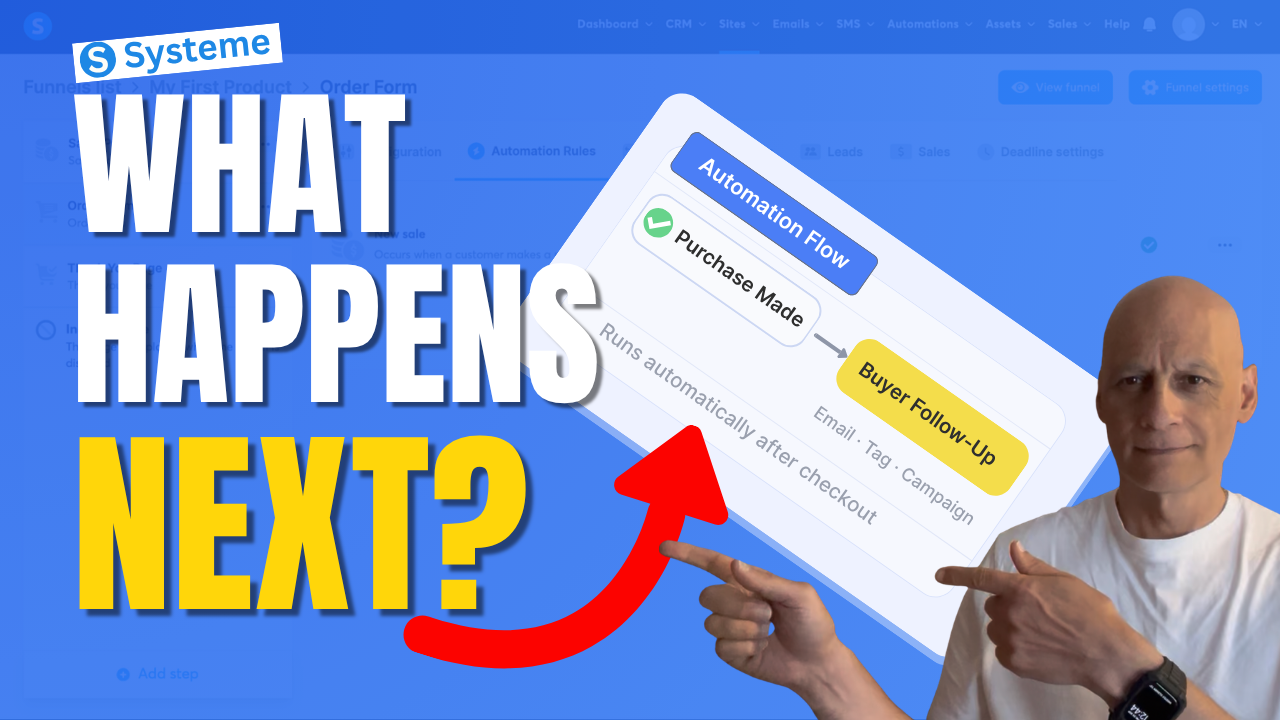
    If you want Systeme.io to automatically do something after someone buys your product, this video will show you exactly how to set that up.

    In this beginner-friendly Systeme.io tutorial, I’ll walk you through how to trigger an automation when a purchase is made — so you can automatically send emails, add tags, subscribe buyers to a campaign, and more.

    This is one of the most useful automations you can set up if you’re selling digital products, using funnels, or building your email list inside Systeme.io.
    If you want Systeme.io to automatically do something after someone buys your product, this video will show you exactly how to set that up.

    In this beginner-friendly Systeme.io tutorial, I’ll walk you through how to trigger an automation when a purchase is made — so you can automatically send emails, add tags, subscribe buyers to a campaign, and more.

    This is one of the most useful automations you can set up if you’re selling digital products, using funnels, or building your email list inside Systeme.io.

    In this video, you’ll learn how to:

    • trigger an automation after a purchase
    • use the New sale trigger
    • automatically subscribe buyers to a campaign
    • streamline your Systeme.io sales funnel

    If you’re new to Systeme.io, this is a simple but powerful setup to get working inside your funnel.

    👇 Grab my free resource below to help you build better-performing pages in Systeme.io.

    ✅ Free resource
    📌 Beginner Funnel Checklist / Freebie:
    🔗https://www.pagebuilderacademy.com/starter

    Get a FREE Systeme.io account below:
    🔗https://www.pagebuilderacademy.com/systeme

    See my full Systeme.io review + bonuses:
    🔗https://www.pagebuilderacademy.com/2r8b

    ⏱️Timestamps
    0:00 What actually happens after a sale?
    0:18 The simple automation rule explained
    0:38 Where to set this up in Systeme.io
    0:54 The step most people miss
    1:01 Where automation starts
    1:11 Create your automation rule
    1:18 Trigger the automation after a sale
    1:36 What should happen next?
    1:44 Your main automation options
    1:51 Send buyers into a follow-up sequence
    2:07 Choose your campaign
    2:16 Turn on your automation
    2:23 What happens automatically now
    2:30 More things you can automate
    2:39 The one rule to remember
    2:46 Don’t skip this step (important)
    2:55 Why this setup works so well
    3:04 Free Systeme.io starter kit

    #systemeio #systemeiotutorial #emailmarketing #salesfunnels #marketingautomation #automationtutorial #onlinebusiness #makemoneyonlinebeginners #beginnermarketing #digitalproducts #funnelbuilding #emaillistbuilding #passiveincome #systemeioforbeginners
    #affiliatemarketing #pagebuilderacademy

    ========================
    QUESTIONS? CONTACT ME!
    ========================

    EMAIL: zaf@pagebuilderacademy.com

    ===========
    FOLLOW ME
    ===========

    ▶ YOUTUBE SUBSCRIBE – @PageBuilderAcademy

    ============
    DISCLAIMER
    ============
    Some of the links in this description may be affiliate links, which means I receive a small commission at NO ADDITIONAL cost to you if you decide to purchase something.
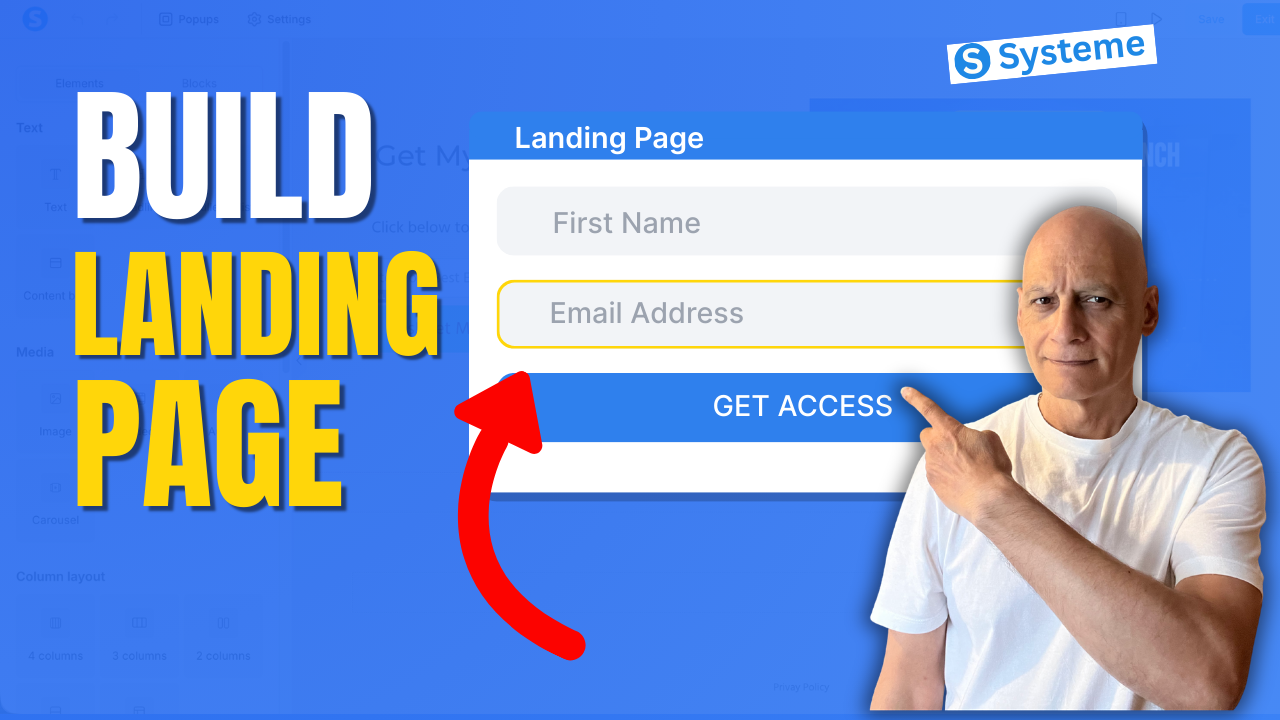
  • Create a Landing Page in System.io

    Create a Landing Page in System.io

    Learn how to create a landing page using Systeme.io step-by-step in this beginner-friendly tutorial.

    In this video, you’ll learn how to build your first landing page using the Systeme.io funnel builder.

    We’ll cover how to create a funnel, choose a landing page template, customise your page using the drag-and-drop editor, and publish your page so it can start collecting email subscribers.

    This tutorial is perfect for beginners who want to build their first opt-in page or lead capture page using Systeme.io.
    What you’ll learn:

    • How to create a funnel in Systeme.io
    • How to add a landing page step
    • How to customise pages with the drag-and-drop editor
    • How to add forms and buttons
    • How to publish and test your landing page

    ✅ Free resource
    📌 Beginner Funnel Checklist / Freebie:
    🔗https://www.pagebuilderacademy.com/starter

    Get a FREE Systeme.io account below:
    🔗https://www.pagebuilderacademy.com/systeme

    See my full Systeme.io review + bonuses:
    🔗https://www.pagebuilderacademy.com/2r8b

    #systemeio #landingpage #funnelbuilder #emailmarketing #leadgeneration #systemeiotutorial #landingpagetutorial #createalandingpage #funneltutorial #systemeiobeginner #buildyourlist #optinpage #salesfunnel #landingpagebuilder #digitalmarketing #pagebuilderacademy
     

    ⏱️ Timestamps
    00:00 How to Create a Landing Page (Systeme.io)
    00:24 What is a Funnel in Systeme.io
    00:41 Go to Sales Funnels
    00:58 Create a New Funnel
    01:35 Choose “Build an Audience”
    02:15 Choose a Landing Page Template
    03:28 Open Page Editor
    03:42 Edit & Clean Up Your Page
    05:39 Write Your Headline
    06:39 Customise the Opt-In Form
    07:55 Improve Your CTA Button
    09:21 Save and Preview Page
    10:20 Add Privacy Policy + Final Checks
    11:04 What Happens After Opt-In
    11:35 Free Landing Page Template

    ========================
    QUESTIONS? CONTACT ME!
    ========================

    EMAIL: zaf@pagebuilderacademy.com

    ===========
    FOLLOW ME
    ===========

    ▶ YOUTUBE SUBSCRIBE – @PageBuilderAcademy

    ============
    DISCLAIMER
    ============
    Some of the links in this description may be affiliate links, which means I receive a small commission at NO ADDITIONAL cost to you if you decide to purchase something.
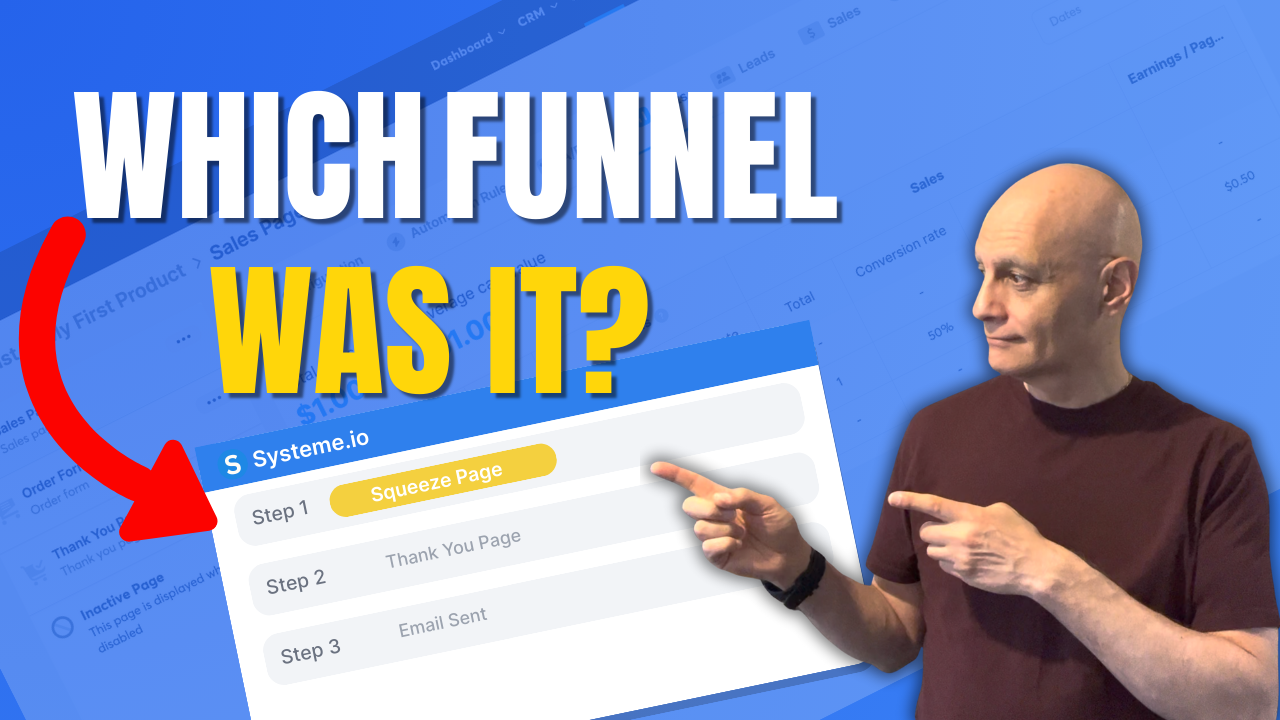
  • How to see which funnel a contact came from in Systeme.io

    How to see which funnel a contact came from in Systeme.io

    Want to see which funnel a contact came from in Systeme.io?

    In this tutorial, I’ll show you the most reliable method: using Automation Rules on your funnel step with the trigger “Funnel step form subscribed”, then automatically applying a source tag. That way, every contact permanently shows their funnel source inside their contact record.
    You’ll also learn how to filter your contact list by those source tags to quickly see how many leads each funnel is producing.

    Download The Free Starter Kit: A step-by-step checklist and a ready-made landing page template (for Systeme.io)

    🔗https://www.pagebuilderacademy.com/starter

    💡 Grab yourself a free Systeme.io account: An all-in-one platform, create emails, funnels and more!

    🔗https://www.pagebuilderacademy.com/systeme

    See my full Systeme.io review + bonuses:
    🔗https://www.pagebuilderacademy.com/2r8b


    Timestamps:
    0:00 – Intro
    0:38 – Navigating to Contacts
    0:45 – Select Required contact
    1:23 – Finding the page your contact signed up to
    1:10 – Add a section
    2:18 – Outro

    #systemeio #systemeiotutorial #pagebuilder #funnelbuilder #onlinemarketingtips #emailmarketing #PageBuilderAcademy

    ========================
    QUESTIONS? CONTACT ME!
    ========================

    EMAIL: zaf@pagebuilderacademey.com

    ===========
    FOLLOW ME
    ===========

    ▶ YOUTUBE SUBSCRIBE – @PageBuilderAcademy

    ============
    DISCLAIMER
    ============

    Some of the links in this description may be affiliate links, which means I receive a small commission at NO ADDITIONAL cost to you if you decide to purchase something.

    These are my opinions and do not represent the views of the companies that create these products.

    My opinions are based on my personal experience and research. I never recommend poor-quality products or create false reviews to generate sales.

    I intend to explain products so you can make an informed decision on which ones suit your needs best.

    Any forward-looking statements in this video are intended to express my opinions. They are opinions only and should not be relied upon as fact.

    Success in any endeavour is based on many factors, individual to you. I do not know your educational background, your skills, your prior experience, or the time you can and will devote to the endeavour.
  • How to change page layout in Systeme.io

    How to change page layout in Systeme.io

    Learn how to change page layout in Systeme.io in this quick, beginner-friendly tutorial from Page Builder Academy. We’ll walk you step-by-step through editing your page—adding sections, adjusting columns, and arranging elements to get the layout just right. Perfect for beginners using the Systeme.io page editor.
    Download The Free Starter Kit: A step-by-step checklist and a ready-made landing page template (for Systeme.io)
    🔗https://optin.pagebuilderacademy.com

    💡 Grab yourself a free Systeme.io account: An all-in-one platform, create emails, funnels and more!
    🔗https://www.pagebuilderacademy.com/systeme


    Timestamps:
    0:00 Intro
    0:40 Navigating to Sales Funnels
    0:51 Select Required Funnel
    1:23: Viewing Your Stats
    3:00 Outro

    #systemeio #systemeiotutorial #pagebuilder

    ========================
    QUESTIONS? CONTACT ME!
    ========================

    EMAIL: zaf@pagebuilderacademey.com

    ===========
    FOLLOW ME
    ===========

    ▶ YOUTUBE SUBSCRIBE @pagebuilderacademy.com

    ============
    DISCLAIMER
    ============

    Some of the links in this description may be affiliate links, which means I receive a small commission at NO ADDITIONAL cost to you if you decide to purchase something.

    These are my opinions and do not represent the views of the companies that create these products.

    My opinions are based on my personal experience and research. I never recommend poor-quality products or create false reviews to generate sales.

    I intend to explain products so you can make an informed decision on which ones suit your needs best.

    Any forward-looking statements in this video are intended to express my opinions. They are opinions only and should not be relied upon as fact.

    Success in any endeavour is based on many factors, individual to you. I do not know your educational background, your skills, your prior experience, or the time you can and will devote to the endeavour.
  • Organize Funnels Like a Pro in Systeme.io

    Organize Funnels Like a Pro in Systeme.io

    Want to keep your Systeme.io account tidy and clutter-free? In this quick tutorial, I’ll show you exactly how to archive a funnel in Systeme.io.

    Archiving funnels is a simple way to organise your dashboard without deleting anything permanently. Perfect for beginners who want a cleaner workspace and easy access to their active projects.

    By the end of this video, you’ll know step-by-step how to archive funnels in Systeme.io and keep your account neat.
    Download The Free Starter Kit: A step-by-step checklist and a ready-made landing page template (for Systeme.io)


     🔗https://optin.pagebuilderacademy.com

    💡 Grab yourself a free Systeme.io account: An all-in-one platform, create emails, funnels and more!

    🔗https://www.pagebuilderacademy.com/systeme


    Timestamps:

    0:00 Intro
    0:40 Navigating to Sales Funnels
    0:51 Select Required Funnel
    1:23: Viewing Your Stats
    3:00 Outro

    #systemeio #systemeiotutorial #pagebuilder #funnelbuilder #onlinemarketingtips

    ========================
    QUESTIONS? CONTACT ME!
    ========================

    EMAIL: zaf@pagebuilderacademey.com

    ===========
    FOLLOW ME
    ===========

    ▶ YOUTUBE SUBSCRIBE – @PageBuilderAcademy


    ============
    DISCLAIMER
    ============

    Some of the links in this description may be affiliate links, which means I receive a small commission at NO ADDITIONAL cost to you if you decide to purchase something.

    These are my opinions and do not represent the views of the companies that create these products.

    My opinions are based on my personal experience and research. I never recommend poor-quality products or create false reviews to generate sales.

    I intend to explain products so you can make an informed decision on which ones suit your needs best.

    Any forward-looking statements in this video are intended to express my opinions. They are opinions only and should not be relied upon as fact.

    Success in any endeavour is based on many factors, individual to you. I do not know your educational background, your skills, your prior experience, or the time you can and will devote to the endeavour.
  • The Fast Funnel Duplication Trick in Systeme.io

    The Fast Funnel Duplication Trick in Systeme.io

    Want to save time when building funnels in Systeme.io?

    In this quick tutorial, I’ll show you exactly how to duplicate an entire funnel inside Systeme.io step by step. Whether you’re creating multiple versions of a sales funnel, testing new designs, or just want to speed up your workflow, this funnel duplication feature makes it simple and fast.

    By the end of this video, you’ll know how to copy any funnel in Systeme.io without starting from scratch—perfect for beginners and anyone looking to streamline their funnel-building process.
    Download The Free Starter Kit: A step-by-step checklist and a ready-made landing page template (for Systeme.io)


     🔗https://optin.pagebuilderacademy.com

    💡 Grab yourself a free Systeme.io account: An all-in-one platform, create emails, funnels and more!

    🔗https://www.pagebuilderacademy.com/systeme


    Timestamps:
    0:00 – Intro
    0:27 – Navigating to Sales Funnels
    0:42 – Select Required Funnel
    0:57 – Duplicating the Funnel
    1:38 – Check Duplicated Funnel
    2:06 – Outro

    #systemeio #systemeiotutorial #pagebuilder #funnelbuilder #onlinemarketingtips

    ========================
    QUESTIONS? CONTACT ME!
    ========================

    EMAIL: zaf@pagebuilderacademey.com

    ===========
    FOLLOW ME
    ===========

    ▶ YOUTUBE SUBSCRIBE – @PageBuilderAcademy

    ============
    DISCLAIMER
    ============

    Some of the links in this description may be affiliate links, which means I receive a small commission at NO ADDITIONAL cost to you if you decide to purchase something.

    These are my opinions and do not represent the views of the companies that create these products.

    My opinions are based on my personal experience and research. I never recommend poor-quality products or create false reviews to generate sales.

    I intend to explain products so you can make an informed decision on which ones suit your needs best.

    Any forward-looking statements in this video are intended to express my opinions. They are opinions only and should not be relied upon as fact.

    Success in any endeavour is based on many factors, individual to you. I do not know your educational background, your skills, your prior experience, or the time you can and will devote to the endeavour.
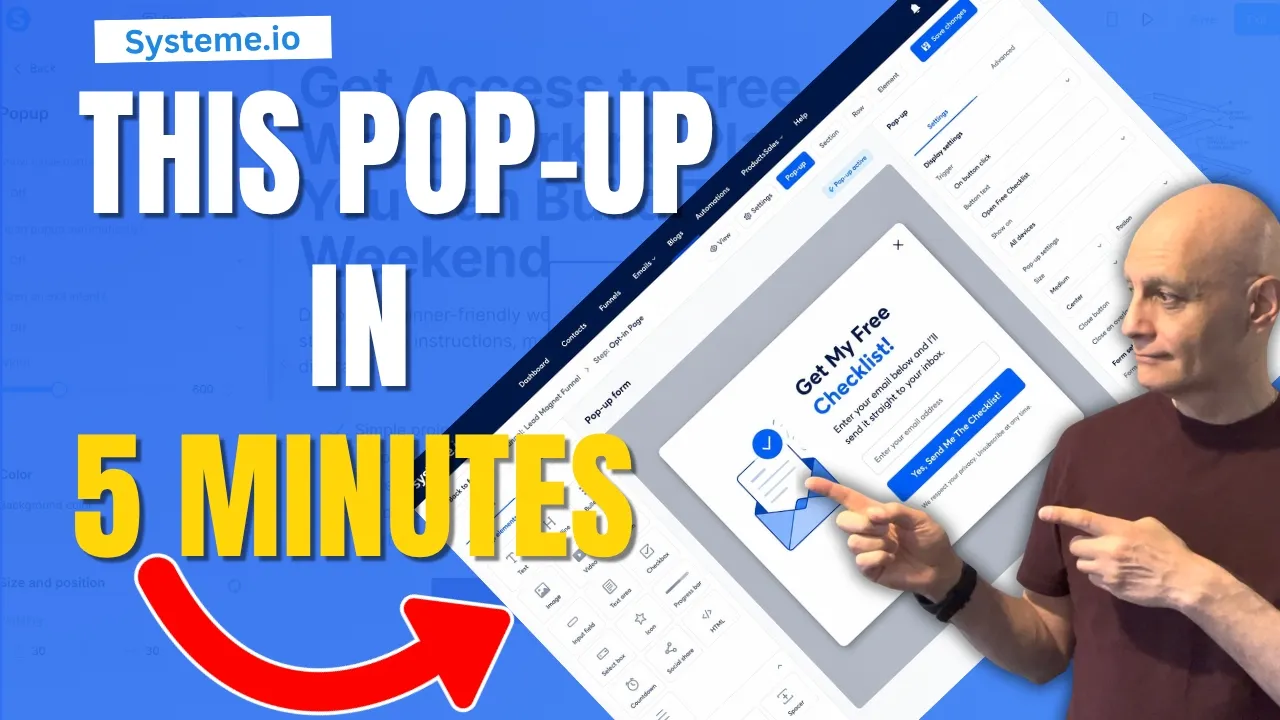
  • How to create a pop up form in Systeme.io

    How to create a pop up form in Systeme.io

    Learn how to build and customise a pop-up form in Systeme.io — perfect for beginners. In this video from Page Builder Academy.


     I walk you through the exact steps: adding a pop-up, configuring when it appears, creating form fields, setting up submission, and integrating the pop-up on or off Systeme.io. Use this to grow your email list, capture leads, and improve conversions.

    🔔 If you want more beginner Systeme.io tutorials, hit subscribe and turn on notifications!
    Download The Free Starter Kit: A step-by-step checklist and a ready-made landing page template (for Systeme.io)

    🔗https://optin.pagebuilderacademy.com

    💡 Grab yourself a free Systeme.io account: An all-in-one platform, create emails, funnels and more!

    🔗https://www.pagebuilderacademy.com/systeme

    How to adjust spacing and padding in Systeme io
    https://youtu.be/leH0A7I-slI

    Timestamps:
    0:00 – Intro
    0:36 – Navigating to Sales Funnels
    0:45 – Select Required Funnel
    1:06 – Add Popup
    1:26 – Edit Popup Setting
    2:27 – Editing Form Text Element
    3:09 – Editing Button Element
    4:54 – Link Button To Popup Form
    5:29 – Saving & Testing The Popup
    5:55 – Outro

    #systemeio #systemeiotutorial #pagebuilder

    ========================
    QUESTIONS? CONTACT ME!
    ========================

    EMAIL: zaf@pagebuilderacademey.com

    ===========
    FOLLOW ME
    ===========

    ▶ YOUTUBE SUBSCRIBE – ⁨@PageBuilderAcademy⁩
    ============
    DISCLAIMER
    ============

    Some of the links in this description may be affiliate links, which means I receive a small commission at NO ADDITIONAL cost to you if you decide to purchase something.

    These are my opinions and do not represent the views of the companies that create these products.

    My opinions are based on my personal experience and research. I never recommend poor-quality products or create false reviews to generate sales.

    I intend to explain products so you can make an informed decision on which ones suit your needs best.

    Any forward-looking statements in this video are intended to express my opinions. They are opinions only and should not be relied upon as fact.

    Success in any endeavour is based on many factors, individual to you. I do not know your educational background, your skills, your prior experience, or the time you can and will devote to the endeavour.