Tag: Systeme.io

  • How to Create a New Funnel in Systeme.io

    How to Create a New Funnel in Systeme.io

    Learn how to build your first funnel step by step in Systeme.io. 


    In this beginner-friendly series, you’ll discover how to create funnels, add steps, rename pages, customise URLs, and test everything before going live.


     Perfect if you’re new to funnels and want a simple walkthrough.


    Download The Free Starter Kit: A step-by-step checklist and a ready-made landing page template (for Systeme.io)🔗https://optin.pagebuilderacademy.com

    💡 Grab yourself a free Systeme.io account: An all-in-one platform, create emails, funnels and more!

    🔗https://www.pagebuilderacademy.com/systeme

    #systemeio #systemeiotutorial #pagebuilder

    ========================
    QUESTIONS? CONTACT ME!
    ========================

    EMAIL: zaf@pagebuilderacademey.com

    ===========
    FOLLOW ME
    ===========

    ▶ YOUTUBE SUBSCRIBE – @PageBuilderAcademy

    ============
    DISCLAIMER
    ============

    Some of the links in this description may be affiliate links, which means I receive a small commission at NO ADDITIONAL cost to you if you decide to purchase something.

    These are my opinions and do not represent the views of the companies that create these products.

    My opinions are based on my personal experience and research. I never recommend poor-quality products or create false reviews to generate sales.

    I intend to explain products so you can make an informed decision on which ones suit your needs best.

    Any forward-looking statements in this video are intended to express my opinions. They are opinions only and should not be relied upon as fact.

    Success in any endeavour is based on many factors, individual to you. I do not know your educational background, your skills, your prior experience, or the time you can and will devote to the endeavour.

  • How to add a thank you page to a funnel in Systeme. io

    How to add a thank you page to a funnel in Systeme. io

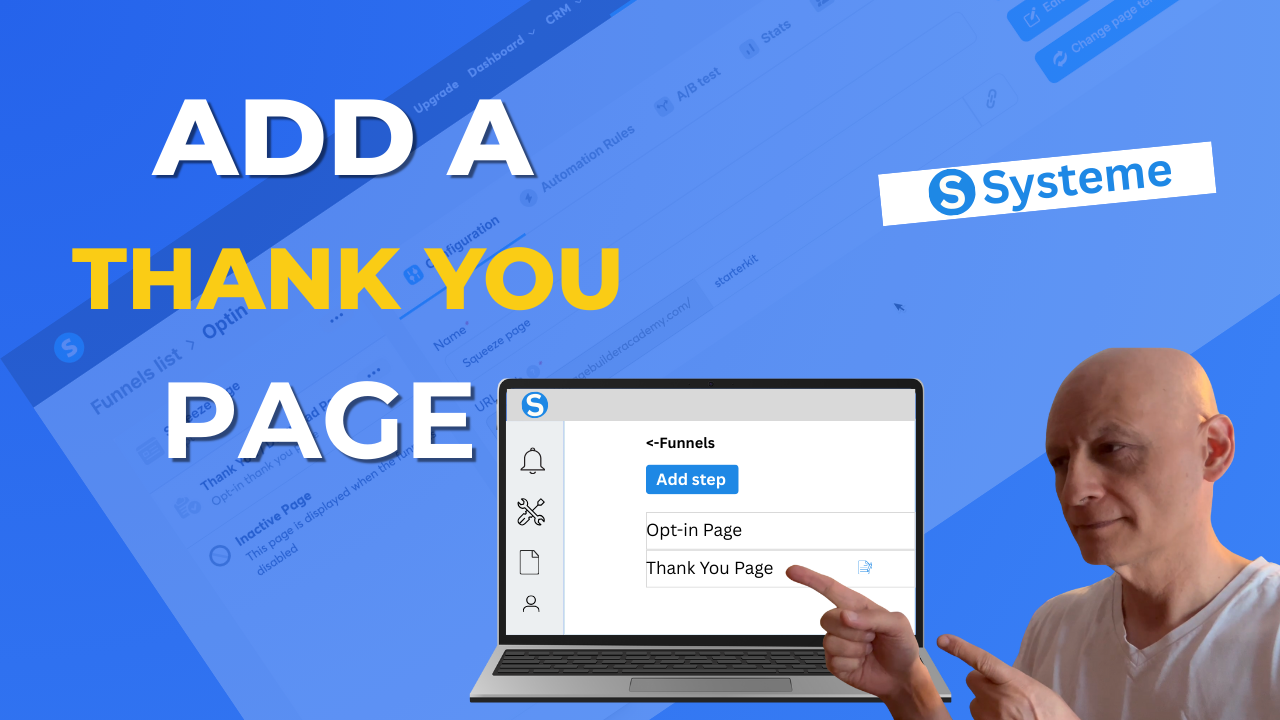
    Want to know how to add a thank-you page to your funnel in Systeme.io?


    In this quick, beginner-friendly tutorial, I’ll walk you step-by-step through creating and customising a thank-you page inside your funnel.

    You’ll learn how to:
    ✅ Add a new funnel step
    ✅ Choose the “thank you page” type
    ✅ Pick a template and edit it
    ✅ Save and preview your thank you page

    By the end, you’ll have a working thank you page that guides your visitors after they opt-in or purchase.

    Download The Free Starter Kit: A step-by-step checklist and a ready-made landing page template (for Systeme.io)
    🔗https://optin.pagebuilderacademy.com

    💡 Grab yourself a free Systeme.io account: An all-in-one platform, create emails, funnels and more!

    🔗https://www.pagebuilderacademy.com/systeme


    #systemeio #systemeiotutorial #pagebuilder

    ========================
    QUESTIONS? CONTACT ME!
    ========================

    EMAIL: zaf@pagebuilderacademey.com

    ===========
    FOLLOW ME
    ===========

    ▶ YOUTUBE SUBSCRIBE –  @PageBuilderAcademy

    ============
    DISCLAIMER
    ============

    Some of the links in this description may be affiliate links, which means I receive a small commission at NO ADDITIONAL cost to you if you decide to purchase something.

    These are my opinions and do not represent the views of the companies that create these products.

    My opinions are based on my personal experience and research. I never recommend poor-quality products or create false reviews to generate sales.

    I intend to explain products so you can make an informed decision on which ones suit your needs best.

    Any forward-looking statements in this video are intended to express my opinions. They are opinions only and should not be relied upon as fact.

    Success in any endeavour is based on many factors, individual to you. I do not know your educational background, your skills, your prior experience, or the time you can and will devote to the endeavour.

  • How to Add a Custom Domain in Systeme.io

    How to Add a Custom Domain in Systeme.io

    Want to brand your funnels and blogs with your own domain? 


    I’m going to show you how to easily connect a custom domain to your Systeme.io account—step by step.
    ============UPDATE!=========


    Since recording this video, I’ve now updated this to the Free Starter KitThis now includes my 10-Minute Landing Page Blueprint + my ready-to-use 5-Minute Lite Landing Page Template.


    Download The Free Starter Kit: A step-by-step checklist and a ready-made landing page template (for Systeme.io)


    🔗https://optin.pagebuilderacademy.com


    💡 Grab yourself a free Systeme.io account: An all-in-one platform, create emails, funnels and more!


    🔗https://www.pagebuilderacademy.com/systeme


    #systemeio #systemeiotutorial #pagebuilder 


    =======QUESTIONS? CONTACT ME!


    =====EMAIL: zaf@pagebuilderacademey.com===========


    FOLLOW ME===========▶ YOUTUBE SUBSCRIBE –  @PageBuilderAcademy  


    ============DISCLAIMER============


    Some of the links in this description may be affiliate links, which means I receive a small commission at NO ADDITIONAL cost to you if you decide to purchase something.


    These are my opinions and do not represent the views of the companies that create these products.


    My opinions are based on my personal experience and research. 


    I never recommend poor-quality products or create false reviews to generate sales.I intend to explain products so you can make an informed decision on which ones suit your needs best.


    Any forward-looking statements in this video are intended to express my opinions. 


    They are opinions only and should not be relied upon as fact.Success in any endeavour is based on many factors, individual to you. I do not know your educational background, your skills, your prior experience, or the time you can and will devote to the endeavour.
  • Boost Your Landing Pages With These Simple Video Tricks!

    Boost Your Landing Pages With These Simple Video Tricks!

    Want to make your landing pages more engaging with video? 


    In this quick tutorial, I’ll show you the three easiest ways to add a video to your Systeme.io pages—using nothing but the built-in tools.


    ============UPDATE!=========


    Since recording this video, I’ve now updated this to the Free Starter KitThis now includes my 10-Minute Landing Page Blueprint + my ready-to-use 5-Minute Lite Landing Page Template.


    Download The Free Starter Kit: A step-by-step checklist and a ready-made landing page template (for Systeme.io)


    🔗https://optin.pagebuilderacademy.com


    💡 Grab yourself a free Systeme.io account: An all-in-one platform, create emails, funnels and more!


    🔗https://www.pagebuilderacademy.com/systeme


    #systemeio #systemeiotutorial #pagebuilder 


    =======QUESTIONS? CONTACT ME!


    =====EMAIL: zaf@pagebuilderacademey.com===========


    FOLLOW ME===========▶ YOUTUBE SUBSCRIBE –  @PageBuilderAcademy  


    ============DISCLAIMER============


    Some of the links in this description may be affiliate links, which means I receive a small commission at NO ADDITIONAL cost to you if you decide to purchase something.


    These are my opinions and do not represent the views of the companies that create these products.


    My opinions are based on my personal experience and research. 


    I never recommend poor-quality products or create false reviews to generate sales.I intend to explain products so you can make an informed decision on which ones suit your needs best.


    Any forward-looking statements in this video are intended to express my opinions. 


    They are opinions only and should not be relied upon as fact.Success in any endeavour is based on many factors, individual to you. I do not know your educational background, your skills, your prior experience, or the time you can and will devote to the endeavour.
  • How to Add PDF Downloads in Systeme.io

    How to Add PDF Downloads in Systeme.io

    Want to give away a free PDF—like a lead magnet, checklist, or eBook—using Systeme.io? 


    In this video, I’ll show you exactly how to upload your PDF and add a download link to your funnel or page.Enter your text here…
    Download The Free Starter Kit: A step-by-step checklist and a ready-made landing page template (for Systeme.io)

    🔗https://optin.pagebuilderacademy.com

    💡 Grab yourself a free Systeme.io account: An all-in-one platform, create emails, funnels and more!

    🔗https://www.pagebuilderacademy.com/systeme

    QUESTIONS? CONTACT ME!

    EMAIL: zaf@pagebuilderacademey.com

    FOLLOW ME===========▶ YOUTUBE SUBSCRIBE – @pagebuilderacademy.com

    ============DISCLAIMER============

    Some of the links in this description may be affiliate links, which means I receive a small commission at NO ADDITIONAL cost to you if you decide to purchase something.

    These are my opinions and do not represent the views of the companies that create these products.My opinions are based on my personal experience and research.

    I never recommend poor-quality products or create false reviews to generate sales.I intend to explain products so you can make an informed decision on which ones suit your needs best.

    Any forward-looking statements in this video are intended to express my opinions. They are opinions only and should not be relied upon as fact.

    Success in any endeavour is based on many factors, individual to you. I do not know your educational background, your skills, your prior experience, or the time you can and will devote to the endeavour.