Most beginners overcomplicate their opt-in pages.
They add extra sections, multiple buttons, long explanations, and unnecessary distractions that make it harder for visitors to take action.
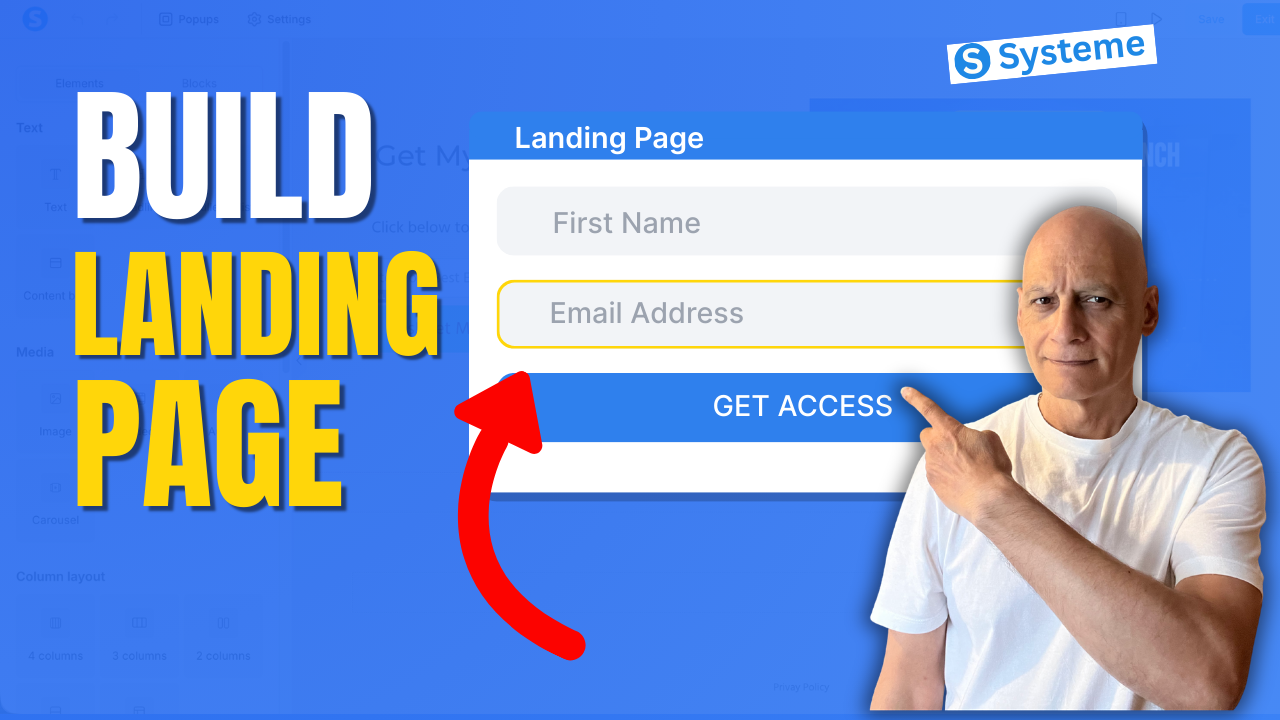
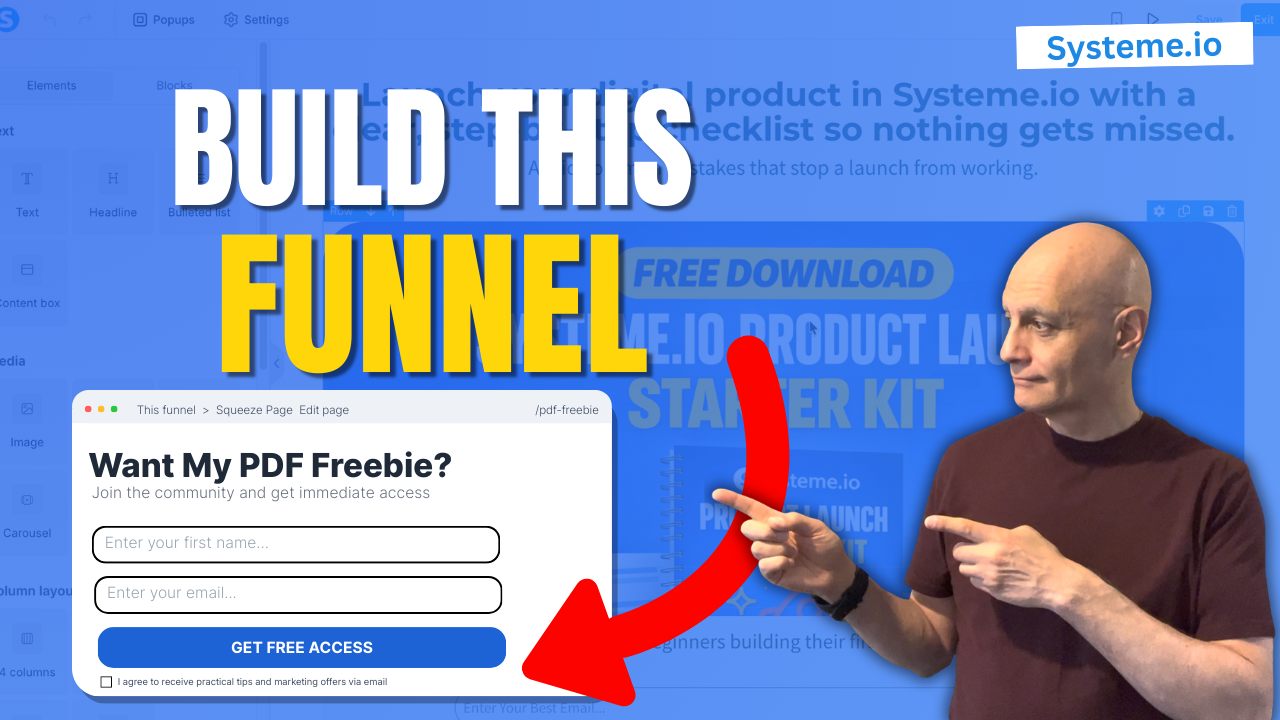
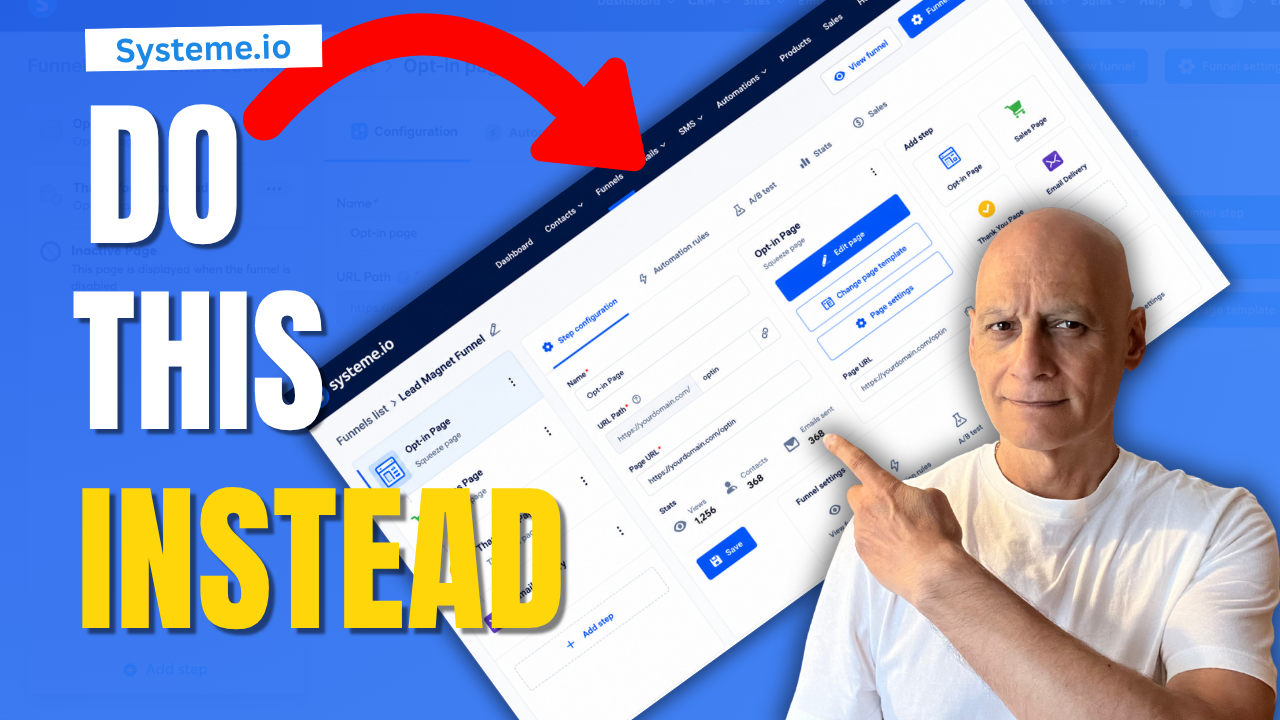
In this video, you’ll learn what actually makes a good opt-in page, the common mistakes beginners make, and how to build a simple opt-in page in Systeme.io.
They add extra sections, multiple buttons, long explanations, and unnecessary distractions that make it harder for visitors to take action.
In this video, you’ll learn what actually makes a good opt-in page, the common mistakes beginners make, and how to build a simple opt-in page in Systeme.io.
You’ll discover:
✓ Why simple opt-in pages often work better
✓ The biggest opt-in page mistakes beginners make
✓ How to create a page with one clear goal
✓ The essential elements every opt-in page needs
✓ How to build a beginner-friendly opt-in page in Systeme.io
✓ How to grow your email list without unnecessary complexity
Remember:
Simple beats complicated.
Clear beats clever.
Momentum beats perfection.
If you’re building an online business, focus on clarity first. A good opt-in page doesn’t need fancy design or complicated funnels. It needs one clear goal and one clear action.
Subscribe to Page Builder Academy for beginner-friendly tutorials on landing pages, funnels, email marketing, and Systeme.io.
#systemeio #landingpage #OptInPage #emailmarketing #leadgeneration #buildanemaillist #onlinebusiness #digitalmarketing #funnelbuilding #pagebuilderacademy #emaillistbuilding #landingpagedesign #marketingforbeginners #leadmagnets #systemeiotutorial
 Free resource
 Beginner Funnel Checklist / Freebie:
 https://www.pagebuilderacademy.com/starter
Get a FREE Systeme.io account below:
https://www.pagebuilderacademy.com/systeme
See my full Systeme.io review + bonuses:
https://www.pagebuilderacademy.com/2r8b
 Timestamps:
00:00 Why Most Beginners Overcomplicate Opt-In Pages
00:17 What We’re Building
00:36 Common Opt-In Page Mistakes
00:56 Why This Works
01:18 Build It in Systeme.io
06:58 Key Takeaway
07:21 Start Simple First
07:37 Watch Next
========================
QUESTIONS? CONTACT ME!
========================
EMAIL: zaf@pagebuilderacademy.com
===========
FOLLOW ME
===========
 YOUTUBE SUBSCRIBE – @PageBuilderAcademy
============
DISCLAIMER
============
Some of the links in this description may be affiliate links, which means I receive a small commission at NO ADDITIONAL cost to you if you decide to purchase something.
✓ Why simple opt-in pages often work better
✓ The biggest opt-in page mistakes beginners make
✓ How to create a page with one clear goal
✓ The essential elements every opt-in page needs
✓ How to build a beginner-friendly opt-in page in Systeme.io
✓ How to grow your email list without unnecessary complexity
Remember:
Simple beats complicated.
Clear beats clever.
Momentum beats perfection.
If you’re building an online business, focus on clarity first. A good opt-in page doesn’t need fancy design or complicated funnels. It needs one clear goal and one clear action.
Subscribe to Page Builder Academy for beginner-friendly tutorials on landing pages, funnels, email marketing, and Systeme.io.
#systemeio #landingpage #OptInPage #emailmarketing #leadgeneration #buildanemaillist #onlinebusiness #digitalmarketing #funnelbuilding #pagebuilderacademy #emaillistbuilding #landingpagedesign #marketingforbeginners #leadmagnets #systemeiotutorial
Free resource Beginner Funnel Checklist / Freebie:https://www.pagebuilderacademy.com/starterGet a FREE Systeme.io account below:
https://www.pagebuilderacademy.com/systemeSee my full Systeme.io review + bonuses:
https://www.pagebuilderacademy.com/2r8bTimestamps:00:00 Why Most Beginners Overcomplicate Opt-In Pages
00:17 What We’re Building
00:36 Common Opt-In Page Mistakes
00:56 Why This Works
01:18 Build It in Systeme.io
06:58 Key Takeaway
07:21 Start Simple First
07:37 Watch Next
========================
QUESTIONS? CONTACT ME!
========================
EMAIL: zaf@pagebuilderacademy.com
===========
FOLLOW ME
===========
YOUTUBE SUBSCRIBE – @PageBuilderAcademy ============
DISCLAIMER
============
Some of the links in this description may be affiliate links, which means I receive a small commission at NO ADDITIONAL cost to you if you decide to purchase something.