Category: Systeme.io

Posts on using System.io.

  • This Simple Automation Triggers Instantly Systeme.io

    This Simple Automation Triggers Instantly Systeme.io

    There’s a simple automation inside Systeme.io that most beginners either miss… or overcomplicate.

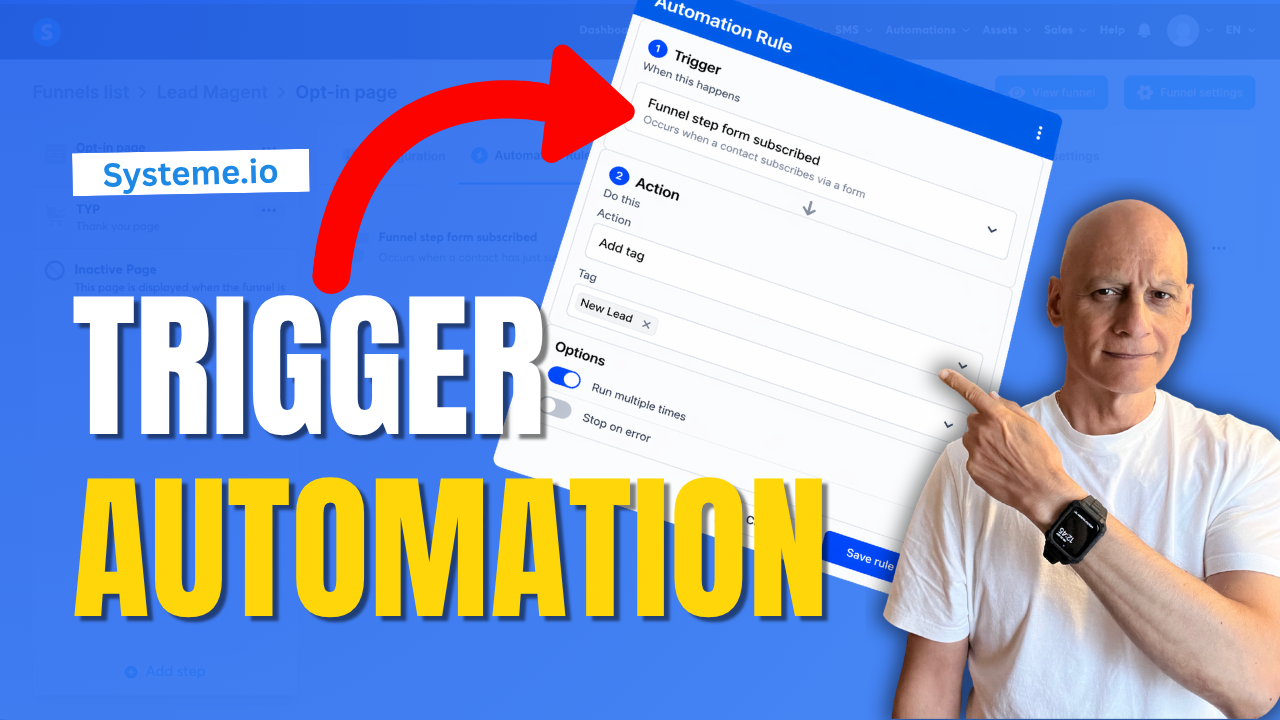
    In this video, I’ll show you how to set up a simple automation that triggers instantly when someone signs up to your funnel—so you can automatically tag contacts, start email sequences, and move subscribers into the right follow-up without doing anything manually.

    This is one of the easiest ways to start building a smarter, more automated funnel inside Systeme.io.
    🔧 What You’ll Learn

    * How to trigger an automation when someone subscribes
    * How to automatically tag new leads
    * How to connect your funnel to email follow-up
    * How to test your automation properly

    🚀 Why This Matters

    Without automation, your funnel stops at the opt-in.

    With this setup:

    * Your contacts are tagged instantly
    * Your emails can start automatically
    * Your follow-up becomes consistent and scalable

    👉 Download my free Systeme.io checklist to build better funnels:
    📌 Beginner Funnel Checklist
    🔗https://www.pagebuilderacademy.com/starter

    Get a FREE Systeme.io account below:
    🔗https://www.pagebuilderacademy.com/systeme

    See my full Systeme.io review + bonuses:
    🔗https://www.pagebuilderacademy.com/2r8b


    If you found this helpful, make sure to:
    👍 Like the video
    🔔 Subscribe for more simple Systeme.io tutorials


    ⏱️Timestamps:
    0:00 Simple Automation Most Beginners Miss
    0:16 What This Automation Does
    0:24 Quick Demo (Happens Instantly)
    0:39 Go to Funnels in Systeme.io
    0:57 Open Automation Rules
    1:10 Add Trigger (Important Step)
    1:25 Choose the Right Trigger
    1:49 Add Action (Tag Setup)
    2:30 Save Your Automation
    2:45 Test Your Setup
    3:13 Automation Now Runs Instantly
    3:22 Free Resource + Next Steps

    #systemeio #emailmarketing #salesfunnel #marketingautomation #onlinemarketing #affiliatemarketing #digitalmarketing #listbuilding #funnels #automation #makemoneyonline #systemeiotutorial #pagebuilderacademy


    ========================
    QUESTIONS? CONTACT ME!
    ========================

    EMAIL: zaf@pagebuilderacademy.com

    ===========
    FOLLOW ME
    ===========

    ▶ YOUTUBE SUBSCRIBE – @PageBuilderAcademy

    ============
    DISCLAIMER
    ============
    Some of the links in this description may be affiliate links, which means I receive a small commission at NO ADDITIONAL cost to you if you decide to purchase something.
  • What Happens After a Sale? Automate It in Systeme.io

    What Happens After a Sale? Automate It in Systeme.io

    If you want Systeme.io to automatically do something after someone buys your product, this video will show you exactly how to set that up.

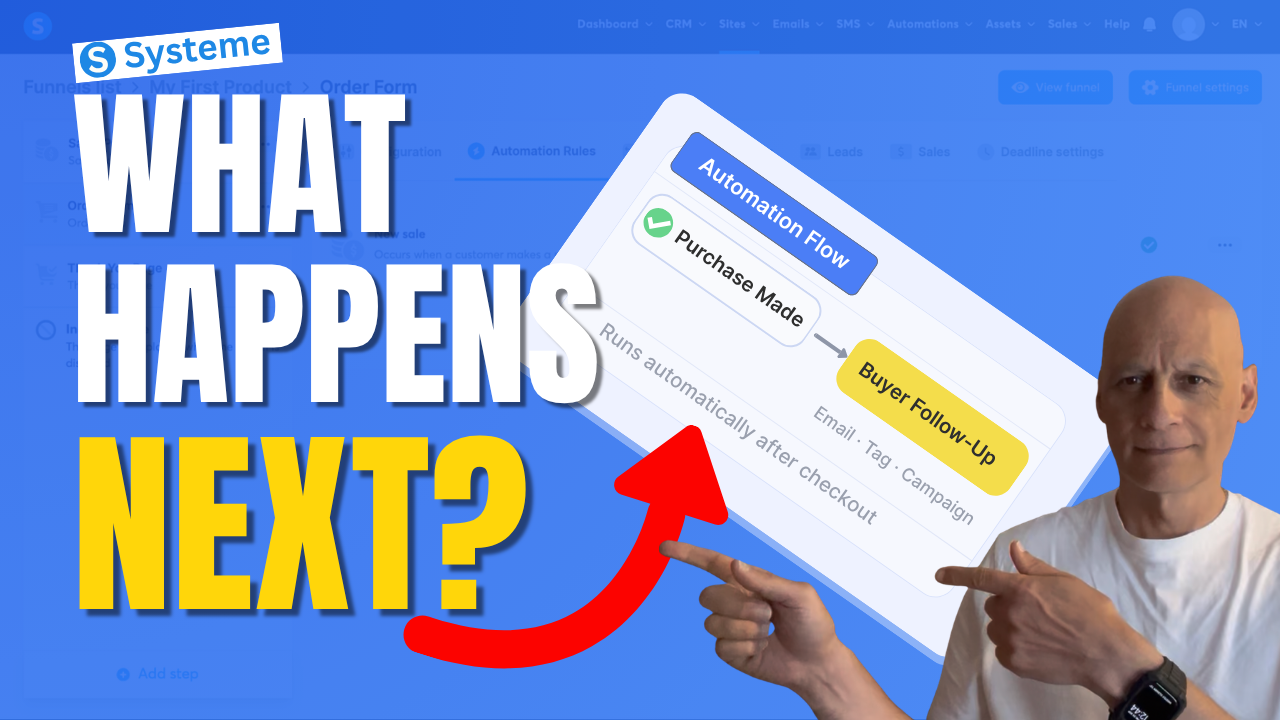
    In this beginner-friendly Systeme.io tutorial, I’ll walk you through how to trigger an automation when a purchase is made — so you can automatically send emails, add tags, subscribe buyers to a campaign, and more.

    This is one of the most useful automations you can set up if you’re selling digital products, using funnels, or building your email list inside Systeme.io.
    If you want Systeme.io to automatically do something after someone buys your product, this video will show you exactly how to set that up.

    In this beginner-friendly Systeme.io tutorial, I’ll walk you through how to trigger an automation when a purchase is made — so you can automatically send emails, add tags, subscribe buyers to a campaign, and more.

    This is one of the most useful automations you can set up if you’re selling digital products, using funnels, or building your email list inside Systeme.io.

    In this video, you’ll learn how to:

    • trigger an automation after a purchase
    • use the New sale trigger
    • automatically subscribe buyers to a campaign
    • streamline your Systeme.io sales funnel

    If you’re new to Systeme.io, this is a simple but powerful setup to get working inside your funnel.

    👇 Grab my free resource below to help you build better-performing pages in Systeme.io.

    ✅ Free resource
    📌 Beginner Funnel Checklist / Freebie:
    🔗https://www.pagebuilderacademy.com/starter

    Get a FREE Systeme.io account below:
    🔗https://www.pagebuilderacademy.com/systeme

    See my full Systeme.io review + bonuses:
    🔗https://www.pagebuilderacademy.com/2r8b

    ⏱️Timestamps
    0:00 What actually happens after a sale?
    0:18 The simple automation rule explained
    0:38 Where to set this up in Systeme.io
    0:54 The step most people miss
    1:01 Where automation starts
    1:11 Create your automation rule
    1:18 Trigger the automation after a sale
    1:36 What should happen next?
    1:44 Your main automation options
    1:51 Send buyers into a follow-up sequence
    2:07 Choose your campaign
    2:16 Turn on your automation
    2:23 What happens automatically now
    2:30 More things you can automate
    2:39 The one rule to remember
    2:46 Don’t skip this step (important)
    2:55 Why this setup works so well
    3:04 Free Systeme.io starter kit

    #systemeio #systemeiotutorial #emailmarketing #salesfunnels #marketingautomation #automationtutorial #onlinebusiness #makemoneyonlinebeginners #beginnermarketing #digitalproducts #funnelbuilding #emaillistbuilding #passiveincome #systemeioforbeginners
    #affiliatemarketing #pagebuilderacademy

    ========================
    QUESTIONS? CONTACT ME!
    ========================

    EMAIL: zaf@pagebuilderacademy.com

    ===========
    FOLLOW ME
    ===========

    ▶ YOUTUBE SUBSCRIBE – @PageBuilderAcademy

    ============
    DISCLAIMER
    ============
    Some of the links in this description may be affiliate links, which means I receive a small commission at NO ADDITIONAL cost to you if you decide to purchase something.
  • How to Create a Thank You Page In Systeme.io

    Want to know how to create a thank you page in Systeme.io step by step?

    In this beginner-friendly tutorial, I’ll show you exactly how to build a simple thank-you page that confirms signups, delivers your free resource, and guides your visitors to the next step in your funnel.

    Most beginners miss this step — and it can cost you leads, engagement, and sales.
    In this video, you’ll learn:

    • How to add a thank you page in Systeme.io
    • What to include on your page
    • How to guide your subscribers properly
    • Simple tips to improve your funnel

    🎁 Grab your free checklist here:
    🔗https://www.pagebuilderacademy.com/starter

    Get a FREE Systeme.io account below:
    🔗https://www.pagebuilderacademy.com/systeme

    See my full Systeme.io review + bonuses:
    🔗https://www.pagebuilderacademy.com/2r8b

    #systemeio #thankyoupage #funnelbuilding #emailmarketing #systemeiotutorial #buildanemaillist #leadgeneration #conversiontips #funneltutorial #onlinebusiness #makemoneyonline #stepbystep #tutorialforbeginners #pagebuilderacademy

    ⏱️Timestamps
    0:00 Don’t Skip This Step
    0:21 What Happens After Opt-In
    0:48 Create Your Thank You Page
    2:26 Pick a Simple Template
    3:21 Edit Your Page Fast
    4:52 Tell Them What to Do
    5:38 Guide the Next Step
    5:54 Save & Test Everything
    6:58 Free Resource

    ========================
    QUESTIONS? CONTACT ME!
    ========================

    EMAIL: zaf@pagebuilderacademy.com

    ===========
    FOLLOW ME
    ===========

    ▶ YOUTUBE SUBSCRIBE – @PageBuilderAcademy

    ============
    DISCLAIMER
    ============
    Some of the links in this description may be affiliate links, which means I receive a small commission at NO ADDITIONAL cost to you if you decide to purchase something.
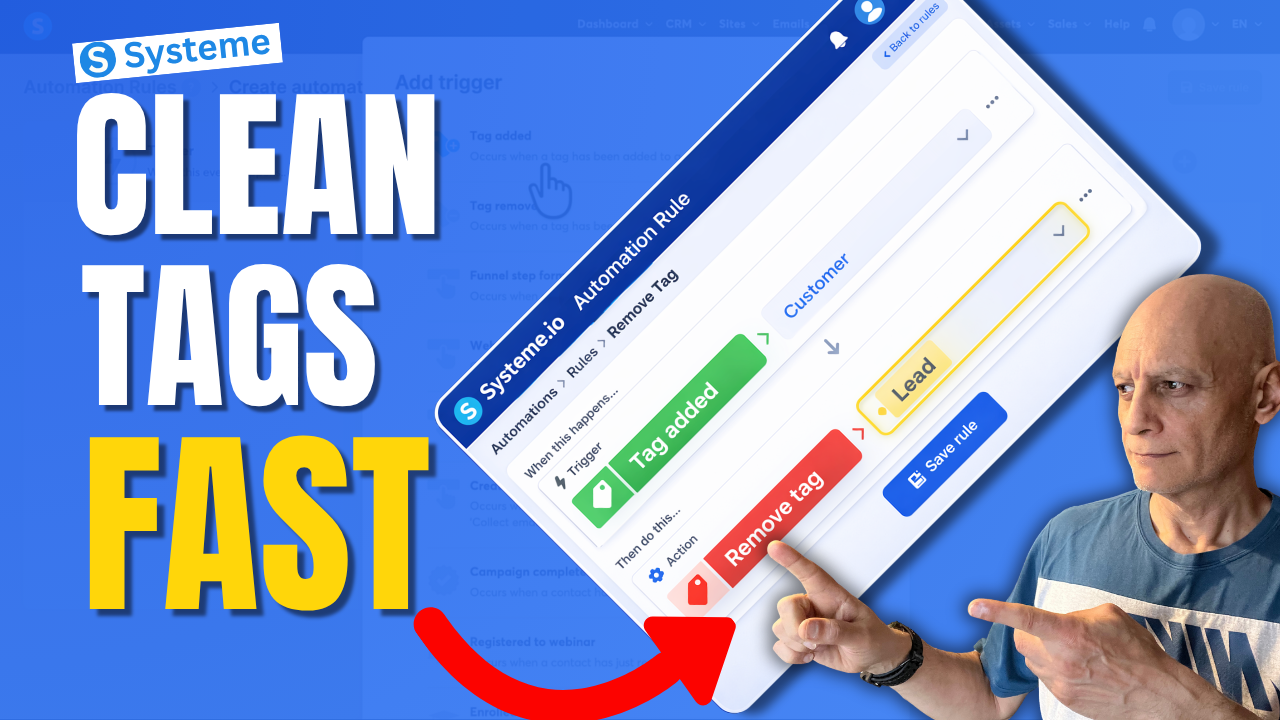
  • This Simple Systeme.io Automation Can Clean Up Your Tags

    This Simple Systeme.io Automation Can Clean Up Your Tags

    Want to remove a tag automatically in Systeme.io instead of doing it manually every time?

    In this beginner-friendly tutorial, I’ll show you step by step how to remove a tag with automation in Systeme.io so you can keep your contacts organised and avoid messy tag setups.
    This is useful if you want to:

    • clean up old tags automatically
    • organise your contacts better
    • stop people from staying in the wrong segment
    • improve your email follow-up automations

    If you’re new to Systeme.io, don’t worry — I’ll keep everything simple and easy to follow.

    In this video, you’ll learn:

    • how to create an automation rule
    • how to choose the right trigger
    • how to remove a tag automatically
    • how to keep your tags cleaner as your list grows

    Next Video: Tag Contacts Automatically by Funnel Step in Systeme.io Automation Rule
    https://youtu.be/t4h6SreY558

    🎁 Free Resource: Check out the free checklist below to help you build better-performing pages and funnels inside Systeme.io.
    🔗https://www.pagebuilderacademy.com/starter

    Get a FREE Systeme.io account below:
    🔗https://www.pagebuilderacademy.com/systeme

    See my full Systeme.io review + bonuses:
    🔗https://www.pagebuilderacademy.com/2r8b

    If you enjoy beginner-friendly Systeme.io tutorials, make sure to subscribe for more.

    #systemeio #emailmarketing #automation #funnels #systemeiotutorial #pagebuilderacademy

    ⏱️ Timestamps
    0:00 Stop Messy Tags (Big Mistake)
    0:09 The Simple Fix (What You’ll Learn)
    0:20 What a Tag Actually Is
    0:35 What We’re Building (Quick Overview)
    0:51 Where to Find Automations
    0:59 Create a New Rule
    1:06 Choose Your Trigger (Tag Added)
    1:23 Select Your Customer Tag
    1:39 Add the Clean-Up Step (Remove Tag)
    1:47 Choose Which Tag to Remove
    2:03 How the Automation Works
    2:08 Save Your Rule (Important)
    2:16 Real Example (Customer vs Lead)
    2:25 Why This Keeps Your List Clean
    2:33 More Use Cases (Funnels & Segments)
    2:49 Avoid Sending Wrong Emails
    2:57 Beginner Tip (Fix Your Tag Names)
    3:09 Why This Simple Automation Matters
    3:17 Free Systeme.io Starter Kit

    ========================
    QUESTIONS? CONTACT ME!
    ========================

    EMAIL: zaf@pagebuilderacademy.com

    ===========
    FOLLOW ME
    ===========

    ▶ YOUTUBE SUBSCRIBE – @PageBuilderAcademy

    ============
    DISCLAIMER
    ============
    Some of the links in this description may be affiliate links, which means I receive a small commission at NO ADDITIONAL cost to you if you decide to purchase something.
  • How to trigger automation when a purchase is made in Systeme.io

    Want to automatically trigger an email, tag, or campaign when someone buys your product in Systeme.io?

    In this beginner-friendly Systeme.io tutorial, I’ll show you step-by-step how to trigger an automation when a purchase is made using the New sale trigger.
    By the end of this video, you’ll know how to:

    • trigger an automation after a sale
    • subscribe buyers to an email campaign
    • add tags automatically
    • create simple post-purchase automation inside Systeme.io

    This is perfect if you sell digital products, freebies, or low-ticket offers and want to automate what happens after someone makes a purchase.

    If you’re new to Systeme.io, this is one of the most useful automations you can set up.

    Next Video: How to Create Order Bumps in Systeme.io
    🔗https://www.pagebuilderacademy.com/how-to-create-order-bumps-in-systeme-io/

    👉 Get a FREE Systeme.io account below:
    🔗https://www.pagebuilderacademy.com/systeme

    👉 Get my free Systeme.io Starter Kit here:
    ✅ Free resource:
    🔗https://www.pagebuilderacademy.com/starter

    See my full Systeme.io review + bonuses:
    🔗https://www.pagebuilderacademy.com/2r8b

    #systemeio #emailmarketing #salesfunnels #systemeiotutorial #automation #pagebuilderacademy

    ⏱️Timestamps:
    0:00 Why automate after a sale?
    0:19 Open your product funnel
    0:34 Go to the payment page
    0:50 Create a new automation rule
    0:57 Set the trigger to new sale
    1:14 Choose what happens next
    1:23 Add buyers to a campaign
    1:40 Select your follow-up campaign
    1:48 Save the automation
    2:03 What happens after a purchase
    2:12 Other actions you can trigger
    2:20 The simple automation formula
    2:31 Test before going live
    2:38 Wrap up
    2:45 Free Systeme.io starter kit

    ========================
    QUESTIONS? CONTACT ME!
    ========================

    EMAIL: zaf@pagebuilderacademy.com

    ===========
    FOLLOW ME
    ===========

    ▶ YOUTUBE SUBSCRIBE – @PageBuilderAcademy

    ============
    DISCLAIMER
    ============
    Some of the links in this description may be affiliate links, which means I receive a small commission at NO ADDITIONAL cost to you if you decide to purchase something.
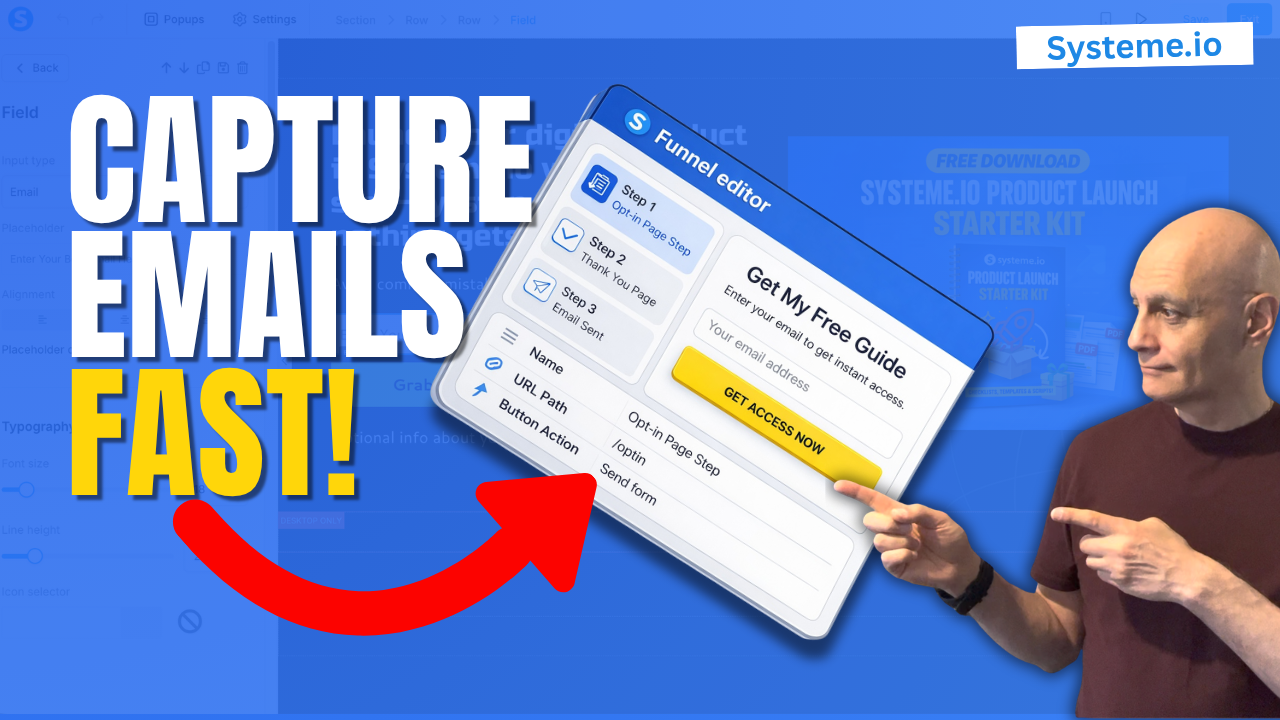
  • Create an Opt in Page in Systeme.io

    Create an Opt in Page in Systeme.io

    In this beginner-friendly tutorial, you’ll learn how to create a simple opt-in page using Systeme.io step-by-step.

    This is one of the most important pages in your funnel because it allows you to start collecting email subscribers and building your list.
    In this video, I’ll show you how to:

    ✅ Create a funnel inside Systeme.io
    ✅ Choose an opt-in template
    ✅ Edit your page
    ✅ Set up your form correctly
    ✅ Test everything so it works

    If you’re new to funnels or email marketing, this is the perfect place to start.

    👉 Get your free landing page checklist here:
    🔗https://www.pagebuilderacademy.com/starter

    Get a FREE Systeme.io account below:
    🔗https://www.pagebuilderacademy.com/systeme

    See my full Systeme.io review + bonuses:
    🔗https://www.pagebuilderacademy.com/2r8b

    #systemeio #emailmarketing #listbuilding #funneltutorial #onlinebusiness #digitalmarketing #beginnerfunnels #systemeiotutorial #systemeioforbeginners

    ⏱️ Timestamps
    00:00 Why You Need an Opt-in Page
    00:30 Create a New Funnel
    00:47 Name Your Funnel
    01:18 Choose “Build an Audience”
    01:34 What Systeme.io Creates for You
    01:45 Pick an Opt-in Template
    02:20 Open the Page Editor
    02:35 Remove the Clutter
    03:45 Write Your Headline & Subheadline
    04:45 Edit the Email Field & Button
    05:55 Add Your Lead Magnet Image
    06:10 Add Your Privacy Policy
    07:10 Improve the Page Layout
    07:39 What to Keep on Your Opt-in Page
    08:05 Save, Exit & Test Your Page
    08:50 Your Opt-in Page Is Done
    09:03 Free Resource + Next Step

    ========================
    QUESTIONS? CONTACT ME!
    ========================

    EMAIL: zaf@pagebuilderacademy.com

    ===========
    FOLLOW ME
    ===========

    ▶ YOUTUBE SUBSCRIBE – @PageBuilderAcademy

    ============
    DISCLAIMER
    ============
    Some of the links in this description may be affiliate links, which means I receive a small commission at NO ADDITIONAL cost to you if you decide to purchase something.
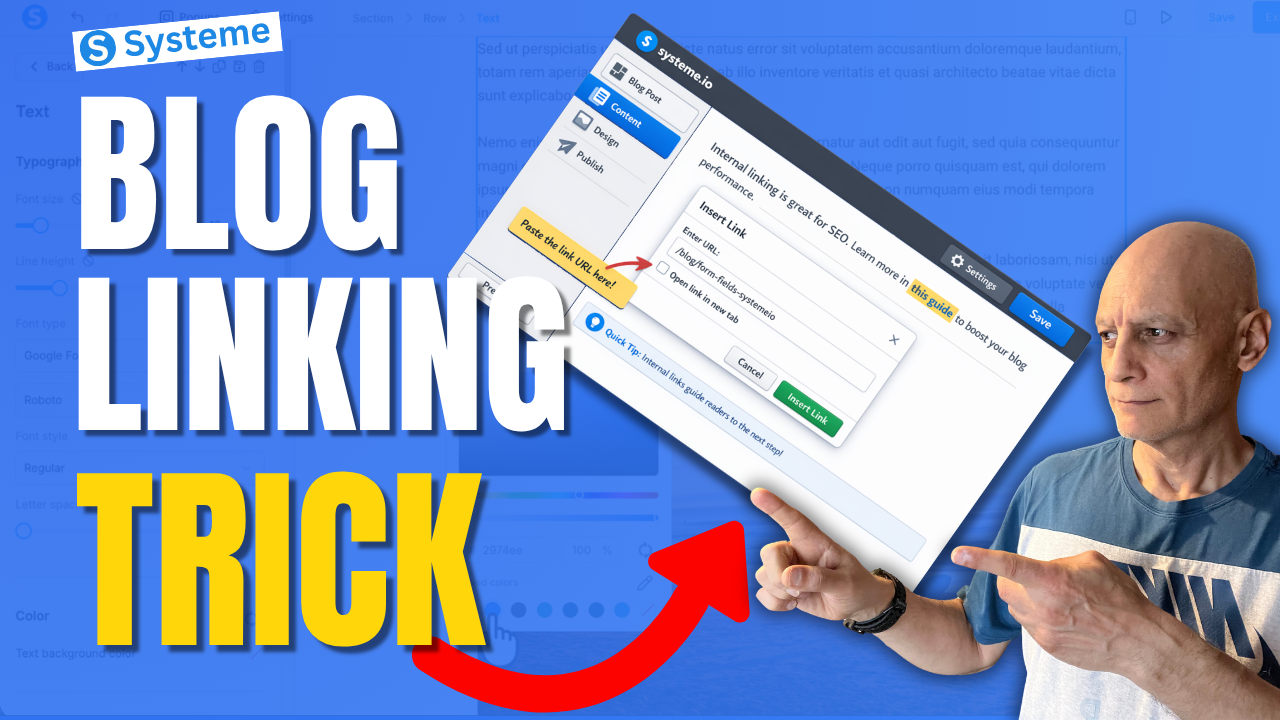
  • Most Beginners Miss This Systeme.io Blog Trick

    Most Beginners Miss This Systeme.io Blog Trick

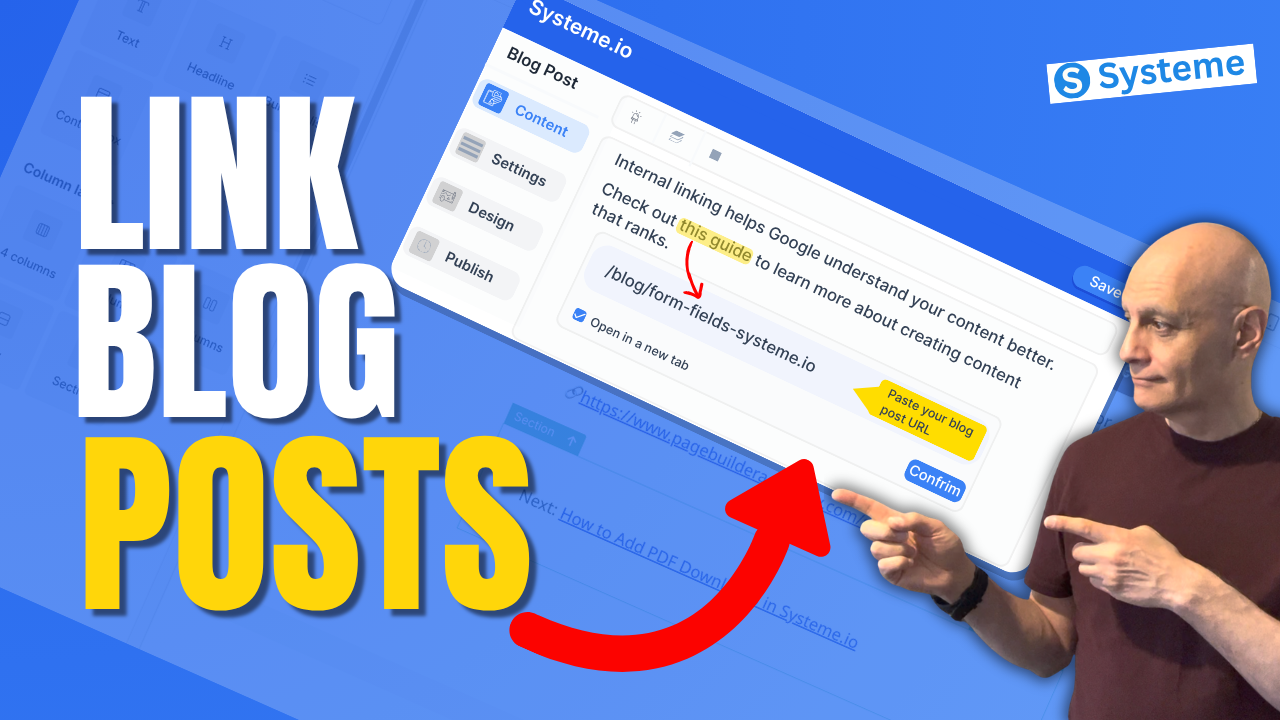
    Most beginners using Systeme.io focus on creating blog posts… but they completely miss one simple trick that can help keep readers on their site longer and improve blog SEO.

    In this beginner-friendly tutorial, I’ll show you exactly how to link blog posts internally in Systeme.io step by step. This is a simple but powerful way to connect your content, guide readers to the next step, and make your blog work harder for you.
    In this video, you’ll learn:

    • What internal linking is
    • How to copy a blog post URL in Systeme.io
    • How to add an internal link inside your blog content
    • Where to place links for better user experience and SEO
    • A simple strategy beginners can start using right away

    If you’re building your blog, funnel, or email list inside Systeme.io, this is one of those small things that can make a big difference over time.

    Next Video: How to add bullet points in Systeme.io
    🔗https://youtu.be/AY-3UqPT60A

    👉 Get a FREE Systeme.io account below:
    🔗https://www.pagebuilderacademy.com/systeme

    👉 Get my free Systeme.io Starter Kit here:
    ✅ Free resource
    📌 Beginner Funnel Checklist / Freebie:
    🔗https://www.pagebuilderacademy.com/starter

    See my full Systeme.io review + bonuses:
    🔗https://www.pagebuilderacademy.com/2r8b


    If this helped, please like and subscribe for more beginner-friendly Systeme.io tutorials.

    #systemeio #bloggingtips #seo #funnels #systemeiotutorial #pagebuilderacademy

    ⏱️Timestamps
    0:00 Why Internal Linking Matters
    0:30 Open Your Blog
    0:53 Copy the Blog Post URL
    1:18 Choose the Post to Edit
    1:36 Highlight Text and Add Link
    2:02 Link Settings and Styling
    2:28 Preview Your Internal Link
    2:49 Best Internal Linking Tips
    3:13 Wrap Up
    3:23 Free Resource

    ========================
    QUESTIONS? CONTACT ME!
    ========================

    EMAIL: zaf@pagebuilderacademy.com

    ===========
    FOLLOW ME
    ===========

    ▶ YOUTUBE SUBSCRIBE – @PageBuilderAcademy

    ============
    DISCLAIMER
    ============
    Some of the links in this description may be affiliate links, which means I receive a small commission at NO ADDITIONAL cost to you if you decide to purchase something.
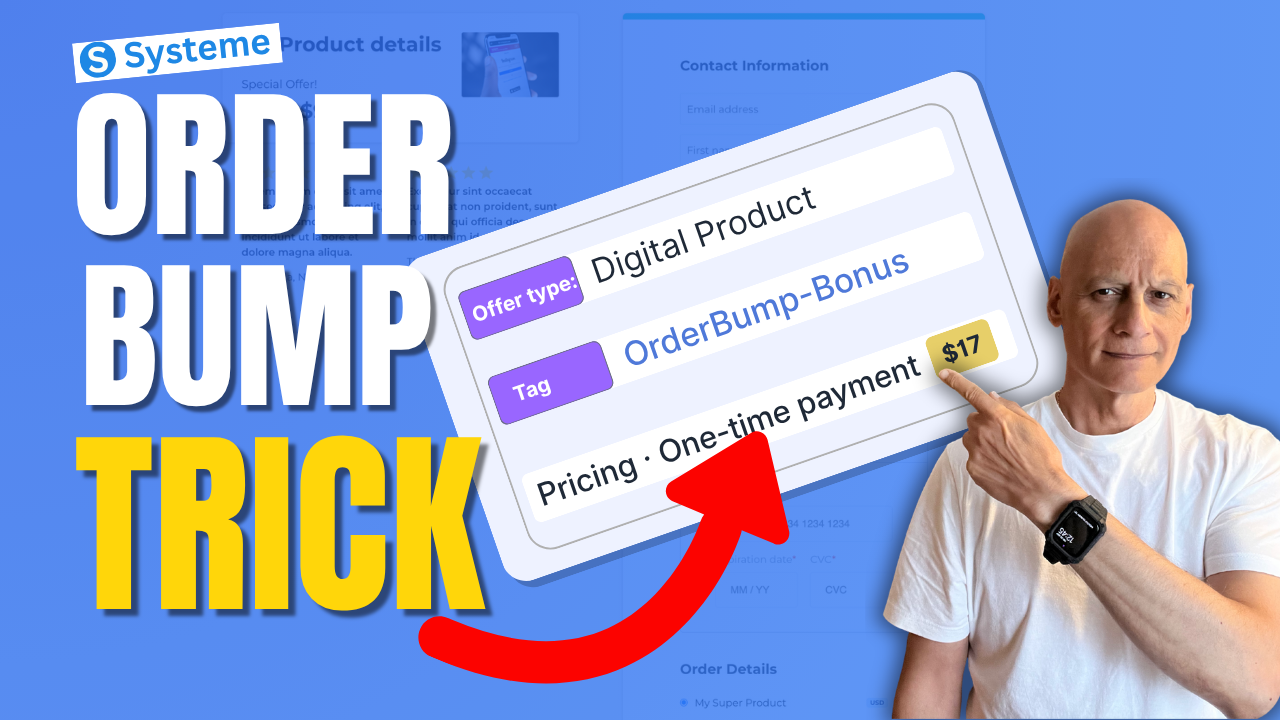
  • Most Beginners Miss This Systeme.io Sales Trick

    Most Beginners Miss This Systeme.io Sales Trick

    Want to increase your funnel sales without needing more traffic?

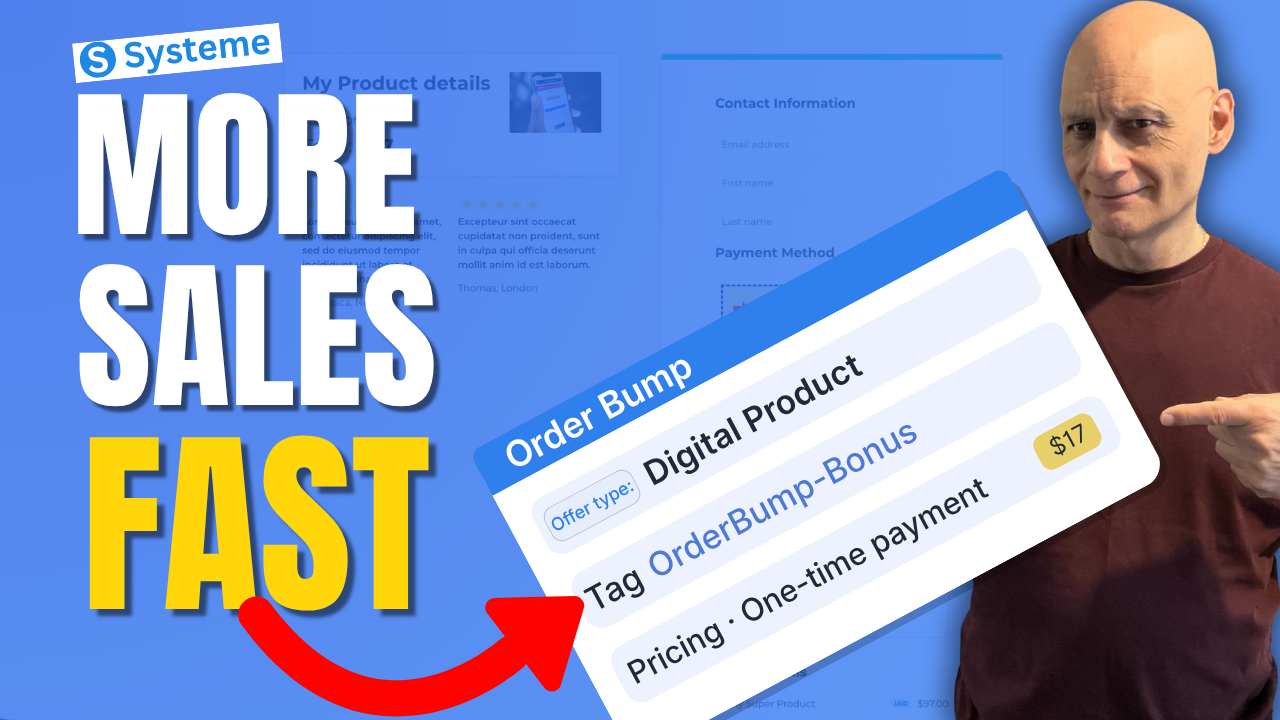
    In this beginner-friendly tutorial, I’ll show you how to create an order bump in Systeme.io step by step. Order bumps allow you to add a small additional offer directly on your checkout page so customers can add it to their purchase with a single click.

    Want to increase your funnel sales without needing more traffic?


    In this beginner-friendly tutorial, I’ll show you how to create an order bump in Systeme.io step by step. Order bumps allow you to add a small additional offer directly on your checkout page so customers can add it to their purchase with a single click.


    In this video you’ll learn:


    • How to add an order bump to your Systeme.io checkout page

    • How to connect the required resource (using tags)

    • How to create the pricing plan for your bump offer

    • How to display the order bump inside the page builder

    • Tips for creating high-converting bump offers


    Order bumps are one of the easiest ways to increase your funnel revenue without needing more traffic or ads.

    Next: Systeme.io Tags: The Automation Trick Most Miss


    ✅ Free resource
    📌 Beginner Funnel Checklist / Freebie:
    🔗https://www.pagebuilderacademy.com/starter

    Get a FREE Systeme.io account below:
    🔗https://www.pagebuilderacademy.com/systeme

    See my full Systeme.io review + bonuses:
    🔗https://www.pagebuilderacademy.com/2r8b

    #systemeio #systemeiotutorial #funnelbuilding #emailmarketingtips #onlinebusiness #pagebuilderacademy #orderbump #salesfunnel  #digitalproducts #onlinebusiness #funneltips


    ⏱️ Timestamps

    0:00 Increase Sales Instantly

    0:08 What Is an Order Bump

    0:24 Open Your Funnel

    0:42 Go to Sales Funnels

    0:52 Open Order Form Settings

    1:00 Choose Product Type

    1:17 Create Digital Product

    1:33 Add Resource (Tag)

    2:03 Why Use Tags

    2:20 Create Pricing Plan

    2:42 Choose Payment Type

    3:19 Set Price ($27)

    3:36 Save Settings (Important)

    3:53 Open Page Builder

    4:02 Add Order Bump Element

    4:31 How Order Bump Works

    4:47 Edit Offer Text

    5:36 Order Bump Ideas

    5:55 Preview Order Bump

    6:17 Quick Recap

    6:31 Free Resource


    ========================

    QUESTIONS? CONTACT ME!

    ========================


    EMAIL: zaf@pagebuilderacademy.com


    ===========

    FOLLOW ME

    ===========


    ▶ YOUTUBE SUBSCRIBE – @PageBuilderAcademy


    ============

    DISCLAIMER

    ============

    Some of the links in this description may be affiliate links, which means I receive a small commission at NO ADDITIONAL cost to you if you decide to purchase something.

  • How to Link Blog Posts Internally in Systeme.io

    How to Link Blog Posts Internally in Systeme.io

    If you’re using Systeme.io to create blog content, internal linking is one of the easiest ways to improve your SEO and keep visitors on your site longer.

    In this beginner-friendly tutorial, I’ll show you exactly how to link blog posts internally in Systeme.io step by step. You’ll learn how to add links inside your blog content, connect related posts, and improve the overall structure of your blog.

    Whether you’re just getting started or already publishing content, this simple strategy can make a big difference.
    In this video, you’ll learn:

    • How to edit a blog post in Systeme.io
    • How to add clickable links inside your content
    • Where to place internal links for best results
    • Beginner tips to improve blog performance

    If you’re building your first blog or email list, this is a must-know skill.

    ✅ Free resource
    📌 Beginner Funnel Checklist / Freebie:
    🔗https://www.pagebuilderacademy.com/starter

    Get a FREE Systeme.io account below:
    🔗https://www.pagebuilderacademy.com/systeme

    See my full Systeme.io review + bonuses:
    🔗https://www.pagebuilderacademy.com/2r8b

    ⏱️Timestamps:
    0:00 Why Internal Linking Matters
    0:17 What Internal Linking Is
    0:32 Open Your Blog Posts
    0:51 Copy Blog Post Link
    1:26 Add Link to Your Post
    2:02 Create “Next Step” Text
    2:34 Turn Text Into Link
    3:03 Link Settings (New Tab)
    3:18 Match Link Style
    4:07 Preview Your Link
    4:31 Where to Use Internal Links
    4:48 Best Practices (Keep It Natural)
    4:57 Free Resource

    ========================
    QUESTIONS? CONTACT ME!
    ========================

    EMAIL: zaf@pagebuilderacademy.com

    ===========
    FOLLOW ME
    ===========

    ▶ YOUTUBE SUBSCRIBE – @PageBuilderAcademy
    ============
    DISCLAIMER
    ============
    Some of the links in this description may be affiliate links, which means I receive a small commission at NO ADDITIONAL cost to you if you decide to purchase something.
  • How to Create Order Bumps in Systeme.io

    How to Create Order Bumps in Systeme.io

    Want to increase your funnel revenue without getting more traffic?

    In this beginner-friendly tutorial, you’ll learn how to create an order bump in Systeme.io step by step. Order bumps allow you to add a small additional offer directly on your checkout page so customers can add it to their purchase with a single click.
    In this video you’ll learn:

    • What an order bump is
    • Where to add it in Systeme.io
    • How to configure the bump offer
    • How to display it on your checkout page
    • Optional automation after purchase

    Order bumps appear directly on the order form as a checkbox offer that complements the main purchase and increases your average order value.

    ✅ Free resource
    📌 Beginner Funnel Checklist / Freebie:
    🔗https://www.pagebuilderacademy.com/starter

    Get a FREE Systeme.io account below:
    🔗https://www.pagebuilderacademy.com/systeme

    See my full Systeme.io review + bonuses:
    🔗https://www.pagebuilderacademy.com/2r8b

    ⏱️ Timestamps
    0:00 Increase Sales Fast
    0:07 What Is an Order Bump
    0:23 Open Funnel
    0:40 Select Checkout Page
    0:55 Add Order Bump
    1:12 Choose Product Type
    1:47 Name Your Offer
    1:55 Add Resource (Tag)
    2:18 Why Use Tags
    2:49 Create Pricing Plan
    3:24 Set Price
    4:33 Open Page Builder
    4:40 Add Order Bump Element
    4:56 Write Offer
    6:07 Preview Order Bump
    6:42 Quick Recap
    7:13 Free Resource

    #systemeio #systemeiotutorial #orderbump #salesfunnel #funnelbuilding #digitalproducts #onlinebusiness #pagebuilderacademy

    QUESTIONS? CONTACT ME!
    ========================

    EMAIL: zaf@pagebuilderacademy.com

    ===========
    FOLLOW ME
    ===========

    ▶ YOUTUBE SUBSCRIBE – @PageBuilderAcademy

    ============
    DISCLAIMER
    ============
    Some of the links in this description may be affiliate links, which means I receive a small commission at NO ADDITIONAL cost to you if you decide to purchase something.