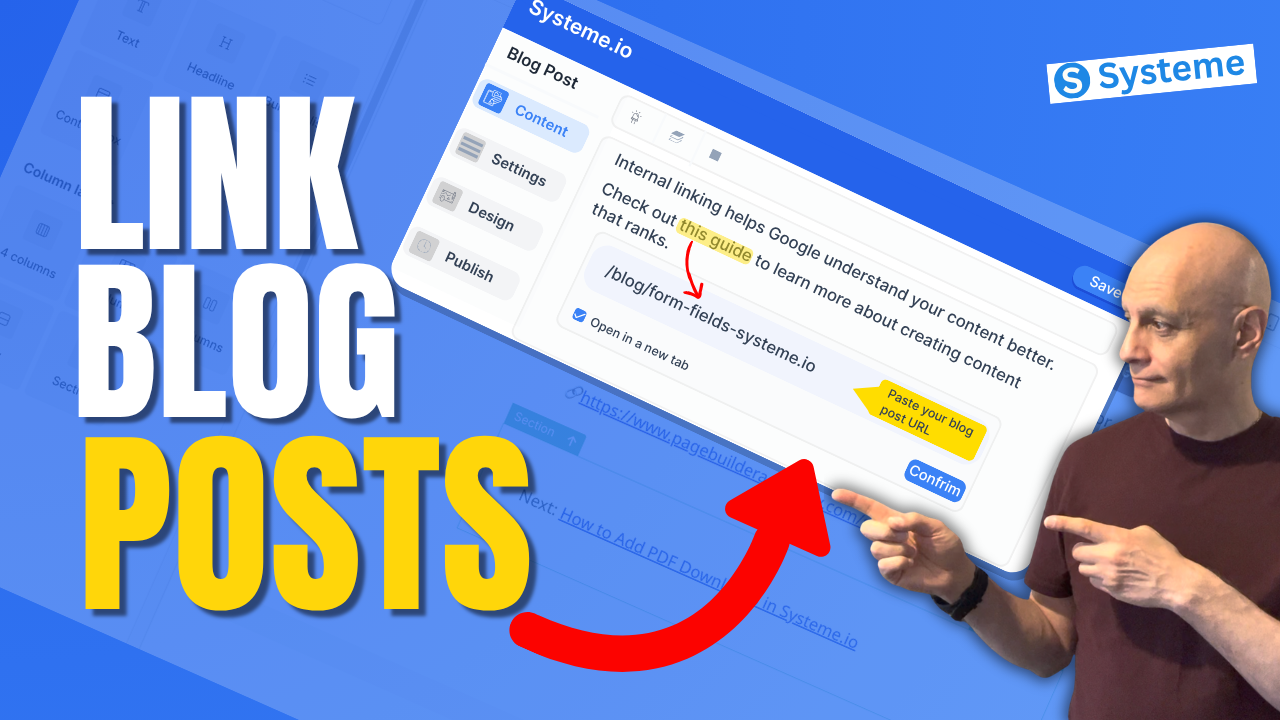
If you’re using Systeme.io to create blog content, internal linking is one of the easiest ways to improve your SEO and keep visitors on your site longer.
In this beginner-friendly tutorial, I’ll show you exactly how to link blog posts internally in Systeme.io step by step. You’ll learn how to add links inside your blog content, connect related posts, and improve the overall structure of your blog.
Whether you’re just getting started or already publishing content, this simple strategy can make a big difference.
In this beginner-friendly tutorial, I’ll show you exactly how to link blog posts internally in Systeme.io step by step. You’ll learn how to add links inside your blog content, connect related posts, and improve the overall structure of your blog.
Whether you’re just getting started or already publishing content, this simple strategy can make a big difference.
In this video, you’ll learn:
• How to edit a blog post in Systeme.io
• How to add clickable links inside your content
• Where to place internal links for best results
• Beginner tips to improve blog performance
If you’re building your first blog or email list, this is a must-know skill.
 Free resource
 Beginner Funnel Checklist / Freebie:
 https://www.pagebuilderacademy.com/starter
Get a FREE Systeme.io account below:
https://www.pagebuilderacademy.com/systeme
See my full Systeme.io review + bonuses:
https://www.pagebuilderacademy.com/2r8b
 Timestamps:
0:00 Why Internal Linking Matters
0:17 What Internal Linking Is
0:32 Open Your Blog Posts
0:51 Copy Blog Post Link
1:26 Add Link to Your Post
2:02 Create “Next Step” Text
2:34 Turn Text Into Link
3:03 Link Settings (New Tab)
3:18 Match Link Style
4:07 Preview Your Link
4:31 Where to Use Internal Links
4:48 Best Practices (Keep It Natural)
4:57 Free Resource
========================
QUESTIONS? CONTACT ME!
========================
EMAIL: zaf@pagebuilderacademy.com
===========
FOLLOW ME
===========
 YOUTUBE SUBSCRIBE – @PageBuilderAcademy
============
DISCLAIMER
============
Some of the links in this description may be affiliate links, which means I receive a small commission at NO ADDITIONAL cost to you if you decide to purchase something.
• How to edit a blog post in Systeme.io
• How to add clickable links inside your content
• Where to place internal links for best results
• Beginner tips to improve blog performance
If you’re building your first blog or email list, this is a must-know skill.
Free resource Beginner Funnel Checklist / Freebie:https://www.pagebuilderacademy.com/starterGet a FREE Systeme.io account below:
https://www.pagebuilderacademy.com/systemeSee my full Systeme.io review + bonuses:
https://www.pagebuilderacademy.com/2r8bTimestamps:0:00 Why Internal Linking Matters
0:17 What Internal Linking Is
0:32 Open Your Blog Posts
0:51 Copy Blog Post Link
1:26 Add Link to Your Post
2:02 Create “Next Step” Text
2:34 Turn Text Into Link
3:03 Link Settings (New Tab)
3:18 Match Link Style
4:07 Preview Your Link
4:31 Where to Use Internal Links
4:48 Best Practices (Keep It Natural)
4:57 Free Resource
========================
QUESTIONS? CONTACT ME!
========================
EMAIL: zaf@pagebuilderacademy.com
===========
FOLLOW ME
===========
YOUTUBE SUBSCRIBE – @PageBuilderAcademy ============
DISCLAIMER
============
Some of the links in this description may be affiliate links, which means I receive a small commission at NO ADDITIONAL cost to you if you decide to purchase something.
Leave a Reply