Tag: systeme.io blog tutorial

  • Most Beginners Miss This Systeme.io Blog Trick

    Most Beginners Miss This Systeme.io Blog Trick

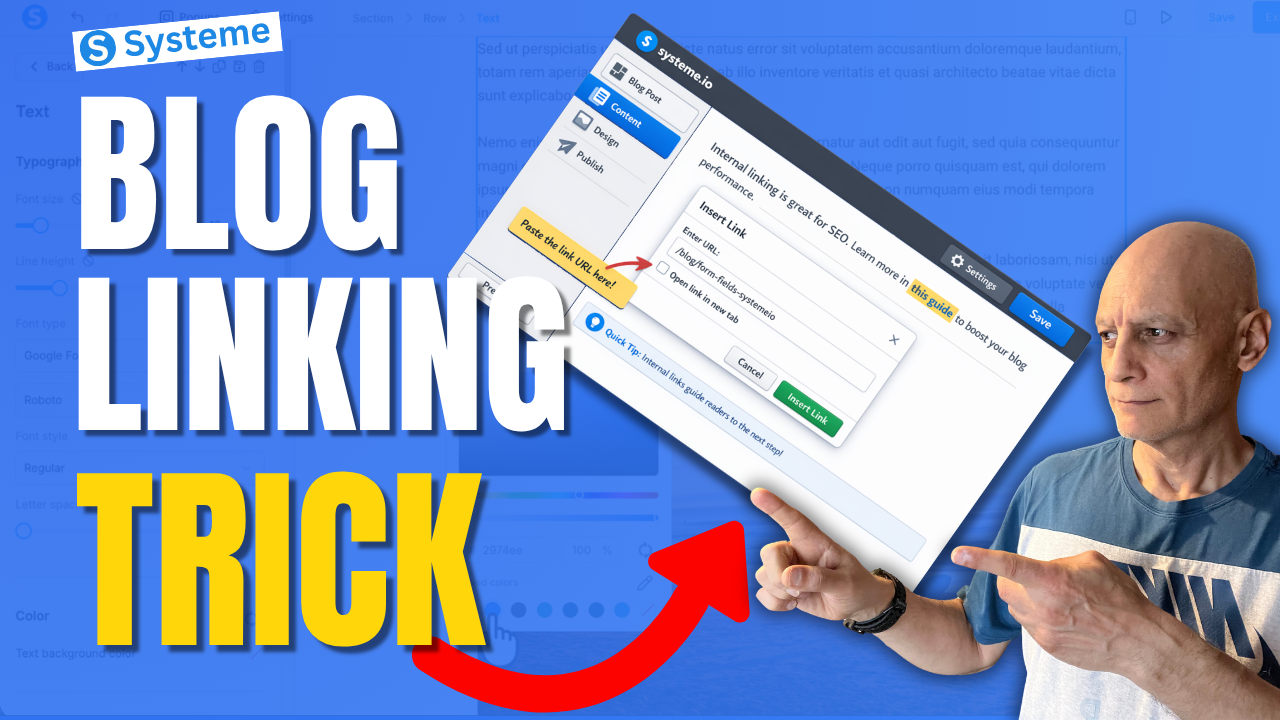
    Most beginners using Systeme.io focus on creating blog posts… but they completely miss one simple trick that can help keep readers on their site longer and improve blog SEO.

    In this beginner-friendly tutorial, I’ll show you exactly how to link blog posts internally in Systeme.io step by step. This is a simple but powerful way to connect your content, guide readers to the next step, and make your blog work harder for you.
    In this video, you’ll learn:

    • What internal linking is
    • How to copy a blog post URL in Systeme.io
    • How to add an internal link inside your blog content
    • Where to place links for better user experience and SEO
    • A simple strategy beginners can start using right away

    If you’re building your blog, funnel, or email list inside Systeme.io, this is one of those small things that can make a big difference over time.

    Next Video: How to add bullet points in Systeme.io
    🔗https://youtu.be/AY-3UqPT60A

    👉 Get a FREE Systeme.io account below:
    🔗https://www.pagebuilderacademy.com/systeme

    👉 Get my free Systeme.io Starter Kit here:
    ✅ Free resource
    📌 Beginner Funnel Checklist / Freebie:
    🔗https://www.pagebuilderacademy.com/starter

    See my full Systeme.io review + bonuses:
    🔗https://www.pagebuilderacademy.com/2r8b


    If this helped, please like and subscribe for more beginner-friendly Systeme.io tutorials.

    #systemeio #bloggingtips #seo #funnels #systemeiotutorial #pagebuilderacademy

    ⏱️Timestamps
    0:00 Why Internal Linking Matters
    0:30 Open Your Blog
    0:53 Copy the Blog Post URL
    1:18 Choose the Post to Edit
    1:36 Highlight Text and Add Link
    2:02 Link Settings and Styling
    2:28 Preview Your Internal Link
    2:49 Best Internal Linking Tips
    3:13 Wrap Up
    3:23 Free Resource

    ========================
    QUESTIONS? CONTACT ME!
    ========================

    EMAIL: zaf@pagebuilderacademy.com

    ===========
    FOLLOW ME
    ===========

    ▶ YOUTUBE SUBSCRIBE – @PageBuilderAcademy

    ============
    DISCLAIMER
    ============
    Some of the links in this description may be affiliate links, which means I receive a small commission at NO ADDITIONAL cost to you if you decide to purchase something.
  • How to Link Blog Posts Internally in Systeme.io

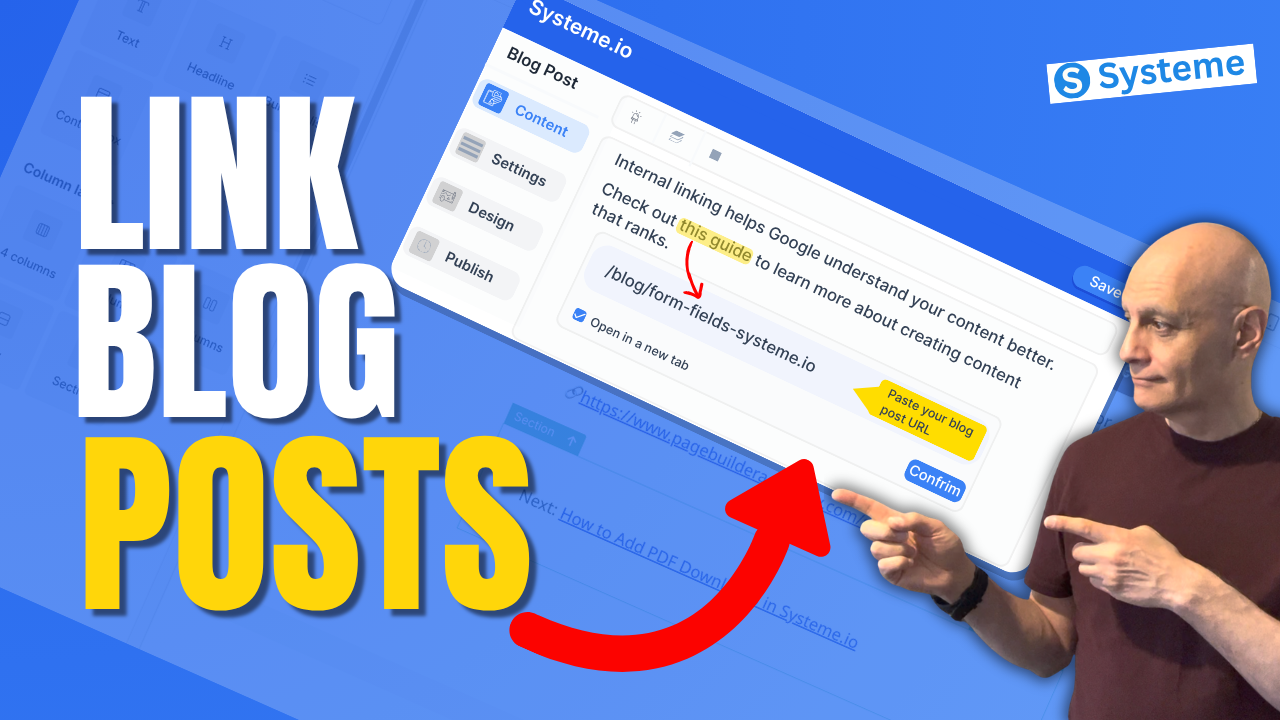
    How to Link Blog Posts Internally in Systeme.io

    If you’re using Systeme.io to create blog content, internal linking is one of the easiest ways to improve your SEO and keep visitors on your site longer.

    In this beginner-friendly tutorial, I’ll show you exactly how to link blog posts internally in Systeme.io step by step. You’ll learn how to add links inside your blog content, connect related posts, and improve the overall structure of your blog.

    Whether you’re just getting started or already publishing content, this simple strategy can make a big difference.
    In this video, you’ll learn:

    • How to edit a blog post in Systeme.io
    • How to add clickable links inside your content
    • Where to place internal links for best results
    • Beginner tips to improve blog performance

    If you’re building your first blog or email list, this is a must-know skill.

    ✅ Free resource
    📌 Beginner Funnel Checklist / Freebie:
    🔗https://www.pagebuilderacademy.com/starter

    Get a FREE Systeme.io account below:
    🔗https://www.pagebuilderacademy.com/systeme

    See my full Systeme.io review + bonuses:
    🔗https://www.pagebuilderacademy.com/2r8b

    ⏱️Timestamps:
    0:00 Why Internal Linking Matters
    0:17 What Internal Linking Is
    0:32 Open Your Blog Posts
    0:51 Copy Blog Post Link
    1:26 Add Link to Your Post
    2:02 Create “Next Step” Text
    2:34 Turn Text Into Link
    3:03 Link Settings (New Tab)
    3:18 Match Link Style
    4:07 Preview Your Link
    4:31 Where to Use Internal Links
    4:48 Best Practices (Keep It Natural)
    4:57 Free Resource

    ========================
    QUESTIONS? CONTACT ME!
    ========================

    EMAIL: zaf@pagebuilderacademy.com

    ===========
    FOLLOW ME
    ===========

    ▶ YOUTUBE SUBSCRIBE – @PageBuilderAcademy
    ============
    DISCLAIMER
    ============
    Some of the links in this description may be affiliate links, which means I receive a small commission at NO ADDITIONAL cost to you if you decide to purchase something.
  • How to set up your first blog in Systeme.io

    How to set up your first blog in Systeme.io

    Ready to publish your very first blog without complicated setup, hosting, or plugins?

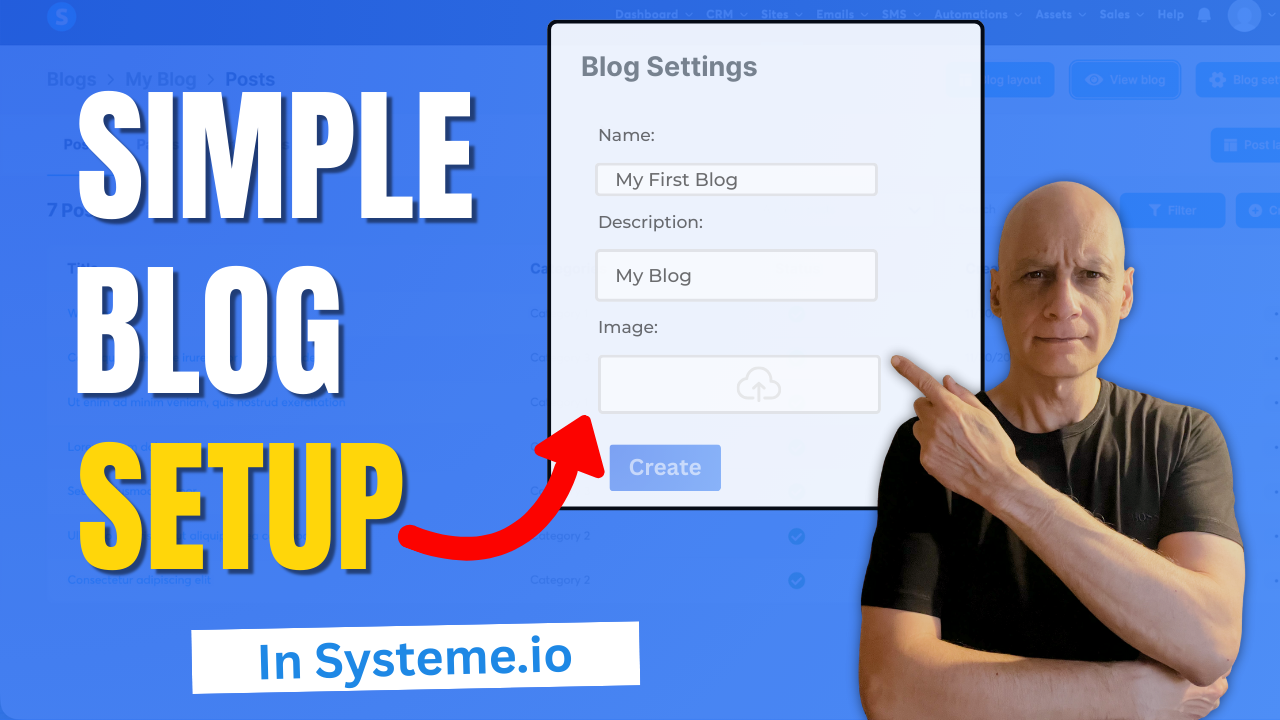
    In this quick beginner-friendly tutorial, I’ll show you step-by-step how to set up your first blog inside Systeme.io — a completely free all-in-one platform perfect for new creators.

    Click to play

    Inside this video, you’ll learn:

    ✔️ Where to find the blog feature
    ✔️ How to create your blog
    ✔️ How to publish your first blog post
    ✔️ How to customise your settings and view your site live

    If you’re brand new to Systeme.io, this is the perfect starting point.

    👉 If you want to build better-performing pages inside Systeme.io, grab the free resource linked below.

    Download The Free Starter Kit: A step-by-step checklist and a ready-made landing page template (for Systeme.io)

    🔗https://www.pagebuilderacademy.com/starter

    💡 Grab yourself a free Systeme.io account: An all-in-one platform, create emails, funnels and more!

    🔗https://www.pagebuilderacademy.com/systeme

    See my full Systeme.io review + bonuses:
    🔗https://www.pagebuilderacademy.com/2r8b

    Timestamps:

    0:00 – Intro
    0:21 – Navigate to blogs
    0:41 – Create a blog
    1:38 – Blog settings
    2:11 – Creating your first post
    2:46 – Adding a featured image
    3:25 – Editing the post
    4:11 – Saving and publishing our post
    4:42 – Previewing our newly created blog
    5:01 – Outro

    #systemeio #systemeiotutorial #pagebuilder #funnelbuilder #onlinemarketingtips #emailmarketing #PageBuilderAcademy #systemeiotutorial

    Next: How to link blog posts internally in Systeme.io


    ========================
    QUESTIONS? CONTACT ME!
    ========================

    EMAIL: zaf@pagebuilderacademey.com

    ===========
    FOLLOW ME
    ===========

    ▶ YOUTUBE SUBSCRIBE – @PageBuilderAcademy

    ============
    DISCLAIMER
    ============

    Some of the links in this description may be affiliate links, which means I receive a small commission at NO ADDITIONAL cost to you if you decide to purchase something.

    These are my opinions and do not represent the views of the companies that create these products.

    My opinions are based on my personal experience and research. I never recommend poor-quality products or create false reviews to generate sales.

    I intend to explain products so you can make an informed decision on which ones suit your needs best.

    Any forward-looking statements in this video are intended to express my opinions. They are opinions only and should not be relied upon as fact.

    Success in any endeavour is based on many factors, individual to you. I do not know your educational background, your skills, your prior experience, or the time you can and will devote to the endeavour.
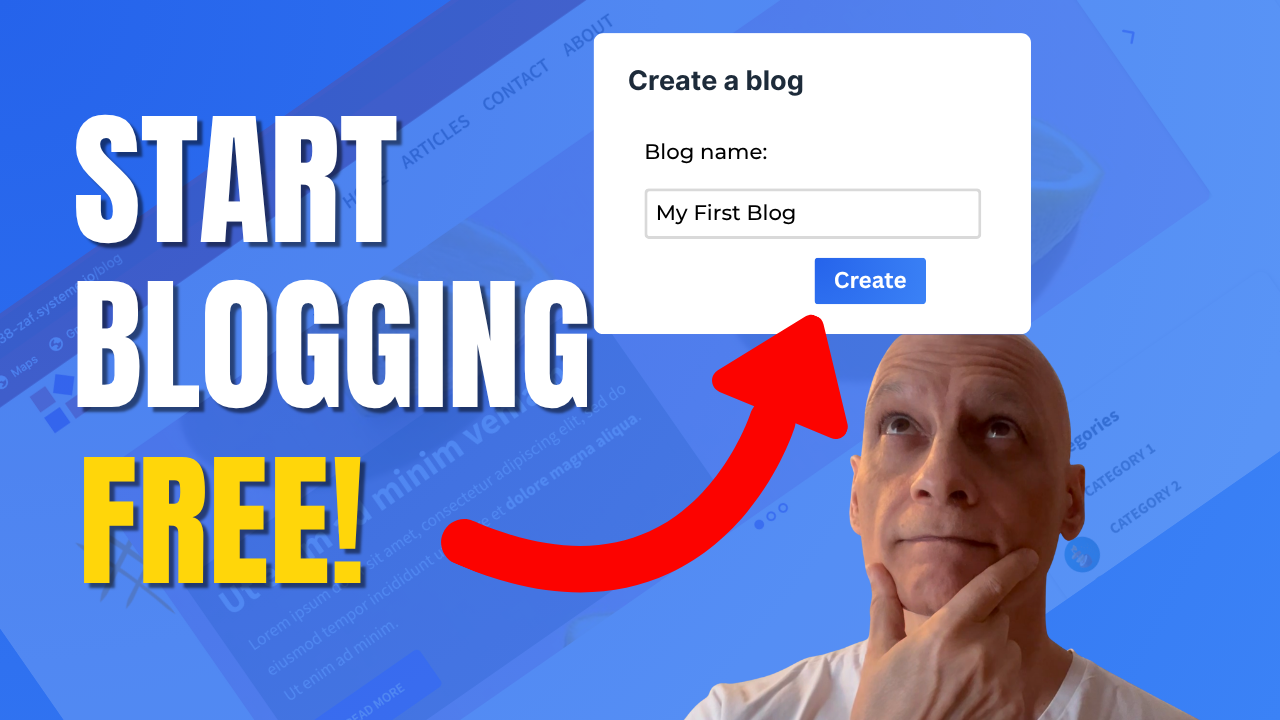
  • Start Blogging for Free with Systeme.io

    Start Blogging for Free with Systeme.io

    Ready to start blogging the easy way? 🚀

    In this beginner-friendly Systeme.io tutorial, you’ll learn everything you need to create and publish your first blog — completely free.
    Inside this quick walkthrough, you’ll discover:
    ✅ Where to find the blog feature inside Systeme.io
    ✅ How to create and customise your blog
    ✅ How to write and publish your first post
    ✅ Tips to make your blog look clean and professional

    Whether you’re starting a side hustle or building your first website, Systeme.io gives you all the tools to launch your blog fast — no coding, no hosting, no stress.

    👉 Watch now and get your blog live today!
    📺 Subscribe to Page Builder Academy for more easy Systeme.io tutorials.

    Download The Free Starter Kit: A step-by-step checklist and a ready-made landing page template (for Systeme.io)

    🔗https://optin.pagebuilderacademy.com

    💡 Grab yourself a free Systeme.io account: An all-in-one platform, create emails, funnels and more!

    🔗https://www.pagebuilderacademy.com/systeme

    Timestamps:
    0:00 – Intro
    0:26 – Navigating to Blogs
    0:36 – Creating your blog
    1:30 – Select template
    1:45 – Blog pages
    2:16 – Previewing the blog pages
    2:33 – Creating a blog post
    2:43 – Title and description of post
    3:09 – Editing the post
    3:52 – Making sure the post is published.
    4″17 – Viewing the post
    4:36 – Outro: Free resource

    #systemeio #systemeiotutorial #pagebuilder #funnelbuilder #onlinemarketingtips #emailmarketing #PageBuilderAcademy #systemeiotutorial

    ========================
    QUESTIONS? CONTACT ME!
    ========================

    EMAIL: zaf@pagebuilderacademey.com

    ===========
    FOLLOW ME
    ===========

    ▶ YOUTUBE SUBSCRIBE – @PageBuilderAcademy
    ============
    DISCLAIMER
    ============

    Some of the links in this description may be affiliate links, which means I receive a small commission at NO ADDITIONAL cost to you if you decide to purchase something.

    These are my opinions and do not represent the views of the companies that create these products.

    My opinions are based on my personal experience and research. I never recommend poor-quality products or create false reviews to generate sales.

    I intend to explain products so you can make an informed decision on which ones suit your needs best.

    Any forward-looking statements in this video are intended to express my opinions. They are opinions only and should not be relied upon as fact.

    Success in any endeavour is based on many factors, individual to you. I do not know your educational background, your skills, your prior experience, or the time you can and will devote to the endeavour.
  • Add Video Blog Posts in Systeme.io Step by Step

    Add Video Blog Posts in Systeme.io Step by Step

    Want to know how to add a video as a blog post in Systeme.io and then schedule it to publish automatically? I


    In this step-by-step tutorial, I’ll show you exactly how to do it.

    Instead of starting from scratch, we’ll take a video you’ve already recorded and upload it to Systeme.io as a blog post. Then, I’ll walk you through how to schedule that post so it goes live at the perfect time.

    What you’ll learn in this video:
    ✅ How to add an existing video to your Systeme.io blog
    ✅ How to turn that video into a blog post
    ✅ How to schedule the post to publish automatically
    Systeme.io isn’t just about funnels and emails — it also gives you an easy way to manage your blog content and keep it on schedule.

    0:00 – Intro
    00:49 – Navigate to Blogs
    01:40 – Adding an image
    02:17 – Editing the post
    03:00 – Adding the video to the blog
    04:06 – Schedule post
    04:31 – Free resource

    🚀 Ready to start your blog? Grab your free Systeme.io account here:
    🔗https://www.pagebuilderacademy.com/systeme

    💡 Don’t forget to like, subscribe, and hit the bell so you don’t miss future Systeme.io tutorials!

    #Systemeio #Blogging #OnlineBusiness

    UPDATE!
    ========================
    Since recording this video, I’ve now updated this to the Free Starter Kit
    This now includes my 10-Minute Landing Page Blueprint + my ready-to-use 5-Minute Lite Landing Page Template.

    Download The Free Starter Kit: A step-by-step checklist and a ready-made landing page template (for Systeme.io)
    🔗https://optin.pagebuilderacademy.com

    ========================
    QUESTIONS? CONTACT ME!
    ========================

    EMAIL: zaf@pagebuilderacademey.com

    ===========
    FOLLOW ME
    ===========

    ▶ YOUTUBE SUBSCRIBE – @PageBuilderAcademy

    ============
    DISCLAIMER
    ============

    Some of the links in this description may be affiliate links, which means I receive a small commission at NO ADDITIONAL cost to you if you decide to purchase something.

    These are my opinions and do not represent the views of the companies that create these products.

    My opinions are based on my personal experience and research. I never recommend poor-quality products or create false reviews to generate sales.

    I intend to explain products so you can make an informed decision on which ones suit your needs best.

    Any forward-looking statements in this video are intended to express my opinions. They are opinions only and should not be relied upon as fact.

    Success in any endeavour is based on many factors, individual to you. I do not know your educational background, your skills, your prior experience, or the time you can and will devote to the endeavour.