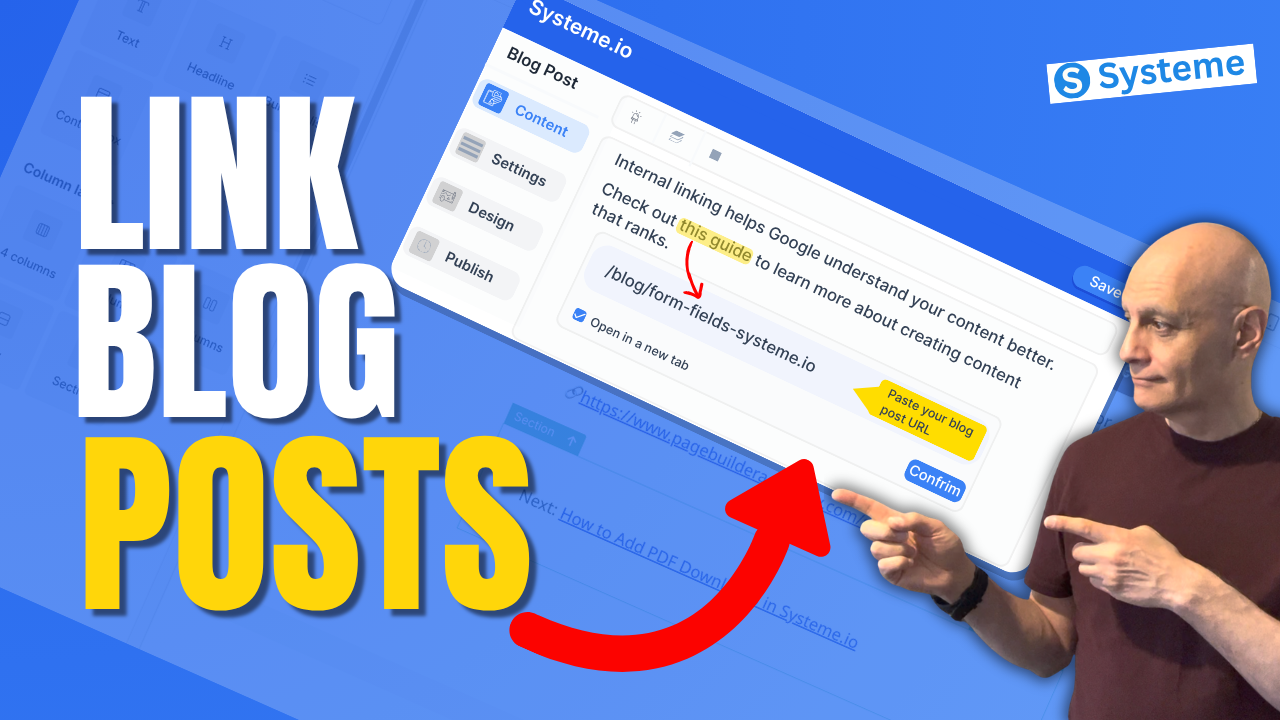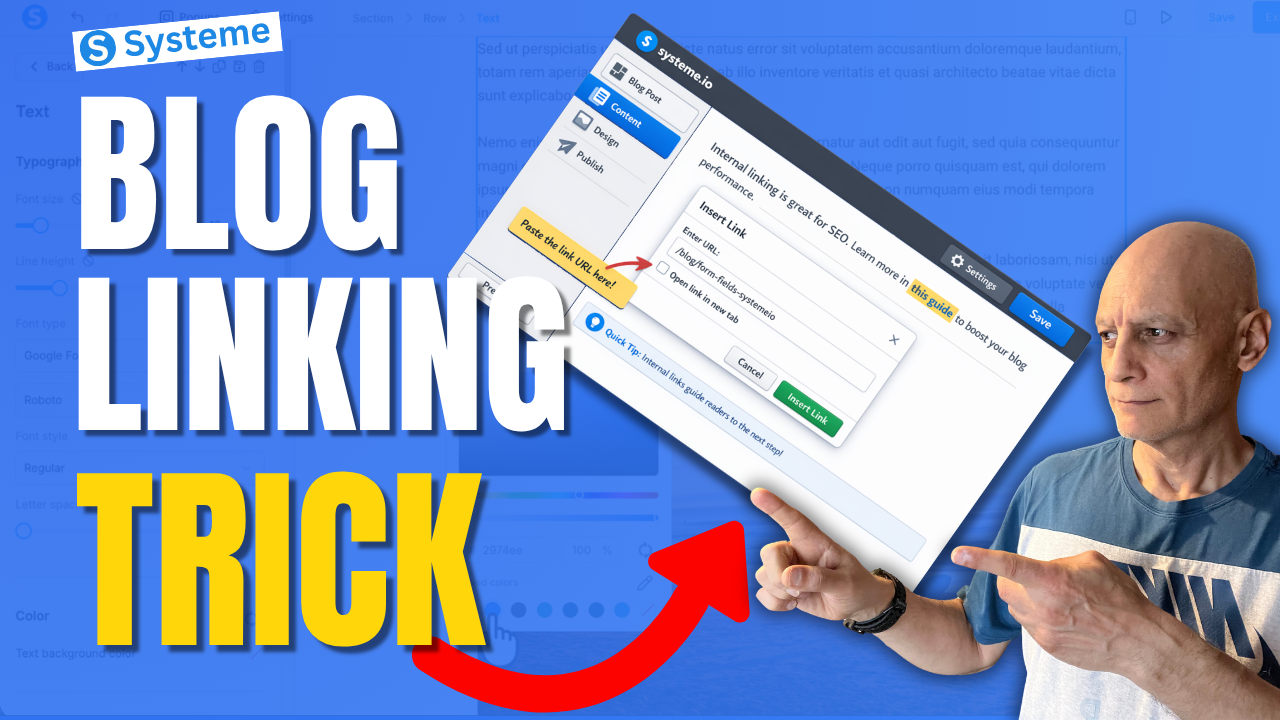
Most beginners using Systeme.io focus on creating blog posts… but they completely miss one simple trick that can help keep readers on their site longer and improve blog SEO.
In this beginner-friendly tutorial, I’ll show you exactly how to link blog posts internally in Systeme.io step by step. This is a simple but powerful way to connect your content, guide readers to the next step, and make your blog work harder for you.
In this beginner-friendly tutorial, I’ll show you exactly how to link blog posts internally in Systeme.io step by step. This is a simple but powerful way to connect your content, guide readers to the next step, and make your blog work harder for you.
In this video, you’ll learn:
• What internal linking is
• How to copy a blog post URL in Systeme.io
• How to add an internal link inside your blog content
• Where to place links for better user experience and SEO
• A simple strategy beginners can start using right away
If you’re building your blog, funnel, or email list inside Systeme.io, this is one of those small things that can make a big difference over time.
Next Video: How to add bullet points in Systeme.io
 https://youtu.be/AY-3UqPT60A
 Get a FREE Systeme.io account below:
https://www.pagebuilderacademy.com/systeme
Get my free Systeme.io Starter Kit here:
 Free resource
 Beginner Funnel Checklist / Freebie:
https://www.pagebuilderacademy.com/starter
See my full Systeme.io review + bonuses:
https://www.pagebuilderacademy.com/2r8b
If this helped, please like and subscribe for more beginner-friendly Systeme.io tutorials.
#systemeio #bloggingtips #seo #funnels #systemeiotutorial #pagebuilderacademy
 Timestamps
0:00 Why Internal Linking Matters
0:30 Open Your Blog
0:53 Copy the Blog Post URL
1:18 Choose the Post to Edit
1:36 Highlight Text and Add Link
2:02 Link Settings and Styling
2:28 Preview Your Internal Link
2:49 Best Internal Linking Tips
3:13 Wrap Up
3:23 Free Resource
========================
QUESTIONS? CONTACT ME!
========================
EMAIL: zaf@pagebuilderacademy.com
===========
FOLLOW ME
===========
 YOUTUBE SUBSCRIBE – @PageBuilderAcademy
============
DISCLAIMER
============
Some of the links in this description may be affiliate links, which means I receive a small commission at NO ADDITIONAL cost to you if you decide to purchase something.
• What internal linking is
• How to copy a blog post URL in Systeme.io
• How to add an internal link inside your blog content
• Where to place links for better user experience and SEO
• A simple strategy beginners can start using right away
If you’re building your blog, funnel, or email list inside Systeme.io, this is one of those small things that can make a big difference over time.
Next Video: How to add bullet points in Systeme.io
https://youtu.be/AY-3UqPT60A Get a FREE Systeme.io account below:https://www.pagebuilderacademy.com/systeme Get my free Systeme.io Starter Kit here: Free resource Beginner Funnel Checklist / Freebie:https://www.pagebuilderacademy.com/starterSee my full Systeme.io review + bonuses:
https://www.pagebuilderacademy.com/2r8bIf this helped, please like and subscribe for more beginner-friendly Systeme.io tutorials.
#systemeio #bloggingtips #seo #funnels #systemeiotutorial #pagebuilderacademy
Timestamps0:00 Why Internal Linking Matters
0:30 Open Your Blog
0:53 Copy the Blog Post URL
1:18 Choose the Post to Edit
1:36 Highlight Text and Add Link
2:02 Link Settings and Styling
2:28 Preview Your Internal Link
2:49 Best Internal Linking Tips
3:13 Wrap Up
3:23 Free Resource
========================
QUESTIONS? CONTACT ME!
========================
EMAIL: zaf@pagebuilderacademy.com
===========
FOLLOW ME
===========
YOUTUBE SUBSCRIBE – @PageBuilderAcademy ============
DISCLAIMER
============
Some of the links in this description may be affiliate links, which means I receive a small commission at NO ADDITIONAL cost to you if you decide to purchase something.