In this beginner-friendly tutorial, you’ll see how to create automation rules, use tags as triggers, and automatically start actions like email campaigns or course access.
This Systeme.io automation setup is perfect for email marketing, funnels, and hands-free follow-up.
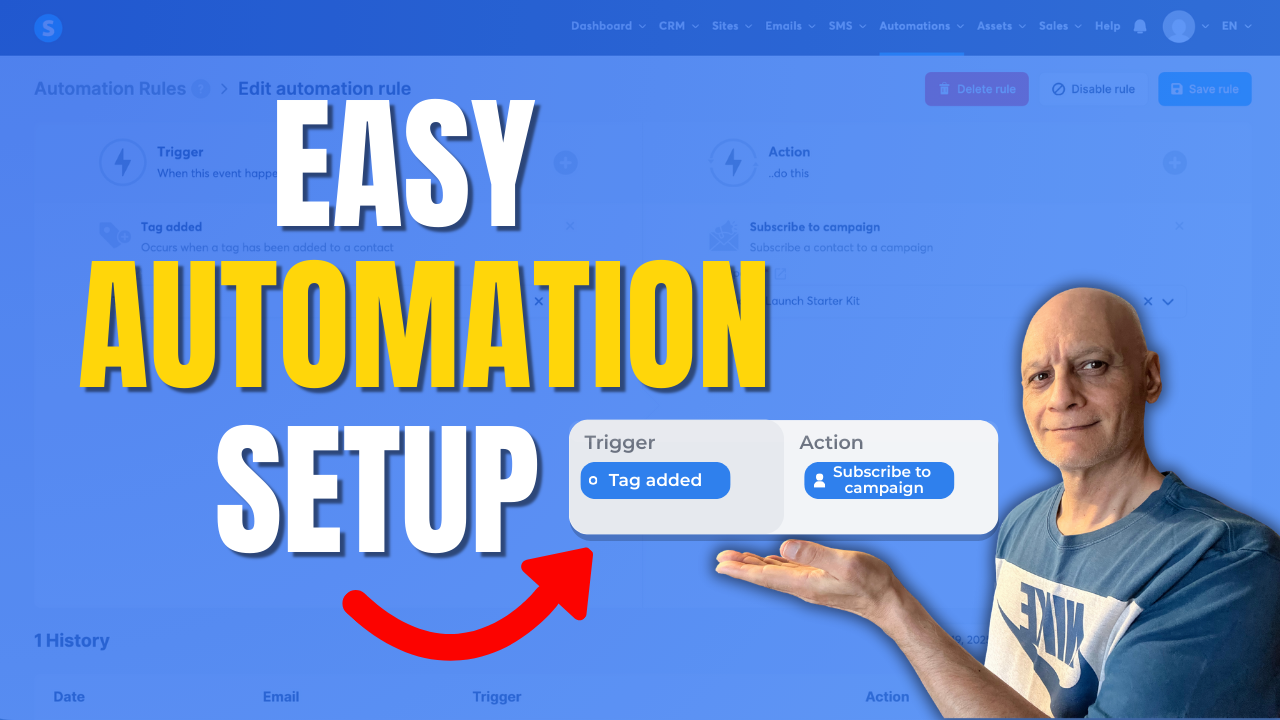
Click to play
 Topics covered:
 Systeme.io automation rules
Using tags as triggers
Automating email campaigns
Beginner Systeme.io tutorial
Subscribe for more Systeme.io and online marketing tutorials.
🎥 Next video (recommended): How to tag contacts automatically by funnel step
How to Trigger an Automation When a Tag is Added
Free resource
 Beginner Funnel Checklist / Freebie:
 https://www.pagebuilderacademy.com/starter
Get a FREE Systeme.io account below:
https://www.pagebuilderacademy.com/systeme
See my full Systeme.io review + bonuses:
https://www.pagebuilderacademy.com/2r8b
Timestamps:
0:00 – Intro
0:38 – Navigating to Rules
0:48 – Creating a new rule
0:55 – Creating a trigger
1:12 – Adding a tag for the trigger
1:29 – Add a rule
2:02 – Selecting what we want to happen when our tag is added
2:29 – Saving the new rule and previewing it.
3:05 – Manually testing the new rule
4:48 – Outro
#systemeio #systemeiotutorial #pagebuilder #funnelbuilder #onlinemarketingtips #emailmarketing #pagebuilderacademy
========================
QUESTIONS? CONTACT ME!
========================
EMAIL: zaf@pagebuilderacademy.com
===========
FOLLOW ME
===========
 YOUTUBE SUBSCRIBE – @PageBuilderAcademy
============
DISCLAIMER
============
Some of the links in this description may be affiliate links, which means I receive a small commission at NO ADDITIONAL cost to you if you decide to purchase something.
Leave a Reply