Tag: systeme io email automation

  • Build This Simple Email Automation in Systeme.io

    Build This Simple Email Automation in Systeme.io

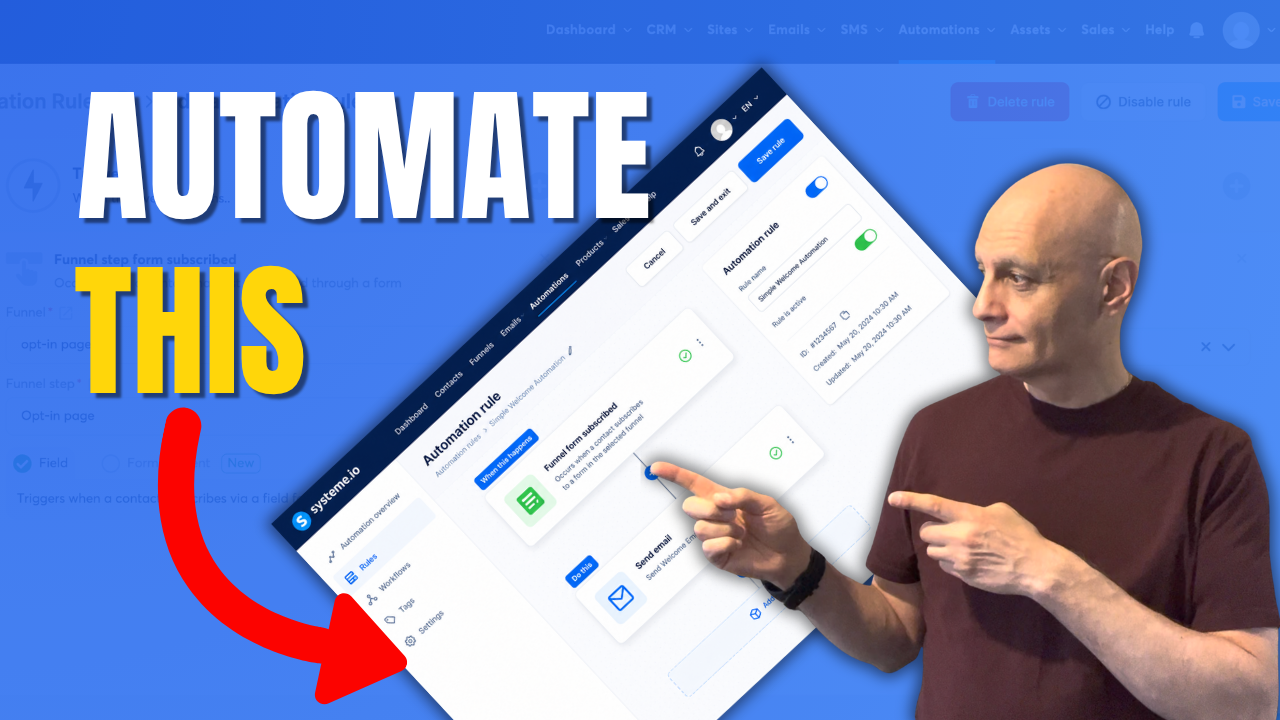
    In this video, I’ll show you how to create a simple email automation in Systeme.io that most beginners can set up in just a few minutes.

    A lot of new marketers make email automation far more complicated than it needs to be. Multiple conditions, endless email sequences, tags, and complex workflows often create confusion before they create results.

    Instead, I’ll walk you through a beginner-friendly automation rule that automatically sends a welcome email when someone joins your email list.

    In this tutorial you’ll learn:

    • How to create an automation rule in Systeme.io
    • How to add a trigger and action
    • How to send a welcome email automatically
    • How to test your automation
    • What most beginners should avoid when getting started

    If you’re building your first funnel, growing an email list, or learning Systeme.io, this simple setup is often all you need to start.

    Remember: simple systems are easier to build, easier to manage, and easier to improve over time.

    Subscribe for beginner-friendly funnel tutorials, Systeme.io training, and practical online business strategies designed to help you take action without the overwhelm.

    systemeio #emailmarketing #marketingautomation #salesfunnels #emailautomation #onlinebusiness #pagebuilderacademy #systemeioforbeginners #systemeiotutorial #systeme #funnelbuilding #emaillistbuilding #digitalmarketing

    ✅ Free resource
    📌 Beginner Funnel Checklist / Freebie:
    🔗https://www.pagebuilderacademy.com/starter

    Get a FREE Systeme.io account below:
    🔗https://www.pagebuilderacademy.com/systeme

    See my full Systeme.io review + bonuses:
    🔗https://www.pagebuilderacademy.com/2r8b

    ⏱️Timestamps:
    00:00 Most Beginners Overcomplicate This
    00:20 The Entire Automation Explained
    00:38 Create an Automation Rule
    01:02 Add the Trigger
    01:45 Add the Email Action
    02:15 Create Your Welcome Email
    03:11 Test the Automation
    03:30 The Mistake Most Beginners Make
    03:37 My Recommended Setup
    03:50 Why Simple Works Better
    04:03 Free Systeme.io Starter Kit

    QUESTIONS? CONTACT ME!

    EMAIL: zaf@pagebuilderacademy.com

    ===========

    FOLLOW ME

    ▶ YOUTUBE SUBSCRIBE – @PageBuilderAcademy

    ============

    DISCLAIMER

    Some of the links in this description may be affiliate links, which means I receive a small commission at NO ADDITIONAL cost to you if you decide to purchase something.
  • Build your first simple funnel in Systeme.io

    Build your first simple funnel in Systeme.io

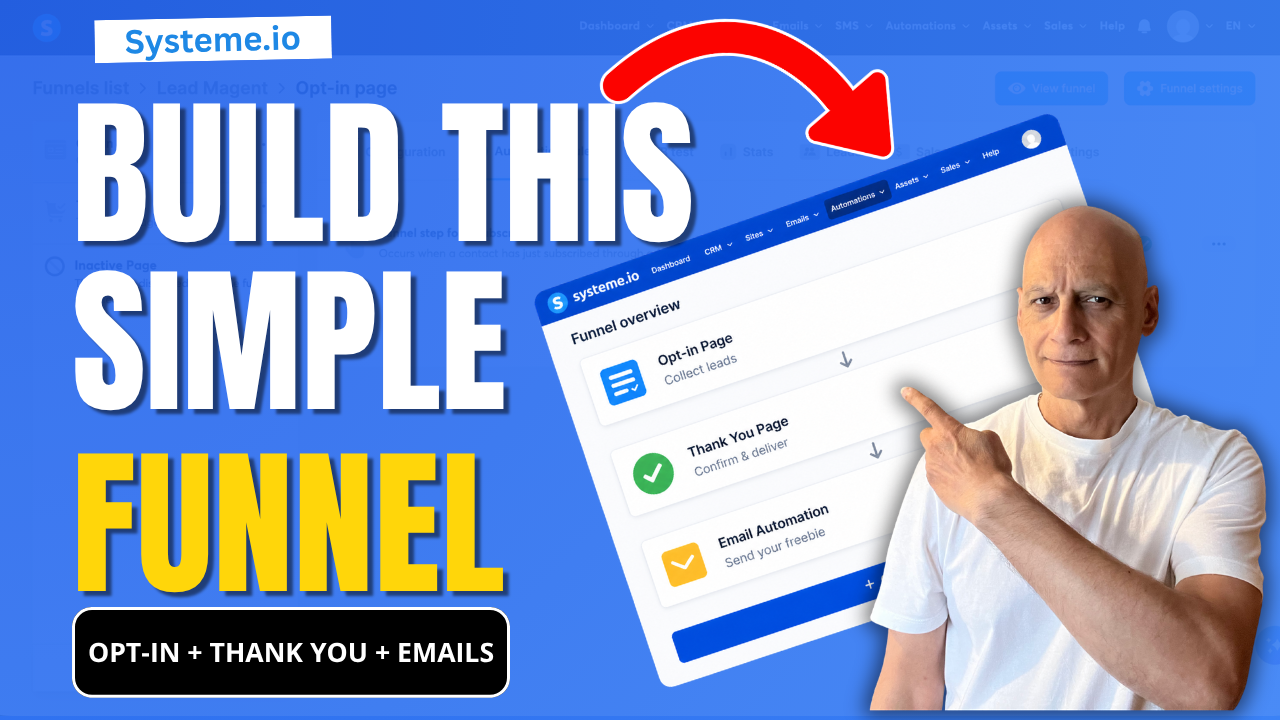
    If you’re new to Systeme.io and want to start building your email list, this video shows you the exact beginner funnel setup you need:

    ✔ Opt-in page (collect emails)
    ✔ Thank you page (guide your subscriber)
    ✔ Email automation (deliver your freebie automatically)

    This is the simplest funnel you can build to start growing your list without confusion.

    🎯 What You’ll Learn

    * How to create a basic funnel in Systeme.io
    * How all parts of a funnel connect together
    * The two simple ways to send your freebie automatically
    * How to test your funnel properly (most beginners skip this)

    🔧 Step-by-Step Tutorials (Watch Next)

    👉 Full Opt-in Page Tutorial → https://youtu.be/dlTIuSDJcM8
    👉 Thank You Page Tutorial → https://youtu.be/VjRpHNbhoyM
    👉 Automation with Tags → https://youtu.be/t4h6SreY558
    👉 Automation with Campaigns → https://youtu.be/VByyGCoF0Rc
    👉 How to Test Your Funnel → https://youtu.be/Wj1Tg2j8jHA

    If you want help building better funnels in Systeme.io, download my free checklist here:
    👉 🔗https://www.pagebuilderacademy.com/starter

    Get a FREE Systeme.io account below:
    🔗https://www.pagebuilderacademy.com/systeme

    See my full Systeme.io review + bonuses:
    🔗https://www.pagebuilderacademy.com/2r8b

    💬 About This Channel

    I create simple, beginner-friendly tutorials to help you build funnels, grow your email list, and start earning online — without overwhelm.

    👍 If This Helped

    Like the video and subscribe if you want more step-by-step Systeme.io tutorials designed for beginners.

    #systemeio #emailmarketing #funnelbuilding #leadgeneration #makemoneyonline #digitalmarketing #affiliatemarketing #emailfunnels #onlinebusiness #listbuilding #pagebuilderacademy #systemeiotutorial

    ⏱️ Timestamps:
    0:00 Build Your First Funnel in Systeme.io
    0:18 See How This Funnel Works (Preview)
    0:31 Start Building Step-by-Step
    0:40 Create Your Funnel (Dashboard Setup)
    1:25 Choose a Simple Funnel Template
    1:42 Your Opt-in Page Explained (Keep It Simple)
    2:19 Your Thank You Page Explained
    3:08 Set Up Email Automation (Important Step)
    3:46 How Your Freebie Is Sent Automatically
    4:02 Test Your Funnel (Full Walkthrough)
    4:40 Check Email Delivery (Freebie Sent)
    4:47 What To Do Next (Improve Your Funnel)
    5:07 Subscribe for More Beginner Tutorials
    5:12 Free Systeme.io Starter Kit (Bonus)

    ===========
    FOLLOW ME
    ===========

    ▶ YOUTUBE SUBSCRIBE – @PageBuilderAcademy

    ============
    DISCLAIMER
    ============
    Some of the links in this description may be affiliate links, which means I receive a small commission at NO ADDITIONAL cost to you if you decide to purchase something.

  • How to Trigger an Automation When Someone Signs Up Systeme.io

    How to Trigger an Automation When Someone Signs Up Systeme.io

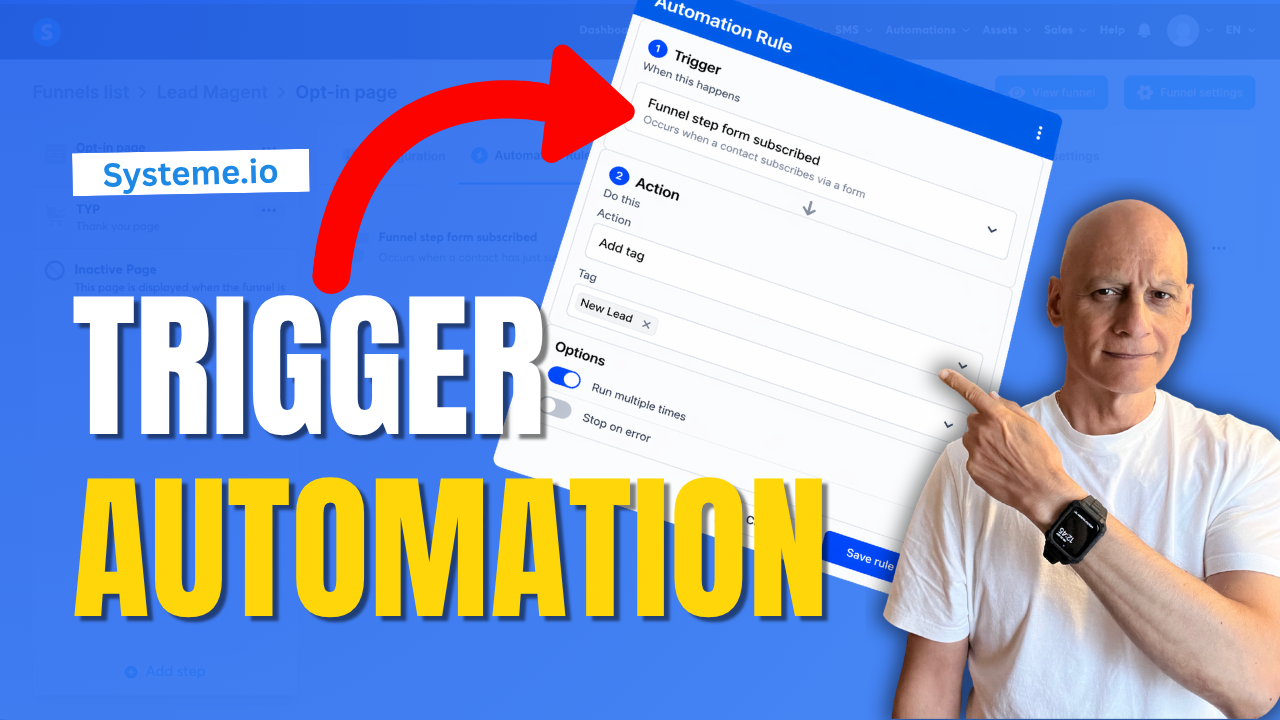
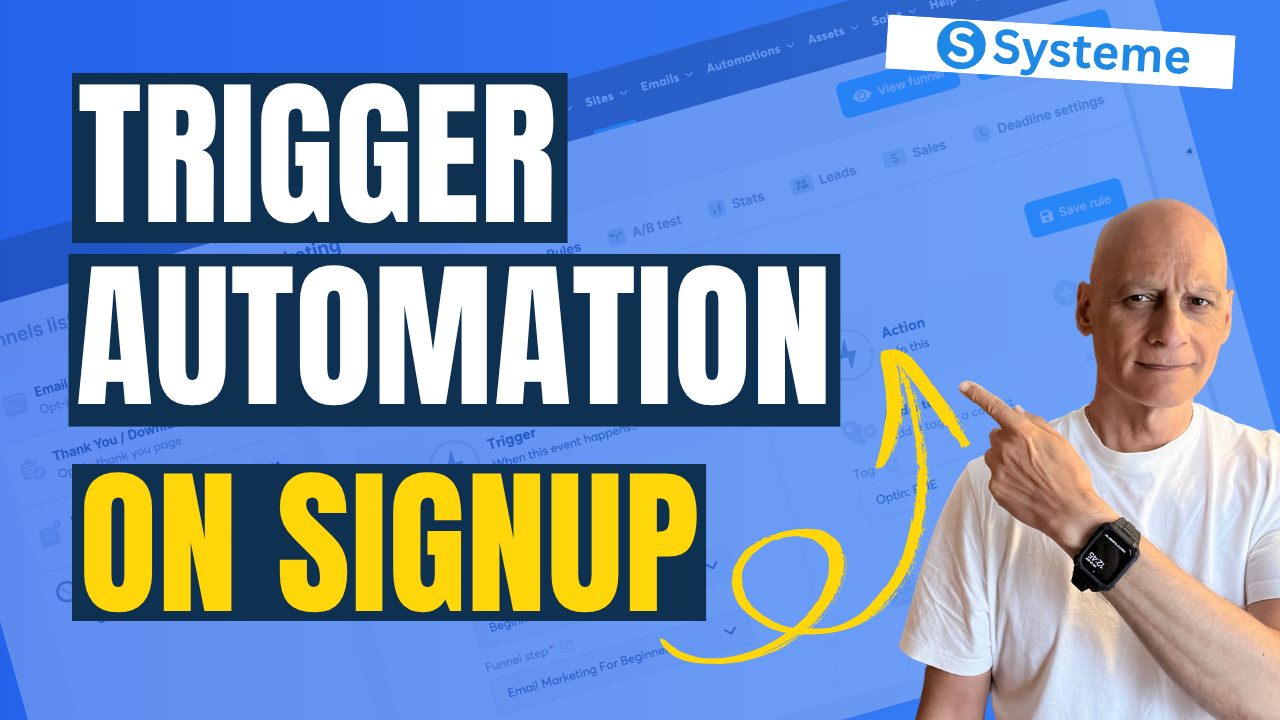
    In this beginner-friendly tutorial, you’ll learn how to trigger an automation on a funnel step inside Systeme.io.

    This allows you to automatically add tags, start email campaigns, or track user behaviour when someone visits or interacts with your funnel pages.

    In this step-by-step guide, you’ll learn:

    * How to access automation rules in your funnel
    * How to choose the right trigger
    * How to add actions like tagging or email sequences
    * How to test your automation properly

    This is a simple but powerful way to automate your funnels and build a more targeted email list.

    👉 Download my free Systeme.io checklist to build better funnels: 🔗https://www.pagebuilderacademy.com/starter

    Get a FREE Systeme.io account below:
    🔗https://www.pagebuilderacademy.com/systeme

    See my full Systeme.io review + bonuses:
    🔗https://www.pagebuilderacademy.com/2r8b

    ⏱️Timestamps
    0:00 What Happens After Signup?
    0:18 Trigger an Automation in Systeme.io
    0:32 What This Automation Does
    0:44 Go to Sales Funnels
    1:07 Open Automation Rules
    1:15 Choose the Best Trigger
    1:45 Add an Action
    2:18 Add a Tag to New Leads
    2:40 Save Your Rule
    2:55 Test Your Automation
    3:13 Setup Complete
    3:24 Free Systeme.io Starter Kit

    ========================
    QUESTIONS? CONTACT ME!
    ========================

    EMAIL: zaf@pagebuilderacademy.com

    ===========
    FOLLOW ME
    ===========

    ▶ YOUTUBE SUBSCRIBE – @PageBuilderAcademy

    ============
    DISCLAIMER
    ============
    Some of the links in this description may be affiliate links, which means I receive a small commission at NO ADDITIONAL cost to you if you decide to purchase something.

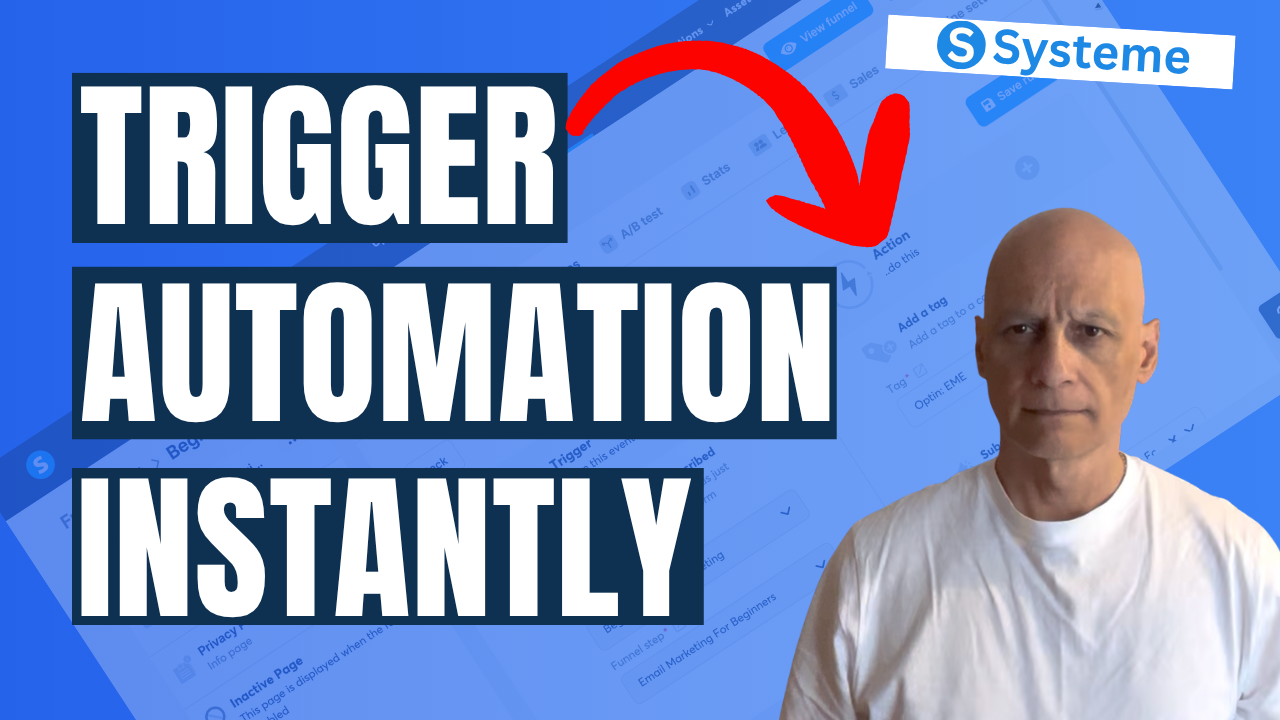
  • This Simple Automation Triggers Instantly Systeme.io

    This Simple Automation Triggers Instantly Systeme.io

    There’s a simple automation inside Systeme.io that most beginners either miss… or overcomplicate.

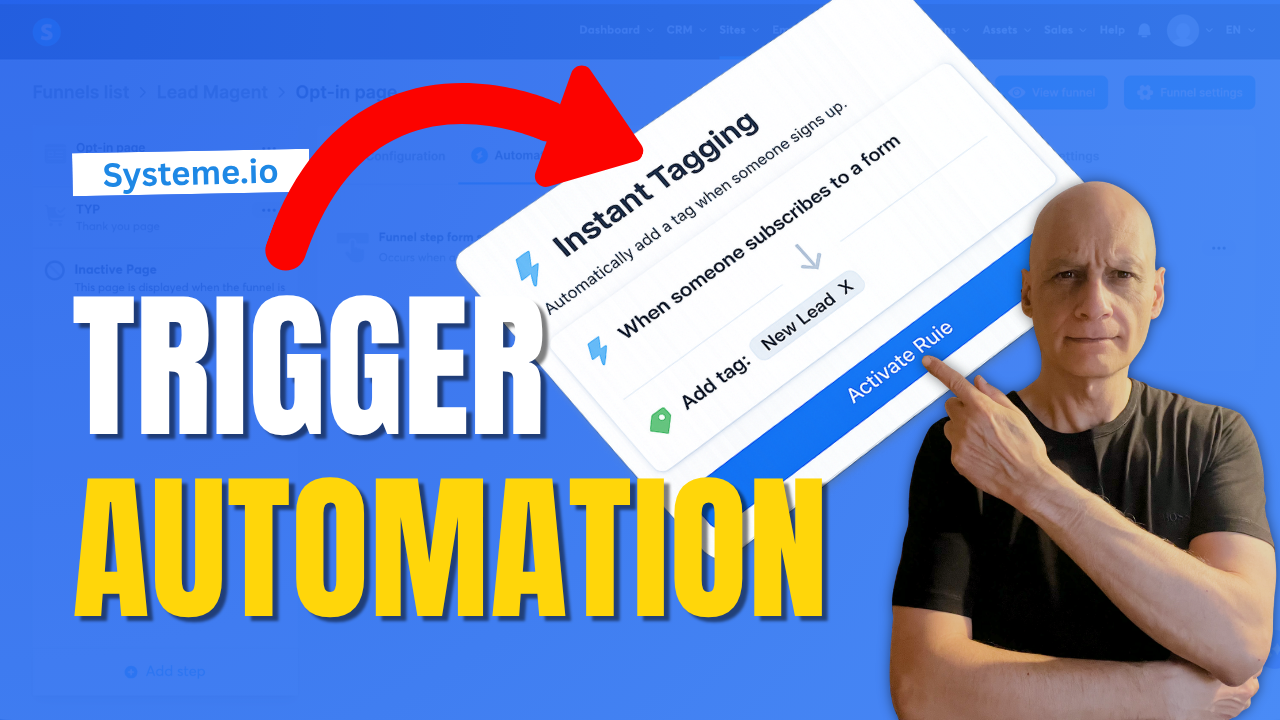
    In this video, I’ll show you how to set up a simple automation that triggers instantly when someone signs up to your funnel—so you can automatically tag contacts, start email sequences, and move subscribers into the right follow-up without doing anything manually.

    This is one of the easiest ways to start building a smarter, more automated funnel inside Systeme.io.

    🔧 What You’ll Learn

    * How to trigger an automation when someone subscribes
    * How to automatically tag new leads
    * How to connect your funnel to email follow-up
    * How to test your automation properly

    🚀 Why This Matters

    Without automation, your funnel stops at the opt-in.

    With this setup:

    * Your contacts are tagged instantly
    * Your emails can start automatically
    * Your follow-up becomes consistent and scalable

    👉 Download my free Systeme.io checklist to build better funnels:
    📌 Beginner Funnel Checklist
    🔗https://www.pagebuilderacademy.com/starter

    Get a FREE Systeme.io account below:
    🔗https://www.pagebuilderacademy.com/systeme

    See my full Systeme.io review + bonuses:
    🔗https://www.pagebuilderacademy.com/2r8b

    If you found this helpful, make sure to:
    👍 Like the video
    🔔 Subscribe for more simple Systeme.io tutorials
    ⏱️Timestamps:
    0:00 Simple Automation Most Beginners Miss
    0:16 What This Automation Does
    0:24 Quick Demo (Happens Instantly)
    0:39 Go to Funnels in Systeme.io
    0:57 Open Automation Rules
    1:10 Add Trigger (Important Step)
    1:25 Choose the Right Trigger
    1:49 Add Action (Tag Setup)
    2:30 Save Your Automation
    2:45 Test Your Setup
    3:13 Automation Now Runs Instantly
    3:22 Free Resource + Next Steps

    #systemeio #emailmarketing #salesfunnel #marketingautomation #onlinemarketing #affiliatemarketing #digitalmarketing #listbuilding #funnels #automation #makemoneyonline #systemeiotutorial #pagebuilderacademy

    ========================
    QUESTIONS? CONTACT ME!
    ========================

    EMAIL: zaf@pagebuilderacademy.com

    ===========
    FOLLOW ME
    ===========

    ▶ YOUTUBE SUBSCRIBE – @PageBuilderAcademy

    ============
    DISCLAIMER
    ============
    Some of the links in this description may be affiliate links, which means I receive a small commission at NO ADDITIONAL cost to you if you decide to purchase something.

  • Systeme.io Tags: The Automation Trick Most Miss

    Systeme.io Tags: The Automation Trick Most Miss

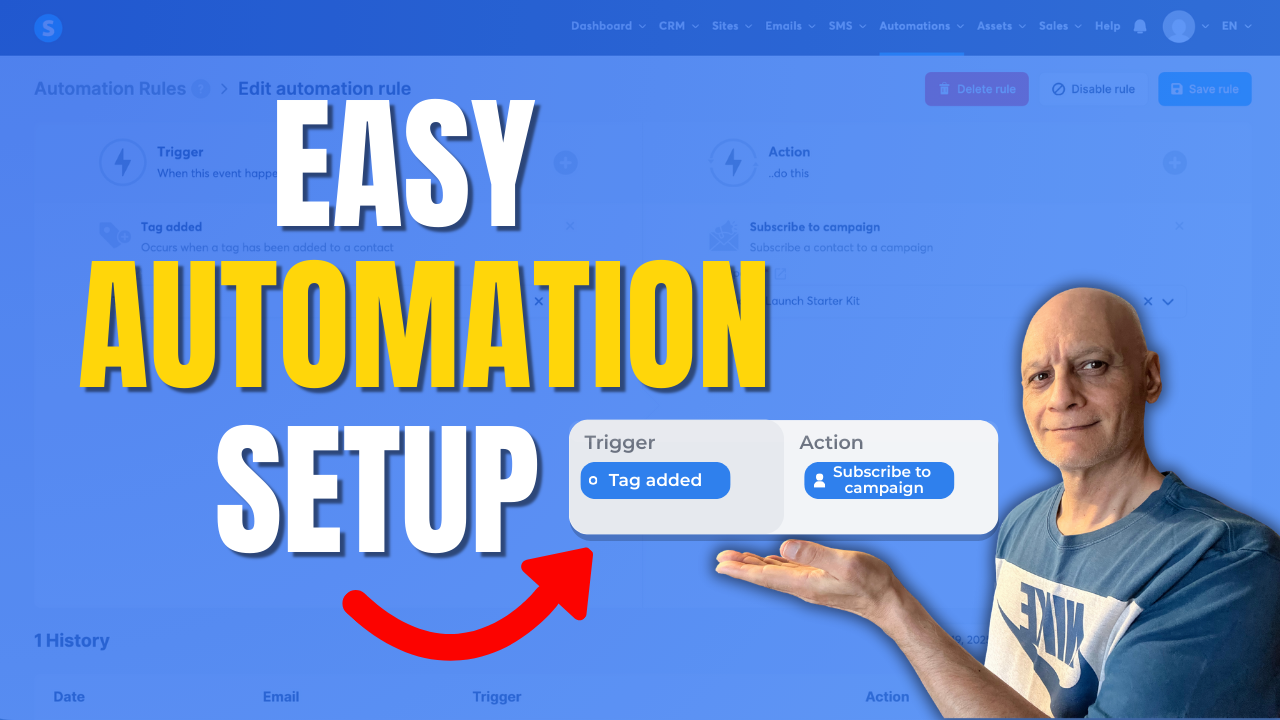
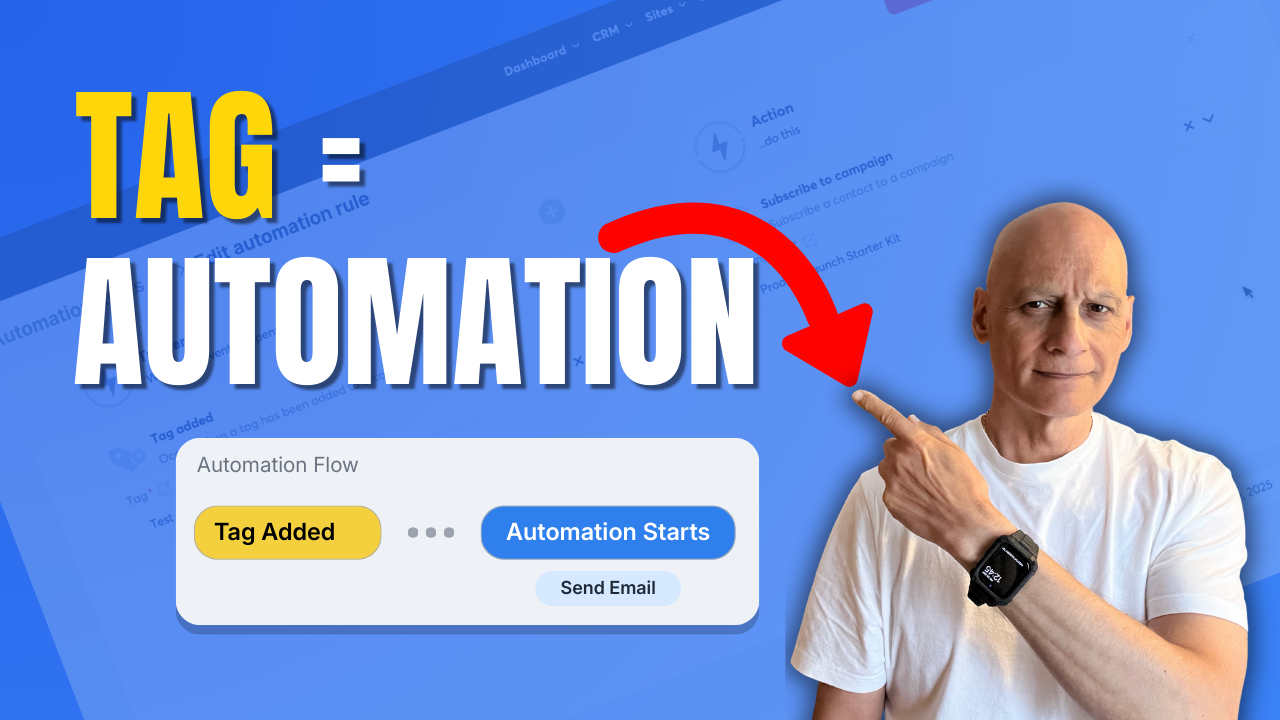
    Learn how to trigger automation when a tag is added in Systeme.io.

    In this step-by-step tutorial, you’ll discover how to use tags as automation triggers inside Systeme.io to automatically start email campaigns, apply actions, and build hands-free workflows.

    This method is ideal for:

    ✅ Email marketing automation
    ✅ Funnels and follow-ups
    ✅ Course access delivery
    ✅ Affiliate and lead automation

    You’ll see exactly where to click, how to set up automation rules, and how to test everything so it works correctly.

    🔹 What you’ll learn:

    ✅ How Systeme.io automation rules work
    ✅ How to trigger actions when a tag is added
    ✅ How to automate email campaigns with tags
    ✅ Beginner-friendly Systeme.io automation setup

    If you want to save time and stop doing things manually in Systeme.io, this tutorial will help. 

    Next video (recommended): Most Beginners Miss This Systeme.io Sales Trick

    ✅ Free resource
    📌 Beginner Funnel Checklist / Freebie:
    🔗https://www.pagebuilderacademy.com/starter

    Get a FREE Systeme.io account below:
    🔗https://www.pagebuilderacademy.com/systeme

    See my full Systeme.io review + bonuses:
    🔗https://www.pagebuilderacademy.com/2r8b

    Timestamps:
    0:00 – Intro
    0:38 – Navigating to Automations
    0:54 – Select rules
    1:00 – Create a new rule
    1:08 – Adding a trigger
    1:54 – Adding an action
    2:37 – Save the rule
    3:06 – Doing a manual test
    3:27 – Selecting a test contact
    3:49 – Checking that the automation has run correctly
    4:57 – Outro

    #systemeio #systemeiotutorial #pagebuilder #funnelbuilder #onlinemarketingtips #emailmarketing #pagebuilderacademy

    ========================
    QUESTIONS? CONTACT ME!
    ========================

    EMAIL: zaf@pagebuilderacademy.com

    ===========
    FOLLOW ME
    ===========

    ▶ YOUTUBE SUBSCRIBE – @PageBuilderAcademy


    ============
    DISCLAIMER
    ============
    Some of the links in this description may be affiliate links, which means I receive a small commission at NO ADDITIONAL cost to you if you decide to purchase something.

  • How to trigger automation when a tag is added in Systeme.io

    How to trigger automation when a tag is added in Systeme.io

    Learn how to trigger automation when a tag is added in Systeme.io.

    In this beginner-friendly tutorial, you’ll see how to create automation rules, use tags as triggers, and automatically start actions like email campaigns or course access.

    This Systeme.io automation setup is perfect for email marketing, funnels, and hands-free follow-up.

    Click to play

    👉 Topics covered:


    ✅ Systeme.io automation rules

    ✅ Using tags as triggers

    ✅ Automating email campaigns

    ✅ Beginner Systeme.io tutorial


    Subscribe for more Systeme.io and online marketing tutorials.

    🎥 Next video (recommended): How to tag contacts automatically by funnel step
     How to Trigger an Automation When a Tag is Added

    ✅ Free resource

    📌 Beginner Funnel Checklist / Freebie:

    🔗https://www.pagebuilderacademy.com/starter

    Get a FREE Systeme.io account below:

    🔗https://www.pagebuilderacademy.com/systeme

    See my full Systeme.io review + bonuses:

    🔗https://www.pagebuilderacademy.com/2r8b


    Timestamps:

    0:00 – Intro

    0:38 – Navigating to Rules

    0:48 – Creating a new rule

    0:55 – Creating a trigger

    1:12 – Adding a tag for the trigger

    1:29 – Add a rule

    2:02 – Selecting what we want to happen when our tag is added

    2:29 – Saving the new rule and previewing it.

    3:05 – Manually testing the new rule

    4:48 – Outro


    #systemeio #systemeiotutorial #pagebuilder #funnelbuilder #onlinemarketingtips #emailmarketing #pagebuilderacademy


    ========================

    QUESTIONS? CONTACT ME!

    ========================


    EMAIL: zaf@pagebuilderacademy.com


    ===========

    FOLLOW ME

    ===========


    ▶ YOUTUBE SUBSCRIBE – @PageBuilderAcademy


    ============

    DISCLAIMER

    ============

    Some of the links in this description may be affiliate links, which means I receive a small commission at NO ADDITIONAL cost to you if you decide to purchase something.