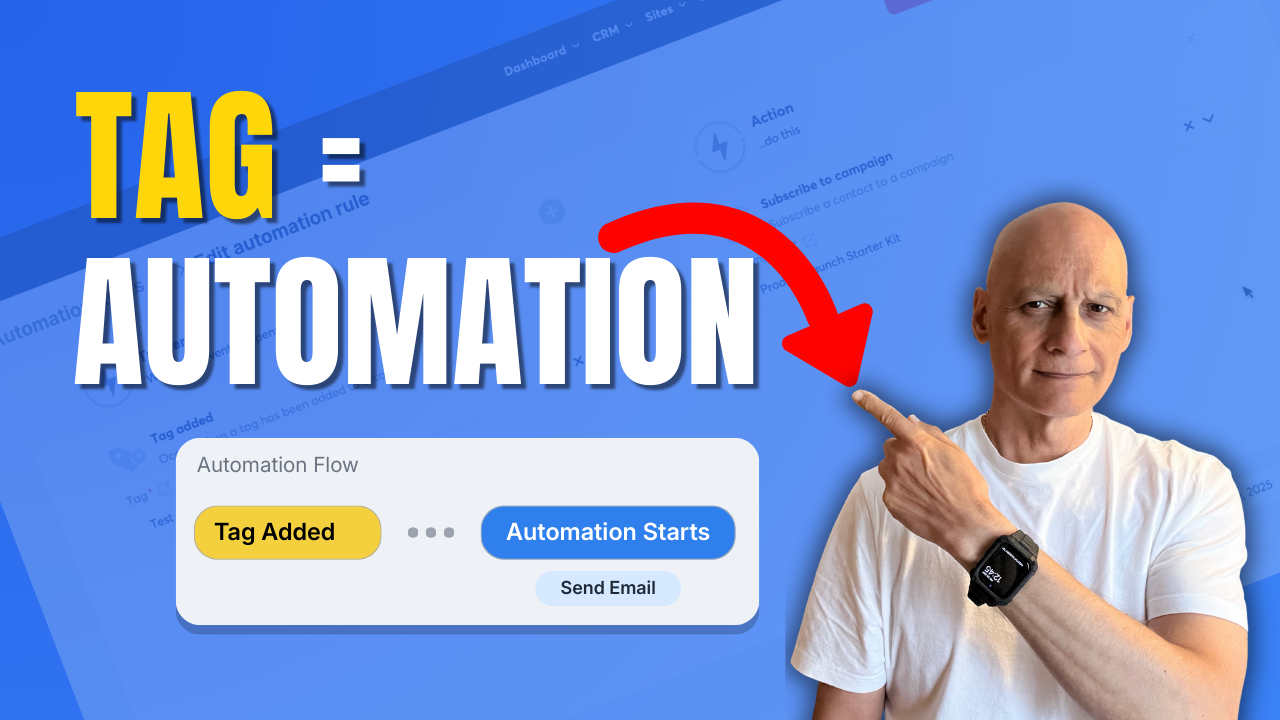
Learn how to trigger automation when a tag is added in Systeme.io.
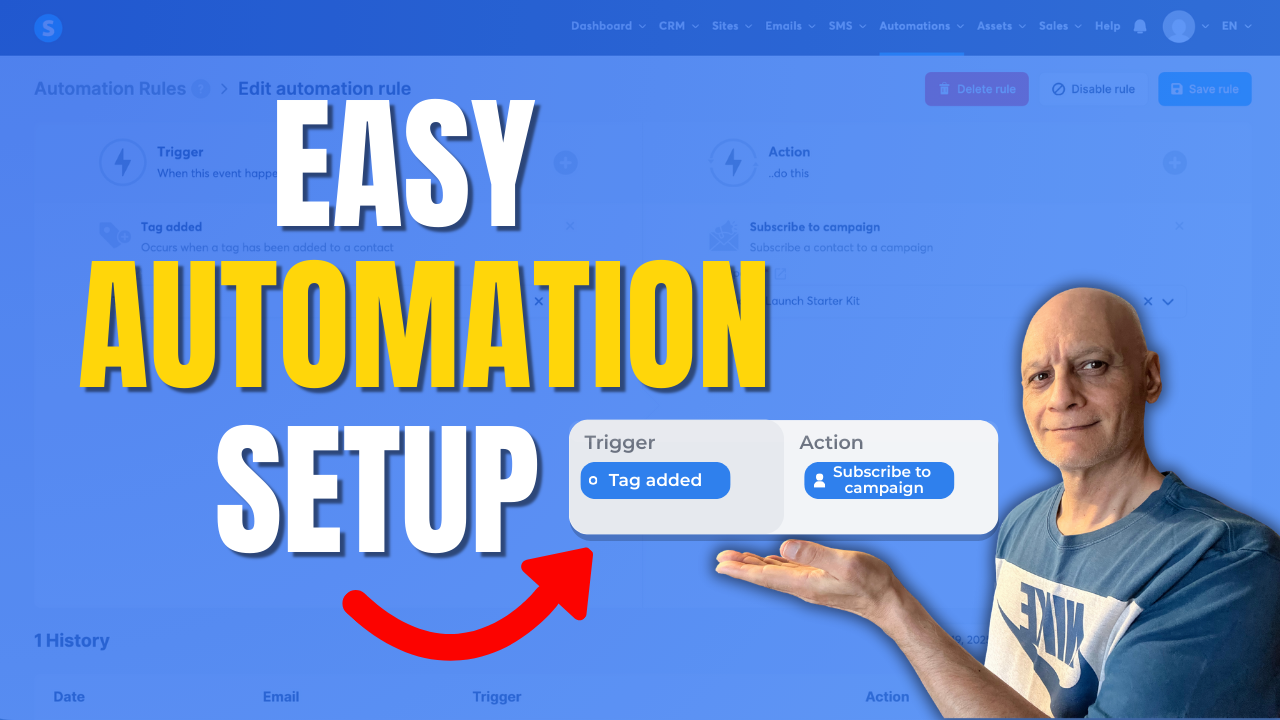
In this step-by-step tutorial, you’ll discover how to use tags as automation triggers inside Systeme.io to automatically start email campaigns, apply actions, and build hands-free workflows.
In this step-by-step tutorial, you’ll discover how to use tags as automation triggers inside Systeme.io to automatically start email campaigns, apply actions, and build hands-free workflows.
This method is ideal for:
 Email marketing automation
Funnels and follow-ups
Course access delivery
Affiliate and lead automation
You’ll see exactly where to click, how to set up automation rules, and how to test everything so it works correctly.
 What you’ll learn:
How Systeme.io automation rules work
How to trigger actions when a tag is added
How to automate email campaigns with tags
Beginner-friendly Systeme.io automation setup
If you want to save time and stop doing things manually in Systeme.io, this tutorial will help.
Free resource
 Beginner Funnel Checklist / Freebie:
 https://www.pagebuilderacademy.com/starter
Get a FREE Systeme.io account below:
https://www.pagebuilderacademy.com/systeme
See my full Systeme.io review + bonuses:
https://www.pagebuilderacademy.com/2r8b
Timestamps:
0:00 – Intro
0:38 – Navigating to Automations
0:54 – Select rules
1:00 – Create a new rule
1:08 – Adding a trigger
1:54 – Adding an action
2:37 – Save the rule
3:06 – Doing a manual test
3:27 – Selecting a test contact
3:49 – Checking that the automation has run correctly
4:57 – Outro
#systemeio #systemeiotutorial #pagebuilder #funnelbuilder #onlinemarketingtips #emailmarketing #pagebuilderacademy
========================
QUESTIONS? CONTACT ME!
========================
EMAIL: zaf@pagebuilderacademy.com
===========
FOLLOW ME
===========
 YOUTUBE SUBSCRIBE – @PageBuilderAcademy
============
DISCLAIMER
============
Some of the links in this description may be affiliate links, which means I receive a small commission at NO ADDITIONAL cost to you if you decide to purchase something.
Email marketing automation Funnels and follow-ups Course access delivery Affiliate and lead automationYou’ll see exactly where to click, how to set up automation rules, and how to test everything so it works correctly.
What you’ll learn: How Systeme.io automation rules work How to trigger actions when a tag is added How to automate email campaigns with tags Beginner-friendly Systeme.io automation setupIf you want to save time and stop doing things manually in Systeme.io, this tutorial will help.
Free resource Beginner Funnel Checklist / Freebie:https://www.pagebuilderacademy.com/starterGet a FREE Systeme.io account below:
https://www.pagebuilderacademy.com/systemeSee my full Systeme.io review + bonuses:
https://www.pagebuilderacademy.com/2r8bTimestamps:
0:00 – Intro
0:38 – Navigating to Automations
0:54 – Select rules
1:00 – Create a new rule
1:08 – Adding a trigger
1:54 – Adding an action
2:37 – Save the rule
3:06 – Doing a manual test
3:27 – Selecting a test contact
3:49 – Checking that the automation has run correctly
4:57 – Outro
#systemeio #systemeiotutorial #pagebuilder #funnelbuilder #onlinemarketingtips #emailmarketing #pagebuilderacademy
========================
QUESTIONS? CONTACT ME!
========================
EMAIL: zaf@pagebuilderacademy.com
===========
FOLLOW ME
===========
YOUTUBE SUBSCRIBE – @PageBuilderAcademy
============
DISCLAIMER
============
Some of the links in this description may be affiliate links, which means I receive a small commission at NO ADDITIONAL cost to you if you decide to purchase something.
 Topics covered: