
Category: Systeme.io
-
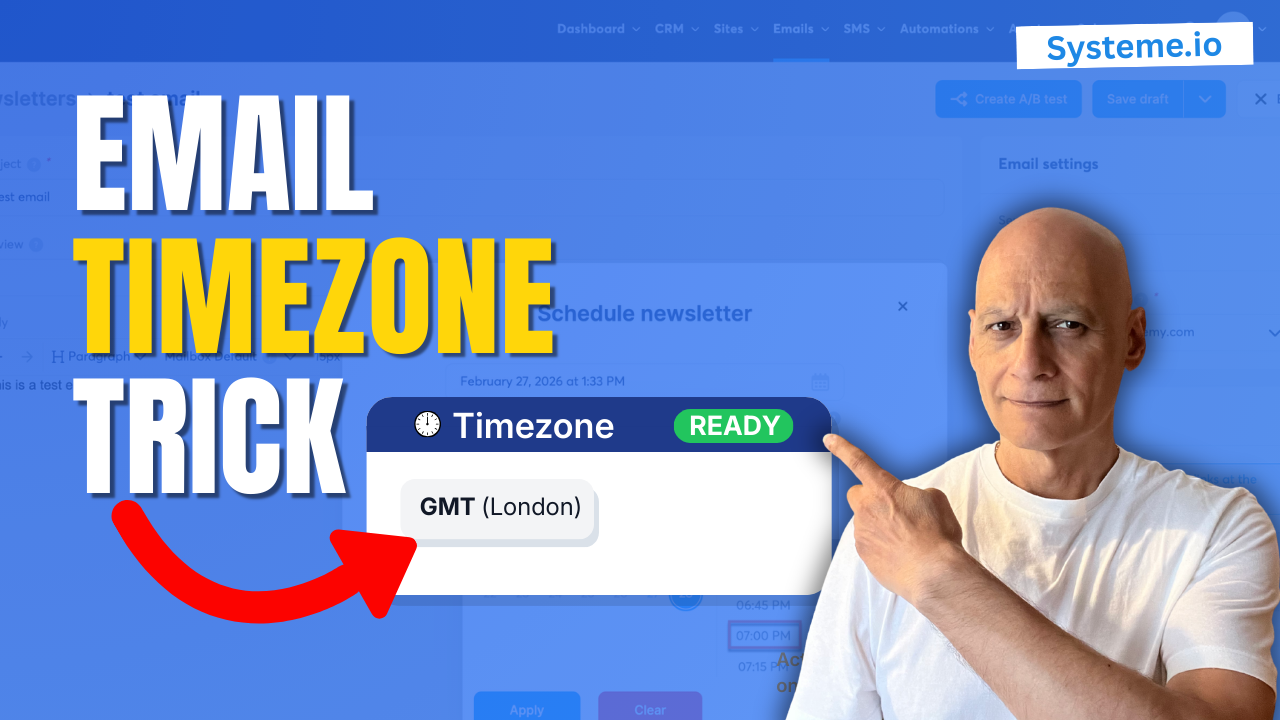
The Systeme.io Time Zone Mistake Killing Your Open Rates
Are your emails sending at the wrong time inside Systeme.io? In this beginner-friendly tutorial, you’ll learn how email scheduling and timezone settings actually work — and how to make sure your newsletters and campaigns go out when you expect. Many beginners don’t realise that Systeme.io uses your account timezone for scheduling emails, which can affect…
-
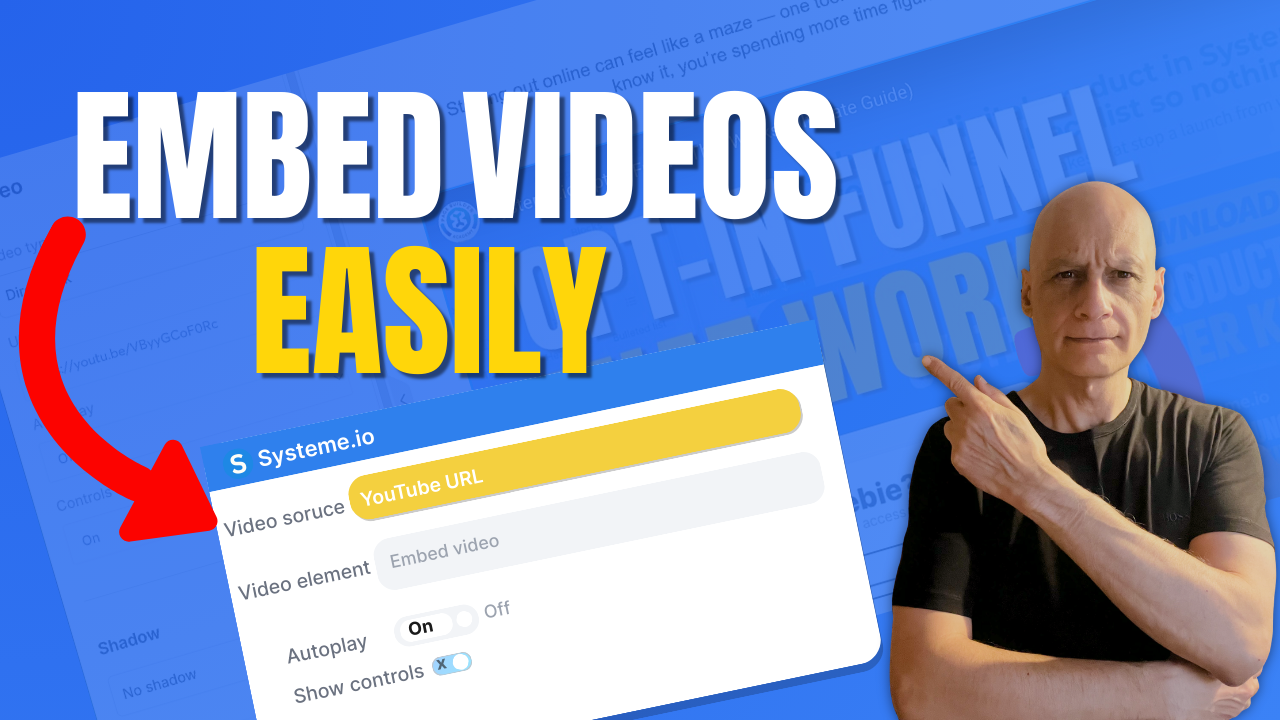
How to Add a Video to a Page in Systeme.io
Want to add a video to your page in Systeme.io but not sure where to start?In this beginner-friendly tutorial, I’ll show you exactly how to add a video to any Systeme.io page step by step. Whether you’re embedding a YouTube video, Vimeo video, or hosted content, this method works fast and requires no coding. You’ll…
-
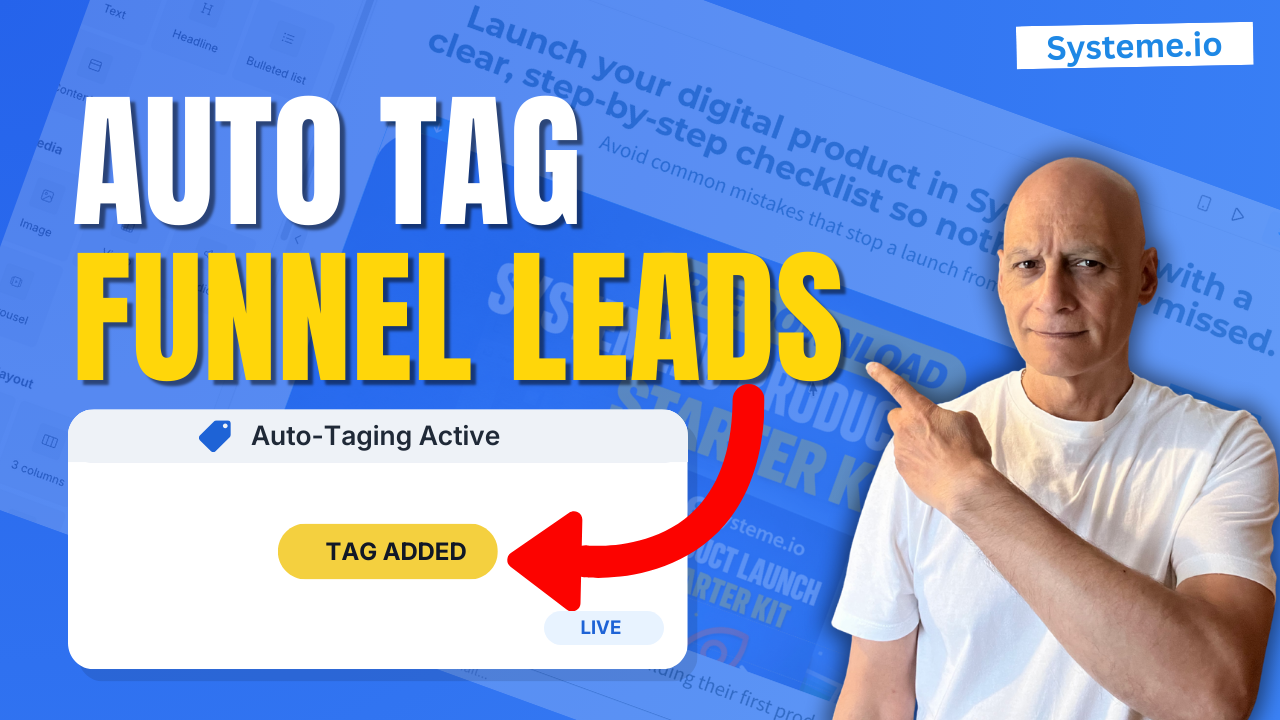
Tag Contacts Automatically by Funnel Step in Systeme.io Automation Rule
Want to tag contacts automatically by funnel step in Systeme.io?In this tutorial, you’ll learn the best-practice method: use an Automation Rule with the trigger “Funnel step form subscribed,” then automatically apply a tag. Want to tag contacts automatically by funnel step in Systeme.io?In this tutorial, you’ll learn the best-practice method: use an Automation Rule with…
-
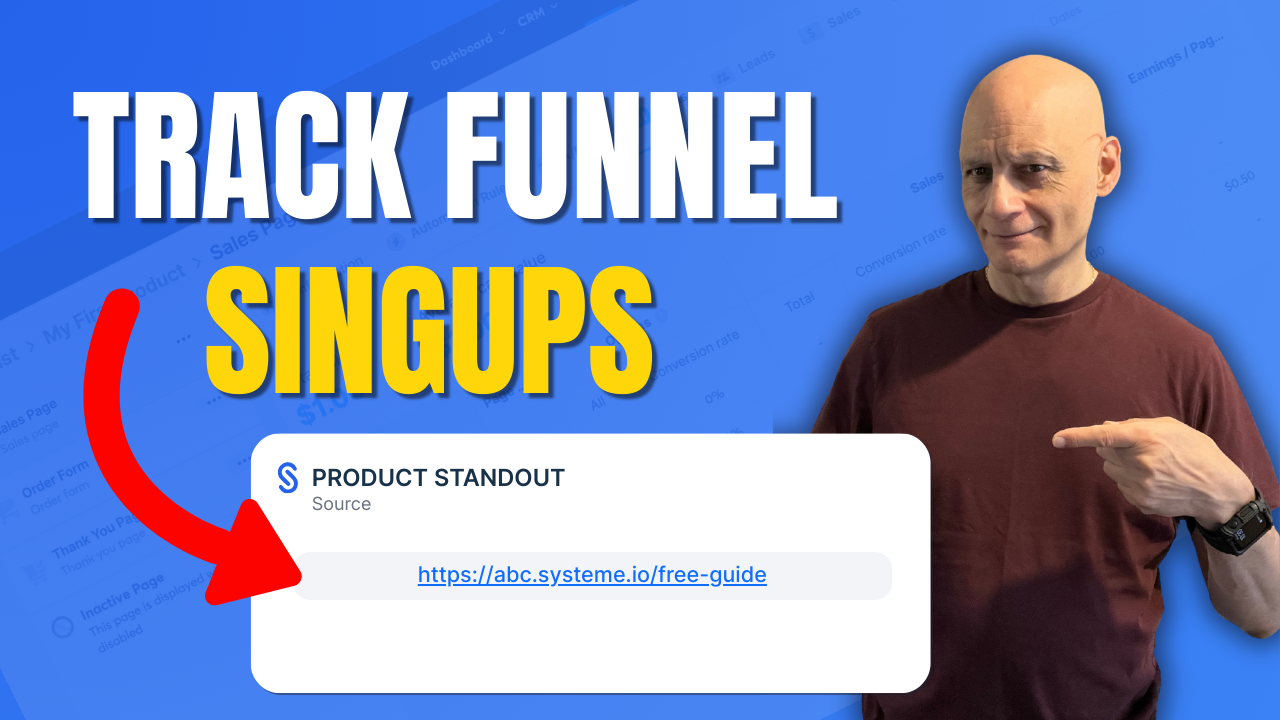
Which Funnel Did The Lead Use? Systeme.io Source URL
Want to know exactly which funnel a contact signed up through in Systeme.io?In this quick beginner-friendly tutorial, I’ll show you the fastest way to find the Source URL inside the contact record — so you’re not guessing where your leads came from and you can make smarter funnel and follow-up decisions. What you’ll learn in…
-
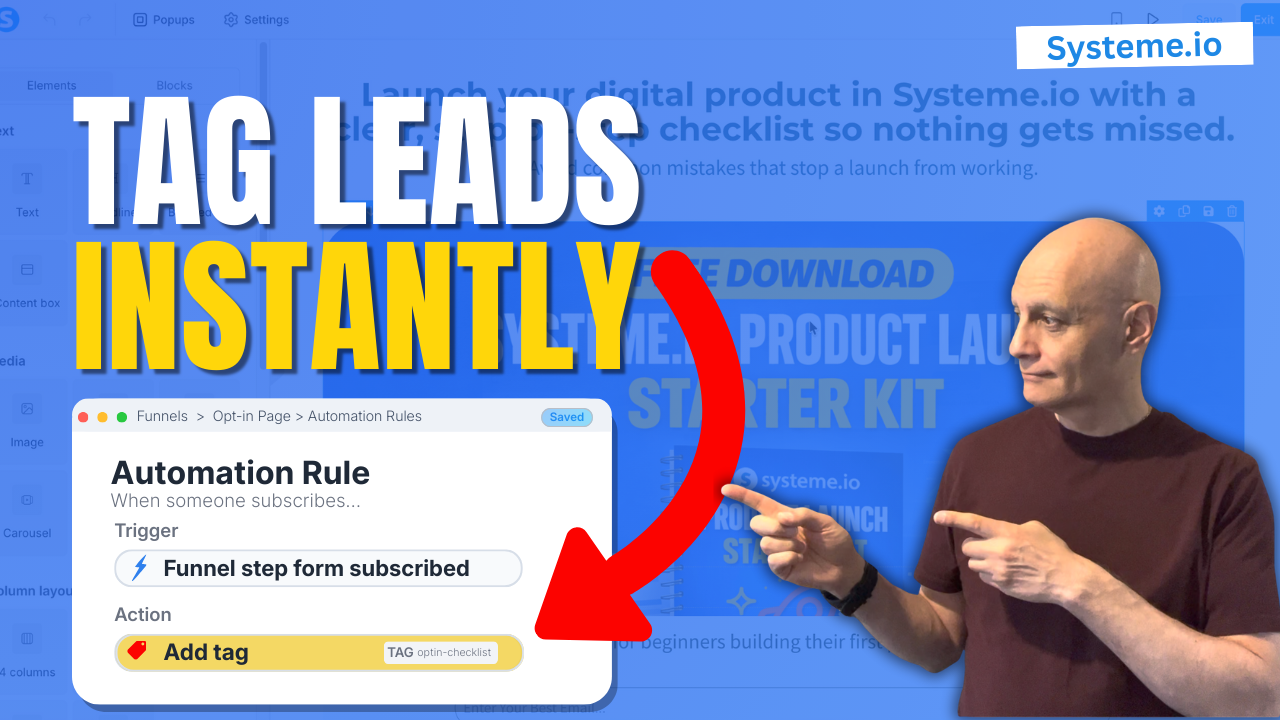
How to Tag Contacts on Opt In Form in Systeme.io Easy Method
Want to tag contacts automatically when someone opts in using Systeme.io?In this beginner-friendly tutorial, I’ll show you the easiest way to tag new subscribers by adding a tag directly at the opt-in form level. This means every lead gets labelled instantly — no extra workflows or complicated automations required.This method is perfect if you want…
-
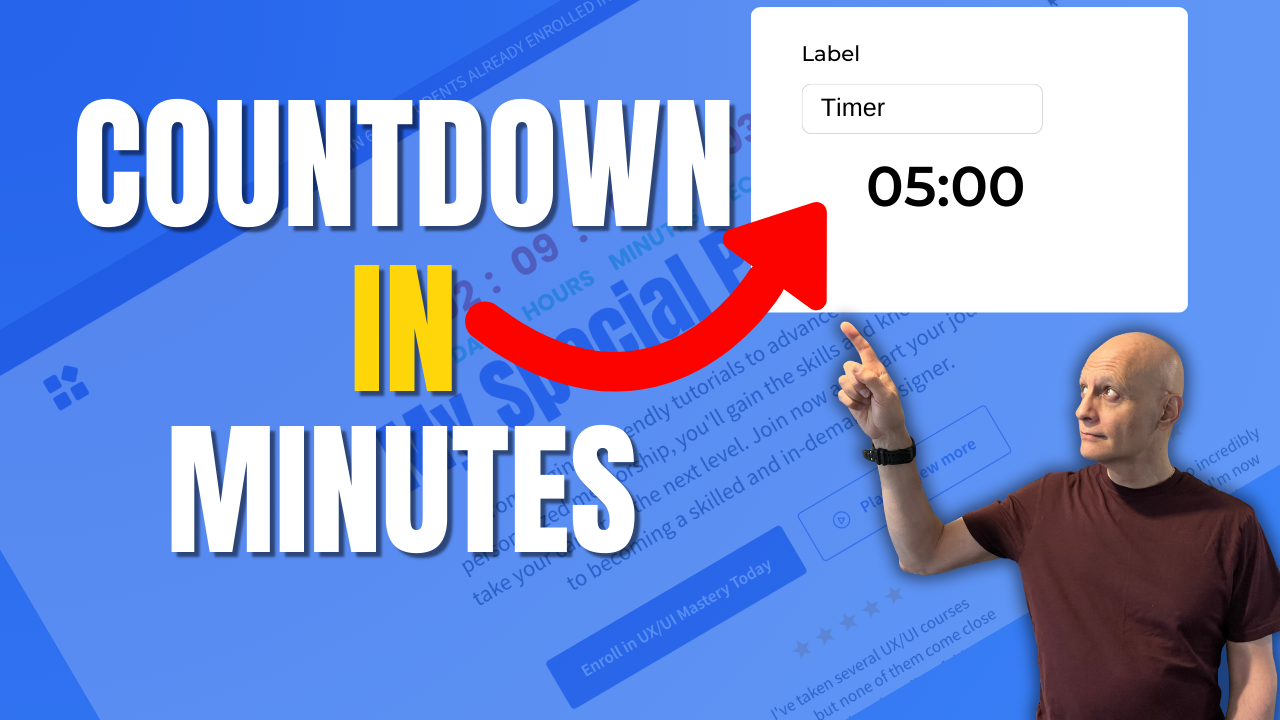
How to add a countdown timer in Systeme.io
This step-by-step tutorial covers using the built-in Countdown element — whether you need a fixed date/time, a delay timer, or a daily reset timer. Perfect for promos, limited-time offers, or evergreen funnels. What you’ll learn: How to drag and drop the “Countdown” element in Systeme.io page builder Configuring fixed date & time, delay countdown, or…
-
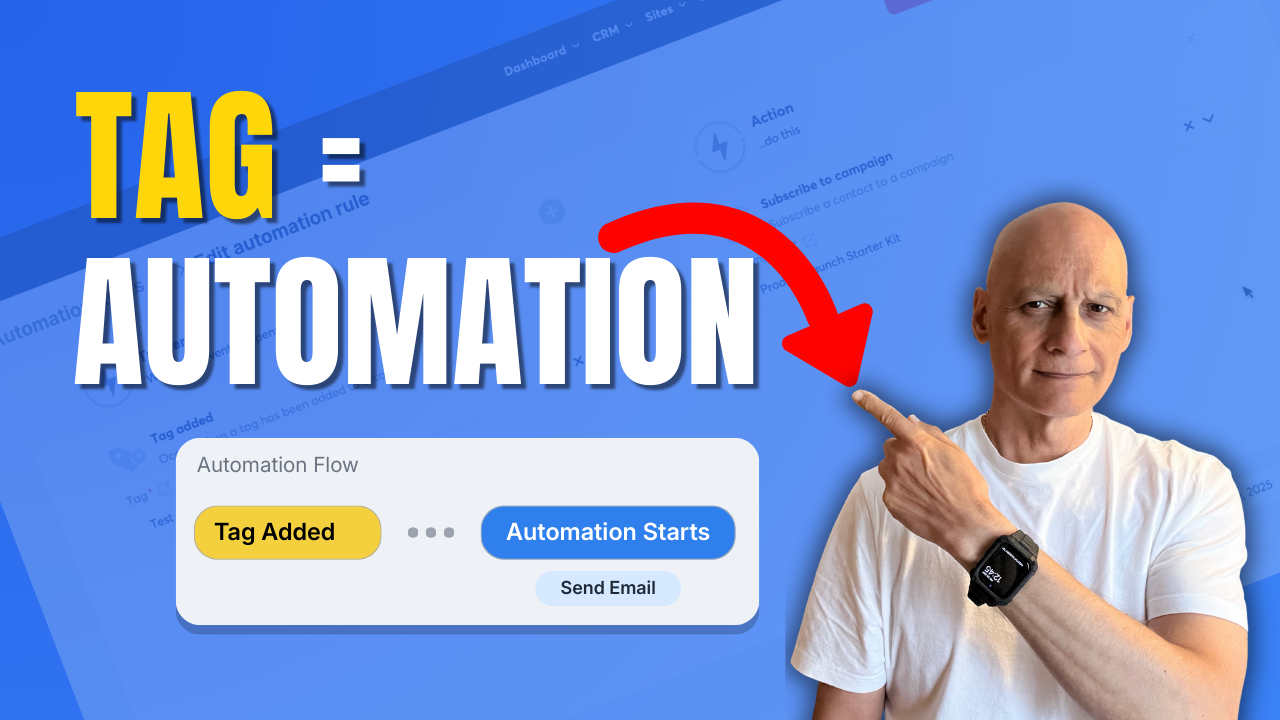
Systeme.io Tags: The Automation Trick Most Miss
Learn how to trigger automation when a tag is added in Systeme.io.In this step-by-step tutorial, you’ll discover how to use tags as automation triggers inside Systeme.io to automatically start email campaigns, apply actions, and build hands-free workflows. This method is ideal for: Email marketing automation Funnels and follow-ups Course access delivery Affiliate and lead automationYou’ll…
-
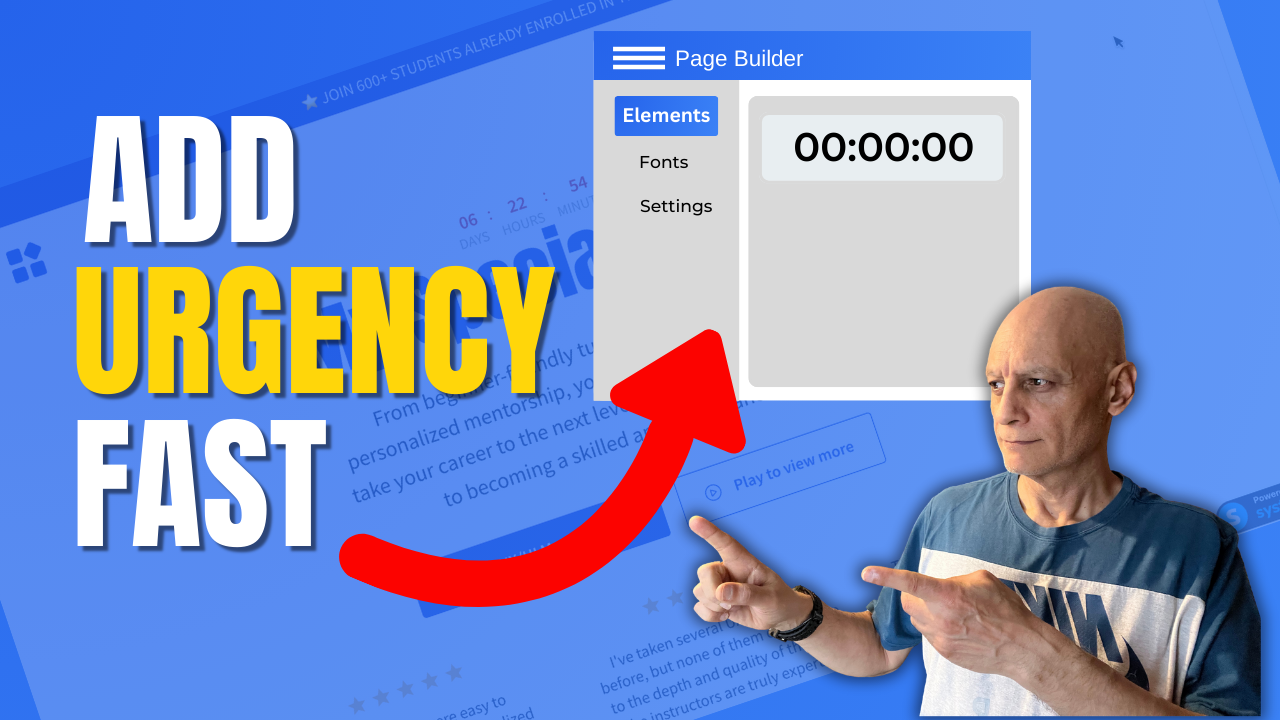
Add a Countdown Timer in Systeme.io (Fast & Easy)
In this quick Systeme.io tutorial, you’ll learn how to add a countdown timer to any funnel or landing page to boost urgency and increase conversions. I’ll walk you step-by-step through the three Systeme.io countdown modes — fixed date, delay timer, and daily reset — and show you when to use each one for maximum results.Whether…
-
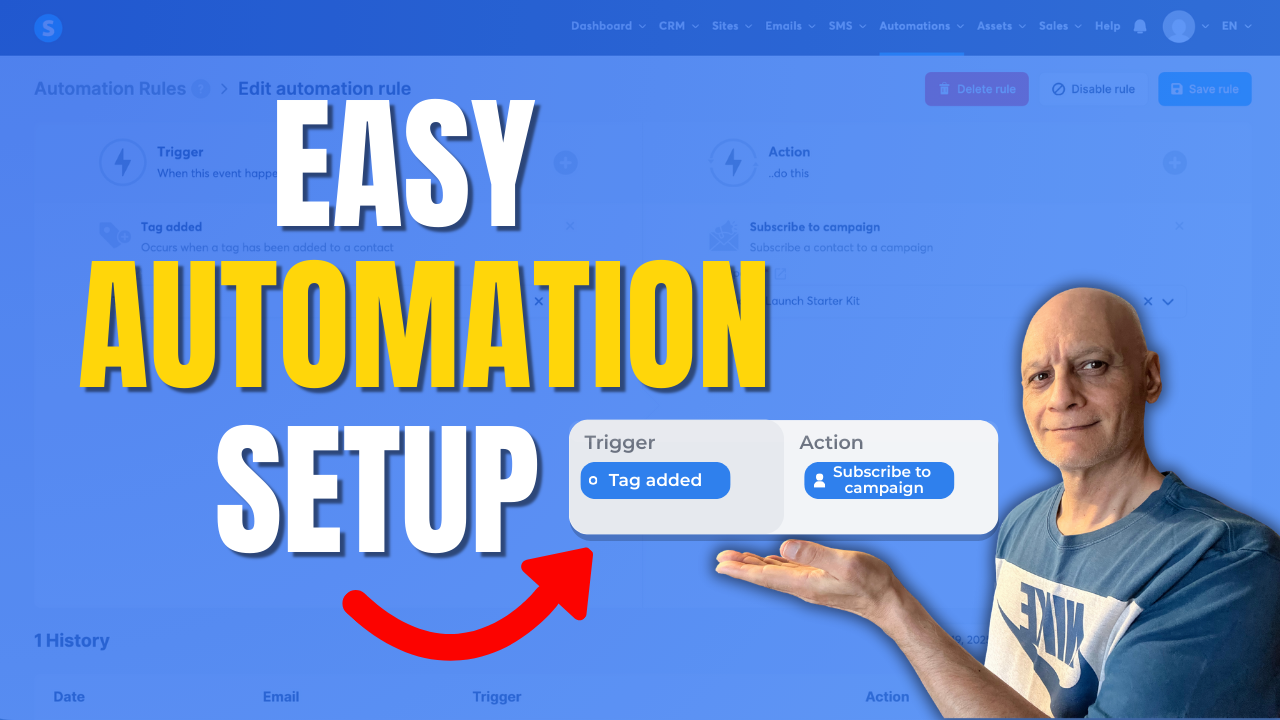
How to trigger automation when a tag is added in Systeme.io
Learn how to trigger automation when a tag is added in Systeme.io.In this beginner-friendly tutorial, you’ll see how to create automation rules, use tags as triggers, and automatically start actions like email campaigns or course access.This Systeme.io automation setup is perfect for email marketing, funnels, and hands-free follow-up. Click to play Topics covered: Systeme.io automation…
-
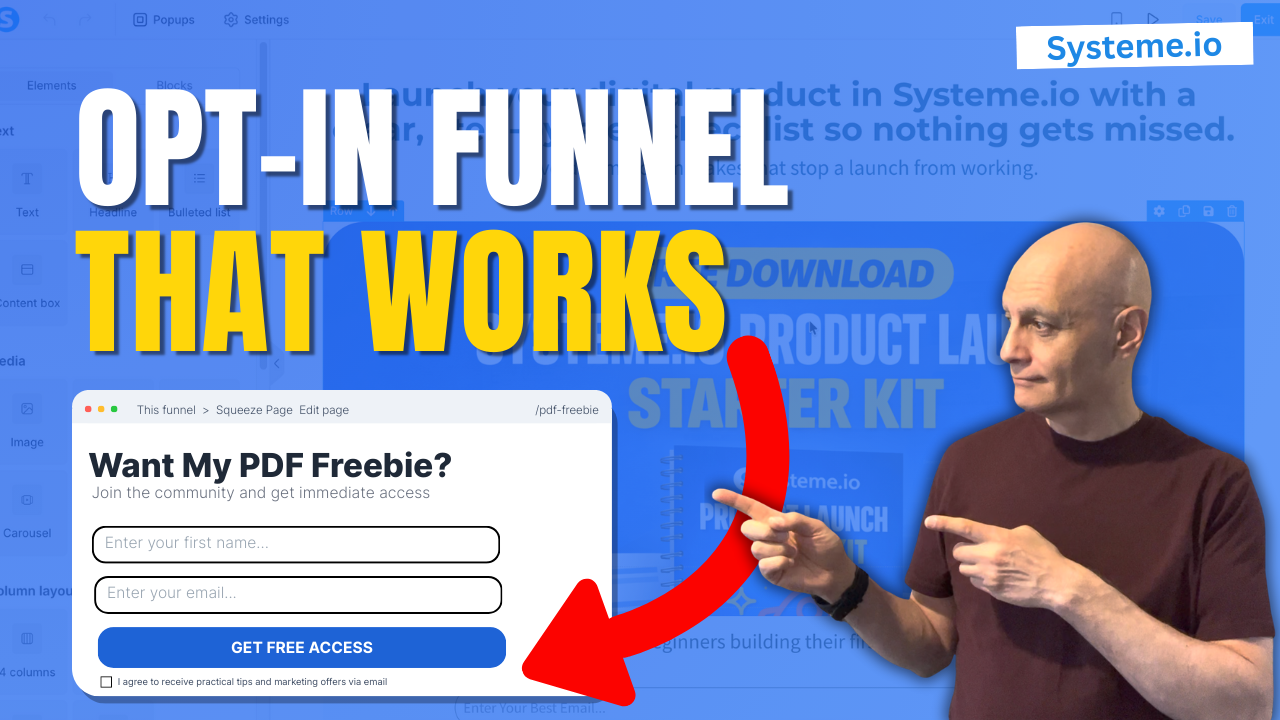
Systeme.io Opt-In Funnel That Works (Ultimate Guide)
Want to build an opt-in page in Systeme.io the RIGHT way — not just the landing page, but the full funnel that delivers your freebie automatically? In this Ultimate Beginner Guide, I’ll walk you through the complete step-by-step setup inside Systeme.io, including: Creating your opt-in funnel (Build an Audience) Building your opt-in page (template +…