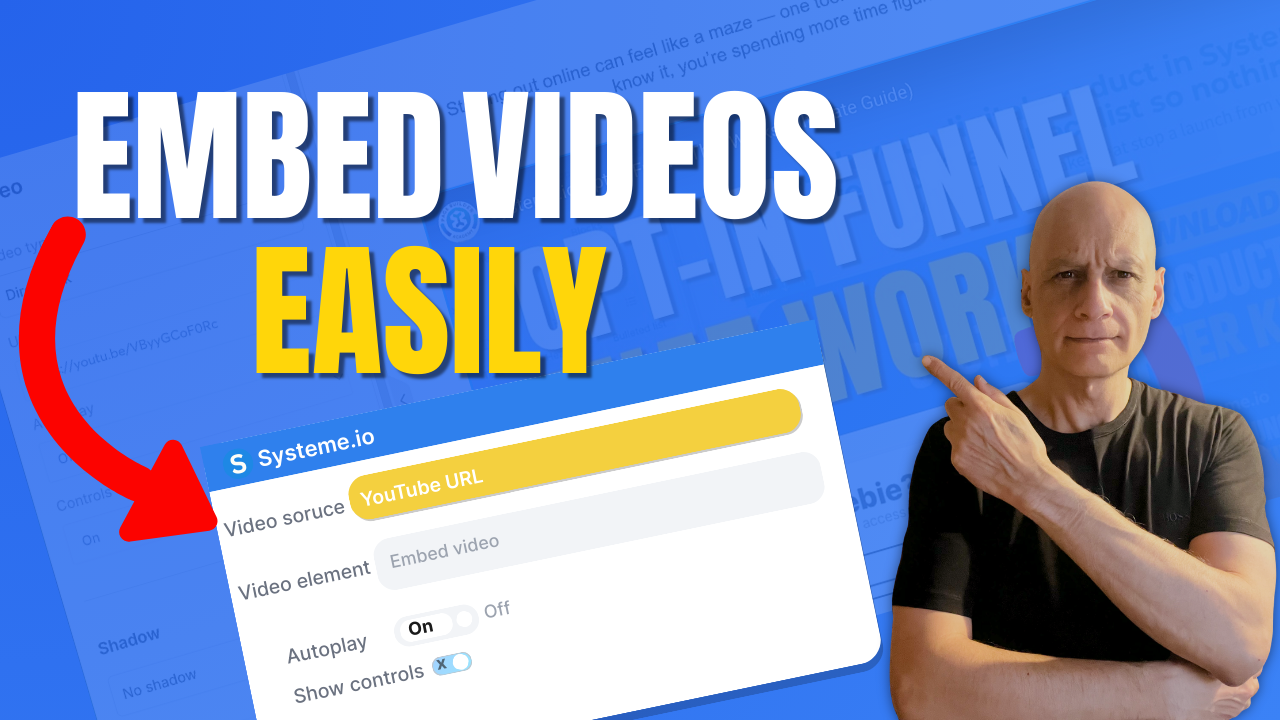
Want to add a video to your page in Systeme.io but not sure where to start?
In this beginner-friendly tutorial, I’ll show you exactly how to add a video to any Systeme.io page step by step. Whether you’re embedding a YouTube video, Vimeo video, or hosted content, this method works fast and requires no coding.
In this beginner-friendly tutorial, I’ll show you exactly how to add a video to any Systeme.io page step by step. Whether you’re embedding a YouTube video, Vimeo video, or hosted content, this method works fast and requires no coding.
You’ll learn:
• Where to find the video element in Systeme.io
• How to embed a video using a simple link
• How to customise video settings for better page design
This is perfect for landing pages, funnels, and sales pages built with Systeme.io.
 Watch till the end to make sure your video displays correctly on all devices.
 Free resource
 Beginner Funnel Checklist / Freebie:
 https://www.pagebuilderacademy.com/starter
Get a FREE Systeme.io account below:
https://www.pagebuilderacademy.com/systeme
See my full Systeme.io review + bonuses:
https://www.pagebuilderacademy.com/2r8b
 Video Timestamps — How to Add a Video to a Page in Systeme.io
0:00 Add Videos to Pages (Intro)
0:17 New Sites Menu Explained
0:32 Open the Page Editor
0:59 Method 1 — Add Video Using Link
1:41 Method 2 — Custom Embed Option
2:58 Method 3 — Upload Your Own Video
4:09 Video Settings (Autoplay, Controls, Thumbnail)
4:40 Where You Can Use Videos
4:54 Quick Recap — 3 Methods
4:59 Free Systeme.io Starter Kit
#systemeio #systemeiotutorial #systemeiobeginner #pagebuilderacademy
#addvideotopage #videopagetutorial #landingpagevideo #videofunnel
#buildfunnels #landingpagetutorial #digitalmarketingforbeginners
#onlinemarketingtools #makemoneyonlinebeginners
========================
QUESTIONS? CONTACT ME!
========================
EMAIL: zaf@pagebuilderacademy.com
===========
FOLLOW ME
===========
 YOUTUBE SUBSCRIBE – @PageBuilderAcademy
============
DISCLAIMER
============
Some of the links in this description may be affiliate links, which means I receive a small commission at NO ADDITIONAL cost to you if you decide to purchase something.
• Where to find the video element in Systeme.io
• How to embed a video using a simple link
• How to customise video settings for better page design
This is perfect for landing pages, funnels, and sales pages built with Systeme.io.
Watch till the end to make sure your video displays correctly on all devices. Free resource Beginner Funnel Checklist / Freebie:https://www.pagebuilderacademy.com/starterGet a FREE Systeme.io account below:
https://www.pagebuilderacademy.com/systemeSee my full Systeme.io review + bonuses:
https://www.pagebuilderacademy.com/2r8b Video Timestamps — How to Add a Video to a Page in Systeme.io0:00 Add Videos to Pages (Intro)
0:17 New Sites Menu Explained
0:32 Open the Page Editor
0:59 Method 1 — Add Video Using Link
1:41 Method 2 — Custom Embed Option
2:58 Method 3 — Upload Your Own Video
4:09 Video Settings (Autoplay, Controls, Thumbnail)
4:40 Where You Can Use Videos
4:54 Quick Recap — 3 Methods
4:59 Free Systeme.io Starter Kit
#systemeio #systemeiotutorial #systemeiobeginner #pagebuilderacademy
#addvideotopage #videopagetutorial #landingpagevideo #videofunnel
#buildfunnels #landingpagetutorial #digitalmarketingforbeginners
#onlinemarketingtools #makemoneyonlinebeginners
========================
QUESTIONS? CONTACT ME!
========================
EMAIL: zaf@pagebuilderacademy.com
===========
FOLLOW ME
===========
YOUTUBE SUBSCRIBE – @PageBuilderAcademy ============
DISCLAIMER
============
Some of the links in this description may be affiliate links, which means I receive a small commission at NO ADDITIONAL cost to you if you decide to purchase something.
Leave a Reply