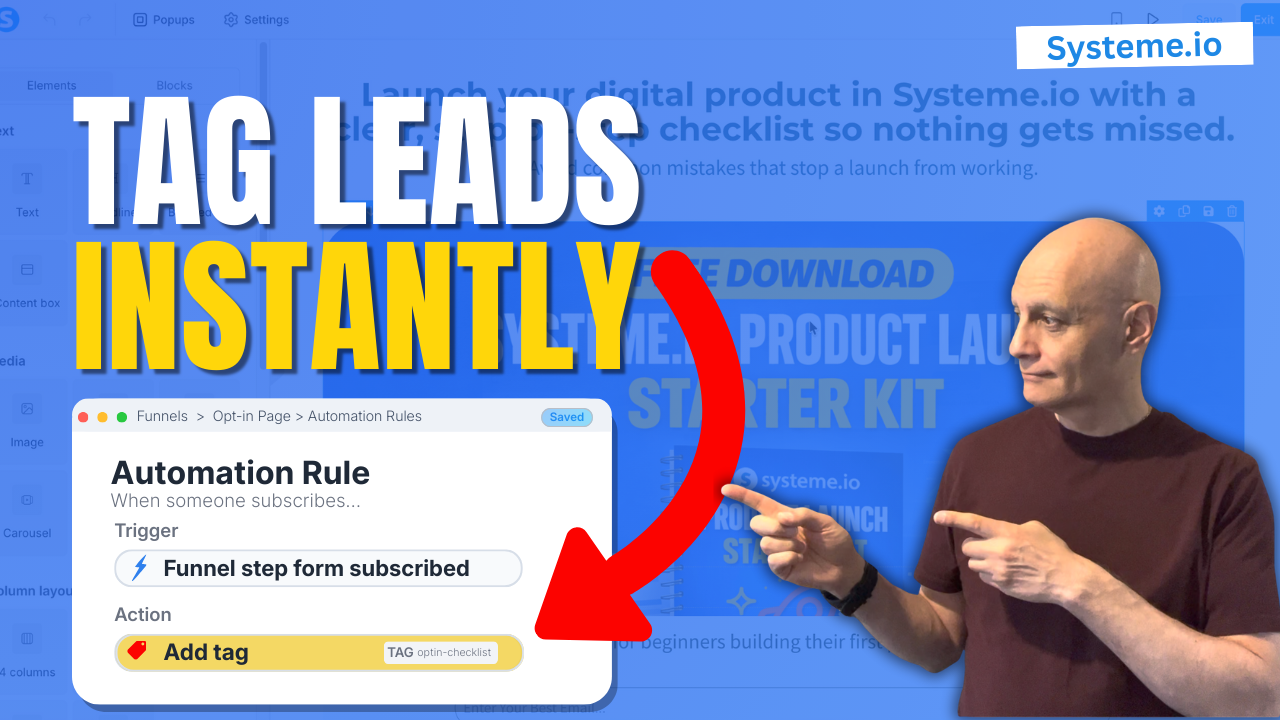
Want to tag contacts automatically when someone opts in using Systeme.io?
In this beginner-friendly tutorial, I’ll show you the easiest way to tag new subscribers by adding a tag directly at the opt-in form level. This means every lead gets labelled instantly — no extra workflows or complicated automations required.
This method is perfect if you want a simple, reliable setup that works as soon as someone submits your form.
In this beginner-friendly tutorial, I’ll show you the easiest way to tag new subscribers by adding a tag directly at the opt-in form level. This means every lead gets labelled instantly — no extra workflows or complicated automations required.
This method is perfect if you want a simple, reliable setup that works as soon as someone submits your form.
In this video, you’ll learn:
• Where to find Automation Rules on an opt-in form
• How to add a tag automatically when someone subscribes
• How to name tags clearly for tracking and segmentation
• How to test and confirm the tag is working
If you’re new to Systeme.io and want an easy win, this is the best place to start.
 Free resource
 Beginner Funnel Checklist / Freebie:
 https://www.pagebuilderacademy.com/starter
Get a FREE Systeme.io account below:
https://www.pagebuilderacademy.com/systeme
See my full Systeme.io review + bonuses:
https://www.pagebuilderacademy.com/2r8b
 Timestamps
00:00 Why auto-tagging leads matters
00:13 Where we’ll add the tag (opt-in form)
00:23 Open your funnel
00:48 Add a tag using automation rule
01:20 Tag naming best practice
02:08 Test the opt-in form
02:54 Confirm tag in CRM
03:30 Free resource + wrap-up
#systemeio #systemeiotutorial #emailmarketing #leadgeneration #marketingautomation
#optinpage #emailautomation #leadmagnets #beginnertutorial
========================
QUESTIONS? CONTACT ME!
========================
EMAIL: zaf@pagebuilderacademy.com
===========
FOLLOW ME
===========
 YOUTUBE SUBSCRIBE – @PageBuilderAcademy
============
DISCLAIMER
============
Some of the links in this description may be affiliate links, which means I receive a small commission at NO ADDITIONAL cost to you if you decide to purchase something.
• Where to find Automation Rules on an opt-in form
• How to add a tag automatically when someone subscribes
• How to name tags clearly for tracking and segmentation
• How to test and confirm the tag is working
If you’re new to Systeme.io and want an easy win, this is the best place to start.
Next: How to Trigger Automation When a Tag is Added in Systeme.io
Free resource Beginner Funnel Checklist / Freebie:https://www.pagebuilderacademy.com/starterGet a FREE Systeme.io account below:
https://www.pagebuilderacademy.com/systemeSee my full Systeme.io review + bonuses:
https://www.pagebuilderacademy.com/2r8b Timestamps00:00 Why auto-tagging leads matters
00:13 Where we’ll add the tag (opt-in form)
00:23 Open your funnel
00:48 Add a tag using automation rule
01:20 Tag naming best practice
02:08 Test the opt-in form
02:54 Confirm tag in CRM
03:30 Free resource + wrap-up
#systemeio #systemeiotutorial #emailmarketing #leadgeneration #marketingautomation
#optinpage #emailautomation #leadmagnets #beginnertutorial
========================
QUESTIONS? CONTACT ME!
========================
EMAIL: zaf@pagebuilderacademy.com
===========
FOLLOW ME
===========
YOUTUBE SUBSCRIBE – @PageBuilderAcademy
============
DISCLAIMER
============
Some of the links in this description may be affiliate links, which means I receive a small commission at NO ADDITIONAL cost to you if you decide to purchase something.
Leave a Reply