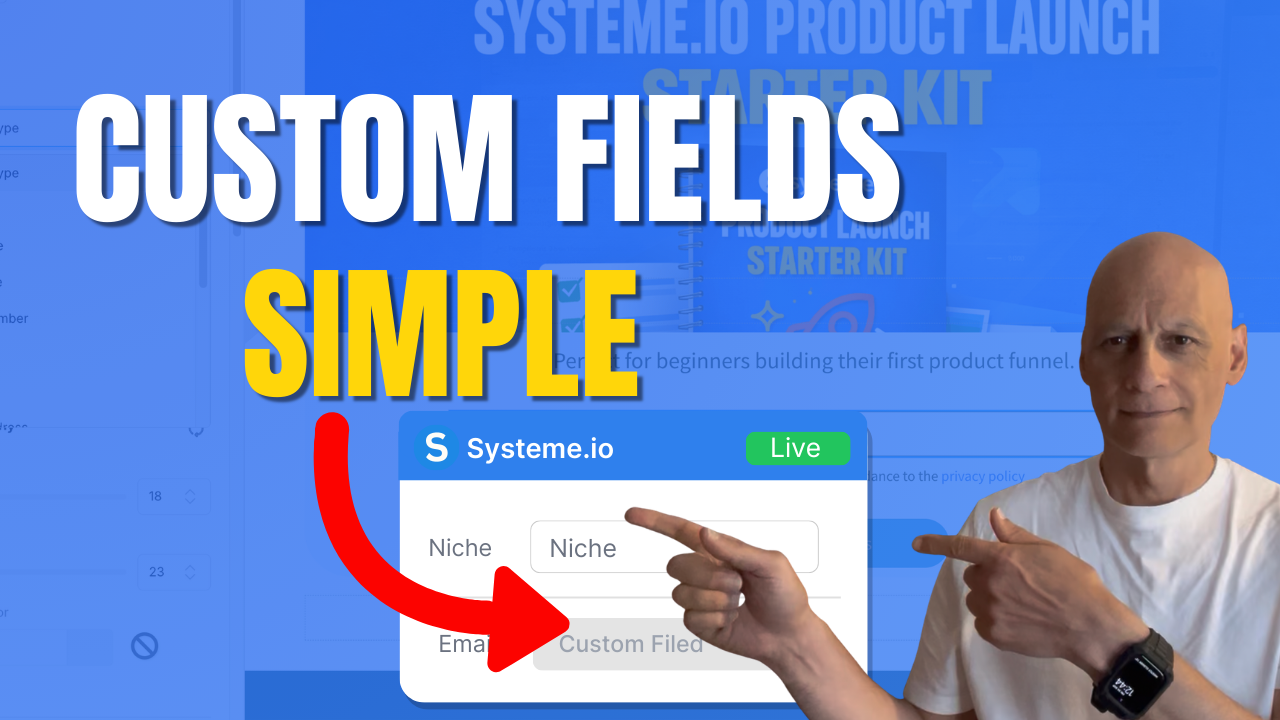
Want to add multiple fields to a form in Systeme.io but not sure where to start?
In this beginner-friendly tutorial, I’ll walk you through exactly how to add extra form inputs, change input types, and create custom fields so you can collect better lead information inside your funnels.
This step-by-step Systeme.io guide is perfect for beginners building opt-in pages, email lists, or simple sales funnels without tech overwhelm.
You’ll learn how to structure your form fields correctly, keep your layout clean, and avoid common mistakes that reduce conversions.
If you’re building your first funnel or improving an existing opt-in form, this tutorial will help you create smarter lead capture pages inside Systeme.io.
In this beginner-friendly tutorial, I’ll walk you through exactly how to add extra form inputs, change input types, and create custom fields so you can collect better lead information inside your funnels.
This step-by-step Systeme.io guide is perfect for beginners building opt-in pages, email lists, or simple sales funnels without tech overwhelm.
You’ll learn how to structure your form fields correctly, keep your layout clean, and avoid common mistakes that reduce conversions.
If you’re building your first funnel or improving an existing opt-in form, this tutorial will help you create smarter lead capture pages inside Systeme.io.
Subscribe for more simple Systeme.io tutorials from Page Builder Academy.
 Free resource
 Beginner Funnel Checklist / Freebie:
 https://www.pagebuilderacademy.com/starter
Get a FREE Systeme.io account below:
https://www.pagebuilderacademy.com/systeme
See my full Systeme.io review + bonuses:
https://www.pagebuilderacademy.com/2r8b
 Timestamps:
0:00 The Form Trick Most Beginners Miss
0:22 Open Your Funnel Page in Systeme.io
1:05 The “Form Input” Trick Explained
1:50 Change Input Type (Name, Phone, Text)
2:54 Create Custom Fields in Contacts
4:29 Add Custom Field to Your Form
4:50 Duplicate Fields the Smart Way
5:54 When NOT to Add More Fields
6:26 Test Your Form (Live Example)
7:10 Check Contact Data in CRM
7:30 Final Recap + Free Starter Kit
#systemeio .io #systemeiotutorial #systemeioforbeginners #emailmarketing #leadgeneration #OptInForms #funnelbuilding #onlinebusiness #digitalmarketing #makemoneyonlinebeginners #listbuilding #systemeiotutorial #SystemeioTips #beginnertutorial #salesfunnels #marketingautomation #pagebuilderacademy
========================
QUESTIONS? CONTACT ME!
========================
EMAIL: zaf@pagebuilderacademy.com
===========
FOLLOW ME
===========
 YOUTUBE SUBSCRIBE – @PageBuilderAcademy
============
DISCLAIMER
============
Some of the links in this description may be affiliate links, which means I receive a small commission at NO ADDITIONAL cost to you if you decide to purchase something.
Free resource Beginner Funnel Checklist / Freebie:https://www.pagebuilderacademy.com/starterGet a FREE Systeme.io account below:
https://www.pagebuilderacademy.com/systemeSee my full Systeme.io review + bonuses:
https://www.pagebuilderacademy.com/2r8b Timestamps:0:00 The Form Trick Most Beginners Miss
0:22 Open Your Funnel Page in Systeme.io
1:05 The “Form Input” Trick Explained
1:50 Change Input Type (Name, Phone, Text)
2:54 Create Custom Fields in Contacts
4:29 Add Custom Field to Your Form
4:50 Duplicate Fields the Smart Way
5:54 When NOT to Add More Fields
6:26 Test Your Form (Live Example)
7:10 Check Contact Data in CRM
7:30 Final Recap + Free Starter Kit
#systemeio .io #systemeiotutorial #systemeioforbeginners #emailmarketing #leadgeneration #OptInForms #funnelbuilding #onlinebusiness #digitalmarketing #makemoneyonlinebeginners #listbuilding #systemeiotutorial #SystemeioTips #beginnertutorial #salesfunnels #marketingautomation #pagebuilderacademy
========================
QUESTIONS? CONTACT ME!
========================
EMAIL: zaf@pagebuilderacademy.com
===========
FOLLOW ME
===========
YOUTUBE SUBSCRIBE – @PageBuilderAcademy ============
DISCLAIMER
============
Some of the links in this description may be affiliate links, which means I receive a small commission at NO ADDITIONAL cost to you if you decide to purchase something.
Leave a Reply