Tag: Systeme.io beginner guide

  • How To Build a Funnel in Systeme.io Without Overcomplicating It

    How To Build a Funnel in Systeme.io Without Overcomplicating It

    Most beginners make funnels WAY more complicated than they need to be.

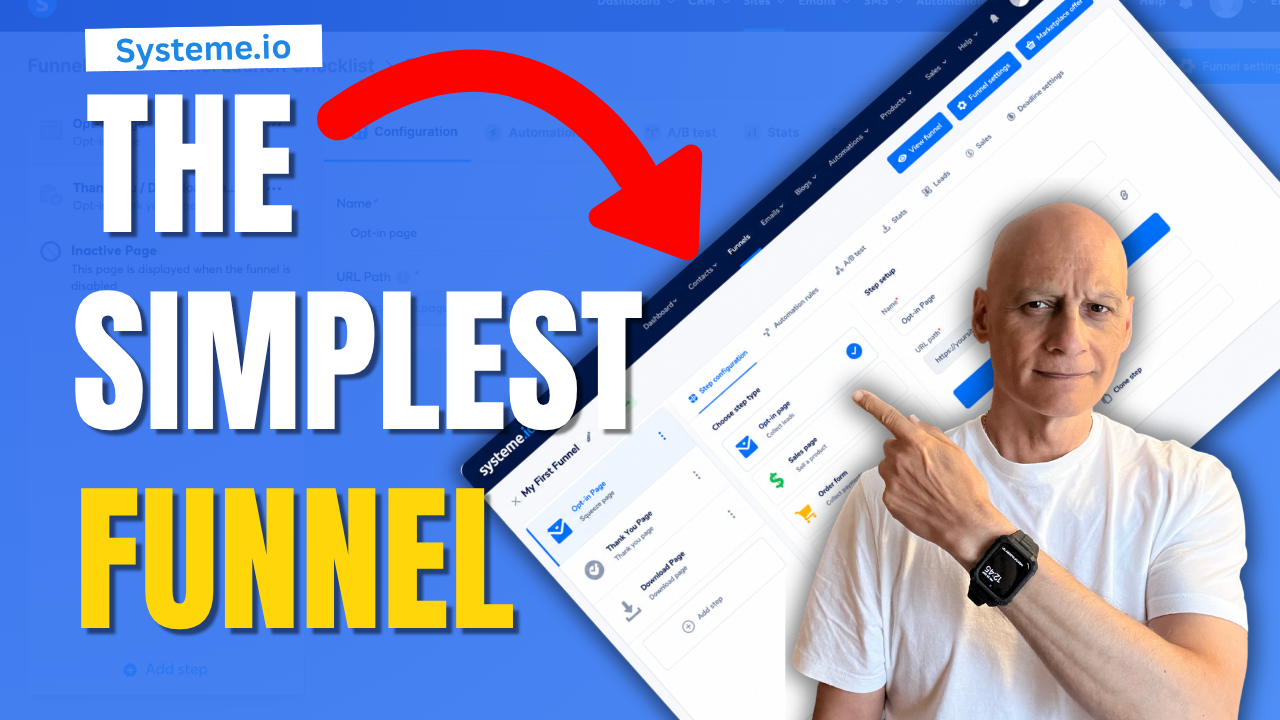
    In this beginner-friendly Systeme.io tutorial, I’ll show you how to build a simple funnel step-by-step without getting overwhelmed.

    We’ll build:
    ✅ A simple opt-in page
    ✅ An email signup form
    ✅ A thank you page
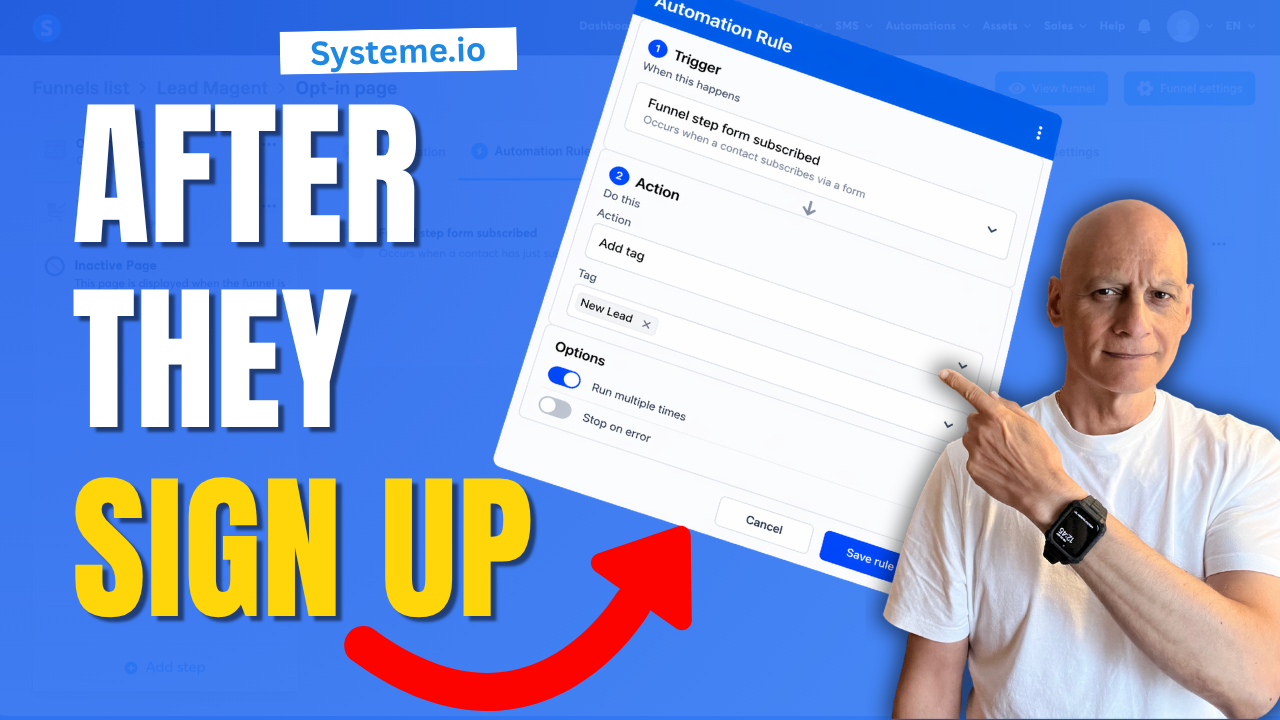
    ✅ A basic welcome email automation
    ✅ A complete beginner funnel in Systeme.io
    Most beginners make funnels WAY more complicated than they need to be.

    In this beginner-friendly Systeme.io tutorial, I’ll show you how to build a simple funnel step-by-step without getting overwhelmed.

    We’ll build:
    ✅ A simple opt-in page
    ✅ An email signup form
    ✅ A thank you page
    ✅ A basic welcome email automation
    ✅ A complete beginner funnel in Systeme.io

    The goal of this video is simple:

    Build a funnel that actually works… without overcomplicating everything.

    Because honestly?

    Most beginners don’t need:
    ❌ complicated automations
    ❌ advanced funnels
    ❌ huge websites
    ❌ perfect designs

    You just need a simple system that helps you start building momentum online.

    👇 FREE BEGINNER FUNNEL RESOURCE
    🔗https://www.pagebuilderacademy.com/starter

    Get a FREE Systeme.io account below:
    🔗https://www.pagebuilderacademy.com/systeme

    See my full Systeme.io review + bonuses:
    🔗https://www.pagebuilderacademy.com/2r8b


    ⏱️ TIMESTAMPS
    00:00 Introduction + Funnel Overview
    00:20 Why Simple Funnels Work
    01:00 Create the Funnel in Systeme.io
    02:10 Build the Opt-In Page
    04:00 Set Up the Email Signup Form
    05:10 Create the Thank You Page
    06:08 Set Up the Welcome Email Automation
    08:21 Test the Funnel Live
    09:04 Final Funnel Walkthrough
    09:20 Next Steps + Free Funnel Starter Kit

    🔥 RELATED VIDEOS
    ▶️ https://youtu.be/H1sC2kr6pSY
    ▶️ https://www.youtube.com/playlist?list=PL-Vkn_82egqJNakvzsaF4kPFhxDq2c78I

    #systemeio .io #funnels #emailmarketing #affiliatemarketing #onlinebusiness #pagebuilderacademy #digitalmarketing #onlinebusinesstips #makemoneyonline
    ========================
    QUESTIONS? CONTACT ME!
    ========================

    EMAIL: zaf@pagebuilderacademy.com

    ===========
    FOLLOW ME
    ===========

    ▶ YOUTUBE SUBSCRIBE – @PageBuilderAcademy

    ============
    DISCLAIMER
    ============
    Some of the links in this description may be affiliate links, which means I receive a small commission at NO ADDITIONAL cost to you if you decide to purchase something.
  • Most Beginners Miss This Systeme.io Form Trick

    Most Beginners Miss This Systeme.io Form Trick

    Want to add multiple fields to a form in Systeme.io but not sure where to start?

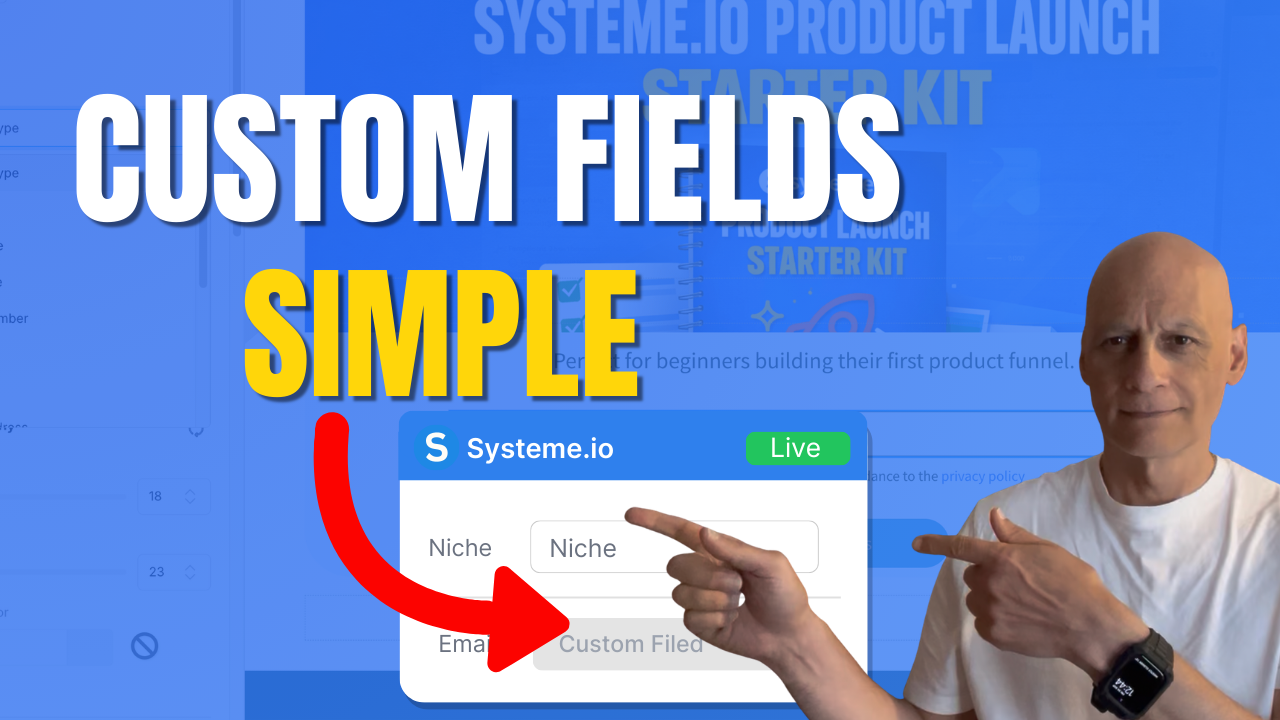
    In this beginner-friendly tutorial, I’ll walk you through exactly how to add extra form inputs, change input types, and create custom fields so you can collect better lead information inside your funnels.

    This step-by-step Systeme.io guide is perfect for beginners building opt-in pages, email lists, or simple sales funnels without tech overwhelm.

    You’ll learn how to structure your form fields correctly, keep your layout clean, and avoid common mistakes that reduce conversions.

    If you’re building your first funnel or improving an existing opt-in form, this tutorial will help you create smarter lead capture pages inside Systeme.io.
    Subscribe for more simple Systeme.io tutorials from Page Builder Academy.

    ✅ Free resource
    📌 Beginner Funnel Checklist / Freebie:
    🔗https://www.pagebuilderacademy.com/starter

    Get a FREE Systeme.io account below:
    🔗https://www.pagebuilderacademy.com/systeme

    See my full Systeme.io review + bonuses:
    🔗https://www.pagebuilderacademy.com/2r8b

    ⏱️ Timestamps:
    0:00 The Form Trick Most Beginners Miss
    0:22 Open Your Funnel Page in Systeme.io
    1:05 The “Form Input” Trick Explained
    1:50 Change Input Type (Name, Phone, Text)
    2:54 Create Custom Fields in Contacts
    4:29 Add Custom Field to Your Form
    4:50 Duplicate Fields the Smart Way
    5:54 When NOT to Add More Fields
    6:26 Test Your Form (Live Example)
    7:10 Check Contact Data in CRM
    7:30 Final Recap + Free Starter Kit

    #systemeio .io #systemeiotutorial #systemeioforbeginners #emailmarketing #leadgeneration #OptInForms #funnelbuilding #onlinebusiness #digitalmarketing #makemoneyonlinebeginners #listbuilding #systemeiotutorial #SystemeioTips #beginnertutorial #salesfunnels #marketingautomation #pagebuilderacademy

    ========================
    QUESTIONS? CONTACT ME!
    ========================

    EMAIL: zaf@pagebuilderacademy.com

    ===========
    FOLLOW ME
    ===========

    ▶ YOUTUBE SUBSCRIBE – @PageBuilderAcademy

    ============
    DISCLAIMER
    ============
    Some of the links in this description may be affiliate links, which means I receive a small commission at NO ADDITIONAL cost to you if you decide to purchase something.
  • How to add GDPR checkboxes in Systeme.io forms

    How to add GDPR checkboxes in Systeme.io forms

    Want to stay GDPR compliant when collecting emails in Systeme.io?

    In this quick beginner-friendly tutorial, I’ll show you exactly how to add GDPR checkboxes to your forms so subscribers know what they’re agreeing to — and your list stays clean and transparent.

    You’ll learn where the checkbox settings are, how to customise the text, and how to make the checkbox required before someone can submit their details.

    Perfect for anyone building funnels, email lists, or lead-gen pages inside Systeme.io.
    📌 What you’ll learn:
    • Where to find GDPR checkbox settings
    • How to add legal consent text
    • How to make the checkbox required
    • How to preview and test your form

    Download The Free Starter Kit: A step-by-step checklist and a ready-made landing page template (for Systeme.io)

    🔗https://www.pagebuilderacademy.com/starter

    💡 Grab yourself a free Systeme.io account: An all-in-one platform, create emails, funnels and more!

    🔗https://www.pagebuilderacademy.com/systeme


    Timestamps:

    0:00 – Intro
    0:32 – Navigating to your page
    0:49 – Select Required Funnel or page
    1:03 – Go into Page Editor
    1:16 – Selecting and placing the required element
    1:45 – Adding your GDPR message
    2:25 – Editing the default message for when the box isn’t ticked
    3:19 – Formatting the GDPR message
    3:53 – Saving & and testing
    4:44 – Outro

    #systemeio #systemeiotutorial #pagebuilder #funnelbuilder #onlinemarketingtips #emailmarketingtips #PageBuilderAcademy #emailmarketing

    ========================
    QUESTIONS? CONTACT ME!
    ========================

    EMAIL: zaf@pagebuilderacademey.com

    ===========
    FOLLOW ME
    ===========

    ▶ YOUTUBE SUBSCRIBE – @PageBuilderAcademy

    ============
    DISCLAIMER
    ============

    Some of the links in this description may be affiliate links, which means I receive a small commission at NO ADDITIONAL cost to you if you decide to purchase something.

    These are my opinions and do not represent the views of the companies that create these products.

    My opinions are based on my personal experience and research. I never recommend poor-quality products or create false reviews to generate sales.

    I intend to explain products so you can make an informed decision on which ones suit your needs best.

    Any forward-looking statements in this video are intended to express my opinions. They are opinions only and should not be relied upon as fact.

    Success in any endeavour is based on many factors, individual to you. I do not know your educational background, your skills, your prior experience, or the time you can and will devote to the endeavour.
  • How to add an image background section in Systeme.io

    How to add an image background section in Systeme.io

    Want to make your Systeme.io pages stand out?

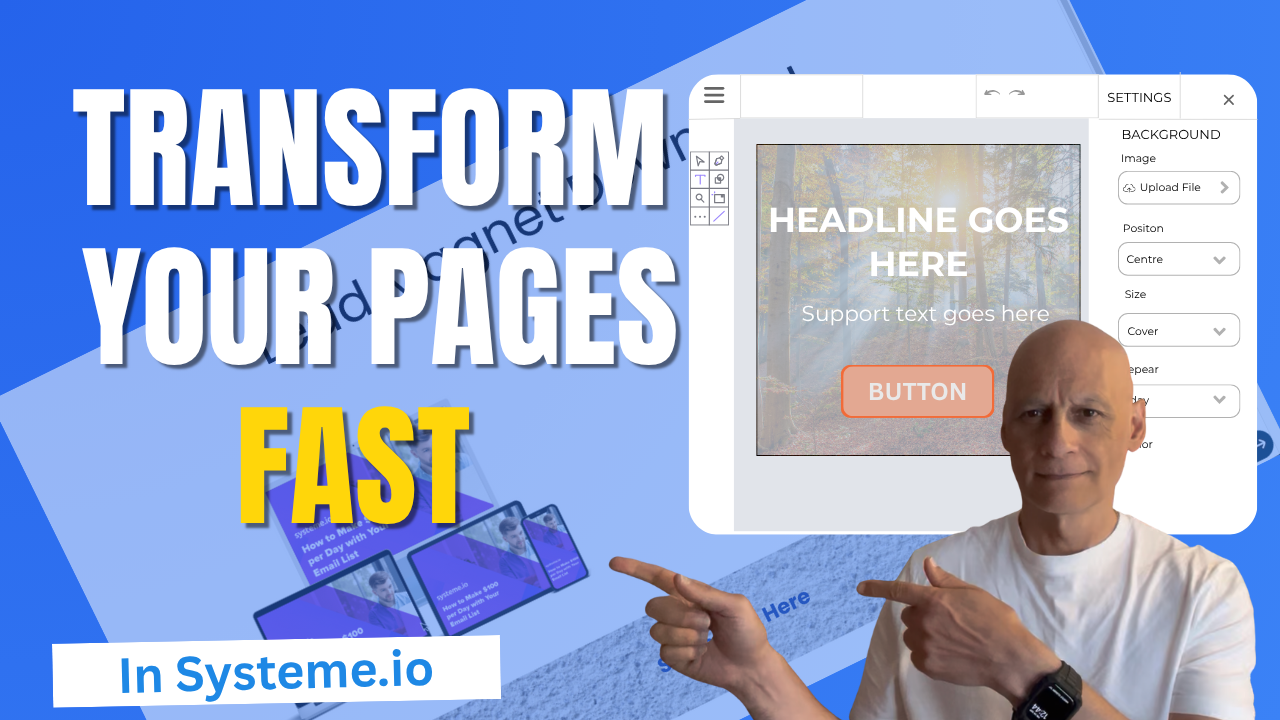
    In this quick tutorial, you’ll learn step-by-step how to add an image background section inside Systeme.io.

    Perfect for beginners who want to make their landing pages look more professional without needing any design skills.
    In this video, you’ll learn:

    ✅ How to add a section in Systeme.io
    ✅ How to upload and use a background image
    ✅ How to make your background look clean and professional

    💡 Follow along using my free Systeme.io link below!

    Download The Free Starter Kit: A step-by-step checklist and a ready-made landing page template (for Systeme.io)

    🔗https://www.pagebuilderacademy.com/starter

    💡 Grab yourself a free Systeme.io account: An all-in-one platform, create emails, funnels and more!
    🔗https://www.pagebuilderacademy.com/systeme


    Timestamps:
    0:00 – Intro
    0:38 – Navigating to Sales Funnels
    0:45 – Select Required Funnel
    1:23 – Go into Page Editor
    1:13 – Adding a section
    1:51 – Adding an image to the section
    2:44 – Adjusting background section
    3:41 – Adding a text element to the section
    4:09 – Formatting the text element
    4:56 – Outro

    #systemeio #systemeiotutorial #pagebuilder #funnelbuilder #onlinemarketingtips

    ========================
    QUESTIONS? CONTACT ME!
    ========================

    EMAIL: zaf@pagebuilderacademey.com

    ===========
    FOLLOW ME
    ===========

    ▶ YOUTUBE SUBSCRIBE – @PageBuilderAcademy

    ============
    DISCLAIMER
    ============

    Some of the links in this description may be affiliate links, which means I receive a small commission at NO ADDITIONAL cost to you if you decide to purchase something.

    These are my opinions and do not represent the views of the companies that create these products.

    My opinions are based on my personal experience and research. I never recommend poor-quality products or create false reviews to generate sales.

    I intend to explain products so you can make an informed decision on which ones suit your needs best.

    Any forward-looking statements in this video are intended to express my opinions. They are opinions only and should not be relied upon as fact.

    Success in any endeavour is based on many factors, individual to you. I do not know your educational background, your skills, your prior experience, or the time you can and will devote to the endeavour.
  • How to adjust spacing and padding in Systeme.io

    How to adjust spacing and padding in Systeme.io

    Learn how to adjust spacing and padding in Systeme.io to make your pages look clean and professional. 


    In this beginner-friendly tutorial, I’ll show you the difference between padding and margins, how to edit them inside the drag-and-drop editor, and how to preview your changes. 


    Perfect for anyone just starting with Systeme.io who wants better-looking pages.
    Download The Free Starter Kit: A step-by-step checklist and a ready-made landing page template (for Systeme.io)


    🔗https://optin.pagebuilderacademy.com

    💡 Grab yourself a free Systeme.io account: An all-in-one platform, create emails, funnels and more!

    🔗https://www.pagebuilderacademy.com/systeme


    Timestamps:

    0:00 – Intro
    0:28 – Navigating to Sales Funnels
    0:40 – Edit Your Funnel
    1:08 – Select Element To Edit
    1:28 – Editing The Padding Spacing
    3:10 – Editing Margin Spacing
    4:17 – Previewing The Page
    4:47- Outro

    #systemeio #systemeiotutorial #pagebuilder

    ========================
    QUESTIONS? CONTACT ME!
    ========================

    EMAIL: zaf@pagebuilderacademey.com

    ===========
    FOLLOW ME
    ===========

    ▶ YOUTUBE SUBSCRIBE – @PageBuilderAcademy

    ============
    DISCLAIMER
    ============

    Some of the links in this description may be affiliate links, which means I receive a small commission at NO ADDITIONAL cost to you if you decide to purchase something.

    These are my opinions and do not represent the views of the companies that create these products.

    My opinions are based on my personal experience and research. I never recommend poor-quality products or create false reviews to generate sales.

    I intend to explain products so you can make an informed decision on which ones suit your needs best.

    Any forward-looking statements in this video are intended to express my opinions. They are opinions only and should not be relied upon as fact.

    Success in any endeavour is based on many factors, individual to you. I do not know your educational background, your skills, your prior experience, or the time you can and will devote to the endeavour.