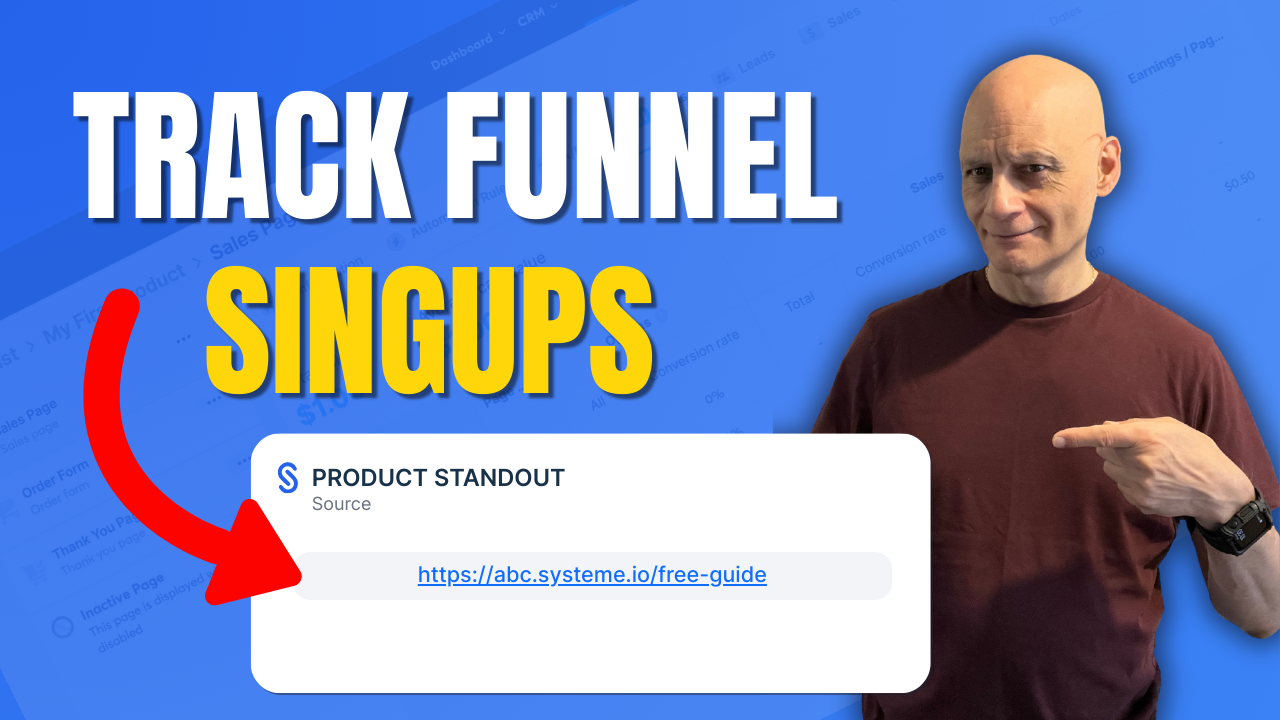
Want to know exactly which funnel a contact signed up through in Systeme.io?
In this quick beginner-friendly tutorial, I’ll show you the fastest way to find the Source URL inside the contact record — so you’re not guessing where your leads came from and you can make smarter funnel and follow-up decisions.
In this quick beginner-friendly tutorial, I’ll show you the fastest way to find the Source URL inside the contact record — so you’re not guessing where your leads came from and you can make smarter funnel and follow-up decisions.
 What you’ll learn in this video:
• Where to find the Source URL in Systeme.io
• How to see the exact opt-in page/funnel step a contact used
• Why Source URL shows the funnel step, not the traffic source
• What it means if the Source URL is missing
• The best practice way to tag contacts automatically by funnel step
 Next video (recommended): How to tag contacts automatically by funnel step
 https://youtu.be/h4QSr4SEenc
 Subscribe for more Systeme.io tutorials, funnel tips, and simple automation guides. Free resource
 Beginner Funnel Checklist / Freebie:
Includes my 10-minute landing page blueprint + a ready-to-use landing page template
https://www.pagebuilderacademy.com/starterGet a FREE Systeme.io account below:
https://www.pagebuilderacademy.com/systemeSee my full Systeme.io review + bonuses:
https://www.pagebuilderacademy.com/2r8bI use Systeme.io to run my funnels, pages, and emails — both links above will help you get started faster.
 Timestamps:
0:00 – Intro
0:33 – Navigating to contact
0:47 – Selecting our contact
0:58 – Finding the sign-up source
1:14 – Viewing the funnel step
1:24 – Quick tip on funnel source
2:56 – Outro
#systemeio #systemeiotutorial #pagebuilder #funnelbuilder #onlinemarketingtips #emailmarketingtips #pagebuilderacademy #emailmarketing
========================
QUESTIONS? CONTACT ME!
========================
EMAIL: zaf@pagebuilderacademy.com
===========
FOLLOW ME
===========
YOUTUBE SUBSCRIBE – @PageBuilderAcademy ============
DISCLAIMER
============
Some of the links in this description may be affiliate links, which means I receive a small commission at NO ADDITIONAL cost to you if you decide to purchase something.
Leave a Reply