Tag: systeme.io email marketing

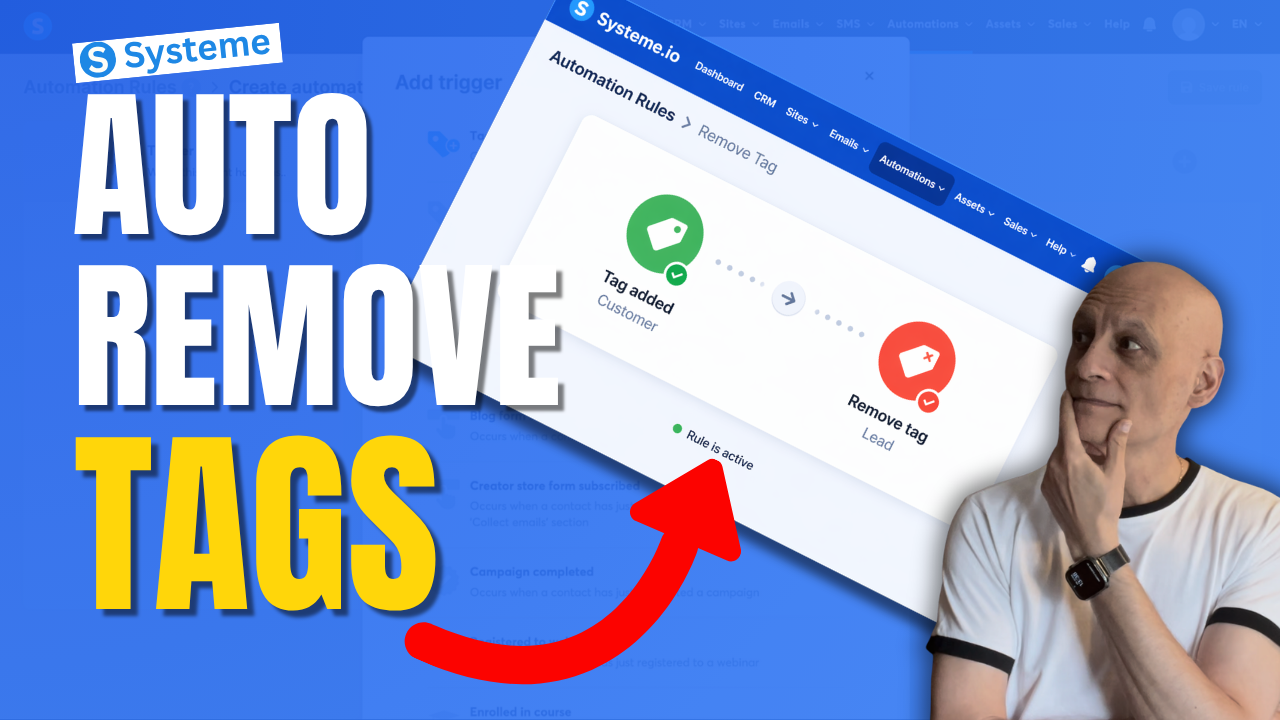
  • How to Remove a tag With Automation in Systeme.io

    How to Remove a tag With Automation in Systeme.io

    Want to remove a tag automatically in Systeme.io instead of doing it manually every time?

    In this beginner-friendly tutorial, I’ll show you step by step how to remove a tag using automation in Systeme.io so you can keep your contacts organised and avoid messy tag setups.
    This is really useful if you want to:

    * clean up old tags automatically
    * move people between automations
    * stop contacts staying in the wrong segment
    * make your email marketing more organised

    If you’re new to Systeme.io, don’t worry — I’ll keep this simple and easy to follow.

    🎁 Free resource: Download my free checklist to help you build better pages and funnels inside Systeme.io.

    📌 Beginner Funnel Checklist / Freebie:
    🔗https://www.pagebuilderacademy.com/starter

    Get a FREE Systeme.io account below:
    🔗https://www.pagebuilderacademy.com/systeme

    See my full Systeme.io review + bonuses:
    🔗https://www.pagebuilderacademy.com/2r8b

    ⏱️Timestamps:
    0:00 Most Beginners Miss This
    0:07 Remove Tags Automatically
    0:14 What a Tag Is
    0:22 Why Old Tags Hurt
    0:32 What We’re Building
    0:46 Go to Automations
    1:01 Create Rule
    1:08 Trigger: Tag Added
    1:31 Add Remove Tag Action
    1:50 Lead to Customer Example
    2:14 Best Use Cases
    2:32 Save Rule
    2:40 Beginner Tip
    3:02 Final Thoughts
    3:10 Free Starter Kit


    #systemeio #emailmarketing #automation #funnels #systemeiotutorial #systemeiotutorial #pagebuilderacademy

    ========================
    QUESTIONS? CONTACT ME!
    ========================

    EMAIL: zaf@pagebuilderacademy.com

    ===========
    FOLLOW ME
    ===========

    ▶ YOUTUBE SUBSCRIBE – @PageBuilderAcademy

    ============
    DISCLAIMER
    ============
    Some of the links in this description may be affiliate links, which means I receive a small commission at NO ADDITIONAL cost to you if you decide to purchase something.
  • How to trigger automation when a purchase is made in Systeme.io

    Want to automatically trigger an email, tag, or campaign when someone buys your product in Systeme.io?

    In this beginner-friendly Systeme.io tutorial, I’ll show you step-by-step how to trigger an automation when a purchase is made using the New sale trigger.
    By the end of this video, you’ll know how to:

    • trigger an automation after a sale
    • subscribe buyers to an email campaign
    • add tags automatically
    • create simple post-purchase automation inside Systeme.io

    This is perfect if you sell digital products, freebies, or low-ticket offers and want to automate what happens after someone makes a purchase.

    If you’re new to Systeme.io, this is one of the most useful automations you can set up.

    Next Video: How to Create Order Bumps in Systeme.io
    🔗https://www.pagebuilderacademy.com/how-to-create-order-bumps-in-systeme-io/

    👉 Get a FREE Systeme.io account below:
    🔗https://www.pagebuilderacademy.com/systeme

    👉 Get my free Systeme.io Starter Kit here:
    ✅ Free resource:
    🔗https://www.pagebuilderacademy.com/starter

    See my full Systeme.io review + bonuses:
    🔗https://www.pagebuilderacademy.com/2r8b

    #systemeio #emailmarketing #salesfunnels #systemeiotutorial #automation #pagebuilderacademy

    ⏱️Timestamps:
    0:00 Why automate after a sale?
    0:19 Open your product funnel
    0:34 Go to the payment page
    0:50 Create a new automation rule
    0:57 Set the trigger to new sale
    1:14 Choose what happens next
    1:23 Add buyers to a campaign
    1:40 Select your follow-up campaign
    1:48 Save the automation
    2:03 What happens after a purchase
    2:12 Other actions you can trigger
    2:20 The simple automation formula
    2:31 Test before going live
    2:38 Wrap up
    2:45 Free Systeme.io starter kit

    ========================
    QUESTIONS? CONTACT ME!
    ========================

    EMAIL: zaf@pagebuilderacademy.com

    ===========
    FOLLOW ME
    ===========

    ▶ YOUTUBE SUBSCRIBE – @PageBuilderAcademy

    ============
    DISCLAIMER
    ============
    Some of the links in this description may be affiliate links, which means I receive a small commission at NO ADDITIONAL cost to you if you decide to purchase something.
  • Which Funnel Did The Lead Use? Systeme.io Source URL

    Which Funnel Did The Lead Use? Systeme.io Source URL

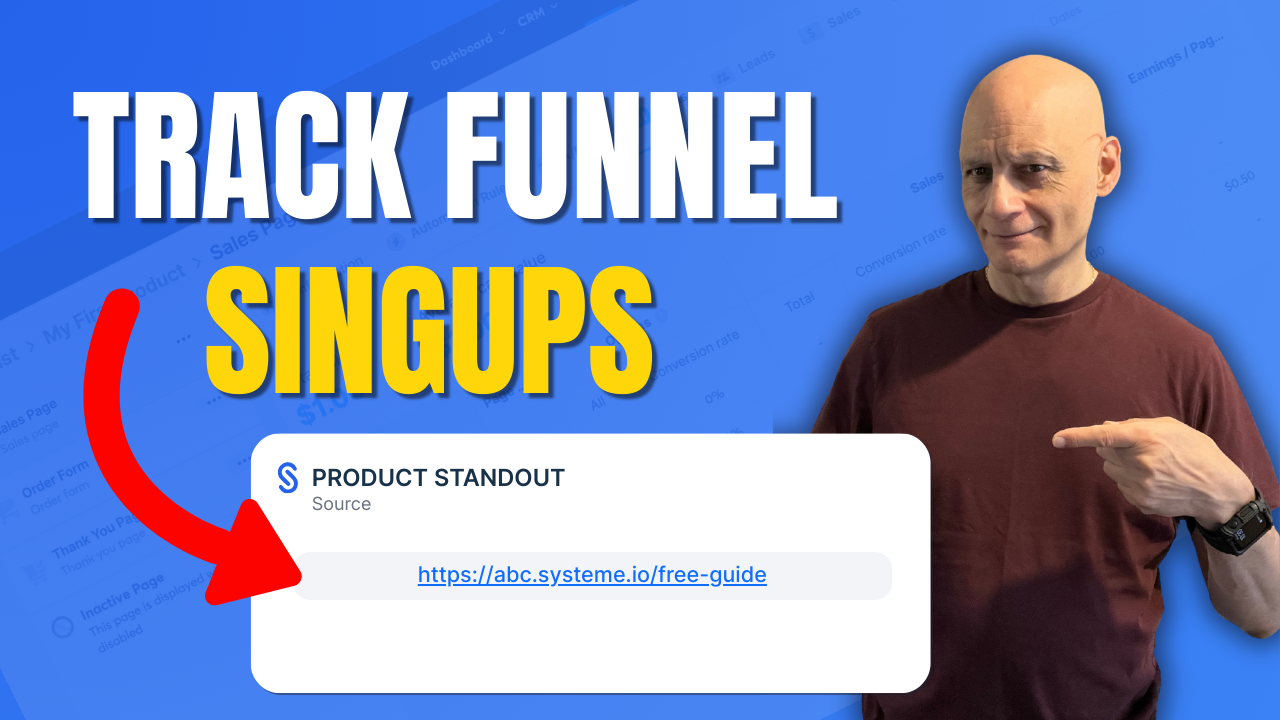
    Want to know exactly which funnel a contact signed up through in Systeme.io?

    In this quick beginner-friendly tutorial, I’ll show you the fastest way to find the Source URL inside the contact record — so you’re not guessing where your leads came from and you can make smarter funnel and follow-up decisions.
    ✅ What you’ll learn in this video:

    • Where to find the Source URL in Systeme.io
    • How to see the exact opt-in page/funnel step a contact used
    • Why Source URL shows the funnel step, not the traffic source
    • What it means if the Source URL is missing
    • The best practice way to tag contacts automatically by funnel step

    ▶️ Next video (recommended): How to tag contacts automatically by funnel step
    🔗https://youtu.be/h4QSr4SEenc

    👉 Subscribe for more Systeme.io tutorials, funnel tips, and simple automation guides.

    ✅ Free resource

    📌 Beginner Funnel Checklist / Freebie:
    Includes my 10-minute landing page blueprint + a ready-to-use landing page template
    🔗https://www.pagebuilderacademy.com/starter

    Get a FREE Systeme.io account below:
    🔗https://www.pagebuilderacademy.com/systeme

    See my full Systeme.io review + bonuses:
    🔗https://www.pagebuilderacademy.com/2r8b

    I use Systeme.io to run my funnels, pages, and emails — both links above will help you get started faster.

    ⏱️ Timestamps:
    0:00 – Intro
    0:33 – Navigating to contact
    0:47 – Selecting our contact
    0:58 – Finding the sign-up source
    1:14 – Viewing the funnel step
    1:24 – Quick tip on funnel source
    2:56 – Outro

    #systemeio #systemeiotutorial #pagebuilder #funnelbuilder #onlinemarketingtips #emailmarketingtips #pagebuilderacademy #emailmarketing

    ========================
    QUESTIONS? CONTACT ME!
    ========================

    EMAIL: zaf@pagebuilderacademy.com

    ===========
    FOLLOW ME
    ===========

    ▶ YOUTUBE SUBSCRIBE – @PageBuilderAcademy

    ============
    DISCLAIMER
    ============
    Some of the links in this description may be affiliate links, which means I receive a small commission at NO ADDITIONAL cost to you if you decide to purchase something.
  • How to trigger automation when a tag is added in Systeme.io

    How to trigger automation when a tag is added in Systeme.io

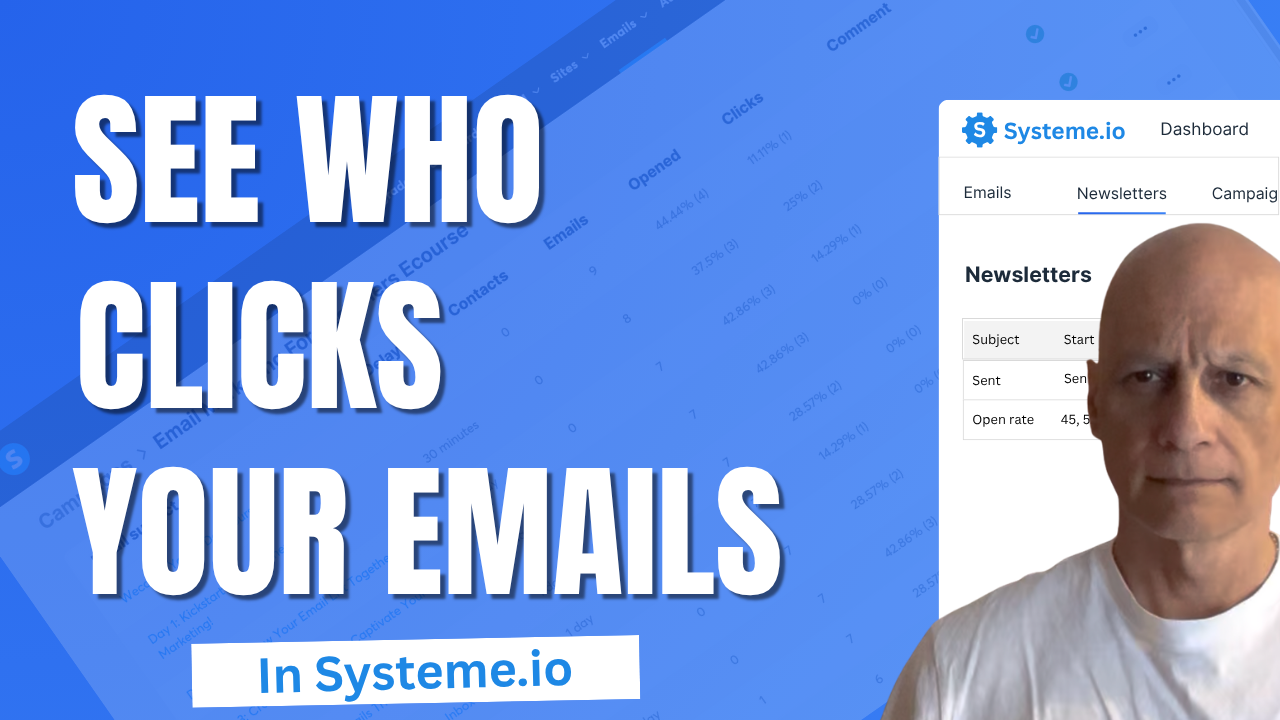
    Want to know if people are actually clicking the links in your emails?
    In this quick Systeme.io tutorial.

    You’ll learn where to find your click stats for both newsletters and email campaigns, so you can see which emails perform best and what to improve next.

    Perfect for beginners who want to get confident using Systeme.io’s built-in email analytics.
    💡 What You’ll Learn:

    ✅ Where to find email click rate stats in Systeme.io
    ✅ How to view open and click rates for newsletters
    ✅ How to check campaign-level email analytics
    ✅ Why tracking clicks helps improve conversions

    Download The Free Starter Kit: A step-by-step checklist and a ready-made landing page template (for Systeme.io)

    🔗https://www.pagebuilderacademy.com/starter

    💡 Grab yourself a free Systeme.io account: An all-in-one platform, create emails, funnels and more!

    🔗https://www.pagebuilderacademy.com/systeme

    Timestamps:
    0:00 – Intro
    0:27 – Navigating to Newsletters
    0:44 – Viewing in-depth stats for your newsletter
    1:39 – Viewing your campaign stats
    2:10 – Viewing the detailed stats
    2:43 – Outro

    #systemeio #systemeiotutorial #pagebuilder #funnelbuilder #onlinemarketingtips #PageBuilderAcademy #systemeiotutorial #SystemeioForBeginners

    ========================
    QUESTIONS? CONTACT ME!
    ========================

    EMAIL: zaf@pagebuilderacademey.com

    ===========
    FOLLOW ME
    ===========

    ▶ YOUTUBE SUBSCRIBE – @PageBuilderAcademy

    ============
    DISCLAIMER
    ============

    Some of the links in this description may be affiliate links, which means I receive a small commission at NO ADDITIONAL cost to you if you decide to purchase something.

    These are my opinions and do not represent the views of the companies that create these products.

    My opinions are based on my personal experience and research. I never recommend poor-quality products or create false reviews to generate sales.

    I intend to explain products so you can make an informed decision on which ones suit your needs best.

    Any forward-looking statements in this video are intended to express my opinions. They are opinions only and should not be relied upon as fact.

    Success in any endeavour is based on many factors, individual to you. I do not know your educational background, your skills, your prior experience, or the time you can and will devote to the endeavour.
  • How to test a funnel opt-in form in Systeme.io

    How to test a funnel opt-in form in Systeme.io

    Learn how to test a funnel opt-in form in Systeme.io step by step.

    In this short tutorial, I’ll show you how to preview your funnel, submit a test email, and confirm everything works—from capturing contacts to loading the thank-you page.

    Perfect for beginners, making sure their funnel is ready before sending traffic.

    Download The Free Starter Kit: A step-by-step checklist and a ready-made landing page template (for Systeme.io)

    🔗https://optin.pagebuilderacademy.com

    💡 Grab yourself a free Systeme.io account: An all-in-one platform, create emails, funnels and more!

    🔗https://www.pagebuilderacademy.com/systeme

    QUESTIONS? CONTACT ME!

    EMAIL: zaf@pagebuilderacademey.com

    FOLLOW ME===========▶ YOUTUBE SUBSCRIBE – @pagebuilderacademy.com

    ============DISCLAIMER============

    Some of the links in this description may be affiliate links, which means I receive a small commission at NO ADDITIONAL cost to you if you decide to purchase something.

    These are my opinions and do not represent the views of the companies that create these products.My opinions are based on my personal experience and research.

    I never recommend poor-quality products or create false reviews to generate sales.I intend to explain products so you can make an informed decision on which ones suit your needs best.

    Any forward-looking statements in this video are intended to express my opinions. They are opinions only and should not be relied upon as fact.

    Success in any endeavour is based on many factors, individual to you. I do not know your educational background, your skills, your prior experience, or the time you can and will devote to the endeavour.

  • Create a Simple Opt-in Page Using Systeme.io in minutes

    Create a Simple Opt-in Page Using Systeme.io in minutes

    Want to build a clean, high-converting landing page in under 30 minutes—without tech headaches or expensive tools?

    In this video, I’m going to show you exactly how to do it using Systeme.io. No code. No fluff. Just click, drag, and publish.

    Click to play

    If you want to give away a free PDF—like a lead magnet, checklist, or eBook—using Systeme.io?  I’ll show you exactly how to upload your PDF and add a download link to your funnel or page.

    Free Starter Kit: Includes my 10-Minute Landing Page Blueprint + my ready-to-use 5-Minute Lite Landing Page Template.Download

    A step-by-step checklist and a ready-made landing page template (for Systeme.io)🔗https://optin.pagebuilderacademy.com

    💡 Grab yourself a free Systeme.io account: An all-in-one platform, create emails, funnels and more!

    🔗https://www.pagebuilderacademy.com/systeme

    #systemeio #systemeiotutorial #pagebuilder

    QUESTIONS? CONTACT ME!

    EMAIL: zaf@pagebuilderacademey.com

    FOLLOW ME===========▶ YOUTUBE SUBSCRIBE –  @PageBuilderAcademy