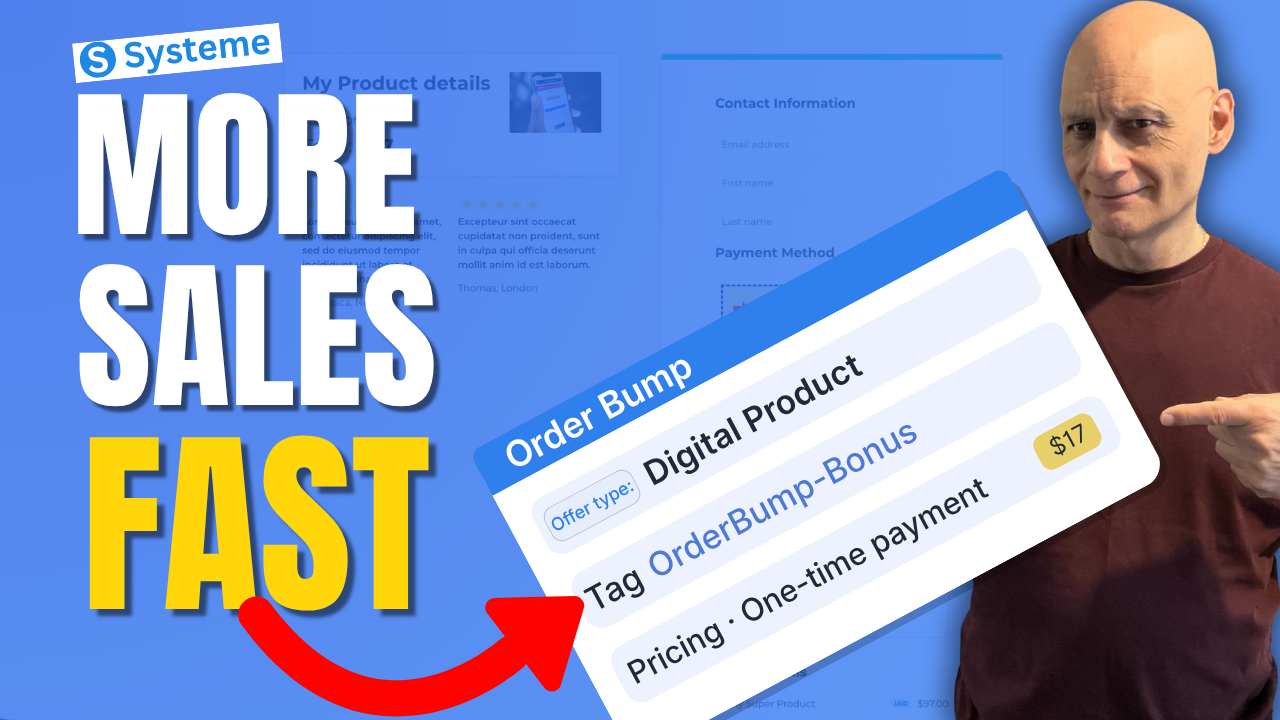
Want to increase your funnel revenue without getting more traffic?
In this beginner-friendly tutorial, you’ll learn how to create an order bump in Systeme.io step by step. Order bumps allow you to add a small additional offer directly on your checkout page so customers can add it to their purchase with a single click.
In this beginner-friendly tutorial, you’ll learn how to create an order bump in Systeme.io step by step. Order bumps allow you to add a small additional offer directly on your checkout page so customers can add it to their purchase with a single click.
In this video you’ll learn:
• What an order bump is
• Where to add it in Systeme.io
• How to configure the bump offer
• How to display it on your checkout page
• Optional automation after purchase
Order bumps appear directly on the order form as a checkbox offer that complements the main purchase and increases your average order value.
 Free resource
 Beginner Funnel Checklist / Freebie:
 https://www.pagebuilderacademy.com/starter
Get a FREE Systeme.io account below:
https://www.pagebuilderacademy.com/systeme
See my full Systeme.io review + bonuses:
https://www.pagebuilderacademy.com/2r8b
 Timestamps
0:00 Increase Sales Fast
0:07 What Is an Order Bump
0:23 Open Funnel
0:40 Select Checkout Page
0:55 Add Order Bump
1:12 Choose Product Type
1:47 Name Your Offer
1:55 Add Resource (Tag)
2:18 Why Use Tags
2:49 Create Pricing Plan
3:24 Set Price
4:33 Open Page Builder
4:40 Add Order Bump Element
4:56 Write Offer
6:07 Preview Order Bump
6:42 Quick Recap
7:13 Free Resource
#systemeio #systemeiotutorial #orderbump #salesfunnel #funnelbuilding #digitalproducts #onlinebusiness #pagebuilderacademy
QUESTIONS? CONTACT ME!
========================
EMAIL: zaf@pagebuilderacademy.com
===========
FOLLOW ME
===========
 YOUTUBE SUBSCRIBE – @PageBuilderAcademy
============
DISCLAIMER
============
Some of the links in this description may be affiliate links, which means I receive a small commission at NO ADDITIONAL cost to you if you decide to purchase something.
• What an order bump is
• Where to add it in Systeme.io
• How to configure the bump offer
• How to display it on your checkout page
• Optional automation after purchase
Order bumps appear directly on the order form as a checkbox offer that complements the main purchase and increases your average order value.
Free resource Beginner Funnel Checklist / Freebie:https://www.pagebuilderacademy.com/starterGet a FREE Systeme.io account below:
https://www.pagebuilderacademy.com/systemeSee my full Systeme.io review + bonuses:
https://www.pagebuilderacademy.com/2r8b Timestamps0:00 Increase Sales Fast
0:07 What Is an Order Bump
0:23 Open Funnel
0:40 Select Checkout Page
0:55 Add Order Bump
1:12 Choose Product Type
1:47 Name Your Offer
1:55 Add Resource (Tag)
2:18 Why Use Tags
2:49 Create Pricing Plan
3:24 Set Price
4:33 Open Page Builder
4:40 Add Order Bump Element
4:56 Write Offer
6:07 Preview Order Bump
6:42 Quick Recap
7:13 Free Resource
#systemeio #systemeiotutorial #orderbump #salesfunnel #funnelbuilding #digitalproducts #onlinebusiness #pagebuilderacademy
QUESTIONS? CONTACT ME!
========================
EMAIL: zaf@pagebuilderacademy.com
===========
FOLLOW ME
===========
YOUTUBE SUBSCRIBE – @PageBuilderAcademy ============
DISCLAIMER
============
Some of the links in this description may be affiliate links, which means I receive a small commission at NO ADDITIONAL cost to you if you decide to purchase something.
Leave a Reply