Tag: systeme io tags tutorial

  • How to Trigger an Automation When Someone Signs Up Systeme.io

    How to Trigger an Automation When Someone Signs Up Systeme.io

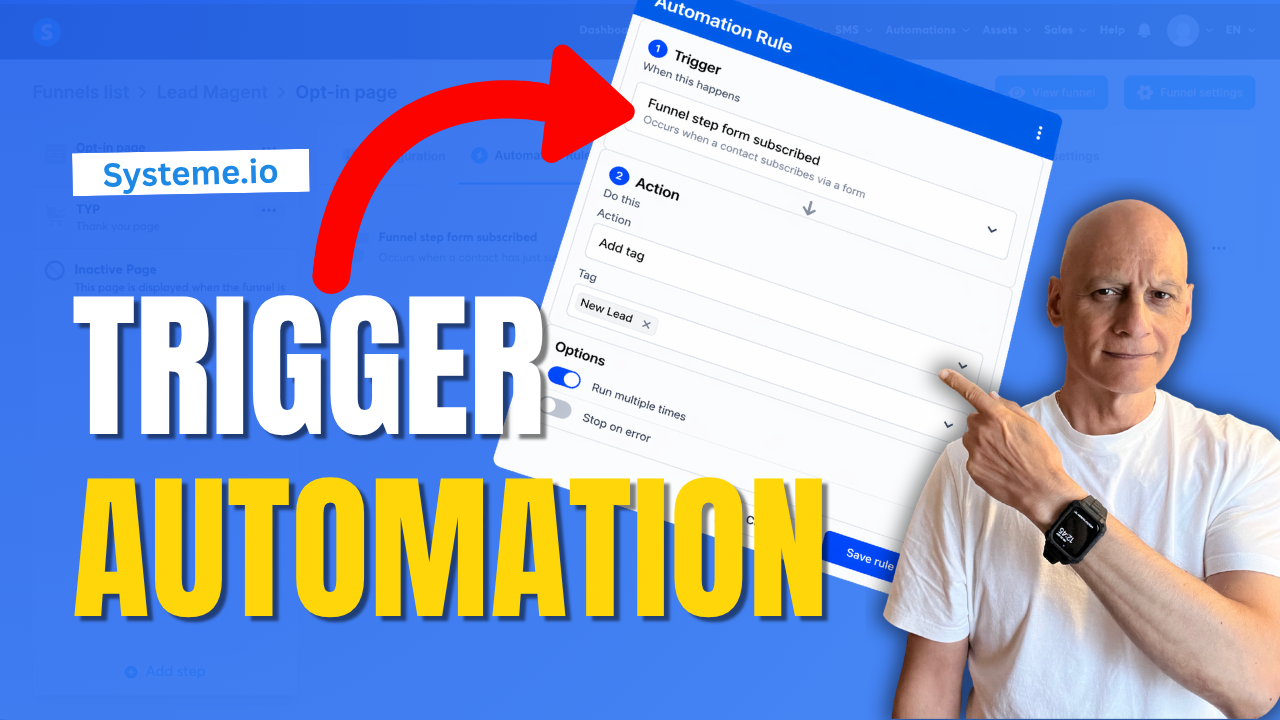
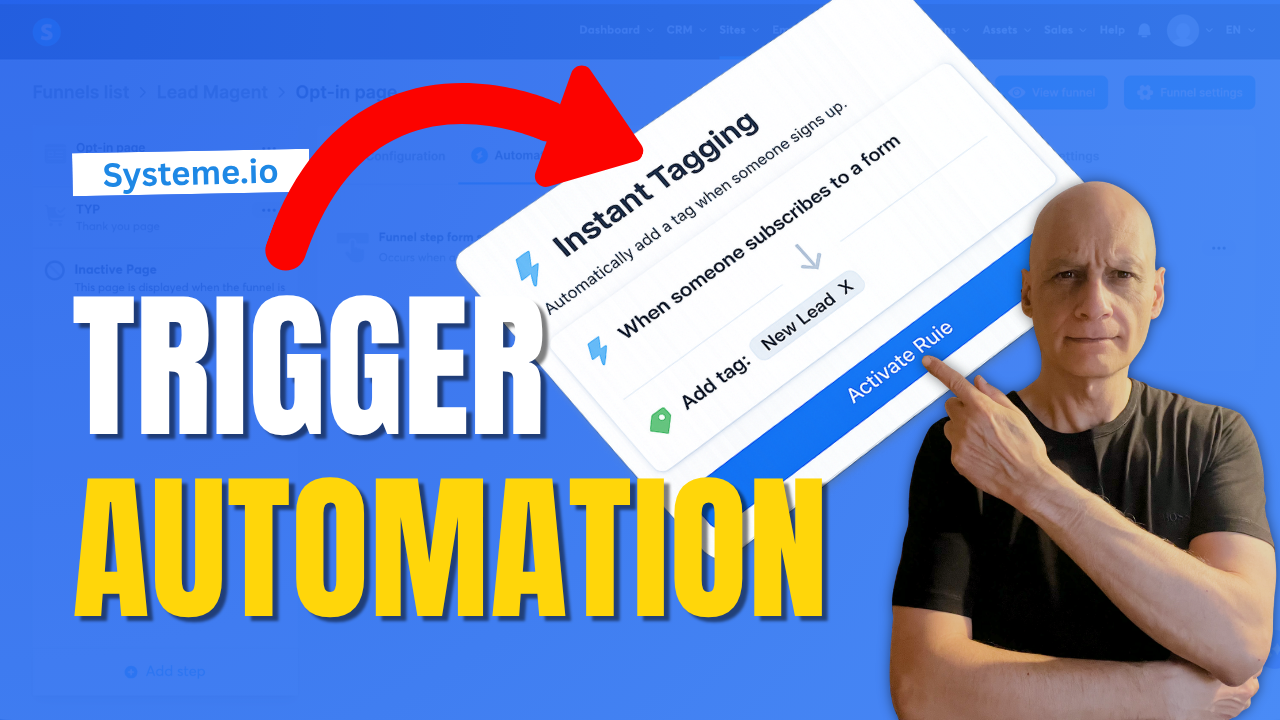
    In this beginner-friendly tutorial, you’ll learn how to trigger an automation on a funnel step inside Systeme.io.

    This allows you to automatically add tags, start email campaigns, or track user behaviour when someone visits or interacts with your funnel pages.
    In this step-by-step guide, you’ll learn:

    * How to access automation rules in your funnel
    * How to choose the right trigger
    * How to add actions like tagging or email sequences
    * How to test your automation properly

    This is a simple but powerful way to automate your funnels and build a more targeted email list.


    👉 Download my free Systeme.io checklist to build better funnels: 🔗https://www.pagebuilderacademy.com/starter

    Get a FREE Systeme.io account below:
    🔗https://www.pagebuilderacademy.com/systeme

    See my full Systeme.io review + bonuses:
    🔗https://www.pagebuilderacademy.com/2r8b


    ⏱️Timestamps
    0:00 What Happens After Signup?
    0:18 Trigger an Automation in Systeme.io
    0:32 What This Automation Does
    0:44 Go to Sales Funnels
    1:07 Open Automation Rules
    1:15 Choose the Best Trigger
    1:45 Add an Action
    2:18 Add a Tag to New Leads
    2:40 Save Your Rule
    2:55 Test Your Automation
    3:13 Setup Complete
    3:24 Free Systeme.io Starter Kit

    ========================
    QUESTIONS? CONTACT ME!
    ========================

    EMAIL: zaf@pagebuilderacademy.com

    ===========
    FOLLOW ME
    ===========

    ▶ YOUTUBE SUBSCRIBE – @PageBuilderAcademy

    ============
    DISCLAIMER
    ============
    Some of the links in this description may be affiliate links, which means I receive a small commission at NO ADDITIONAL cost to you if you decide to purchase something.
  • How to Remove a tag With Automation in Systeme.io

    How to Remove a tag With Automation in Systeme.io

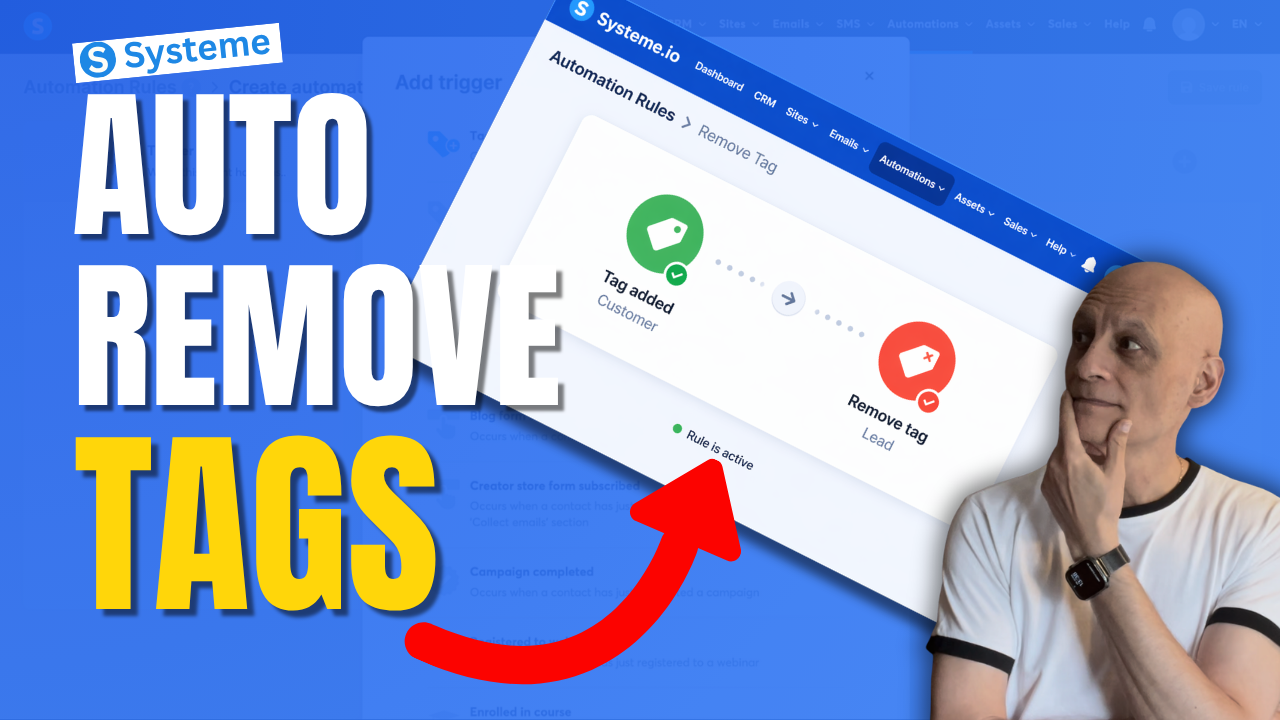
    Want to remove a tag automatically in Systeme.io instead of doing it manually every time?

    In this beginner-friendly tutorial, I’ll show you step by step how to remove a tag using automation in Systeme.io so you can keep your contacts organised and avoid messy tag setups.
    This is really useful if you want to:

    * clean up old tags automatically
    * move people between automations
    * stop contacts staying in the wrong segment
    * make your email marketing more organised

    If you’re new to Systeme.io, don’t worry — I’ll keep this simple and easy to follow.

    🎁 Free resource: Download my free checklist to help you build better pages and funnels inside Systeme.io.

    📌 Beginner Funnel Checklist / Freebie:
    🔗https://www.pagebuilderacademy.com/starter

    Get a FREE Systeme.io account below:
    🔗https://www.pagebuilderacademy.com/systeme

    See my full Systeme.io review + bonuses:
    🔗https://www.pagebuilderacademy.com/2r8b

    ⏱️Timestamps:
    0:00 Most Beginners Miss This
    0:07 Remove Tags Automatically
    0:14 What a Tag Is
    0:22 Why Old Tags Hurt
    0:32 What We’re Building
    0:46 Go to Automations
    1:01 Create Rule
    1:08 Trigger: Tag Added
    1:31 Add Remove Tag Action
    1:50 Lead to Customer Example
    2:14 Best Use Cases
    2:32 Save Rule
    2:40 Beginner Tip
    3:02 Final Thoughts
    3:10 Free Starter Kit


    #systemeio #emailmarketing #automation #funnels #systemeiotutorial #systemeiotutorial #pagebuilderacademy

    ========================
    QUESTIONS? CONTACT ME!
    ========================

    EMAIL: zaf@pagebuilderacademy.com

    ===========
    FOLLOW ME
    ===========

    ▶ YOUTUBE SUBSCRIBE – @PageBuilderAcademy

    ============
    DISCLAIMER
    ============
    Some of the links in this description may be affiliate links, which means I receive a small commission at NO ADDITIONAL cost to you if you decide to purchase something.
  • This Simple Automation Triggers Instantly Systeme.io

    This Simple Automation Triggers Instantly Systeme.io

    There’s a simple automation inside Systeme.io that most beginners either miss… or overcomplicate.

    In this video, I’ll show you how to set up a simple automation that triggers instantly when someone signs up to your funnel—so you can automatically tag contacts, start email sequences, and move subscribers into the right follow-up without doing anything manually.

    This is one of the easiest ways to start building a smarter, more automated funnel inside Systeme.io.
    🔧 What You’ll Learn

    * How to trigger an automation when someone subscribes
    * How to automatically tag new leads
    * How to connect your funnel to email follow-up
    * How to test your automation properly

    🚀 Why This Matters

    Without automation, your funnel stops at the opt-in.

    With this setup:

    * Your contacts are tagged instantly
    * Your emails can start automatically
    * Your follow-up becomes consistent and scalable

    👉 Download my free Systeme.io checklist to build better funnels:
    📌 Beginner Funnel Checklist
    🔗https://www.pagebuilderacademy.com/starter

    Get a FREE Systeme.io account below:
    🔗https://www.pagebuilderacademy.com/systeme

    See my full Systeme.io review + bonuses:
    🔗https://www.pagebuilderacademy.com/2r8b


    If you found this helpful, make sure to:
    👍 Like the video
    🔔 Subscribe for more simple Systeme.io tutorials

    ⏱️Timestamps:
    0:00 Simple Automation Most Beginners Miss
    0:16 What This Automation Does
    0:24 Quick Demo (Happens Instantly)
    0:39 Go to Funnels in Systeme.io
    0:57 Open Automation Rules
    1:10 Add Trigger (Important Step)
    1:25 Choose the Right Trigger
    1:49 Add Action (Tag Setup)
    2:30 Save Your Automation
    2:45 Test Your Setup
    3:13 Automation Now Runs Instantly
    3:22 Free Resource + Next Steps

    #systemeio #emailmarketing #salesfunnel #marketingautomation #onlinemarketing #affiliatemarketing #digitalmarketing #listbuilding #funnels #automation #makemoneyonline #systemeiotutorial #pagebuilderacademy


    ========================
    QUESTIONS? CONTACT ME!
    ========================

    EMAIL: zaf@pagebuilderacademy.com

    ===========
    FOLLOW ME
    ===========

    ▶ YOUTUBE SUBSCRIBE – @PageBuilderAcademy

    ============
    DISCLAIMER
    ============
    Some of the links in this description may be affiliate links, which means I receive a small commission at NO ADDITIONAL cost to you if you decide to purchase something.
  • This Simple Systeme.io Automation Can Clean Up Your Tags

    This Simple Systeme.io Automation Can Clean Up Your Tags

    Want to remove a tag automatically in Systeme.io instead of doing it manually every time?

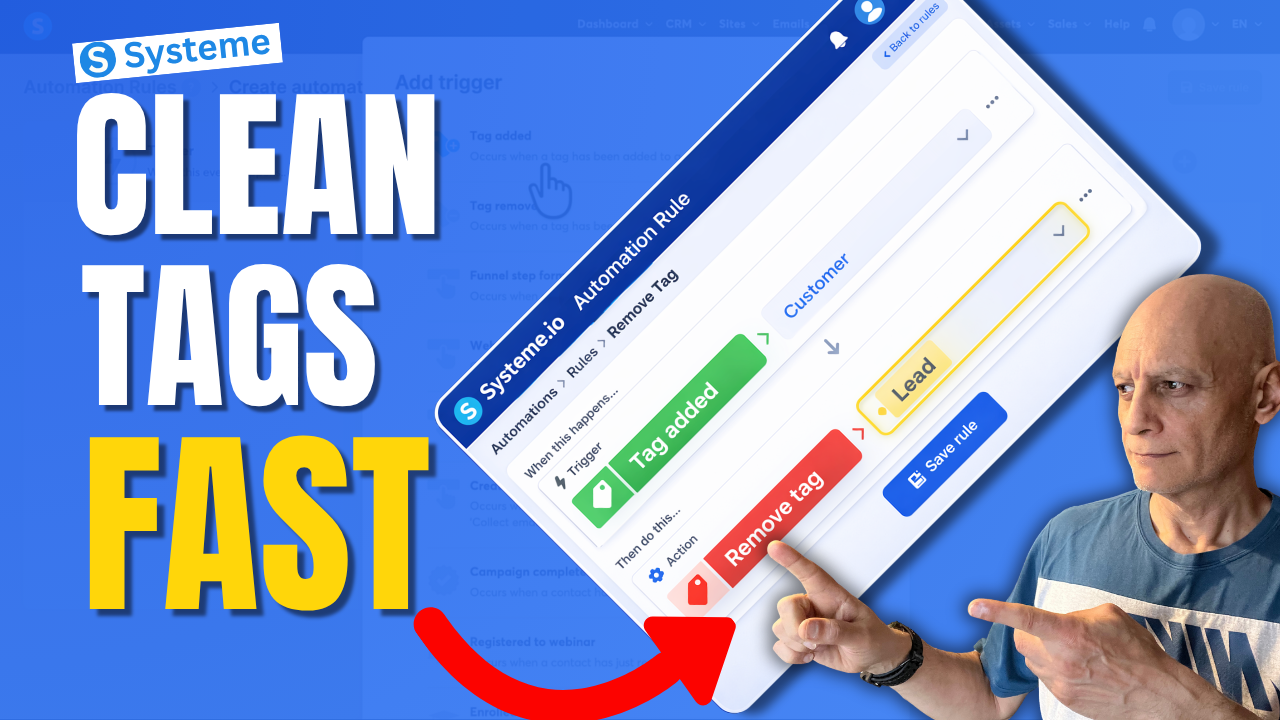
    In this beginner-friendly tutorial, I’ll show you step by step how to remove a tag with automation in Systeme.io so you can keep your contacts organised and avoid messy tag setups.
    This is useful if you want to:

    • clean up old tags automatically
    • organise your contacts better
    • stop people from staying in the wrong segment
    • improve your email follow-up automations

    If you’re new to Systeme.io, don’t worry — I’ll keep everything simple and easy to follow.

    In this video, you’ll learn:

    • how to create an automation rule
    • how to choose the right trigger
    • how to remove a tag automatically
    • how to keep your tags cleaner as your list grows

    Next Video: Tag Contacts Automatically by Funnel Step in Systeme.io Automation Rule
    https://youtu.be/t4h6SreY558

    🎁 Free Resource: Check out the free checklist below to help you build better-performing pages and funnels inside Systeme.io.
    🔗https://www.pagebuilderacademy.com/starter

    Get a FREE Systeme.io account below:
    🔗https://www.pagebuilderacademy.com/systeme

    See my full Systeme.io review + bonuses:
    🔗https://www.pagebuilderacademy.com/2r8b

    If you enjoy beginner-friendly Systeme.io tutorials, make sure to subscribe for more.

    #systemeio #emailmarketing #automation #funnels #systemeiotutorial #pagebuilderacademy

    ⏱️ Timestamps
    0:00 Stop Messy Tags (Big Mistake)
    0:09 The Simple Fix (What You’ll Learn)
    0:20 What a Tag Actually Is
    0:35 What We’re Building (Quick Overview)
    0:51 Where to Find Automations
    0:59 Create a New Rule
    1:06 Choose Your Trigger (Tag Added)
    1:23 Select Your Customer Tag
    1:39 Add the Clean-Up Step (Remove Tag)
    1:47 Choose Which Tag to Remove
    2:03 How the Automation Works
    2:08 Save Your Rule (Important)
    2:16 Real Example (Customer vs Lead)
    2:25 Why This Keeps Your List Clean
    2:33 More Use Cases (Funnels & Segments)
    2:49 Avoid Sending Wrong Emails
    2:57 Beginner Tip (Fix Your Tag Names)
    3:09 Why This Simple Automation Matters
    3:17 Free Systeme.io Starter Kit

    ========================
    QUESTIONS? CONTACT ME!
    ========================

    EMAIL: zaf@pagebuilderacademy.com

    ===========
    FOLLOW ME
    ===========

    ▶ YOUTUBE SUBSCRIBE – @PageBuilderAcademy

    ============
    DISCLAIMER
    ============
    Some of the links in this description may be affiliate links, which means I receive a small commission at NO ADDITIONAL cost to you if you decide to purchase something.
  • Systeme.io Tags: The Automation Trick Most Miss

    Systeme.io Tags: The Automation Trick Most Miss

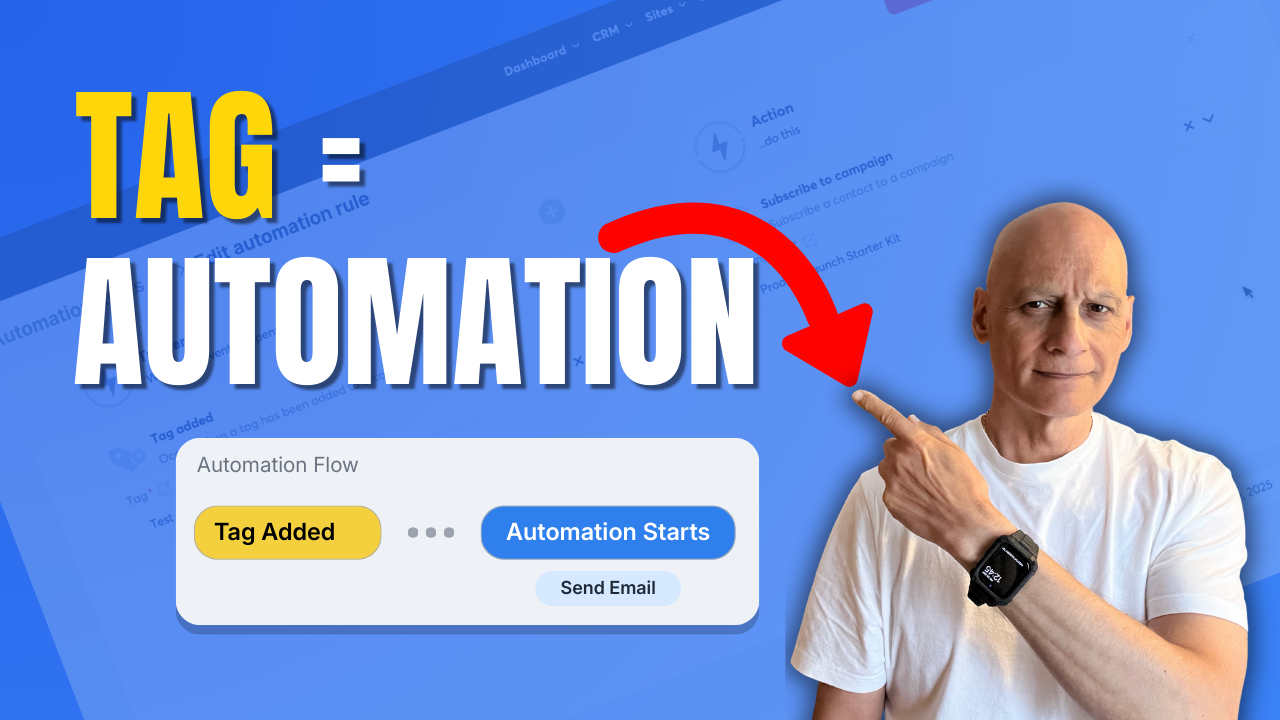
    Learn how to trigger automation when a tag is added in Systeme.io.

    In this step-by-step tutorial, you’ll discover how to use tags as automation triggers inside Systeme.io to automatically start email campaigns, apply actions, and build hands-free workflows.
    This method is ideal for:

    ✅ Email marketing automation
    ✅ Funnels and follow-ups
    ✅ Course access delivery
    ✅ Affiliate and lead automation

    You’ll see exactly where to click, how to set up automation rules, and how to test everything so it works correctly.

    🔹 What you’ll learn:

    ✅ How Systeme.io automation rules work
    ✅ How to trigger actions when a tag is added
    ✅ How to automate email campaigns with tags
    ✅ Beginner-friendly Systeme.io automation setup

    If you want to save time and stop doing things manually in Systeme.io, this tutorial will help. 


    Next video (recommended): Most Beginners Miss This Systeme.io Sales Trick

    ✅ Free resource
    📌 Beginner Funnel Checklist / Freebie:
    🔗https://www.pagebuilderacademy.com/starter

    Get a FREE Systeme.io account below:
    🔗https://www.pagebuilderacademy.com/systeme

    See my full Systeme.io review + bonuses:
    🔗https://www.pagebuilderacademy.com/2r8b

    Timestamps:
    0:00 – Intro
    0:38 – Navigating to Automations
    0:54 – Select rules
    1:00 – Create a new rule
    1:08 – Adding a trigger
    1:54 – Adding an action
    2:37 – Save the rule
    3:06 – Doing a manual test
    3:27 – Selecting a test contact
    3:49 – Checking that the automation has run correctly
    4:57 – Outro

    #systemeio #systemeiotutorial #pagebuilder #funnelbuilder #onlinemarketingtips #emailmarketing #pagebuilderacademy

    ========================
    QUESTIONS? CONTACT ME!
    ========================

    EMAIL: zaf@pagebuilderacademy.com

    ===========
    FOLLOW ME
    ===========

    ▶ YOUTUBE SUBSCRIBE – @PageBuilderAcademy

    ============
    DISCLAIMER
    ============
    Some of the links in this description may be affiliate links, which means I receive a small commission at NO ADDITIONAL cost to you if you decide to purchase something.