
Tag: systeme io page builder
-
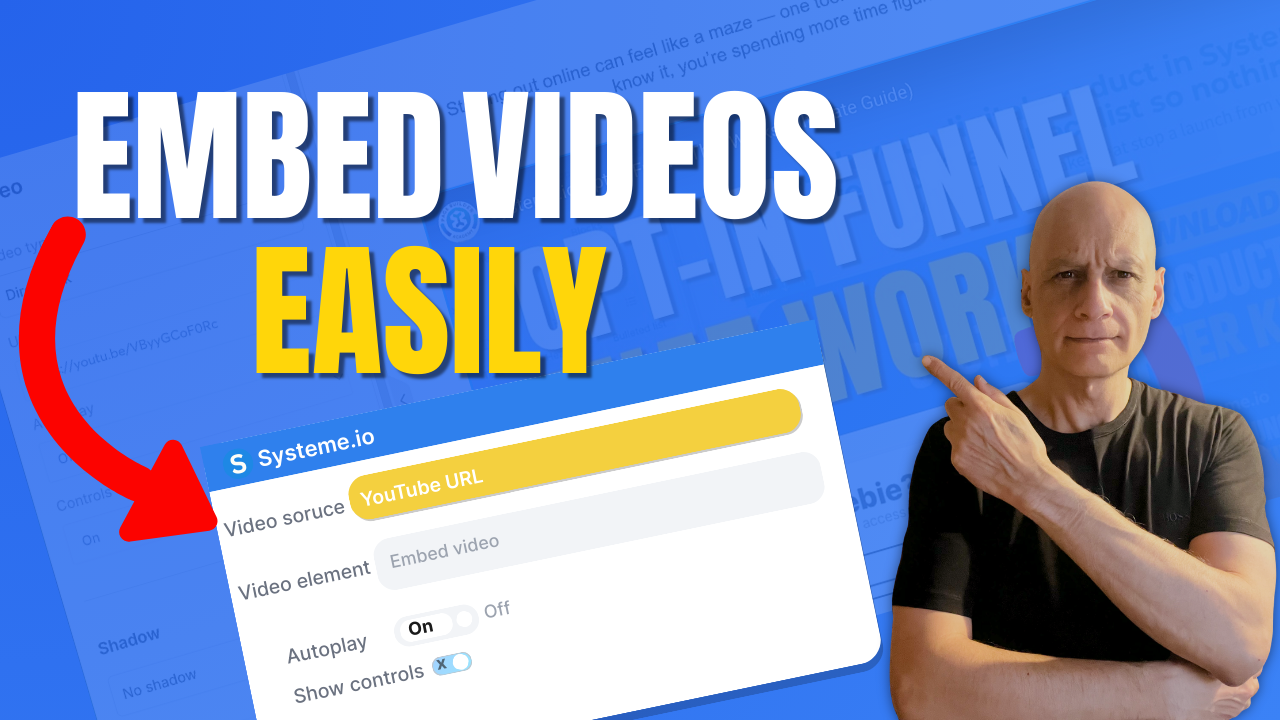
How to Add a Video to a Page in Systeme.io
Want to add a video to your page in Systeme.io but not sure where to start?In this beginner-friendly tutorial, I’ll show you exactly how to add a video to any Systeme.io page step by step. Whether you’re embedding a YouTube video, Vimeo video, or hosted content, this method works fast and requires no coding. You’ll…
-
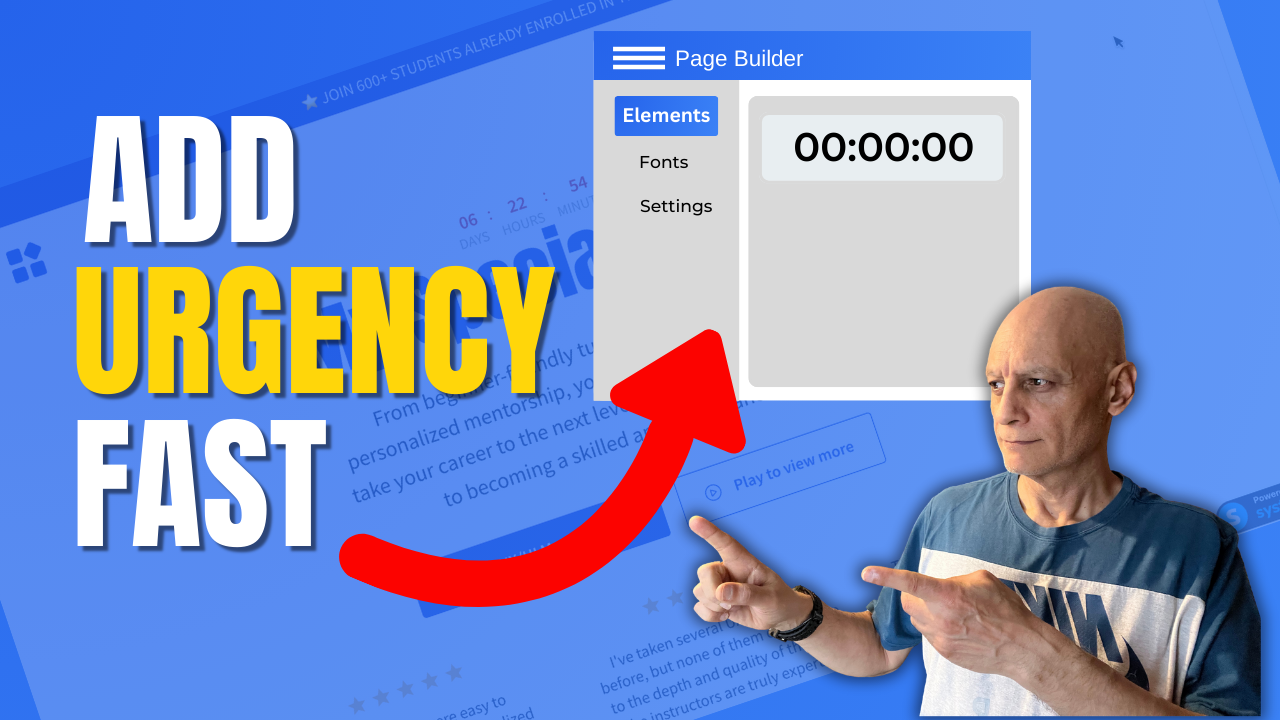
How to add a countdown timer in Systeme.io
This step-by-step tutorial covers using the built-in Countdown element — whether you need a fixed date/time, a delay timer, or a daily reset timer. Perfect for promos, limited-time offers, or evergreen funnels. What you’ll learn: How to drag and drop the “Countdown” element in Systeme.io page builder Configuring fixed date & time, delay countdown, or…
-
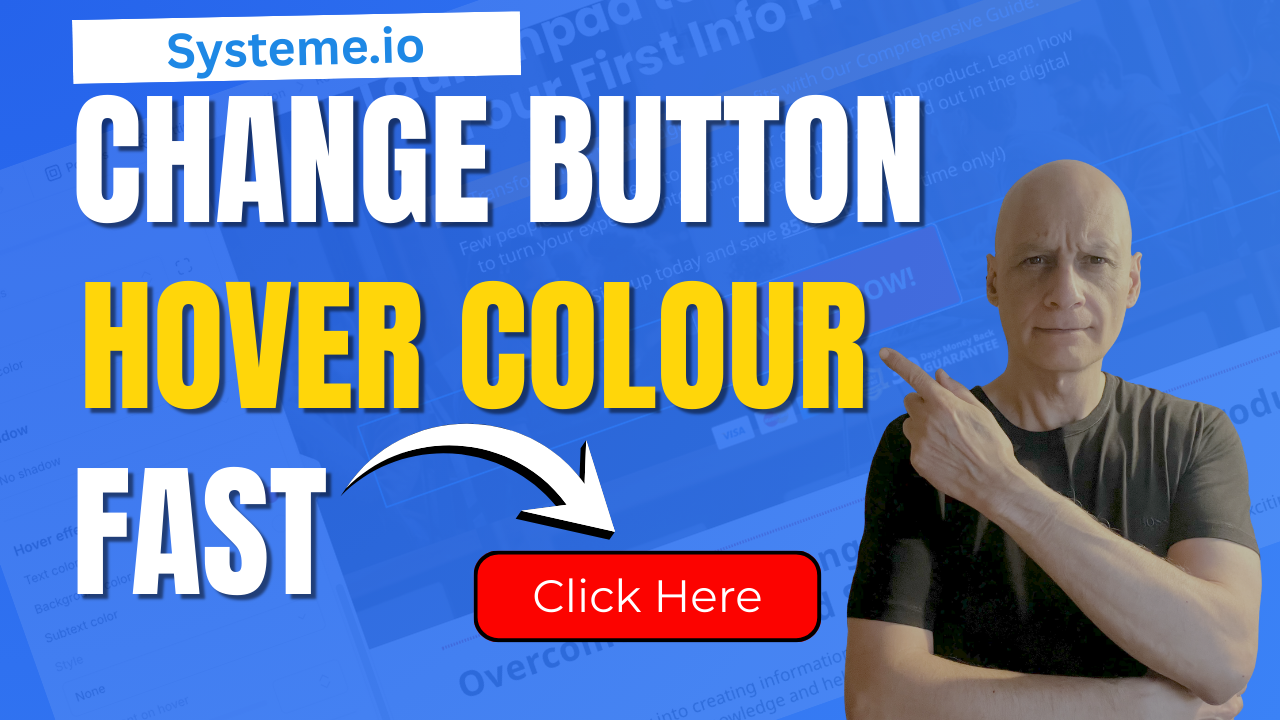
Change Your Button Hover Colour Fast In Systeme.io
Want your Systeme.io buttons to stand out and look more professional?In this beginner-friendly tutorial, I’ll show you exactly how to change the hover colour on any button inside Systeme.io. It’s a tiny design tweak that makes a huge difference in how your pages feel and how confidently people click your calls-to-action. You’ll learn: Where to…
-
Add Downloadable PDFs to Your Systeme.io Pages Fast & Easy
Want to add a downloadable PDF to your Systeme.io funnel or page?In this quick step-by-step tutorial, you’ll learn two easy ways to upload your PDF and create a download link or button — perfect for sharing checklists, lead magnets, or ebooks with your subscribers. By the end of this video, you’ll know how to:✅ Upload…