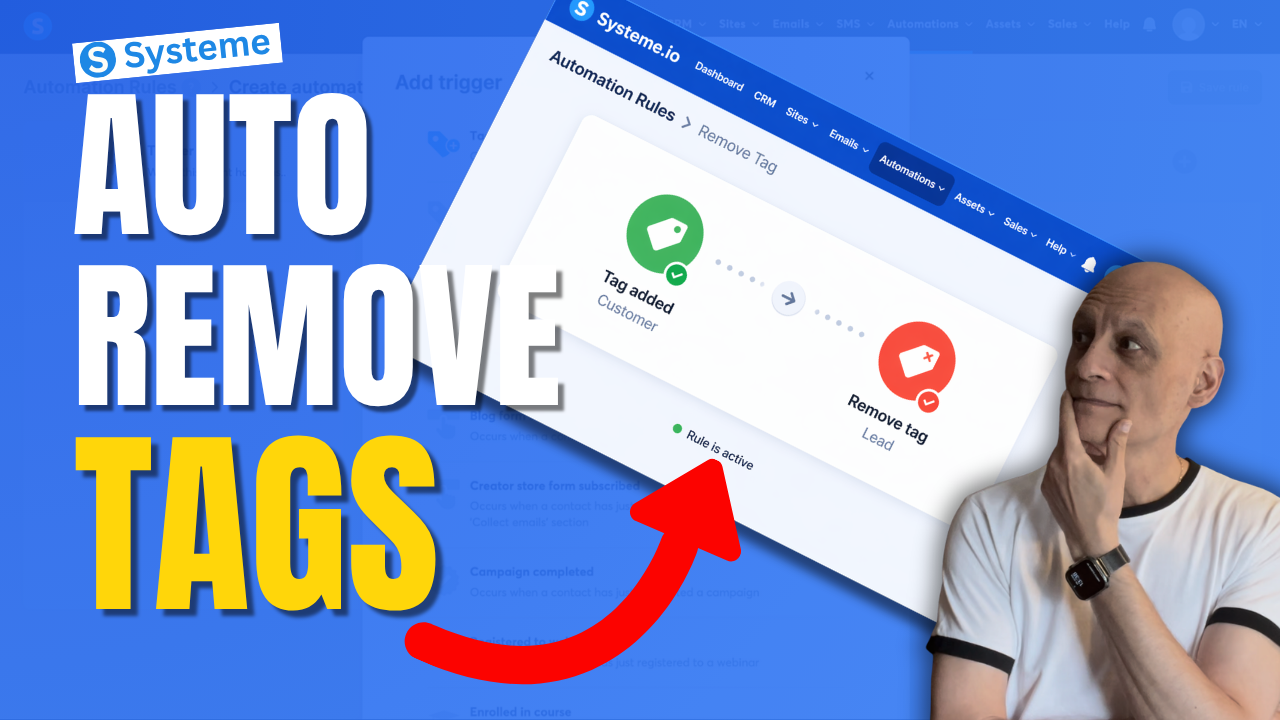
Want to remove a tag automatically in Systeme.io instead of doing it manually every time?
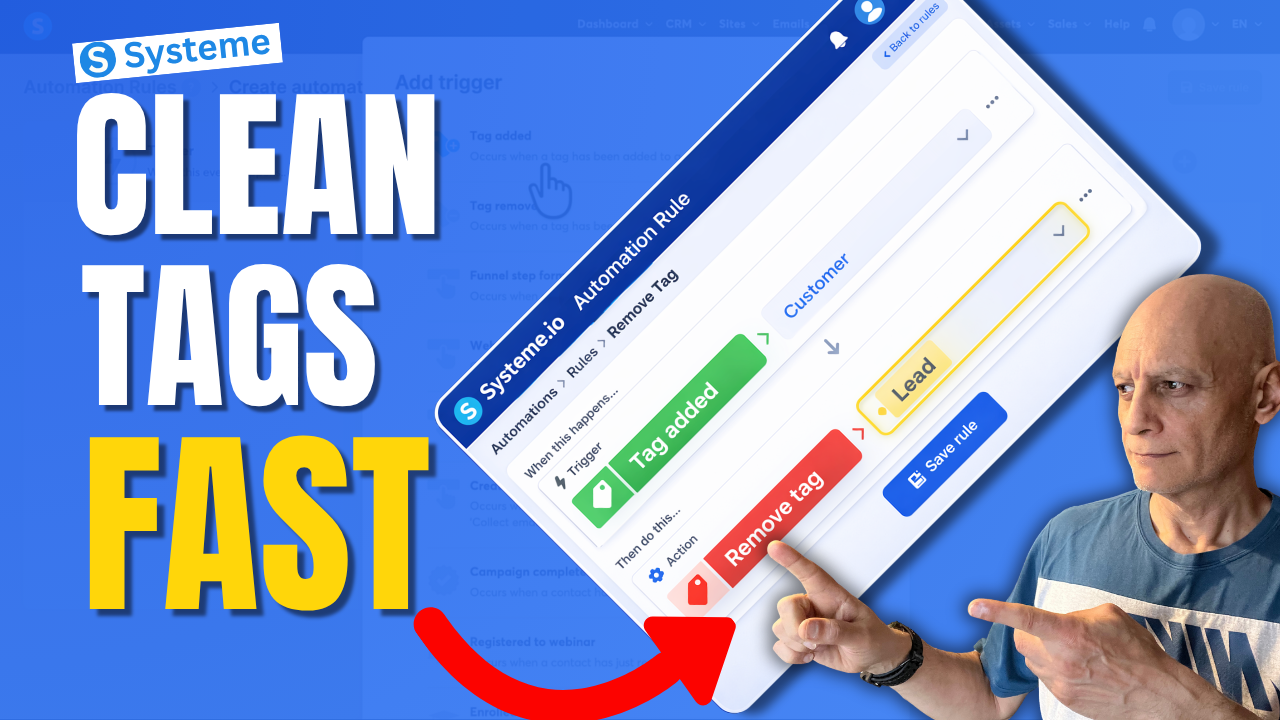
In this beginner-friendly tutorial, I’ll show you step by step how to remove a tag using automation in Systeme.io so you can keep your contacts organised and avoid messy tag setups.
In this beginner-friendly tutorial, I’ll show you step by step how to remove a tag using automation in Systeme.io so you can keep your contacts organised and avoid messy tag setups.
This is really useful if you want to:
* clean up old tags automatically
* move people between automations
* stop contacts staying in the wrong segment
* make your email marketing more organised
If you’re new to Systeme.io, don’t worry — I’ll keep this simple and easy to follow.
 Free resource: Download my free checklist to help you build better pages and funnels inside Systeme.io.
 Beginner Funnel Checklist / Freebie:
 https://www.pagebuilderacademy.com/starter
Get a FREE Systeme.io account below:
https://www.pagebuilderacademy.com/systeme
See my full Systeme.io review + bonuses:
https://www.pagebuilderacademy.com/2r8b
 Timestamps:
0:00 Most Beginners Miss This
0:07 Remove Tags Automatically
0:14 What a Tag Is
0:22 Why Old Tags Hurt
0:32 What We’re Building
0:46 Go to Automations
1:01 Create Rule
1:08 Trigger: Tag Added
1:31 Add Remove Tag Action
1:50 Lead to Customer Example
2:14 Best Use Cases
2:32 Save Rule
2:40 Beginner Tip
3:02 Final Thoughts
3:10 Free Starter Kit
#systemeio #emailmarketing #automation #funnels #systemeiotutorial #systemeiotutorial #pagebuilderacademy
========================
QUESTIONS? CONTACT ME!
========================
EMAIL: zaf@pagebuilderacademy.com
===========
FOLLOW ME
===========
 YOUTUBE SUBSCRIBE – @PageBuilderAcademy
============
DISCLAIMER
============
Some of the links in this description may be affiliate links, which means I receive a small commission at NO ADDITIONAL cost to you if you decide to purchase something.
* clean up old tags automatically
* move people between automations
* stop contacts staying in the wrong segment
* make your email marketing more organised
If you’re new to Systeme.io, don’t worry — I’ll keep this simple and easy to follow.
Free resource: Download my free checklist to help you build better pages and funnels inside Systeme.io. Beginner Funnel Checklist / Freebie:https://www.pagebuilderacademy.com/starterGet a FREE Systeme.io account below:
https://www.pagebuilderacademy.com/systemeSee my full Systeme.io review + bonuses:
https://www.pagebuilderacademy.com/2r8bTimestamps:0:00 Most Beginners Miss This
0:07 Remove Tags Automatically
0:14 What a Tag Is
0:22 Why Old Tags Hurt
0:32 What We’re Building
0:46 Go to Automations
1:01 Create Rule
1:08 Trigger: Tag Added
1:31 Add Remove Tag Action
1:50 Lead to Customer Example
2:14 Best Use Cases
2:32 Save Rule
2:40 Beginner Tip
3:02 Final Thoughts
3:10 Free Starter Kit
#systemeio #emailmarketing #automation #funnels #systemeiotutorial #systemeiotutorial #pagebuilderacademy
========================
QUESTIONS? CONTACT ME!
========================
EMAIL: zaf@pagebuilderacademy.com
===========
FOLLOW ME
===========
YOUTUBE SUBSCRIBE – @PageBuilderAcademy ============
DISCLAIMER
============
Some of the links in this description may be affiliate links, which means I receive a small commission at NO ADDITIONAL cost to you if you decide to purchase something.
 Get a FREE Systeme.io account below:
 Free resource: