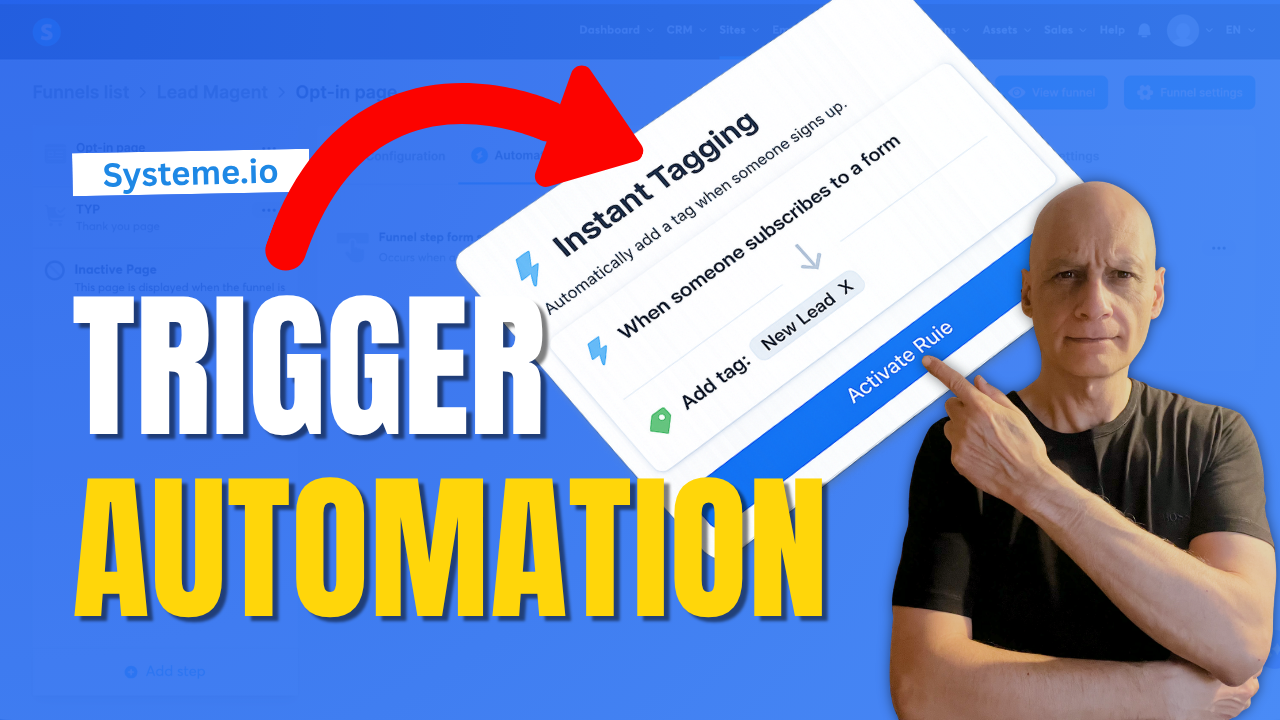
In this beginner-friendly tutorial, you’ll learn how to trigger an automation on a funnel step inside Systeme.io.
This allows you to automatically add tags, start email campaigns, or track user behaviour when someone visits or interacts with your funnel pages.
This allows you to automatically add tags, start email campaigns, or track user behaviour when someone visits or interacts with your funnel pages.
In this step-by-step guide, you’ll learn:
* How to access automation rules in your funnel
* How to choose the right trigger
* How to add actions like tagging or email sequences
* How to test your automation properly
This is a simple but powerful way to automate your funnels and build a more targeted email list.
 Download my free Systeme.io checklist to build better funnels:
  https://www.pagebuilderacademy.com/starter
Get a FREE Systeme.io account below:
https://www.pagebuilderacademy.com/systeme
See my full Systeme.io review + bonuses:
https://www.pagebuilderacademy.com/2r8b
 Timestamps
0:00 What Happens After Signup?
0:18 Trigger an Automation in Systeme.io
0:32 What This Automation Does
0:44 Go to Sales Funnels
1:07 Open Automation Rules
1:15 Choose the Best Trigger
1:45 Add an Action
2:18 Add a Tag to New Leads
2:40 Save Your Rule
2:55 Test Your Automation
3:13 Setup Complete
3:24 Free Systeme.io Starter Kit
========================
QUESTIONS? CONTACT ME!
========================
EMAIL: zaf@pagebuilderacademy.com
===========
FOLLOW ME
===========
 YOUTUBE SUBSCRIBE – @PageBuilderAcademy
============
DISCLAIMER
============
Some of the links in this description may be affiliate links, which means I receive a small commission at NO ADDITIONAL cost to you if you decide to purchase something.
* How to access automation rules in your funnel
* How to choose the right trigger
* How to add actions like tagging or email sequences
* How to test your automation properly
This is a simple but powerful way to automate your funnels and build a more targeted email list.
Download my free Systeme.io checklist to build better funnels: https://www.pagebuilderacademy.com/starterGet a FREE Systeme.io account below:
https://www.pagebuilderacademy.com/systemeSee my full Systeme.io review + bonuses:
https://www.pagebuilderacademy.com/2r8bTimestamps0:00 What Happens After Signup?
0:18 Trigger an Automation in Systeme.io
0:32 What This Automation Does
0:44 Go to Sales Funnels
1:07 Open Automation Rules
1:15 Choose the Best Trigger
1:45 Add an Action
2:18 Add a Tag to New Leads
2:40 Save Your Rule
2:55 Test Your Automation
3:13 Setup Complete
3:24 Free Systeme.io Starter Kit
========================
QUESTIONS? CONTACT ME!
========================
EMAIL: zaf@pagebuilderacademy.com
===========
FOLLOW ME
===========
YOUTUBE SUBSCRIBE – @PageBuilderAcademy ============
DISCLAIMER
============
Some of the links in this description may be affiliate links, which means I receive a small commission at NO ADDITIONAL cost to you if you decide to purchase something.
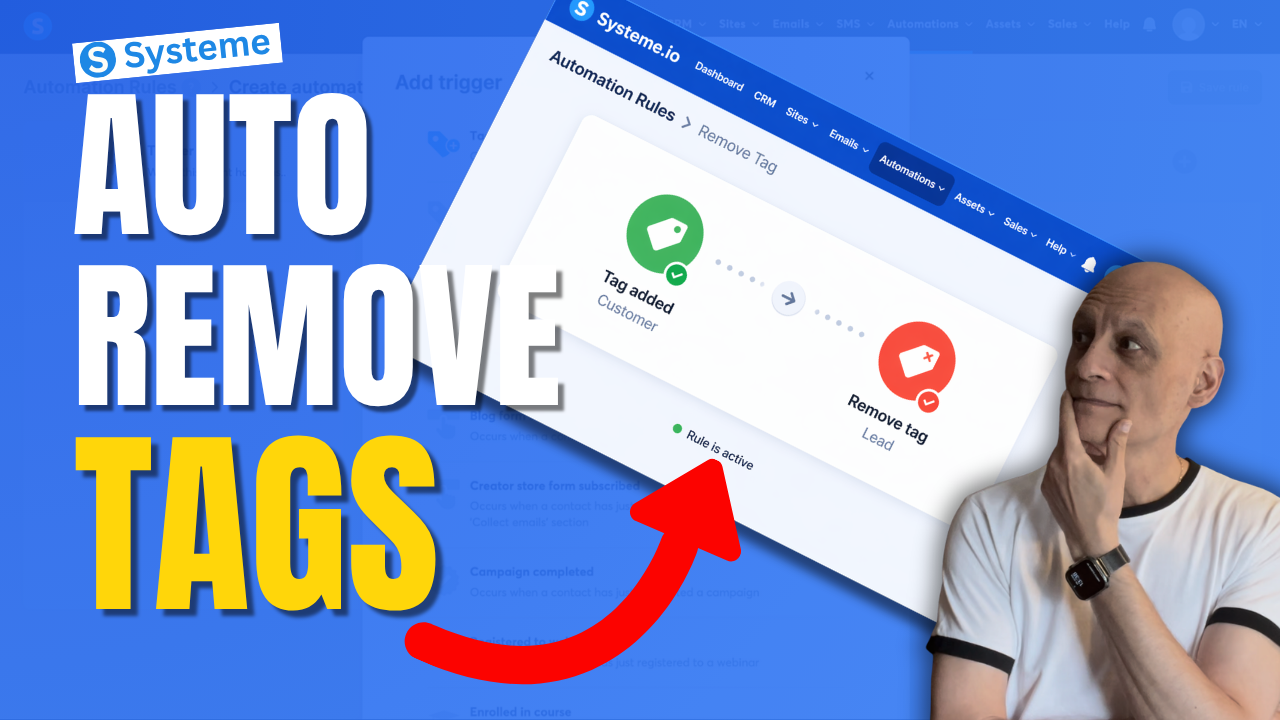
 Free resource: Download my free checklist to help you build better pages and funnels inside Systeme.io.
 Beginner Funnel Checklist / Freebie:
 Grab yourself a free Systeme.io account: An all-in-one platform, create emails, funnels and more!