Tag: systeme.io step by step

  • Set Up Your Funnel and Payment Gateway in Systeme.io

    Set Up Your Funnel and Payment Gateway in Systeme.io

    Want to start selling your digital product inside Systeme.io?

    In this beginner-friendly video, I’ll show you how to quickly set up your sales funnel and connect your payment gateway (Stripe or PayPal) so you can start accepting payments the right way.
    Inside this tutorial, you’ll learn:
    ✅ How to create a new sales funnel in Systeme.io
    ✅ The correct funnel type to choose for selling digital products
    ✅ How to connect Stripe or PayPal step-by-step
    ✅ Why currency settings matter (and how to get them right)
    ✅ The essential setup you must complete before adding your product

    By the end, you’ll have a working funnel and activated payments — the foundation you need to start making sales in the next video of the series.

    🎁 Free Download: Systeme.io Product Launch Starter Kit
    👉 Checklists, product setup templates, launch scripts, and more
    🔗https://www.pagebuilderacademy.com/splsk

    💡 Grab yourself a free Systeme.io account: An all-in-one platform, create emails, funnels and more!
    🔗https://www.pagebuilderacademy.com/systeme

    📺 Watch Part 2 next: Add and configure your digital product
    https://youtu.be/7DAAPQfAJJo

    Timestamps:
    0:00 – Intro
    0:50 – Navigating to Sales Funnels
    1:08 – Creating your funnel
    2:19 – Creating a funnel step
    3:14 – Adding the page
    4:40 – Editing the page
    7:23 – Selecting the order page template
    7:48 – Adding payment gateway
    8:44 – Checking the payment gateway is connected
    9:00 – Outro What’s covered in video 2

    #systemeio #systemeiotutorial #pagebuilder #funnelbuilder #onlinemarketingtips #emailmarketing #PageBuilderAcademy #systemeioforbeginners #onlinesellingtips #funnelsforbeginners
    #paymentgatewaysetup #stripeintegration

    ========================
    QUESTIONS? CONTACT ME!
    ========================

    EMAIL: zaf@pagebuilderacademey.com

    ===========
    FOLLOW ME
    ===========

    ▶ YOUTUBE SUBSCRIBE – @PageBuilderAcademy

    ============
    DISCLAIMER
    ============

    Some of the links in this description may be affiliate links, which means I receive a small commission at NO ADDITIONAL cost to you if you decide to purchase something.

    These are my opinions and do not represent the views of the companies that create these products.

    My opinions are based on my personal experience and research. I never recommend poor-quality products or create false reviews to generate sales.

    I intend to explain products so you can make an informed decision on which ones suit your needs best.

    Any forward-looking statements in this video are intended to express my opinions. They are opinions only and should not be relied upon as fact.

    Success in any endeavour is based on many factors, individual to you. I do not know your educational background, your skills, your prior experience, or the time you can and will devote to the endeavour.
  • Start Blogging for Free with Systeme.io

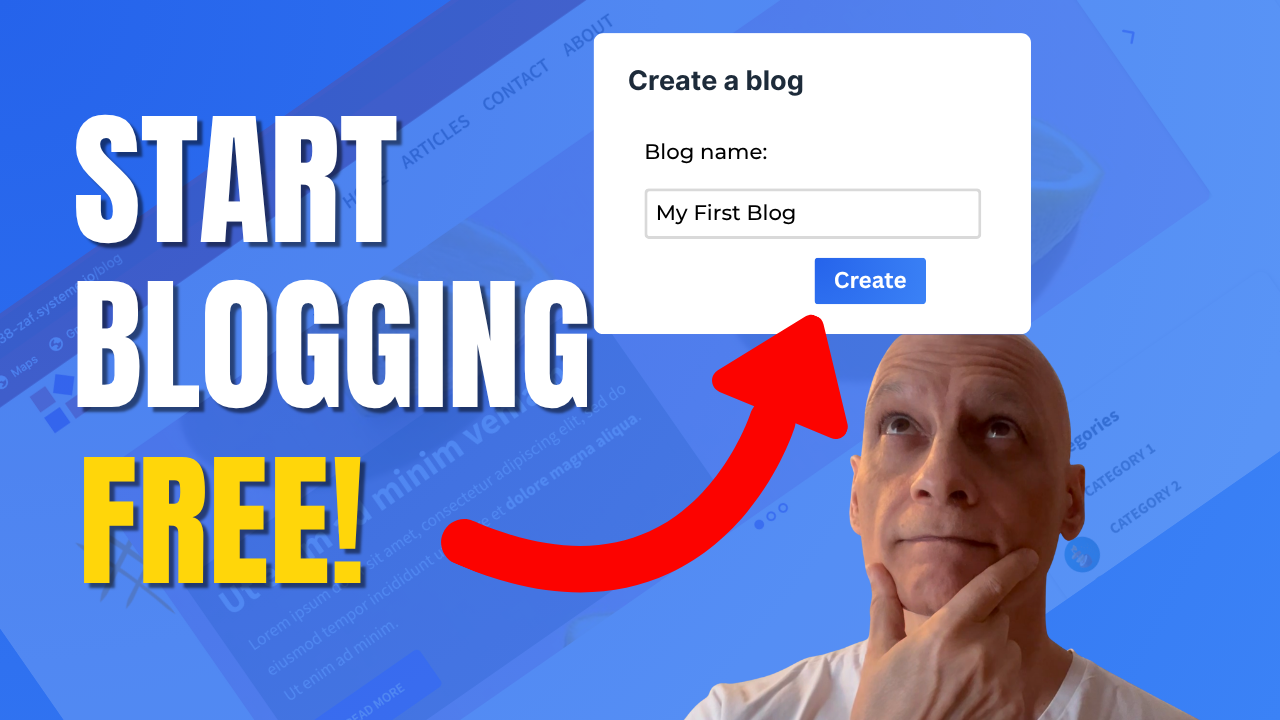
    Start Blogging for Free with Systeme.io

    Ready to start blogging the easy way? 🚀

    In this beginner-friendly Systeme.io tutorial, you’ll learn everything you need to create and publish your first blog — completely free.
    Inside this quick walkthrough, you’ll discover:
    ✅ Where to find the blog feature inside Systeme.io
    ✅ How to create and customise your blog
    ✅ How to write and publish your first post
    ✅ Tips to make your blog look clean and professional

    Whether you’re starting a side hustle or building your first website, Systeme.io gives you all the tools to launch your blog fast — no coding, no hosting, no stress.

    👉 Watch now and get your blog live today!
    📺 Subscribe to Page Builder Academy for more easy Systeme.io tutorials.

    Download The Free Starter Kit: A step-by-step checklist and a ready-made landing page template (for Systeme.io)

    🔗https://optin.pagebuilderacademy.com

    💡 Grab yourself a free Systeme.io account: An all-in-one platform, create emails, funnels and more!

    🔗https://www.pagebuilderacademy.com/systeme

    Timestamps:
    0:00 – Intro
    0:26 – Navigating to Blogs
    0:36 – Creating your blog
    1:30 – Select template
    1:45 – Blog pages
    2:16 – Previewing the blog pages
    2:33 – Creating a blog post
    2:43 – Title and description of post
    3:09 – Editing the post
    3:52 – Making sure the post is published.
    4″17 – Viewing the post
    4:36 – Outro: Free resource

    #systemeio #systemeiotutorial #pagebuilder #funnelbuilder #onlinemarketingtips #emailmarketing #PageBuilderAcademy #systemeiotutorial

    ========================
    QUESTIONS? CONTACT ME!
    ========================

    EMAIL: zaf@pagebuilderacademey.com

    ===========
    FOLLOW ME
    ===========

    ▶ YOUTUBE SUBSCRIBE – @PageBuilderAcademy
    ============
    DISCLAIMER
    ============

    Some of the links in this description may be affiliate links, which means I receive a small commission at NO ADDITIONAL cost to you if you decide to purchase something.

    These are my opinions and do not represent the views of the companies that create these products.

    My opinions are based on my personal experience and research. I never recommend poor-quality products or create false reviews to generate sales.

    I intend to explain products so you can make an informed decision on which ones suit your needs best.

    Any forward-looking statements in this video are intended to express my opinions. They are opinions only and should not be relied upon as fact.

    Success in any endeavour is based on many factors, individual to you. I do not know your educational background, your skills, your prior experience, or the time you can and will devote to the endeavour.
  • How to Create a New Funnel in Systeme.io

    How to Create a New Funnel in Systeme.io

    Learn how to build your first funnel step by step in Systeme.io. 


    In this beginner-friendly series, you’ll discover how to create funnels, add steps, rename pages, customise URLs, and test everything before going live.


     Perfect if you’re new to funnels and want a simple walkthrough.


    Download The Free Starter Kit: A step-by-step checklist and a ready-made landing page template (for Systeme.io)🔗https://optin.pagebuilderacademy.com

    💡 Grab yourself a free Systeme.io account: An all-in-one platform, create emails, funnels and more!

    🔗https://www.pagebuilderacademy.com/systeme

    #systemeio #systemeiotutorial #pagebuilder

    ========================
    QUESTIONS? CONTACT ME!
    ========================

    EMAIL: zaf@pagebuilderacademey.com

    ===========
    FOLLOW ME
    ===========

    ▶ YOUTUBE SUBSCRIBE – @PageBuilderAcademy

    ============
    DISCLAIMER
    ============

    Some of the links in this description may be affiliate links, which means I receive a small commission at NO ADDITIONAL cost to you if you decide to purchase something.

    These are my opinions and do not represent the views of the companies that create these products.

    My opinions are based on my personal experience and research. I never recommend poor-quality products or create false reviews to generate sales.

    I intend to explain products so you can make an informed decision on which ones suit your needs best.

    Any forward-looking statements in this video are intended to express my opinions. They are opinions only and should not be relied upon as fact.

    Success in any endeavour is based on many factors, individual to you. I do not know your educational background, your skills, your prior experience, or the time you can and will devote to the endeavour.
  • How to Set Up a Funnel Homepage in Systeme.io

    How to Set Up a Funnel Homepage in Systeme.io

    Learn how to set up a funnel homepage in Systeme.io in just a few minutes. 


    In this beginner-friendly tutorial, I’ll show you how to choose a page, edit it, and make it your funnel’s official homepage. 


    Perfect for anyone starting with Systeme.io who wants a professional-looking first page for their funnel.

    Download The Free Starter Kit: A step-by-step checklist and a ready-made landing page template (for Systeme.io)🔗https://optin.pagebuilderacademy.com

    💡 Grab yourself a free Systeme.io account: An all-in-one platform, create emails, funnels and more!

    🔗https://www.pagebuilderacademy.com/systeme

    00:00 – Intro
    0:47:21 – Select Your Funnel
    0:47:21 – Create Funnel Step
    02:31:12 – Edit Page
    03:07:00 – Preview Page
    03:37:19 – Edit URL Path
    05:32:01 – Free Resource

    #systemeio #systemeiotutorial #pagebuilder

    ========================
    QUESTIONS? CONTACT ME!
    ========================

    EMAIL: zaf@pagebuilderacademey.com

    ===========
    FOLLOW ME
    ===========

    ▶ YOUTUBE SUBSCRIBE –
     @PageBuilderAcademy

    ============
    DISCLAIMER
    ============

    Some of the links in this description may be affiliate links, which means I receive a small commission at NO ADDITIONAL cost to you if you decide to purchase something.

    These are my opinions and do not represent the views of the companies that create these products.

    My opinions are based on my personal experience and research. I never recommend poor-quality products or create false reviews to generate sales.

    I intend to explain products so you can make an informed decision on which ones suit your needs best.

    Any forward-looking statements in this video are intended to express my opinions. They are opinions only and should not be relied upon as fact.

    Success in any endeavour is based on many factors, individual to you. I do not know your educational background, your skills, your prior experience, or the time you can and will devote to the endeavour.
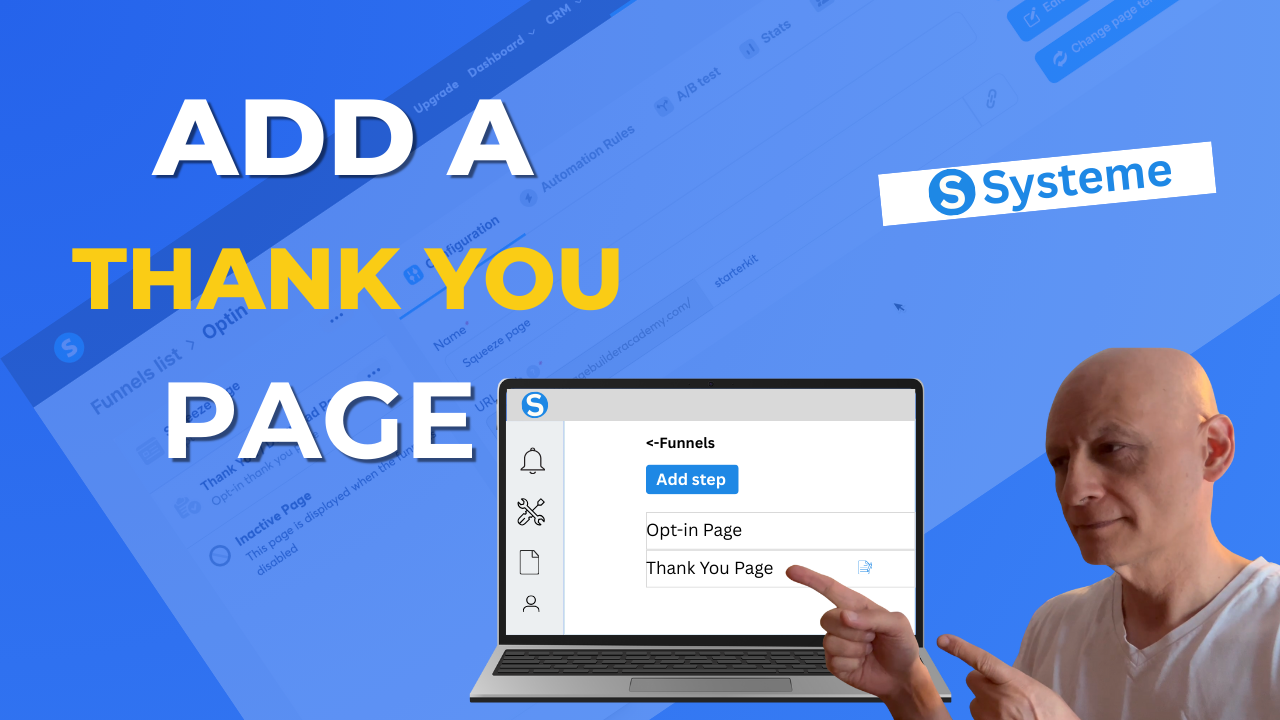
  • How to add a thank you page to a funnel in Systeme. io

    How to add a thank you page to a funnel in Systeme. io

    Want to know how to add a thank-you page to your funnel in Systeme.io?


    In this quick, beginner-friendly tutorial, I’ll walk you step-by-step through creating and customising a thank-you page inside your funnel.

    You’ll learn how to:
    ✅ Add a new funnel step
    ✅ Choose the “thank you page” type
    ✅ Pick a template and edit it
    ✅ Save and preview your thank you page

    By the end, you’ll have a working thank you page that guides your visitors after they opt-in or purchase.

    Download The Free Starter Kit: A step-by-step checklist and a ready-made landing page template (for Systeme.io)
    🔗https://optin.pagebuilderacademy.com

    💡 Grab yourself a free Systeme.io account: An all-in-one platform, create emails, funnels and more!

    🔗https://www.pagebuilderacademy.com/systeme


    #systemeio #systemeiotutorial #pagebuilder

    ========================
    QUESTIONS? CONTACT ME!
    ========================

    EMAIL: zaf@pagebuilderacademey.com

    ===========
    FOLLOW ME
    ===========

    ▶ YOUTUBE SUBSCRIBE –  @PageBuilderAcademy

    ============
    DISCLAIMER
    ============

    Some of the links in this description may be affiliate links, which means I receive a small commission at NO ADDITIONAL cost to you if you decide to purchase something.

    These are my opinions and do not represent the views of the companies that create these products.

    My opinions are based on my personal experience and research. I never recommend poor-quality products or create false reviews to generate sales.

    I intend to explain products so you can make an informed decision on which ones suit your needs best.

    Any forward-looking statements in this video are intended to express my opinions. They are opinions only and should not be relied upon as fact.

    Success in any endeavour is based on many factors, individual to you. I do not know your educational background, your skills, your prior experience, or the time you can and will devote to the endeavour.