Tag: systeme.io page builder

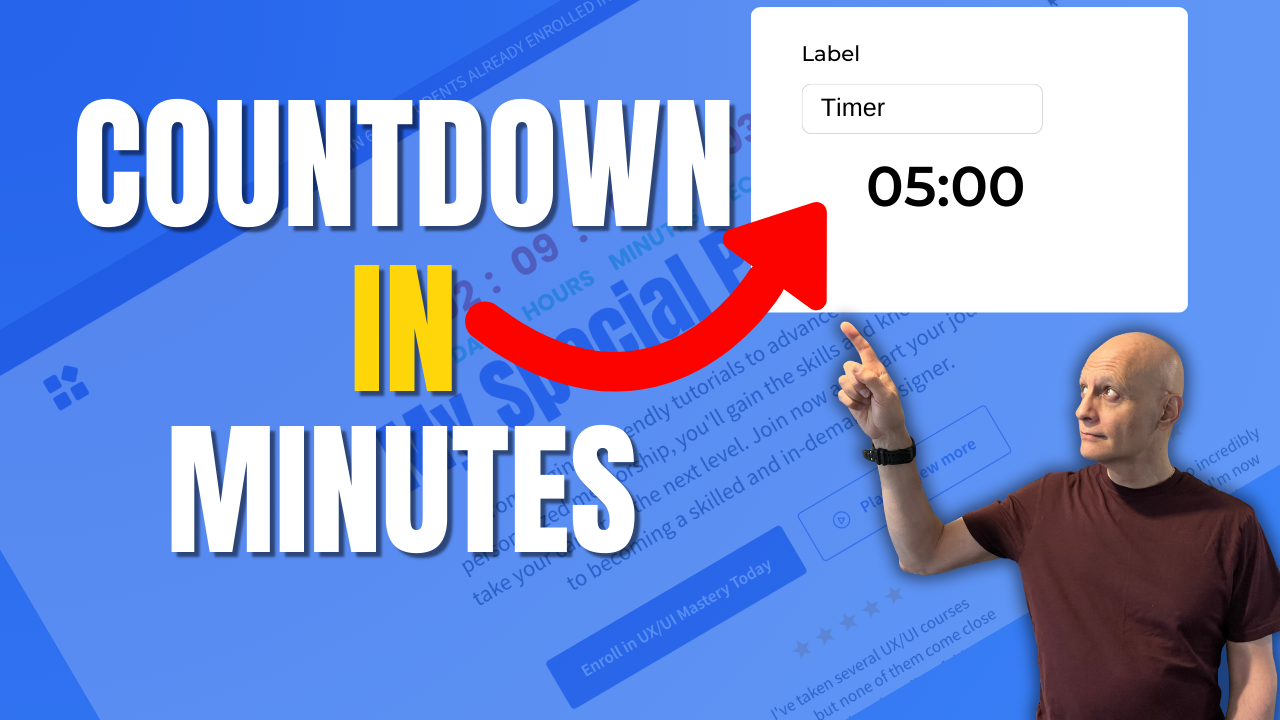
  • Add a Countdown Timer in Systeme.io (Fast & Easy)

    Add a Countdown Timer in Systeme.io (Fast & Easy)

    In this quick Systeme.io tutorial, you’ll learn how to add a countdown timer to any funnel or landing page to boost urgency and increase conversions.

    I’ll walk you step-by-step through the three Systeme.io countdown modes — fixed date, delay timer, and daily reset — and show you when to use each one for maximum results.

    Whether you’re running a limited-time promo, creating evergreen scarcity, or highlighting a daily offer, countdown timers can dramatically improve your sales funnel performance. And the best part? Systeme.io makes it incredibly easy, even if you’re a complete beginner.

    🎯 What You’ll Learn:

    • How to add the Countdown element inside the Page Builder
    • Fixed Time & Date countdown setup
    • Delay countdown for evergreen funnels
    • Daily countdown for recurring offers
    • What happens when the timer expires
    • Best practices for using timers ethically and effectively

    ⏳ Perfect for:
    • Sales pages
    • Offer deadlines
    • Evergreen funnels
    • Launch sequences
    • High-converting landing pages

    If you found this helpful, be sure to LIKE the video and SUBSCRIBE for more Systeme.io tutorials every week.

    ✅ Free resource
    📌 Beginner Funnel Checklist / Freebie:
    🔗https://www.pagebuilderacademy.com/starter

    Get a FREE Systeme.io account below:
    🔗https://www.pagebuilderacademy.com/systeme

    See my full Systeme.io review + bonuses:
    🔗https://www.pagebuilderacademy.com/2r8b

    Timestamps:
    0:00 – Intro
    0:36 – Navigating to our page
    0:45 – Select Required Funnel
    1:01 – Go into the page editor
    1:31 – Adding the countdown timer
    1:54 – Selecting the countdown timer
    2:18 – What each countdown timer mode does
    5:07 – Configuring the countdown timer
    7:33 – Saving & previewing the countdown timer
    7:47 – Things to check.
    9:10 – Outro

    #systemeio #systemeiotutorial #pagebuilder #funnelbuilder #onlinemarketingtips #emailmarketing #pagebuilderacademy

    ========================
    QUESTIONS? CONTACT ME!
    ========================

    EMAIL: zaf@pagebuilderacademy.com

    ===========
    FOLLOW ME
    ===========

    ▶ YOUTUBE SUBSCRIBE – @PageBuilderAcademy

    ============
    DISCLAIMER
    ============
    Some of the links in this description may be affiliate links, which means I receive a small commission at NO ADDITIONAL cost to you if you decide to purchase something.
  • The Easiest Way to Add Stunning Backgrounds in Systeme.io

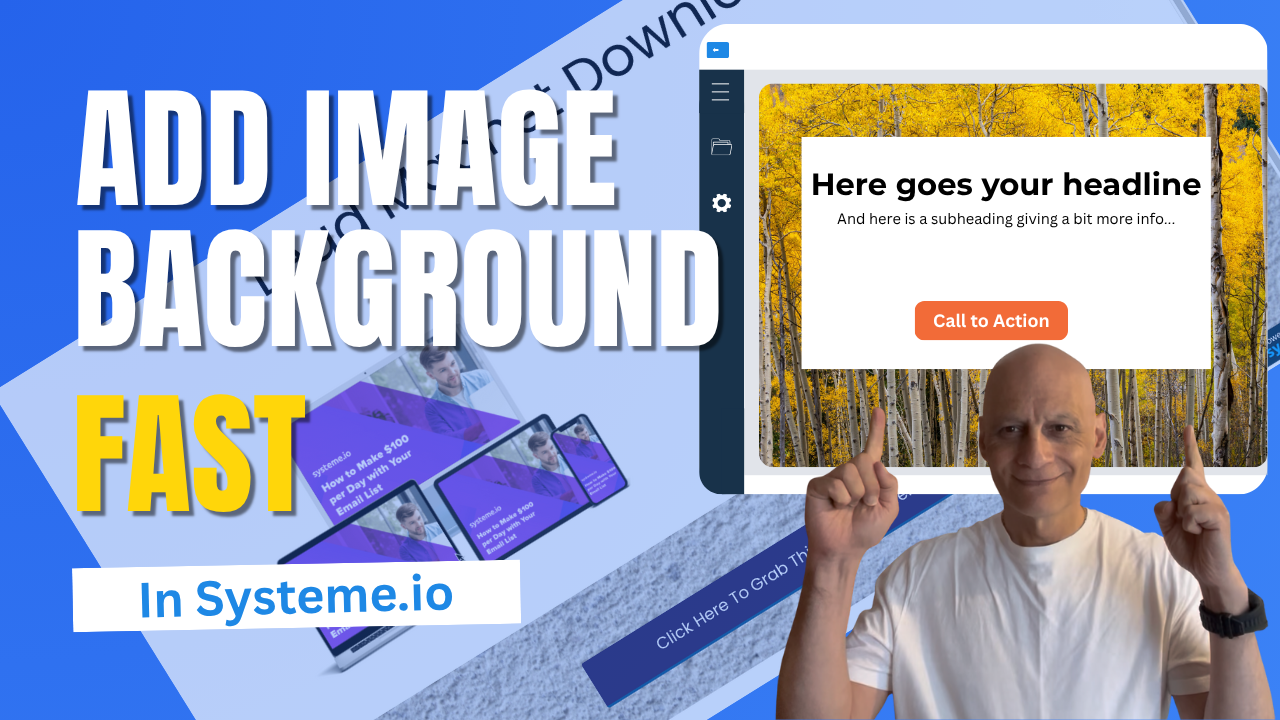
    The Easiest Way to Add Stunning Backgrounds in Systeme.io

    Want to make your Systeme.io pages stand out and look more professional?

    In this quick tutorial, you’ll learn step-by-step how to add an image background section in Systeme.io — no design skills needed!

    Whether you’re building a landing page, sales page, or funnel, adding a background image is one of the easiest ways to give your pages a polished, branded look.

    Click to play

    In this video, you’ll learn:
    ✅ How to add a new section in Systeme.io
    ✅ How to upload and use an image as your section background
    ✅ How to adjust image size, position, and overlay colour for a clean design
    ✅ How to add text or buttons on top of your image

    Download The Free Starter Kit: A step-by-step checklist and a ready-made landing page template (for Systeme.io)

    🔗https://www.pagebuilderacademy.com/starter


    💡See my full Systeme.io review + bonuses:
    🔗https://www.pagebuilderacademy.com/2r8b

    I use Systeme.io to run my funnels, pages, and emails — both links above will help you get started faster.
    Timestamps:
    0:00 – Intro
    0:29 – Navigating to Sales Funnels
    0:48 – Select Required Funnel
    1:01 – Go into Page Editor
    1:12 – Add a section
    1:47 – Add/upload background image
    2:54 – Adjusting settings for background image
    4:51 – Adding a button element
    5:08 – Formatting the button
    6:10 – Configuring button action
    6:31 – Previewing the page
    6:59 – Checking in mobile view
    7:42 – Checking and adjusting the background image
    9:01 – Outro

    #systemeio #systemeiotutorial #pagebuilder #funnelbuilder #onlinemarketingtips #PageBuilderAcademy #SystemeioForBeginners #landingpagedesign

    ========================
    QUESTIONS? CONTACT ME!
    ========================

    EMAIL: zaf@pagebuilderacademey.com

    ===========
    FOLLOW ME
    ===========

    ▶ YOUTUBE SUBSCRIBE – @PageBuilderAcademy

    ============
    DISCLAIMER
    ============

    Some of the links in this description may be affiliate links, which means I receive a small commission at NO ADDITIONAL cost to you if you decide to purchase something.

    These are my opinions and do not represent the views of the companies that create these products.

    My opinions are based on my personal experience and research. I never recommend poor-quality products or create false reviews to generate sales.

    I intend to explain products so you can make an informed decision on which ones suit your needs best.

    Any forward-looking statements in this video are intended to express my opinions. They are opinions only and should not be relied upon as fact.

    Success in any endeavour is based on many factors, individual to you. I do not know your educational background, your skills, your prior experience, or the time you can and will devote to the endeavour.
  • Edit Page Layouts Fast with Systeme.io

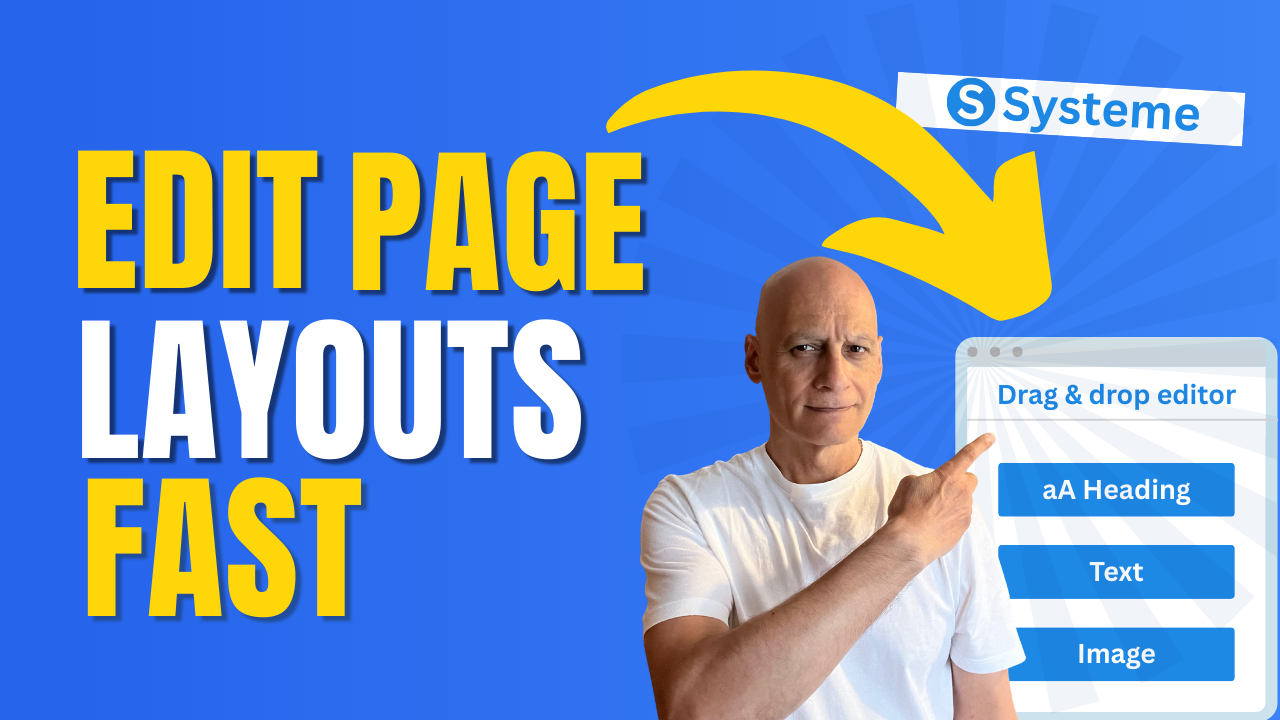
    Edit Page Layouts Fast with Systeme.io

    Want to know how to change your page layout in Systeme.io without the confusion?

    In this short step-by-step tutorial, I’ll walk you through exactly where to go inside the editor and how to adjust your layout so your page looks clean, professional, and aligned with your brand.

    Click to play

    Whether you’re just starting out or tidying up your first funnel, this beginner-friendly Systeme.io tutorial will show you how to:

    ✅ Access the drag-and-drop editor
    ✅ Switch to a new layout style
    ✅ Adjust rows, columns, and sections
    ✅ Preview your page changes instantly

    By the end, you’ll have a page layout that looks exactly how you want—without wasting time.

    👉 If you don’t already have a free Systeme.io account, grab mine in the description below so you can follow along.

    Download The Free Starter Kit: A step-by-step checklist and a ready-made landing page template (for Systeme.io) 🔗https://optin.pagebuilderacademy.com

    💡 Grab yourself a free Systeme.io account: An all-in-one platform, create emails, funnels and more!

    🔗https://www.pagebuilderacademy.com/systeme

    Timestamps:
    0:00 – Intro
    0:49 – Select your funnel
    0:51 – Select Required Funnel
    1:01 – Got to the page editor
    1:18 – Sidebar elements
    1:38 – Adding a section
    1:54 – Adding a column
    2:05 – Adding elements
    3:00 – Changing the default text settings
    3:45 – Saving & previewing
    4:11 – Outro

    #systemeio #systemeiotutorial #pagebuilder #funnelbuilder #onlinemarketingtips

    ========================
    QUESTIONS? CONTACT ME!
    ========================

    EMAIL: zaf@pagebuilderacademey.com

    ===========
    FOLLOW ME
    ===========

    ▶ YOUTUBE SUBSCRIBE – @PageBuilderAcademy

    ============
    DISCLAIMER
    ============

    Some of the links in this description may be affiliate links, which means I receive a small commission at NO ADDITIONAL cost to you if you decide to purchase something.

    These are my opinions and do not represent the views of the companies that create these products.

    My opinions are based on my personal experience and research. I never recommend poor-quality products or create false reviews to generate sales.

    I intend to explain products so you can make an informed decision on which ones suit your needs best.

    Any forward-looking statements in this video are intended to express my opinions. They are opinions only and should not be relied upon as fact.

    Success in any endeavour is based on many factors, individual to you. I do not know your educational background, your skills, your prior experience, or the time you can and will devote to the endeavour.
  • How to track funnel stats in Systeme.io

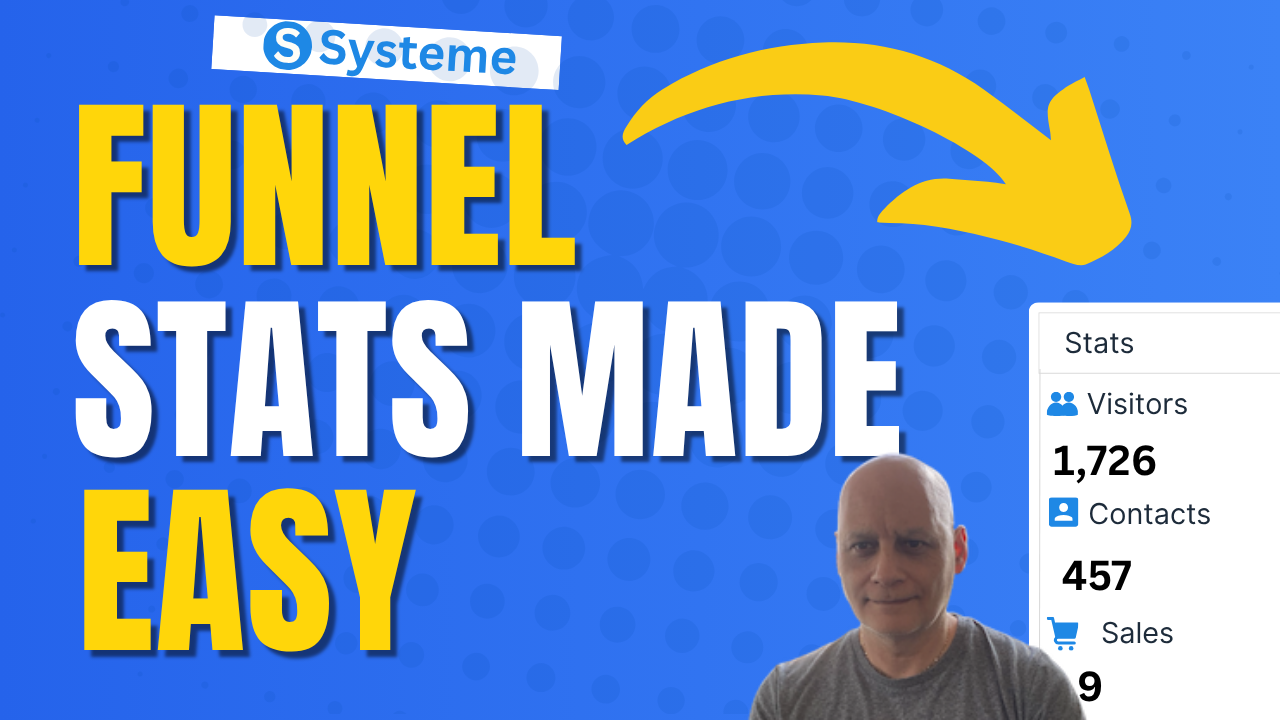
    How to track funnel stats in Systeme.io

    Learn how to track funnel stats in Systeme.io.

    In this step-by-step tutorial, I’ll show you where to find your funnel performance metrics, including visitors, contacts, and sales. Perfect for beginners who want to understand how their funnel is working and how to improve results.
    Learn how to track funnel stats in Systeme.io.

    In this step-by-step tutorial, I’ll show you where to find your funnel performance metrics, including visitors, contacts, and sales. Perfect for beginners who want to understand how their funnel is working and how to improve results.

    Timestamps:

    0:00 Intro
    0:40 Navigating to Sales Funnels
    0:51 Select Required Funnel
    1:23: Viewing Your Stats
    3:00 Outro

    Download The Free Starter Kit: A step-by-step checklist and a ready-made landing page template (for Systeme.io)


    🔗https://optin.pagebuilderacademy.com

    💡 Grab yourself a free Systeme.io account: An all-in-one platform, create emails, funnels and more!

    🔗https://www.pagebuilderacademy.com/systeme


    Timestamps:


    #systemeio #systemeiotutorial #pagebuilder #funnelbuilder #onlinemarketingtips #EmailMarketing #PageBuilderAcademy #SystemeioTutorial

    ========================
    QUESTIONS? CONTACT ME!
    ========================

    EMAIL: zaf@pagebuilderacademey.com

    ===========
    FOLLOW ME
    ===========

    ▶ YOUTUBE SUBSCRIBE – @PageBuilderAcademy

    ============
    DISCLAIMER
    ============

    Some of the links in this description may be affiliate links, which means I receive a small commission at NO ADDITIONAL cost to you if you decide to purchase something.

    These are my opinions and do not represent the views of the companies that create these products.

    My opinions are based on my personal experience and research. I never recommend poor-quality products or create false reviews to generate sales.

    I intend to explain products so you can make an informed decision on which ones suit your needs best.

    Any forward-looking statements in this video are intended to express my opinions. They are opinions only and should not be relied upon as fact.

    Success in any endeavour is based on many factors, individual to you. I do not know your educational background, your skills, your prior experience, or the time you can and will devote to the endeavour.