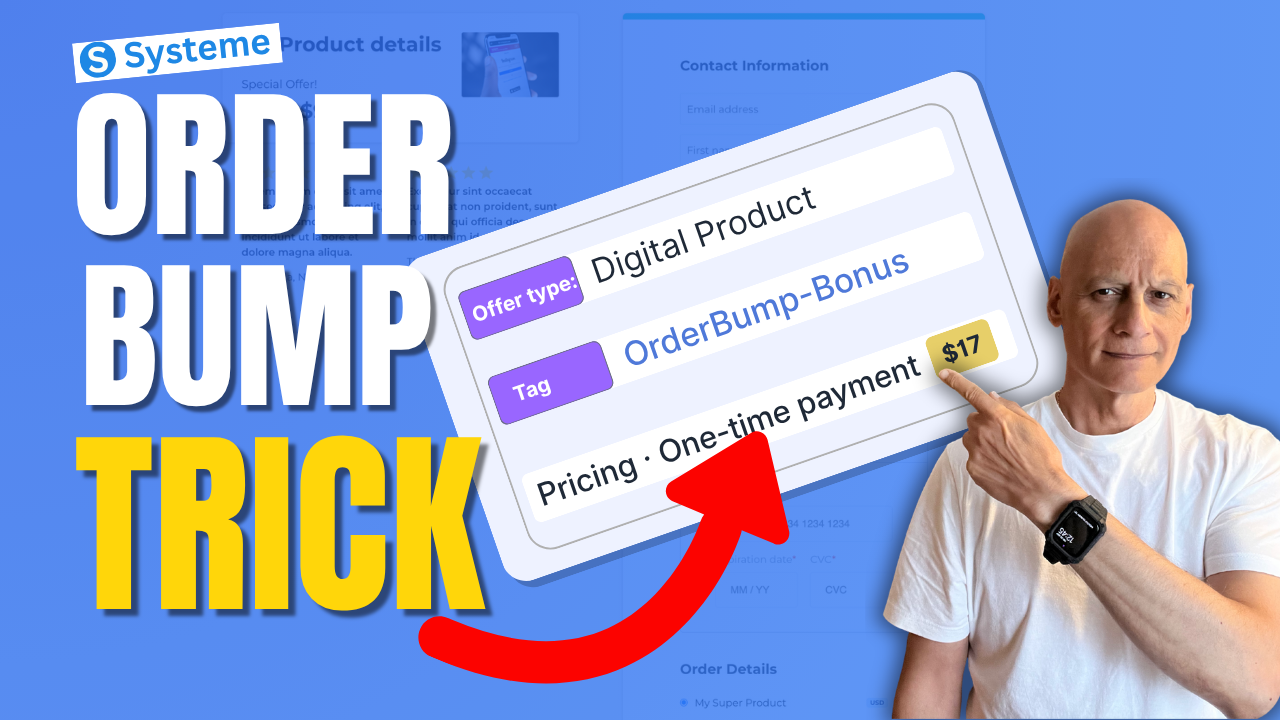
In this beginner-friendly tutorial, I’ll show you how to create an order bump in Systeme.io step by step. Order bumps allow you to add a small additional offer directly on your checkout page so customers can add it to their purchase with a single click.
Want to increase your funnel sales without needing more traffic?
In this beginner-friendly tutorial, I’ll show you how to create an order bump in Systeme.io step by step. Order bumps allow you to add a small additional offer directly on your checkout page so customers can add it to their purchase with a single click.
In this video you’ll learn:
• How to add an order bump to your Systeme.io checkout page
• How to connect the required resource (using tags)
• How to create the pricing plan for your bump offer
• How to display the order bump inside the page builder
• Tips for creating high-converting bump offers
Order bumps are one of the easiest ways to increase your funnel revenue without needing more traffic or ads.
Next: Systeme.io Tags: The Automation Trick Most Miss
 Free resource
 Beginner Funnel Checklist / Freebie:
 https://www.pagebuilderacademy.com/starter
Get a FREE Systeme.io account below:https://www.pagebuilderacademy.com/systeme
See my full Systeme.io review + bonuses:https://www.pagebuilderacademy.com/2r8b
#systemeio #systemeiotutorial #funnelbuilding #emailmarketingtips #onlinebusiness #pagebuilderacademy #orderbump #salesfunnel #digitalproducts #onlinebusiness #funneltips
 Timestamps
0:00 Increase Sales Instantly
0:08 What Is an Order Bump
0:24 Open Your Funnel
0:42 Go to Sales Funnels
0:52 Open Order Form Settings
1:00 Choose Product Type
1:17 Create Digital Product
1:33 Add Resource (Tag)
2:03 Why Use Tags
2:20 Create Pricing Plan
2:42 Choose Payment Type
3:19 Set Price ($27)
3:36 Save Settings (Important)
3:53 Open Page Builder
4:02 Add Order Bump Element
4:31 How Order Bump Works
4:47 Edit Offer Text
5:36 Order Bump Ideas
5:55 Preview Order Bump
6:17 Quick Recap
6:31 Free Resource
========================
QUESTIONS? CONTACT ME!
========================
EMAIL: zaf@pagebuilderacademy.com
===========
FOLLOW ME
===========
 YOUTUBE SUBSCRIBE – @PageBuilderAcademy
============
DISCLAIMER
============
Some of the links in this description may be affiliate links, which means I receive a small commission at NO ADDITIONAL cost to you if you decide to purchase something.