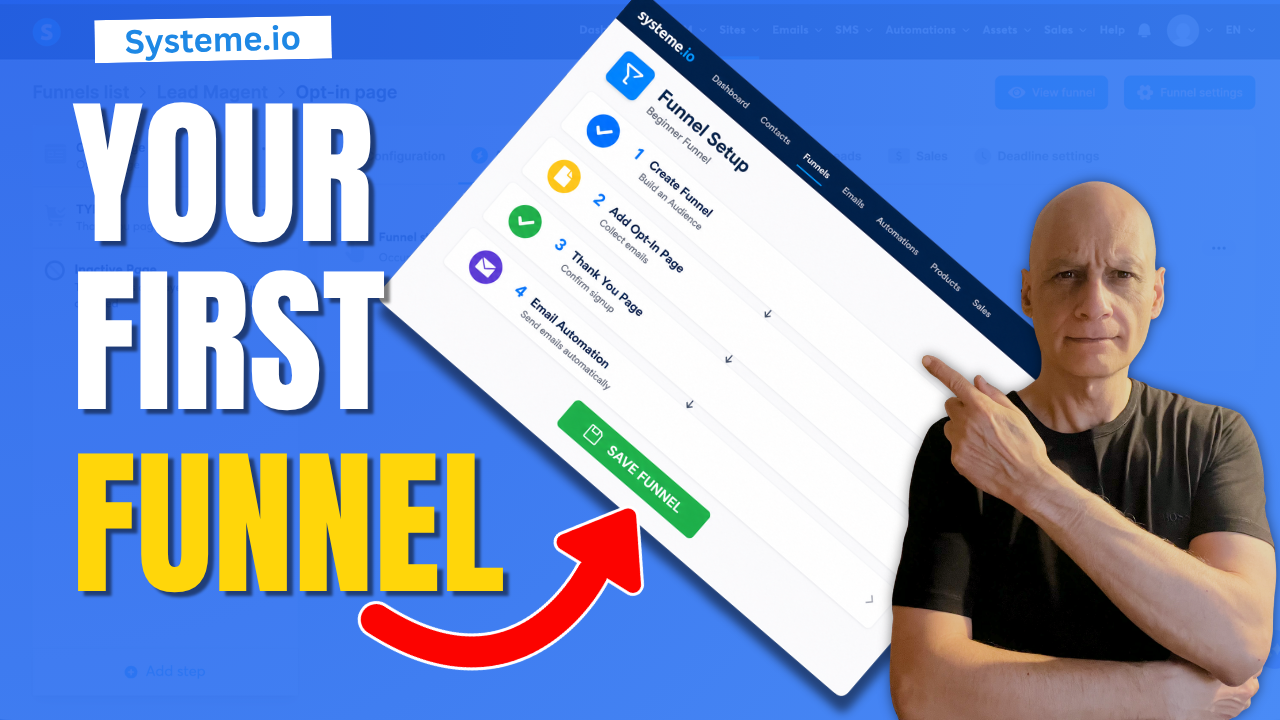
If funnels have been feeling confusing or overwhelming, this beginner-friendly Systeme.io tutorial will show you how to build a simple funnel step-by-step.
In this video, you’ll learn how to:
 Create a simple funnel in Systeme.io
Add an opt-in page
Set up a thank you page
Connect a basic email automation
Understand how the funnel flow works
This tutorial is designed for beginners who want a simple online system without getting overwhelmed by complicated setups or advanced strategies.
 FREE Starter Kit:
 https://www.pagebuilderacademy.com/starter
Get a FREE Systeme.io account below:
https://www.pagebuilderacademy.com/systeme
See my full Systeme.io review + bonuses:
https://www.pagebuilderacademy.com/2r8b
 WATCH NEXT:
How to Create a Simple Opt-In Page in Systeme.io
https://www.pagebuilderacademy.com/create-an-opt-in-page-in-systeme-io/
 Subscribe for beginner-friendly funnel tutorials, landing page builds, email list strategies and online business systems.
#systemeio #funneltutorial #emailmarketing #landingpage #onlinebusiness #digitalmarketing #leadgeneration #systemeiotutorial #beginnerfunnels #emaillistbuilding #pagebuilderacademy
 Timestamps:
0:00 Intro – Why Funnels Feel Complicated
0:10 Simple Funnel Flow Explained
0:25 Create a New Funnel in Systeme.io
0:50 Choose an Opt-In Page Template
1:08 Quick Opt-In Page Setup
1:17 Completed Opt-In Page Example
1:26 Set Up the Thank You Page
1:38 Completed Thank You Page Example
1:47 Test the Funnel Flow
2:02 Add Email Automation
2:12 Create a Workflow
2:29 Set the Form Subscribe Trigger
3:03 Add the Subscribe to Campaign Action
3:19 Connect the Email Campaign
3:26 Your Simple Funnel System Explained
3:34 Build Your Email List Step-by-Step
3:42 Free Starter Resource + Next Video
========================
QUESTIONS? CONTACT ME!
========================
EMAIL: zaf@pagebuilderacademy.com
===========
FOLLOW ME
===========
 YOUTUBE SUBSCRIBE – @PageBuilderAcademy
============
DISCLAIMER
============
Some of the links in this description may be affiliate links, which means I receive a small commission at NO ADDITIONAL cost to you if you decide to make a purchase.
Create a simple funnel in Systeme.io Add an opt-in page Set up a thank you page Connect a basic email automation Understand how the funnel flow worksThis tutorial is designed for beginners who want a simple online system without getting overwhelmed by complicated setups or advanced strategies.
FREE Starter Kit:https://www.pagebuilderacademy.com/starterGet a FREE Systeme.io account below:
https://www.pagebuilderacademy.com/systemeSee my full Systeme.io review + bonuses:
https://www.pagebuilderacademy.com/2r8b WATCH NEXT:How to Create a Simple Opt-In Page in Systeme.io
https://www.pagebuilderacademy.com/create-an-opt-in-page-in-systeme-io/ Subscribe for beginner-friendly funnel tutorials, landing page builds, email list strategies and online business systems.#systemeio #funneltutorial #emailmarketing #landingpage #onlinebusiness #digitalmarketing #leadgeneration #systemeiotutorial #beginnerfunnels #emaillistbuilding #pagebuilderacademy
Timestamps:0:00 Intro – Why Funnels Feel Complicated
0:10 Simple Funnel Flow Explained
0:25 Create a New Funnel in Systeme.io
0:50 Choose an Opt-In Page Template
1:08 Quick Opt-In Page Setup
1:17 Completed Opt-In Page Example
1:26 Set Up the Thank You Page
1:38 Completed Thank You Page Example
1:47 Test the Funnel Flow
2:02 Add Email Automation
2:12 Create a Workflow
2:29 Set the Form Subscribe Trigger
3:03 Add the Subscribe to Campaign Action
3:19 Connect the Email Campaign
3:26 Your Simple Funnel System Explained
3:34 Build Your Email List Step-by-Step
3:42 Free Starter Resource + Next Video
========================
QUESTIONS? CONTACT ME!
========================
EMAIL: zaf@pagebuilderacademy.com
===========
FOLLOW ME
===========
YOUTUBE SUBSCRIBE – @PageBuilderAcademy
============
DISCLAIMER
============
Some of the links in this description may be affiliate links, which means I receive a small commission at NO ADDITIONAL cost to you if you decide to make a purchase.
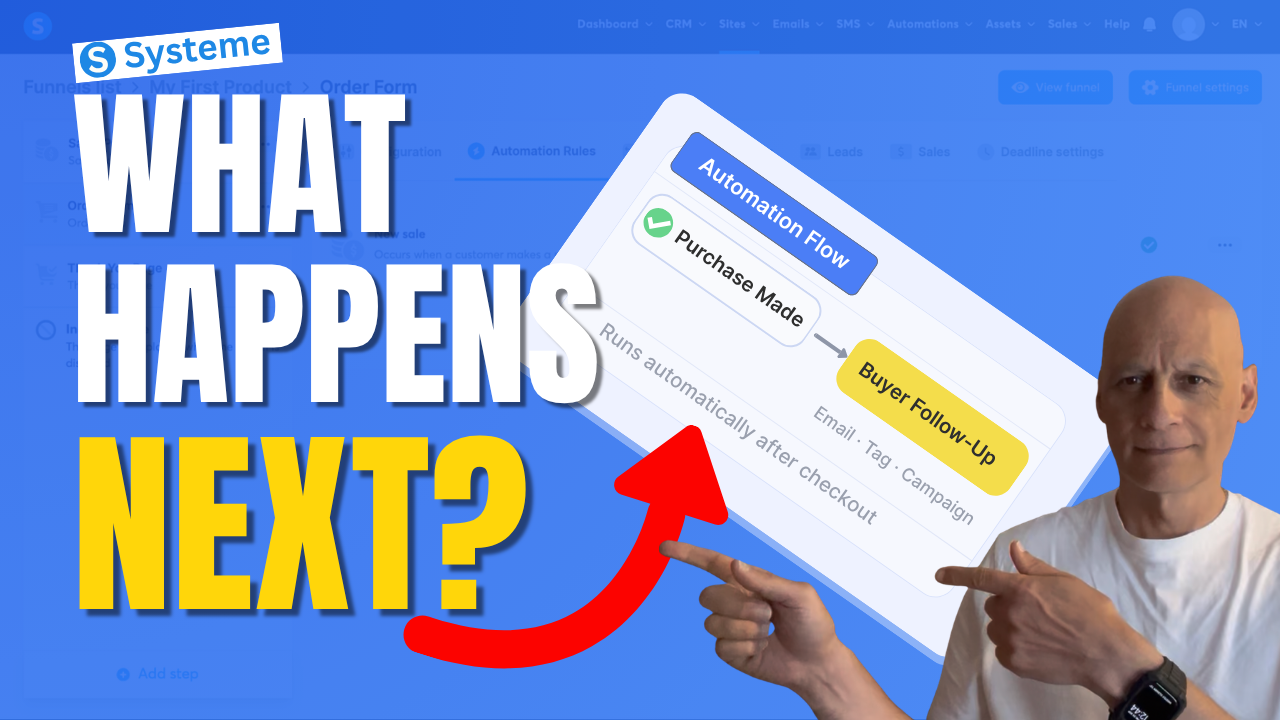
 Grab my free resource below to help you build better-performing pages in Systeme.io.
 Get a FREE Systeme.io account below: