Tag: systeme io automation

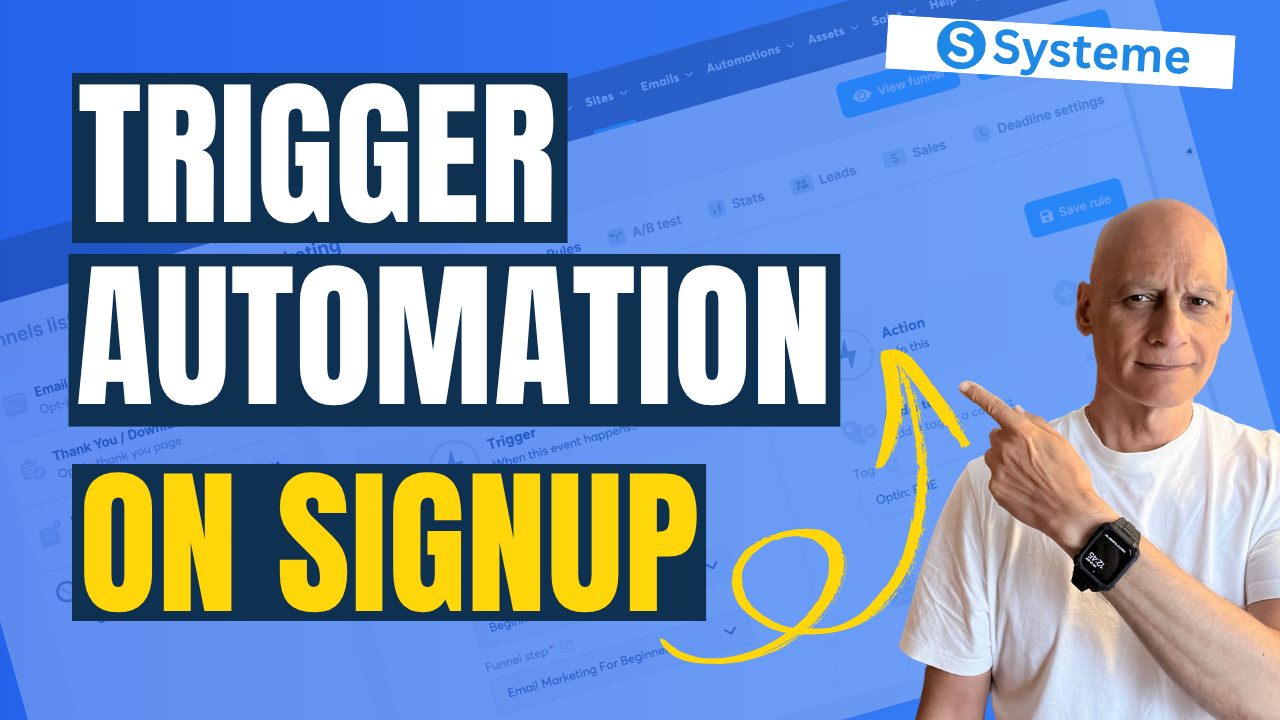
  • Build This Simple Email Automation in Systeme.io

    Build This Simple Email Automation in Systeme.io

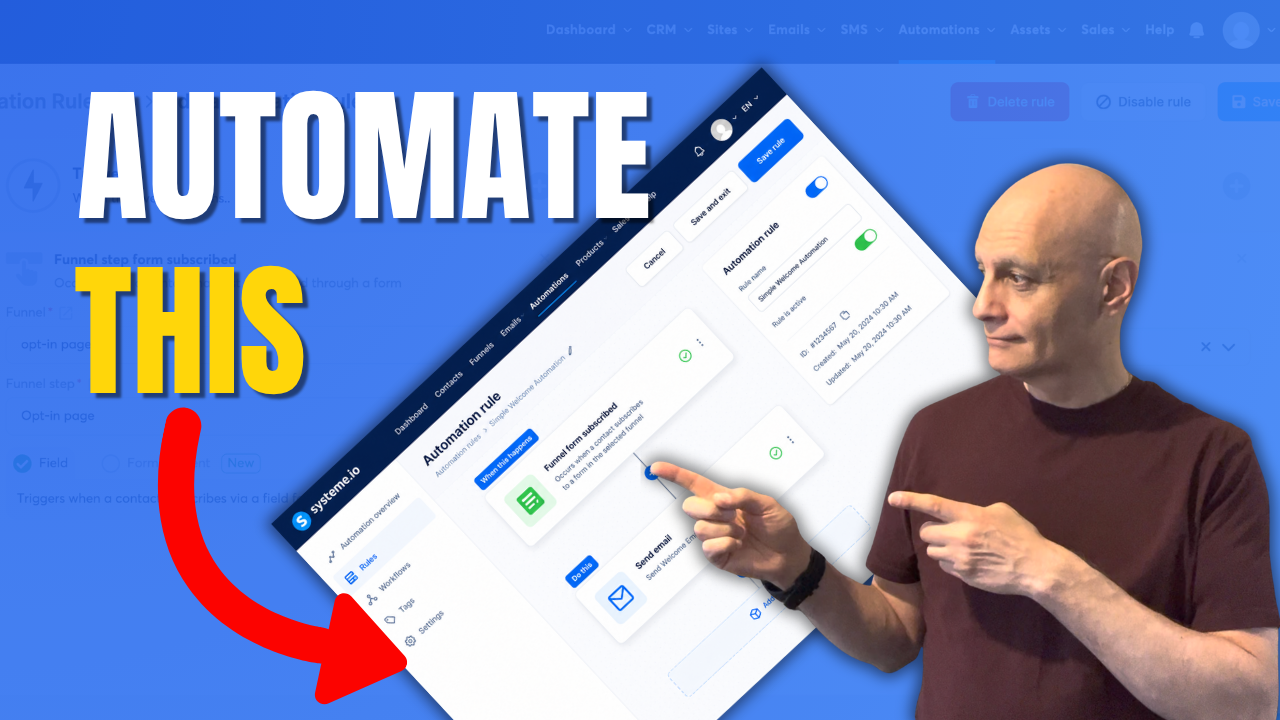
    In this video, I’ll show you how to create a simple email automation in Systeme.io that most beginners can set up in just a few minutes.

    A lot of new marketers make email automation far more complicated than it needs to be. Multiple conditions, endless email sequences, tags, and complex workflows often create confusion before they create results.

    Instead, I’ll walk you through a beginner-friendly automation rule that automatically sends a welcome email when someone joins your email list.

    In this tutorial you’ll learn:

    • How to create an automation rule in Systeme.io
    • How to add a trigger and action
    • How to send a welcome email automatically
    • How to test your automation
    • What most beginners should avoid when getting started

    If you’re building your first funnel, growing an email list, or learning Systeme.io, this simple setup is often all you need to start.

    Remember: simple systems are easier to build, easier to manage, and easier to improve over time.

    Subscribe for beginner-friendly funnel tutorials, Systeme.io training, and practical online business strategies designed to help you take action without the overwhelm.

    systemeio #emailmarketing #marketingautomation #salesfunnels #emailautomation #onlinebusiness #pagebuilderacademy #systemeioforbeginners #systemeiotutorial #systeme #funnelbuilding #emaillistbuilding #digitalmarketing

    ✅ Free resource
    📌 Beginner Funnel Checklist / Freebie:
    🔗https://www.pagebuilderacademy.com/starter

    Get a FREE Systeme.io account below:
    🔗https://www.pagebuilderacademy.com/systeme

    See my full Systeme.io review + bonuses:
    🔗https://www.pagebuilderacademy.com/2r8b

    ⏱️Timestamps:
    00:00 Most Beginners Overcomplicate This
    00:20 The Entire Automation Explained
    00:38 Create an Automation Rule
    01:02 Add the Trigger
    01:45 Add the Email Action
    02:15 Create Your Welcome Email
    03:11 Test the Automation
    03:30 The Mistake Most Beginners Make
    03:37 My Recommended Setup
    03:50 Why Simple Works Better
    04:03 Free Systeme.io Starter Kit

    QUESTIONS? CONTACT ME!

    EMAIL: zaf@pagebuilderacademy.com

    ===========

    FOLLOW ME

    ▶ YOUTUBE SUBSCRIBE – @PageBuilderAcademy

    ============

    DISCLAIMER

    Some of the links in this description may be affiliate links, which means I receive a small commission at NO ADDITIONAL cost to you if you decide to purchase something.
  • Start Here: Build a Simple Online System (Beginner Guide)

    Start Here: Build a Simple Online System (Beginner Guide)

    Most beginners make an online business way more complicated than it needs to be.

    You do NOT need:
    ❌ complicated funnels
    ❌ giant automations
    ❌ dozens of tools
    ❌ perfect systems

    In this video, I’ll show you a much simpler way to get started using a basic funnel setup inside Systeme.io.

    We’ll cover:
    ✔ Simple funnel structure
    ✔ Beginner-friendly opt-in page setup
    ✔ Email automation basics
    ✔ How to avoid overwhelm
    ✔ Why simple systems work better for beginners

    If you’ve been feeling stuck trying to build an online business, affiliate marketing funnel, or email list… this video will help simplify the process.

    👇 FREE Beginner Resource:
    📌 Beginner Funnel Checklist / Freebie:
    🔗https://www.pagebuilderacademy.com/starter

    Get a FREE Systeme.io account below:
    🔗https://www.pagebuilderacademy.com/systeme

    See my full Systeme.io review + bonuses:
    🔗https://www.pagebuilderacademy.com/2r8b

    ⏱️Timestamps:
    00:00 Why Most Beginners Stay Stuck
    00:22 Simple Funnels Build Momentum
    00:37 The Simple Funnel Setup Explained
    01:07 Create a Funnel in Systeme.io
    01:24 Choosing a Simple Opt-In Page
    01:45 Don’t Overcomplicate Your Funnel
    02:00 Simplify Your Opt-In Form
    02:17 What Makes a Good Opt-In Page
    02:36 Simple Email Automation Setup
    02:47 Stop Overcomplicating Automation
    03:02 Simple Systems Work Better
    03:27 Free Beginner Funnel Resource
    03:38 Beginner Funnels & Email Marketing

    #systemeio #affiliatemarketing #emailmarketing #onlinebusiness #funnels #leadgeneration #digitalmarketing #passiveincome #entrepreneur #marketingautomation #pagebuilderacademy

    If you enjoy beginner-friendly videos about:
    – Systeme.io
    – affiliate marketing
    – email marketing
    – funnels
    – online business
    – automation
    – growing an email list

    …consider subscribing.

    New videos every week.

    ========================
    QUESTIONS? CONTACT ME!
    ========================

    EMAIL: zaf@pagebuilderacademy.com

    ===========
    FOLLOW ME
    ===========

    ▶ YOUTUBE SUBSCRIBE – @PageBuilderAcademy

    ============
    DISCLAIMER
    ============
    Some of the links in this description may be affiliate links, which means I receive a small commission at NO ADDITIONAL cost to you if you decide to purchase something.

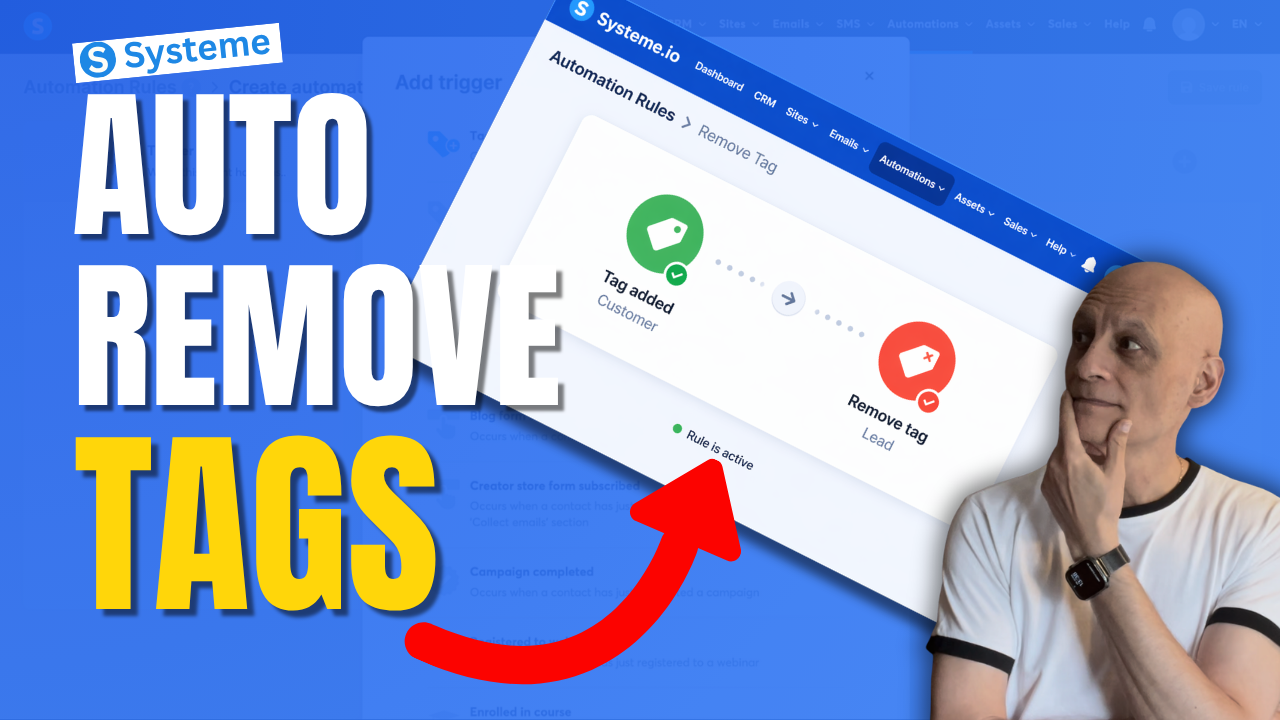
  • How to Remove a tag With Automation in Systeme.io

    How to Remove a tag With Automation in Systeme.io

    Want to remove a tag automatically in Systeme.io instead of doing it manually every time?

    In this beginner-friendly tutorial, I’ll show you step by step how to remove a tag using automation in Systeme.io so you can keep your contacts organised and avoid messy tag setups.

    This is really useful if you want to:

    * clean up old tags automatically
    * move people between automations
    * stop contacts staying in the wrong segment
    * make your email marketing more organised

    If you’re new to Systeme.io, don’t worry — I’ll keep this simple and easy to follow.

    🎁 Free resource: Download my free checklist to help you build better pages and funnels inside Systeme.io.
    📌 Beginner Funnel Checklist / Freebie:
    🔗https://www.pagebuilderacademy.com/starter

    Get a FREE Systeme.io account below:
    🔗https://www.pagebuilderacademy.com/systeme

    See my full Systeme.io review + bonuses:
    🔗https://www.pagebuilderacademy.com/2r8b

    ⏱️Timestamps:
    0:00 Most Beginners Miss This
    0:07 Remove Tags Automatically
    0:14 What a Tag Is
    0:22 Why Old Tags Hurt
    0:32 What We’re Building
    0:46 Go to Automations
    1:01 Create Rule
    1:08 Trigger: Tag Added
    1:31 Add Remove Tag Action
    1:50 Lead to Customer Example
    2:14 Best Use Cases
    2:32 Save Rule
    2:40 Beginner Tip
    3:02 Final Thoughts
    3:10 Free Starter Kit

    #systemeio #emailmarketing #automation #funnels #systemeiotutorial #systemeiotutorial #pagebuilderacademy

    ========================
    QUESTIONS? CONTACT ME!
    ========================

    EMAIL: zaf@pagebuilderacademy.com

    ===========
    FOLLOW ME
    ===========

    ▶ YOUTUBE SUBSCRIBE – @PageBuilderAcademy

    ============
    DISCLAIMER
    ============
    Some of the links in this description may be affiliate links, which means I receive a small commission at NO ADDITIONAL cost to you if you decide to purchase something.

  • What Happens After a Sale? Automate It in Systeme.io

    What Happens After a Sale? Automate It in Systeme.io

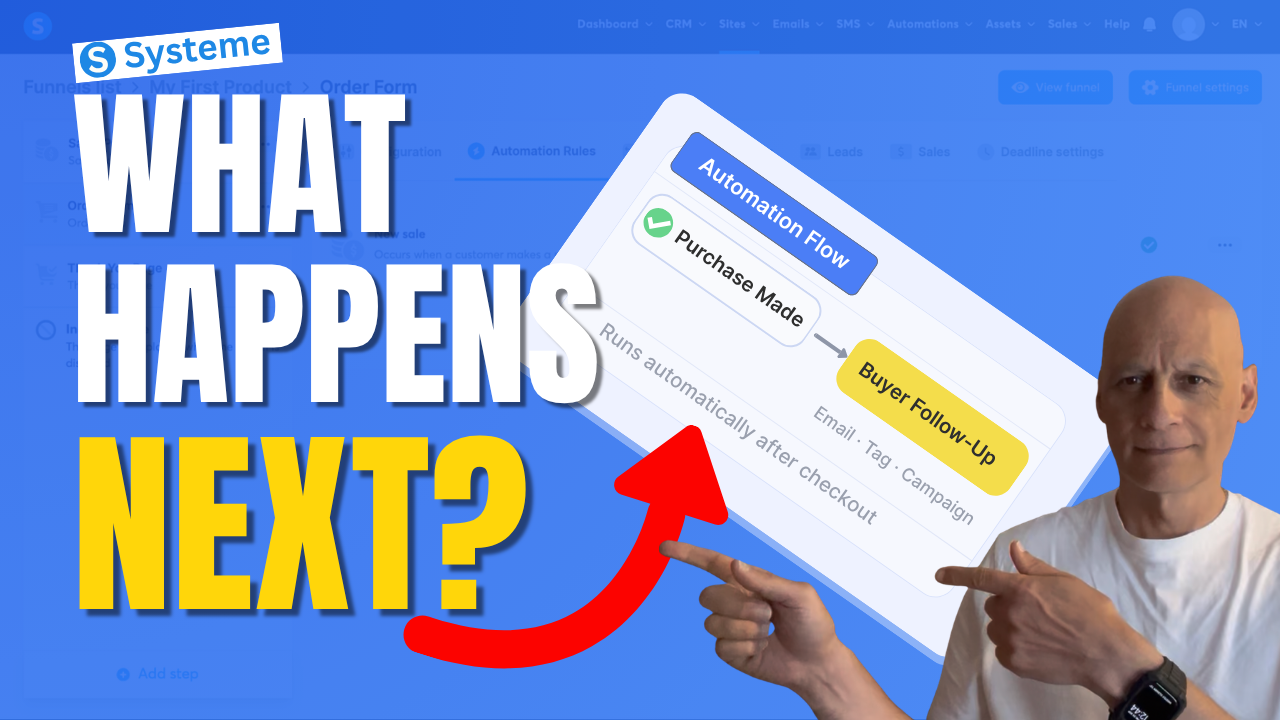
    If you want Systeme.io to automatically do something after someone buys your product, this video will show you exactly how to set that up.

    In this beginner-friendly Systeme.io tutorial, I’ll walk you through how to trigger an automation when a purchase is made — so you can automatically send emails, add tags, subscribe buyers to a campaign, and more.

    This is one of the most useful automations you can set up if you’re selling digital products, using funnels, or building your email list inside Systeme.io.

    If you want Systeme.io to automatically do something after someone buys your product, this video will show you exactly how to set that up.

    In this beginner-friendly Systeme.io tutorial, I’ll walk you through how to trigger an automation when a purchase is made — so you can automatically send emails, add tags, subscribe buyers to a campaign, and more.

    This is one of the most useful automations you can set up if you’re selling digital products, using funnels, or building your email list inside Systeme.io.

    In this video, you’ll learn how to:

    • trigger an automation after a purchase
    • use the New sale trigger
    • automatically subscribe buyers to a campaign
    • streamline your Systeme.io sales funnel

    If you’re new to Systeme.io, this is a simple but powerful setup to get working inside your funnel.

    👇 Grab my free resource below to help you build better-performing pages in Systeme.io.

    ✅ Free resource
    📌 Beginner Funnel Checklist / Freebie:
    🔗https://www.pagebuilderacademy.com/starter

    Get a FREE Systeme.io account below:
    🔗https://www.pagebuilderacademy.com/systeme

    See my full Systeme.io review + bonuses:
    🔗https://www.pagebuilderacademy.com/2r8b

    ⏱️Timestamps
    0:00 What actually happens after a sale?
    0:18 The simple automation rule explained
    0:38 Where to set this up in Systeme.io
    0:54 The step most people miss
    1:01 Where automation starts
    1:11 Create your automation rule
    1:18 Trigger the automation after a sale
    1:36 What should happen next?
    1:44 Your main automation options
    1:51 Send buyers into a follow-up sequence
    2:07 Choose your campaign
    2:16 Turn on your automation
    2:23 What happens automatically now
    2:30 More things you can automate
    2:39 The one rule to remember
    2:46 Don’t skip this step (important)
    2:55 Why this setup works so well
    3:04 Free Systeme.io starter kit

    #systemeio #systemeiotutorial #emailmarketing #salesfunnels #marketingautomation #automationtutorial #onlinebusiness #makemoneyonlinebeginners #beginnermarketing #digitalproducts #funnelbuilding #emaillistbuilding #passiveincome #systemeioforbeginners
    #affiliatemarketing #pagebuilderacademy

    ========================
    QUESTIONS? CONTACT ME!
    ========================

    EMAIL: zaf@pagebuilderacademy.com

    ===========
    FOLLOW ME
    ===========

    ▶ YOUTUBE SUBSCRIBE – @PageBuilderAcademy

    ============
    DISCLAIMER
    ============
    Some of the links in this description may be affiliate links, which means I receive a small commission at NO ADDITIONAL cost to you if you decide to purchase something.

  • Add Downloadable PDFs to Your Systeme.io Pages Fast & Easy

    Add Downloadable PDFs to Your Systeme.io Pages Fast & Easy

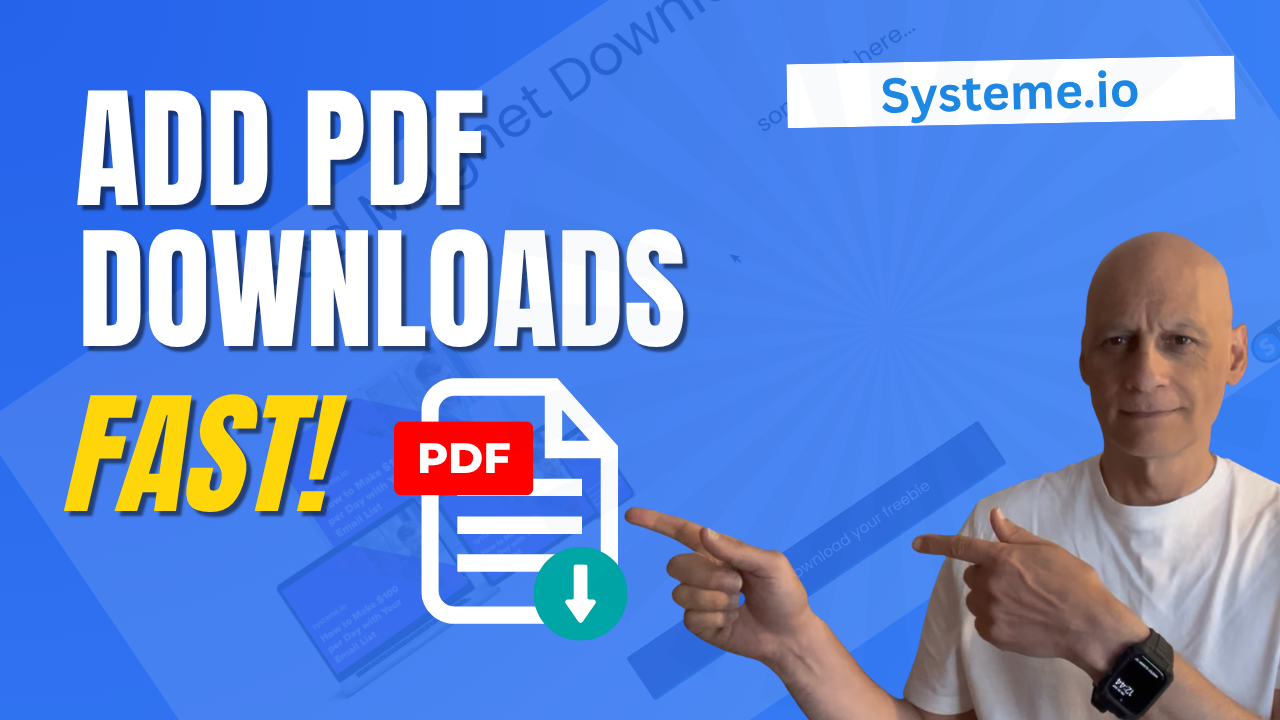
    Want to add a downloadable PDF to your Systeme.io funnel or page?

    In this quick step-by-step tutorial, you’ll learn two easy ways to upload your PDF and create a download link or button — perfect for sharing checklists, lead magnets, or ebooks with your subscribers.

    By the end of this video, you’ll know how to:

    ✅ Upload your PDF inside Systeme.io
    ✅ Add a Download File button
    ✅ Create a clickable text link for your PDF
    ✅ Make your freebie open in a new tab automatically

    This method is perfect for thank-you pages, funnels, or freebie downloads — all using the free Systeme.io plan!

    Download The Free Starter Kit: A step-by-step checklist and a ready-made landing page template (for Systeme.io)

    🔗https://optin.pagebuilderacademy.com

    💡 Grab yourself a free Systeme.io account: An all-in-one platform, create emails, funnels and more!
    🔗https://www.pagebuilderacademy.com/systeme

    Timestamps:
    0:00 – Intro
    0:38 – Navigating to Sales Funnels
    0:45 – Select Required Funnel
    0:54 – Go into Page Editor
    1:21 – Adding a button element
    1:51 – Edit button action
    2:05 – Uploading your PDF
    2:53 – Editing the button
    4:11 – Saving and previewing, and testing the PDF
    4:44 – Adding a text element for your PDF link
    5:18 – Formatting the text element.
    5:28 – Linking the text to your PDF
    6:17 – Saving and testing the link
    6:45 – Checking in mobile view
    7:11 – Free resource mentioned

    #systemeio #systemeiotutorial #pagebuilder #funnelbuilder #onlinemarketingtips

    ========================
    QUESTIONS? CONTACT ME!
    ========================

    EMAIL: zaf@pagebuilderacademey.com

    ===========
    FOLLOW ME
    ===========

    ▶ YOUTUBE SUBSCRIBE – @PageBuilderAcademy
    ============
    DISCLAIMER
    ============

    Some of the links in this description may be affiliate links, which means I receive a small commission at NO ADDITIONAL cost to you if you decide to purchase something.

    These are my opinions and do not represent the views of the companies that create these products.

    My opinions are based on my personal experience and research. I never recommend poor-quality products or create false reviews to generate sales.

    I intend to explain products so you can make an informed decision on which ones suit your needs best.

    Any forward-looking statements in this video are intended to express my opinions. They are opinions only and should not be relied upon as fact.

    Success in any endeavour is based on many factors, individual to you. I do not know your educational background, your skills, your prior experience, or the time you can and will devote to the endeavour.