Tag: systeme io

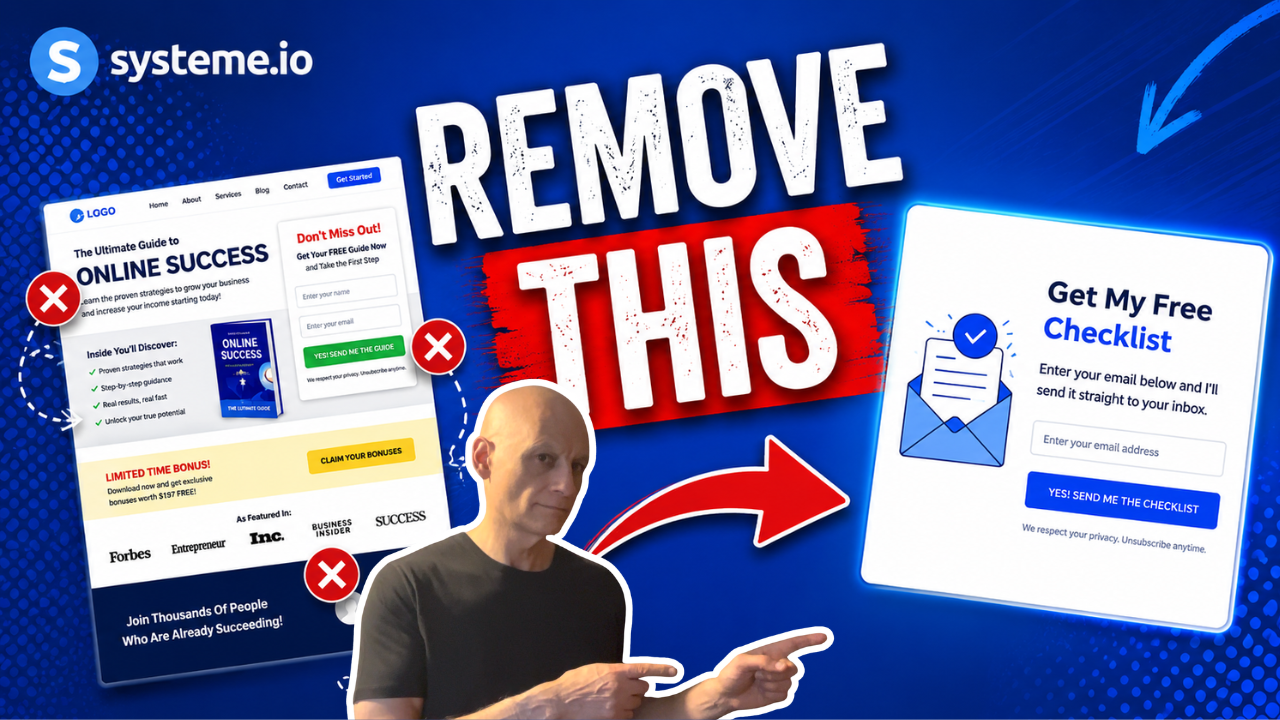
  • Systeme.io Funnels Are Missing This One Thing

    Systeme.io Funnels Are Missing This One Thing

    Want to add a progress bar inside Systeme.io but can’t find the feature?

    In this tutorial, I’ll show you a simple way to create a clean progress bar for your funnel pages using the Systeme.io page editor.

    This works great for:

    * opt-in funnels
    * multi-step funnels
    * checkout pages
    * applications
    * quizzes
    * onboarding funnels
    You’ll learn:

    * How to create the progress bar layout
    * How to style the progress fill
    * How to update progress across pages
    * How to improve funnel user experience
    * simple design tips for cleaner pages

    This is beginner-friendly and only takes a few minutes to set up.

    Subscribe for more Systeme.io tutorials, funnel tips, automation walkthroughs, and beginner-friendly online business content.

    ✅ Free resource
    📌 Beginner Funnel Checklist / Freebie:
    🔗https://www.pagebuilderacademy.com/starter

    Get a FREE Systeme.io account below:
    🔗https://www.pagebuilderacademy.com/systeme

    See my full Systeme.io review + bonuses:
    🔗https://www.pagebuilderacademy.com/2r8b

    #systemeio #funnels #emailmarketing #onlinebusiness #digitalmarketing #pagebuilderacademy

    ⏱️Timestamps:
    00:00 Add a Progress Bar in Systeme.io
    00:27 Open Your Funnel Page
    00:45 Create the Progress Bar Layout
    02:16 Add the Filled Progress Bar
    03:10 Set Progress Percentages
    03:44 Style the Progress Bar
    05:18 Check Mobile View
    05:57 Save as a Reusable Block
    06:43 Reuse Across Funnel Pages
    07:32 Final Result + Free Resource

    ========================
    QUESTIONS? CONTACT ME!
    ========================

    EMAIL: zaf@pagebuilderacademy.com

    ===========
    FOLLOW ME
    ===========

    ▶ YOUTUBE SUBSCRIBE – @PageBuilderAcademy

    ============
    DISCLAIMER
    ============
    Some of the links in this description may be affiliate links, which means I receive a small commission at NO ADDITIONAL cost to you if you decide to purchase something.
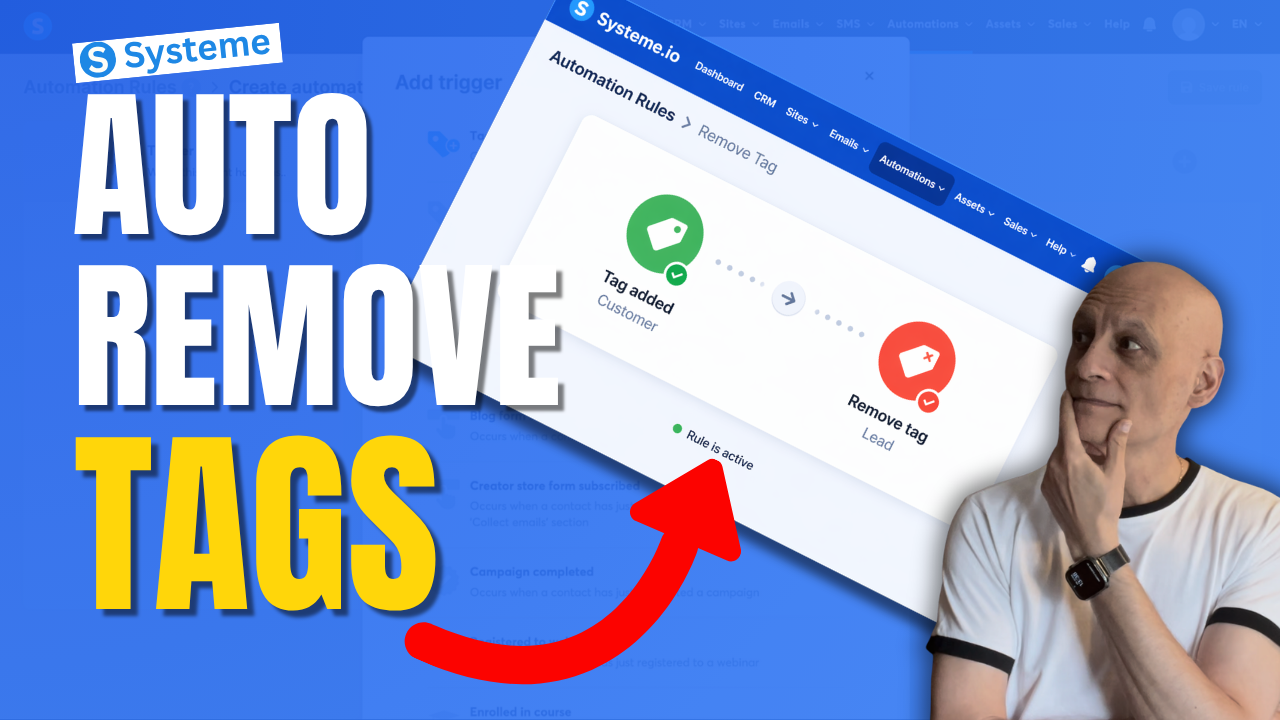
  • How to Remove a tag With Automation in Systeme.io

    How to Remove a tag With Automation in Systeme.io

    Want to remove a tag automatically in Systeme.io instead of doing it manually every time?

    In this beginner-friendly tutorial, I’ll show you step by step how to remove a tag using automation in Systeme.io so you can keep your contacts organised and avoid messy tag setups.
    This is really useful if you want to:

    * clean up old tags automatically
    * move people between automations
    * stop contacts staying in the wrong segment
    * make your email marketing more organised

    If you’re new to Systeme.io, don’t worry — I’ll keep this simple and easy to follow.

    🎁 Free resource: Download my free checklist to help you build better pages and funnels inside Systeme.io.

    📌 Beginner Funnel Checklist / Freebie:
    🔗https://www.pagebuilderacademy.com/starter

    Get a FREE Systeme.io account below:
    🔗https://www.pagebuilderacademy.com/systeme

    See my full Systeme.io review + bonuses:
    🔗https://www.pagebuilderacademy.com/2r8b

    ⏱️Timestamps:
    0:00 Most Beginners Miss This
    0:07 Remove Tags Automatically
    0:14 What a Tag Is
    0:22 Why Old Tags Hurt
    0:32 What We’re Building
    0:46 Go to Automations
    1:01 Create Rule
    1:08 Trigger: Tag Added
    1:31 Add Remove Tag Action
    1:50 Lead to Customer Example
    2:14 Best Use Cases
    2:32 Save Rule
    2:40 Beginner Tip
    3:02 Final Thoughts
    3:10 Free Starter Kit


    #systemeio #emailmarketing #automation #funnels #systemeiotutorial #systemeiotutorial #pagebuilderacademy

    ========================
    QUESTIONS? CONTACT ME!
    ========================

    EMAIL: zaf@pagebuilderacademy.com

    ===========
    FOLLOW ME
    ===========

    ▶ YOUTUBE SUBSCRIBE – @PageBuilderAcademy

    ============
    DISCLAIMER
    ============
    Some of the links in this description may be affiliate links, which means I receive a small commission at NO ADDITIONAL cost to you if you decide to purchase something.
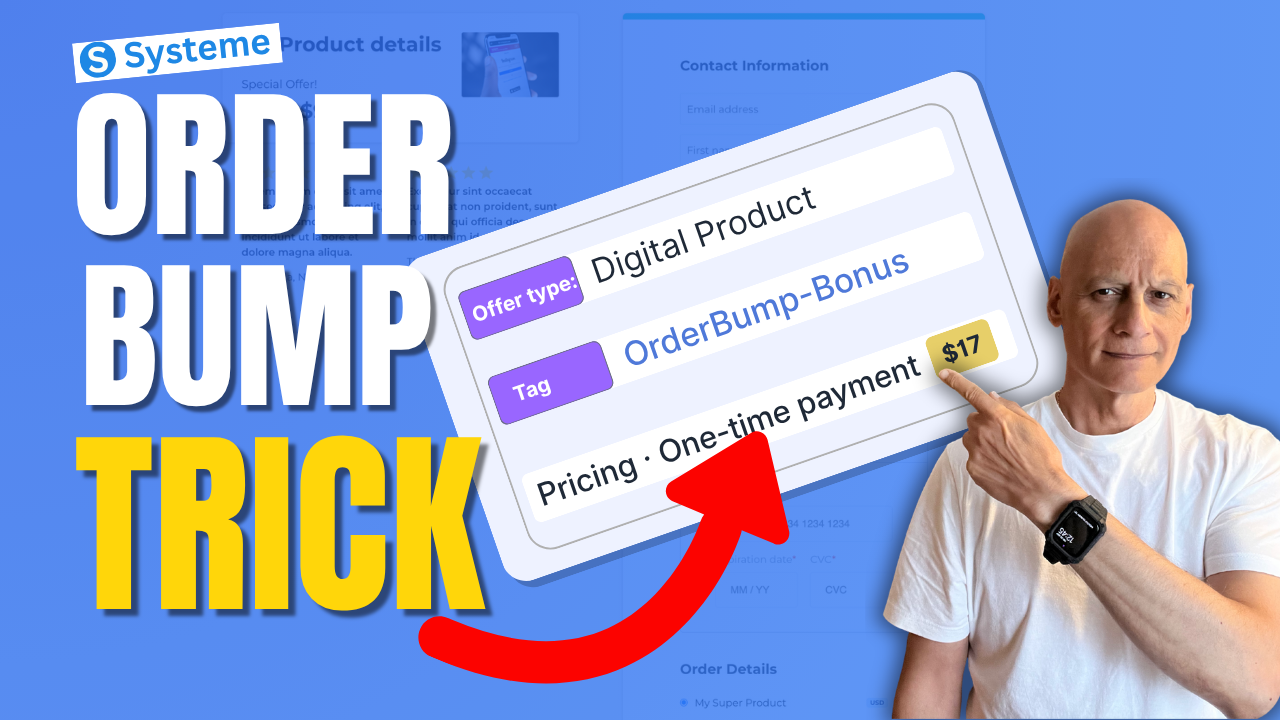
  • Most Beginners Miss This Systeme.io Sales Trick

    Most Beginners Miss This Systeme.io Sales Trick

    Want to increase your funnel sales without needing more traffic?

    In this beginner-friendly tutorial, I’ll show you how to create an order bump in Systeme.io step by step. Order bumps allow you to add a small additional offer directly on your checkout page so customers can add it to their purchase with a single click.

    Want to increase your funnel sales without needing more traffic?


    In this beginner-friendly tutorial, I’ll show you how to create an order bump in Systeme.io step by step. Order bumps allow you to add a small additional offer directly on your checkout page so customers can add it to their purchase with a single click.


    In this video you’ll learn:


    • How to add an order bump to your Systeme.io checkout page

    • How to connect the required resource (using tags)

    • How to create the pricing plan for your bump offer

    • How to display the order bump inside the page builder

    • Tips for creating high-converting bump offers


    Order bumps are one of the easiest ways to increase your funnel revenue without needing more traffic or ads.

    Next: Systeme.io Tags: The Automation Trick Most Miss


    ✅ Free resource
    📌 Beginner Funnel Checklist / Freebie:
    🔗https://www.pagebuilderacademy.com/starter

    Get a FREE Systeme.io account below:
    🔗https://www.pagebuilderacademy.com/systeme

    See my full Systeme.io review + bonuses:
    🔗https://www.pagebuilderacademy.com/2r8b

    #systemeio #systemeiotutorial #funnelbuilding #emailmarketingtips #onlinebusiness #pagebuilderacademy #orderbump #salesfunnel  #digitalproducts #onlinebusiness #funneltips


    ⏱️ Timestamps

    0:00 Increase Sales Instantly

    0:08 What Is an Order Bump

    0:24 Open Your Funnel

    0:42 Go to Sales Funnels

    0:52 Open Order Form Settings

    1:00 Choose Product Type

    1:17 Create Digital Product

    1:33 Add Resource (Tag)

    2:03 Why Use Tags

    2:20 Create Pricing Plan

    2:42 Choose Payment Type

    3:19 Set Price ($27)

    3:36 Save Settings (Important)

    3:53 Open Page Builder

    4:02 Add Order Bump Element

    4:31 How Order Bump Works

    4:47 Edit Offer Text

    5:36 Order Bump Ideas

    5:55 Preview Order Bump

    6:17 Quick Recap

    6:31 Free Resource


    ========================

    QUESTIONS? CONTACT ME!

    ========================


    EMAIL: zaf@pagebuilderacademy.com


    ===========

    FOLLOW ME

    ===========


    ▶ YOUTUBE SUBSCRIBE – @PageBuilderAcademy


    ============

    DISCLAIMER

    ============

    Some of the links in this description may be affiliate links, which means I receive a small commission at NO ADDITIONAL cost to you if you decide to purchase something.

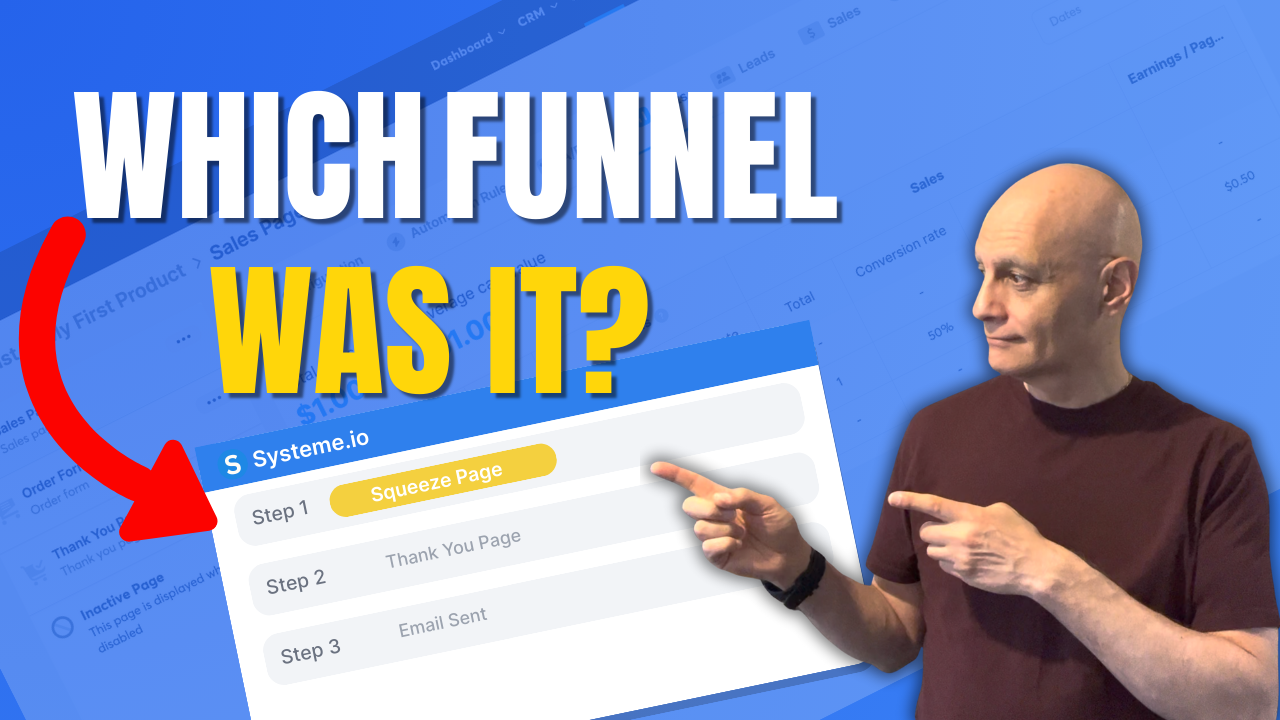
  • How to see which funnel a contact came from in Systeme.io

    How to see which funnel a contact came from in Systeme.io

    Want to see which funnel a contact came from in Systeme.io?

    In this tutorial, I’ll show you the most reliable method: using Automation Rules on your funnel step with the trigger “Funnel step form subscribed”, then automatically applying a source tag. That way, every contact permanently shows their funnel source inside their contact record.
    You’ll also learn how to filter your contact list by those source tags to quickly see how many leads each funnel is producing.

    Download The Free Starter Kit: A step-by-step checklist and a ready-made landing page template (for Systeme.io)

    🔗https://www.pagebuilderacademy.com/starter

    💡 Grab yourself a free Systeme.io account: An all-in-one platform, create emails, funnels and more!
    🔗https://www.pagebuilderacademy.com/systeme

    See my full Systeme.io review + bonuses:
    🔗https://www.pagebuilderacademy.com/2r8b


    Timestamps:
    0:00 – Intro
    0:38 – Navigating to Contacts
    0:45 – Select Required contact
    1:23 – Finding the page your contact signed up to
    1:10 – Add a section
    2:18 – Outro

    #systemeio #systemeiotutorial #pagebuilder #funnelbuilder #onlinemarketingtips #emailmarketing #PageBuilderAcademy

    ========================
    QUESTIONS? CONTACT ME!
    ========================

    EMAIL: zaf@pagebuilderacademey.com

    ===========
    FOLLOW ME
    ===========

    ▶ YOUTUBE SUBSCRIBE – @PageBuilderAcademy

    ============
    DISCLAIMER
    ============

    Some of the links in this description may be affiliate links, which means I receive a small commission at NO ADDITIONAL cost to you if you decide to purchase something.

    These are my opinions and do not represent the views of the companies that create these products.

    My opinions are based on my personal experience and research. I never recommend poor-quality products or create false reviews to generate sales.

    I intend to explain products so you can make an informed decision on which ones suit your needs best.

    Any forward-looking statements in this video are intended to express my opinions. They are opinions only and should not be relied upon as fact.

    Success in any endeavour is based on many factors, individual to you. I do not know your educational background, your skills, your prior experience, or the time you can and will devote to the endeavour.
  • How to find unsubscribed contacts in Systeme.io

    How to find unsubscribed contacts in Systeme.io

    Want to know who unsubscribed from your Systeme.io emails?

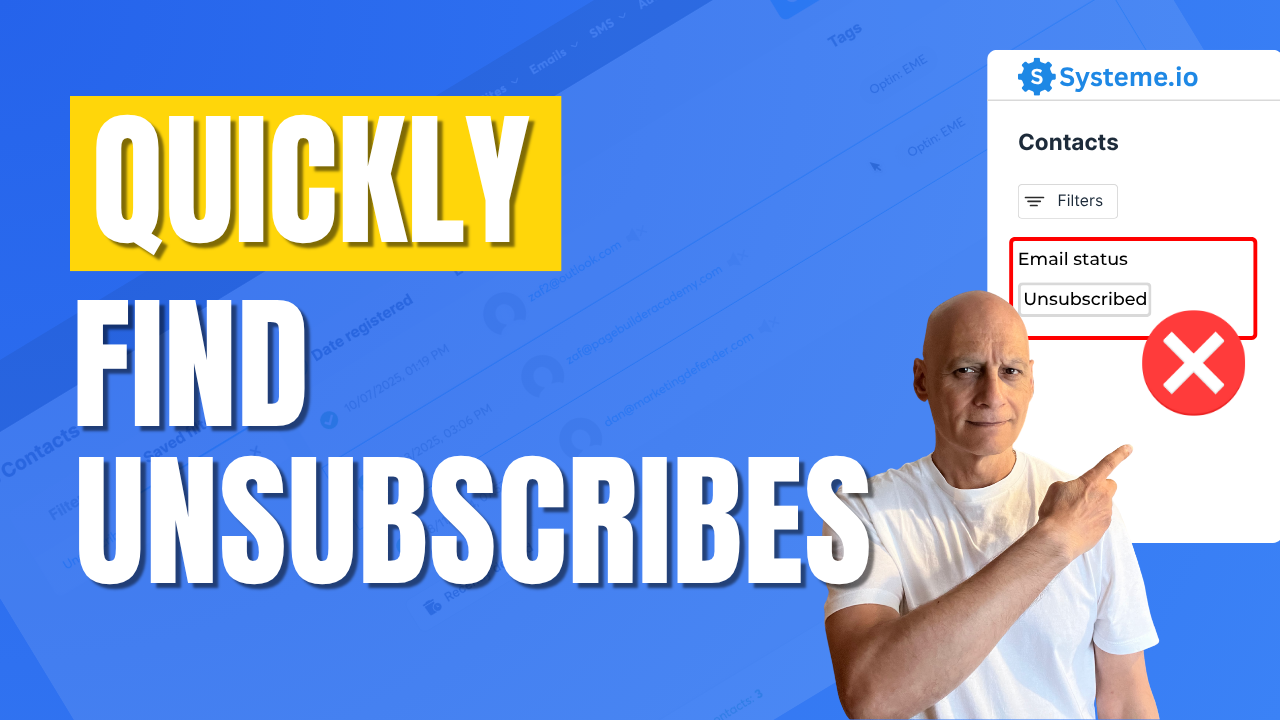
    In this quick beginner tutorial, you’ll learn how to find unsubscribed contacts step-by-step—so you can keep your list clean and stay compliant. Perfect for anyone using Systeme.io for email marketing or funnels.
    🔹 What you’ll learn:

    ✅ How to view unsubscribed contacts in Systeme.io
    ✅ How to filter by email status
    ✅ How to export unsubscribed contacts

    📘 Subscribe for more Systeme.io tutorials from Page Builder Academy!
    Download The Free Starter Kit: A step-by-step checklist and a ready-made landing page template (for Systeme.io)

    🔗https://www.pagebuilderacademy.com/starter

    💡 Grab yourself a free Systeme.io account: An all-in-one platform, create emails, funnels and more!

    🔗https://www.pagebuilderacademy.com/systeme

    Timestamps:
    0:00 – Intro
    0:38 – Navigating to contacts
    0:44 – Quickly spotting unsubscribes
    1:22 – Creating a filter
    1:37 – Filter criteria
    2:10 – Naming & saving your filter
    2:42 – Accessing the saved filter
    3:08 – Deleting unsubscribes
    3:21 – Export unsubscribes
    4:18 – Outro Free resource

    #systemeio #systemeiotutorial #pagebuilder #funnelbuilder #onlinemarketingtips #emailmarketing #PageBuilderAcademy #systemeiotutorial

    ========================
    QUESTIONS? CONTACT ME!
    ========================

    EMAIL: zaf@pagebuilderacademey.com

    ===========
    FOLLOW ME
    ===========

    ▶ YOUTUBE SUBSCRIBE – @PageBuilderAcademy

    ============
    DISCLAIMER
    ============

    Some of the links in this description may be affiliate links, which means I receive a small commission at NO ADDITIONAL cost to you if you decide to purchase something.

    These are my opinions and do not represent the views of the companies that create these products.

    My opinions are based on my personal experience and research. I never recommend poor-quality products or create false reviews to generate sales.

    I intend to explain products so you can make an informed decision on which ones suit your needs best.

    Any forward-looking statements in this video are intended to express my opinions. They are opinions only and should not be relied upon as fact.

    Success in any endeavour is based on many factors, individual to you. I do not know your educational background, your skills, your prior experience, or the time you can and will devote to the endeavour.
  • See Who Unsubscribed in Systeme.io

    See Who Unsubscribed in Systeme.io

    Ever wonder who’s unsubscribed from your Systeme.io emails?

    In this quick tutorial, you’ll see exactly where to find your unsubscribed contacts, so you can keep your list clean, avoid sending to inactive leads, and improve your email deliverability.

    Perfect for beginners using Systeme.io for funnels or email marketing.
    🔹 In this video:
    ✅ View unsubscribed contacts step-by-step
    ✅ Filter your list by email status
    ✅ Export or tag unsubscribed contacts for better management

    👉 Watch now to keep your Systeme.io list healthy and compliant!

    Download The Free Starter Kit: A step-by-step checklist and a ready-made landing page template (for Systeme.io)

    🔗https://optin.pagebuilderacademy.com

    💡 Grab yourself a free Systeme.io account: An all-in-one platform, create emails, funnels and more!

    🔗https://www.pagebuilderacademy.com/systeme

    Timestamps:
    0:00 – Intro
    0:38 – Navigating to contacts
    0:49 – Method one to view unsubscribes
    1:19 – Creating a filter
    2:00 – Save and name the filter
    3:29 – Outro: Free resource

    #systemeio #systemeiotutorial #pagebuilder #funnelbuilder #onlinemarketingtips #emailmarketing #PageBuilderAcademy

    ========================
    QUESTIONS? CONTACT ME!
    ========================

    EMAIL: zaf@pagebuilderacademey.com

    ===========
    FOLLOW ME
    ===========

    ▶ YOUTUBE SUBSCRIBE – @PageBuilderAcademy

    ============
    DISCLAIMER
    ============

    Some of the links in this description may be affiliate links, which means I receive a small commission at NO ADDITIONAL cost to you if you decide to purchase something.

    These are my opinions and do not represent the views of the companies that create these products.

    My opinions are based on my personal experience and research. I never recommend poor-quality products or create false reviews to generate sales.

    I intend to explain products so you can make an informed decision on which ones suit your needs best.

    Any forward-looking statements in this video are intended to express my opinions. They are opinions only and should not be relied upon as fact.

    Success in any endeavour is based on many factors, individual to you. I do not know your educational background, your skills, your prior experience, or the time you can and will devote to the endeavour.
  • The Fast Funnel Duplication Trick in Systeme.io

    The Fast Funnel Duplication Trick in Systeme.io

    Want to save time when building funnels in Systeme.io?

    In this quick tutorial, I’ll show you exactly how to duplicate an entire funnel inside Systeme.io step by step. Whether you’re creating multiple versions of a sales funnel, testing new designs, or just want to speed up your workflow, this funnel duplication feature makes it simple and fast.

    By the end of this video, you’ll know how to copy any funnel in Systeme.io without starting from scratch—perfect for beginners and anyone looking to streamline their funnel-building process.
    Download The Free Starter Kit: A step-by-step checklist and a ready-made landing page template (for Systeme.io)


     🔗https://optin.pagebuilderacademy.com

    💡 Grab yourself a free Systeme.io account: An all-in-one platform, create emails, funnels and more!

    🔗https://www.pagebuilderacademy.com/systeme


    Timestamps:
    0:00 – Intro
    0:27 – Navigating to Sales Funnels
    0:42 – Select Required Funnel
    0:57 – Duplicating the Funnel
    1:38 – Check Duplicated Funnel
    2:06 – Outro

    #systemeio #systemeiotutorial #pagebuilder #funnelbuilder #onlinemarketingtips

    ========================
    QUESTIONS? CONTACT ME!
    ========================

    EMAIL: zaf@pagebuilderacademey.com

    ===========
    FOLLOW ME
    ===========

    ▶ YOUTUBE SUBSCRIBE – @PageBuilderAcademy

    ============
    DISCLAIMER
    ============

    Some of the links in this description may be affiliate links, which means I receive a small commission at NO ADDITIONAL cost to you if you decide to purchase something.

    These are my opinions and do not represent the views of the companies that create these products.

    My opinions are based on my personal experience and research. I never recommend poor-quality products or create false reviews to generate sales.

    I intend to explain products so you can make an informed decision on which ones suit your needs best.

    Any forward-looking statements in this video are intended to express my opinions. They are opinions only and should not be relied upon as fact.

    Success in any endeavour is based on many factors, individual to you. I do not know your educational background, your skills, your prior experience, or the time you can and will devote to the endeavour.