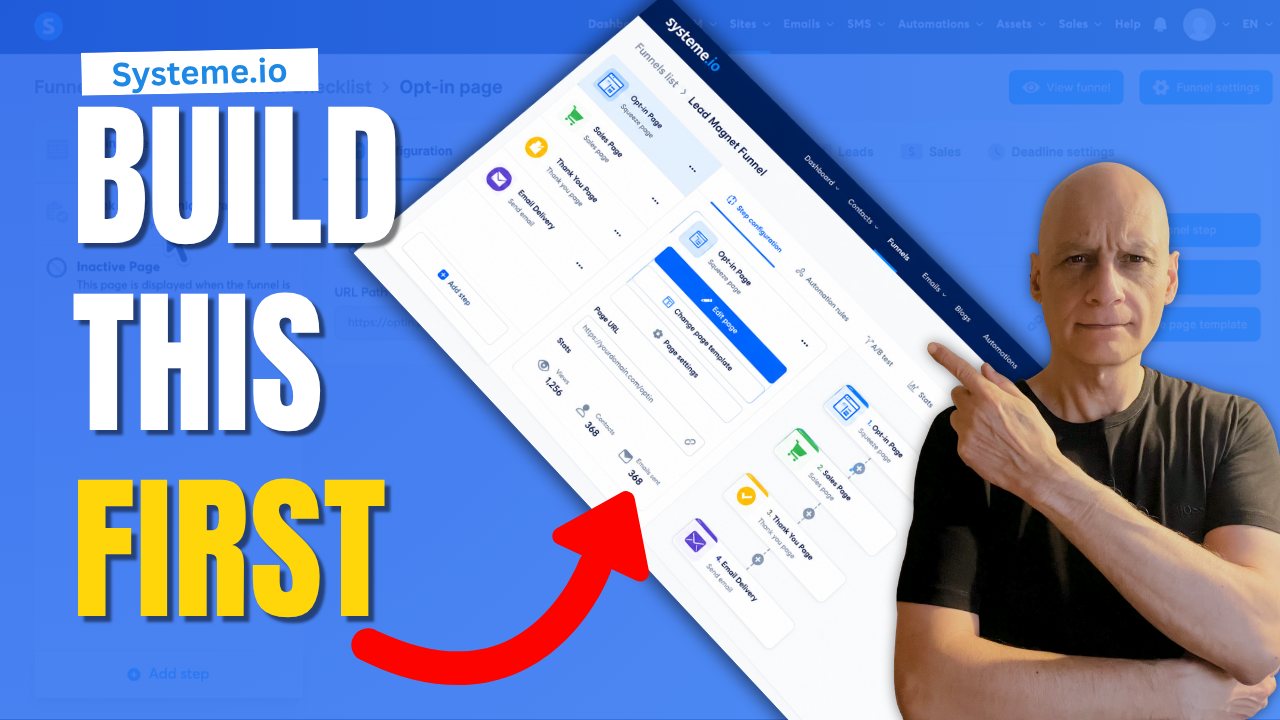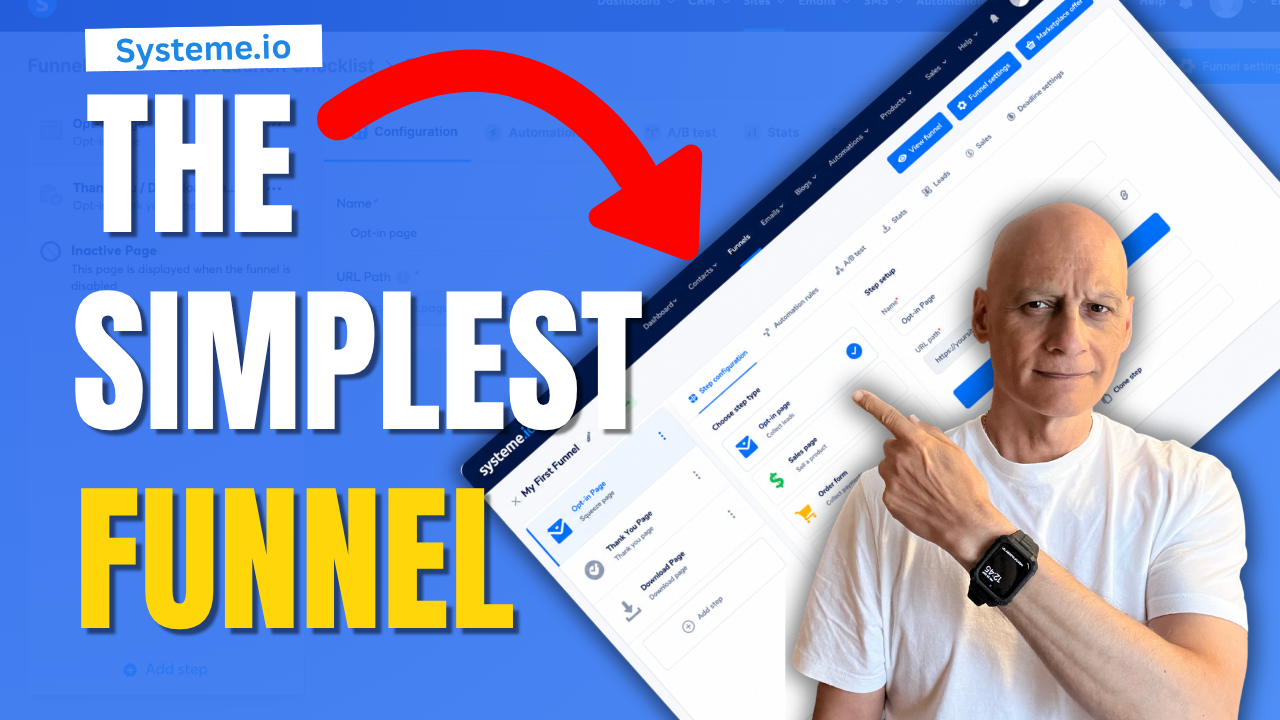
Want to build your first lead magnet funnel in Systeme.io without getting overwhelmed?
In this step-by-step beginner guide, I’ll show you how to create a simple funnel that collects leads, delivers your free resource, and starts building your email list automatically.
In this step-by-step beginner guide, I’ll show you how to create a simple funnel that collects leads, delivers your free resource, and starts building your email list automatically.
We’ll cover:
 Creating your funnel
Building a simple opt-in page
Creating a thank you page
Setting up your delivery email
Connecting your lead magnet
Testing the entire funnel
Most beginners overcomplicate funnels before they’ve generated a single lead.
This simple funnel is enough to get started, build your email list, and begin growing your online business.
If you’re using Systeme.io and want beginner-friendly tutorials without the tech overwhelm, subscribe to Page Builder Academy for practical funnel-building videos every week.
#leadmagnet #emailmarketing #funnelbuilding #landingpages
#leadgeneration #onlinebusiness #emaillistbuilding #marketingfunnels #digitalmarketing #pagebuilderacademy
Free resource
 Beginner Funnel Checklist / Freebie:
 https://www.pagebuilderacademy.com/starter
Get a FREE Systeme.io account below:
https://www.pagebuilderacademy.com/systeme
See my full Systeme.io review + bonuses:
https://www.pagebuilderacademy.com/2r8b
 Timestamps:
00:00 What We’re Building
00:41 Create The Funnel
02:01 Build A Simple Opt-In Page
07:20 Create The Thank You Page
09:46 Deliver Your Lead Magnet
11:56 Test Everything
13:03 Get Your First Leads
========================
QUESTIONS? CONTACT ME!
========================
EMAIL: zaf@pagebuilderacademy.com
===========
FOLLOW ME
===========
 YOUTUBE SUBSCRIBE – @PageBuilderAcademy
============
DISCLAIMER
============
Some of the links in this description may be affiliate links, which means I receive a small commission at NO ADDITIONAL cost to you if you decide to purchase something.
Creating your funnel Building a simple opt-in page Creating a thank you page Setting up your delivery email Connecting your lead magnet Testing the entire funnelMost beginners overcomplicate funnels before they’ve generated a single lead.
This simple funnel is enough to get started, build your email list, and begin growing your online business.
If you’re using Systeme.io and want beginner-friendly tutorials without the tech overwhelm, subscribe to Page Builder Academy for practical funnel-building videos every week.
#leadmagnet #emailmarketing #funnelbuilding #landingpages
#leadgeneration #onlinebusiness #emaillistbuilding #marketingfunnels #digitalmarketing #pagebuilderacademy
Free resource Beginner Funnel Checklist / Freebie:https://www.pagebuilderacademy.com/starterGet a FREE Systeme.io account below:
https://www.pagebuilderacademy.com/systemeSee my full Systeme.io review + bonuses:
https://www.pagebuilderacademy.com/2r8bTimestamps:00:00 What We’re Building
00:41 Create The Funnel
02:01 Build A Simple Opt-In Page
07:20 Create The Thank You Page
09:46 Deliver Your Lead Magnet
11:56 Test Everything
13:03 Get Your First Leads
========================
QUESTIONS? CONTACT ME!
========================
EMAIL: zaf@pagebuilderacademy.com
===========
FOLLOW ME
===========
YOUTUBE SUBSCRIBE – @PageBuilderAcademy ============
DISCLAIMER
============
Some of the links in this description may be affiliate links, which means I receive a small commission at NO ADDITIONAL cost to you if you decide to purchase something.