
Author: hnng9
-
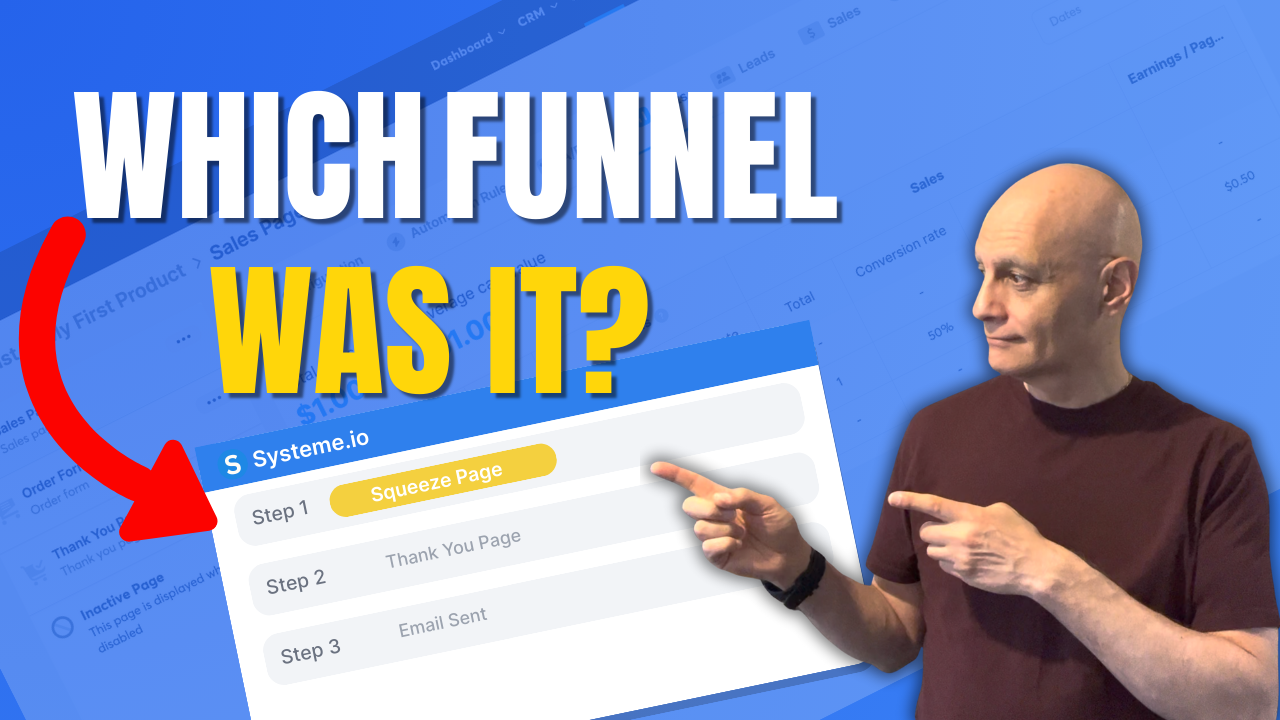
How to see which funnel a contact came from in Systeme.io
Want to see which funnel a contact came from in Systeme.io?In this tutorial, I’ll show you the most reliable method: using Automation Rules on your funnel step with the trigger “Funnel step form subscribed”, then automatically applying a source tag. That way, every contact permanently shows their funnel source inside their contact record. You’ll also…
-
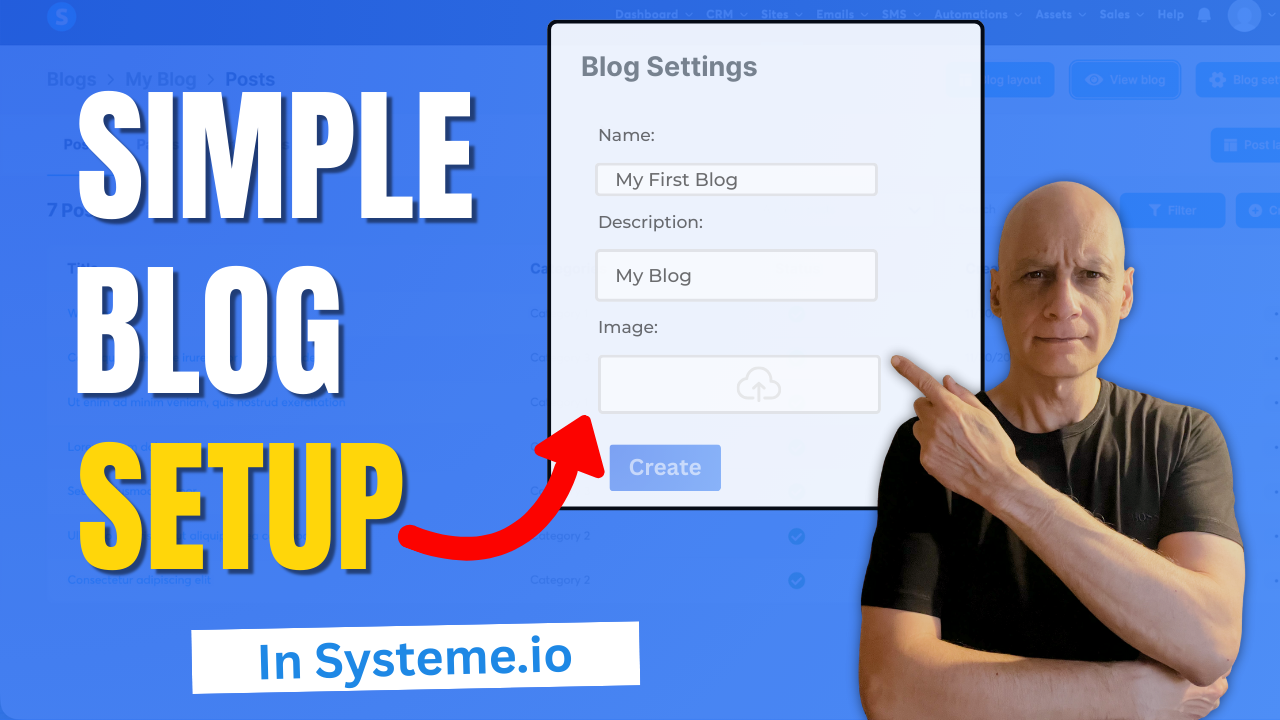
How to set up your first blog in Systeme.io
Ready to publish your very first blog without complicated setup, hosting, or plugins? In this quick beginner-friendly tutorial, I’ll show you step-by-step how to set up your first blog inside Systeme.io — a completely free all-in-one platform perfect for new creators. Click to play Inside this video, you’ll learn: Where to find the blog feature…
-
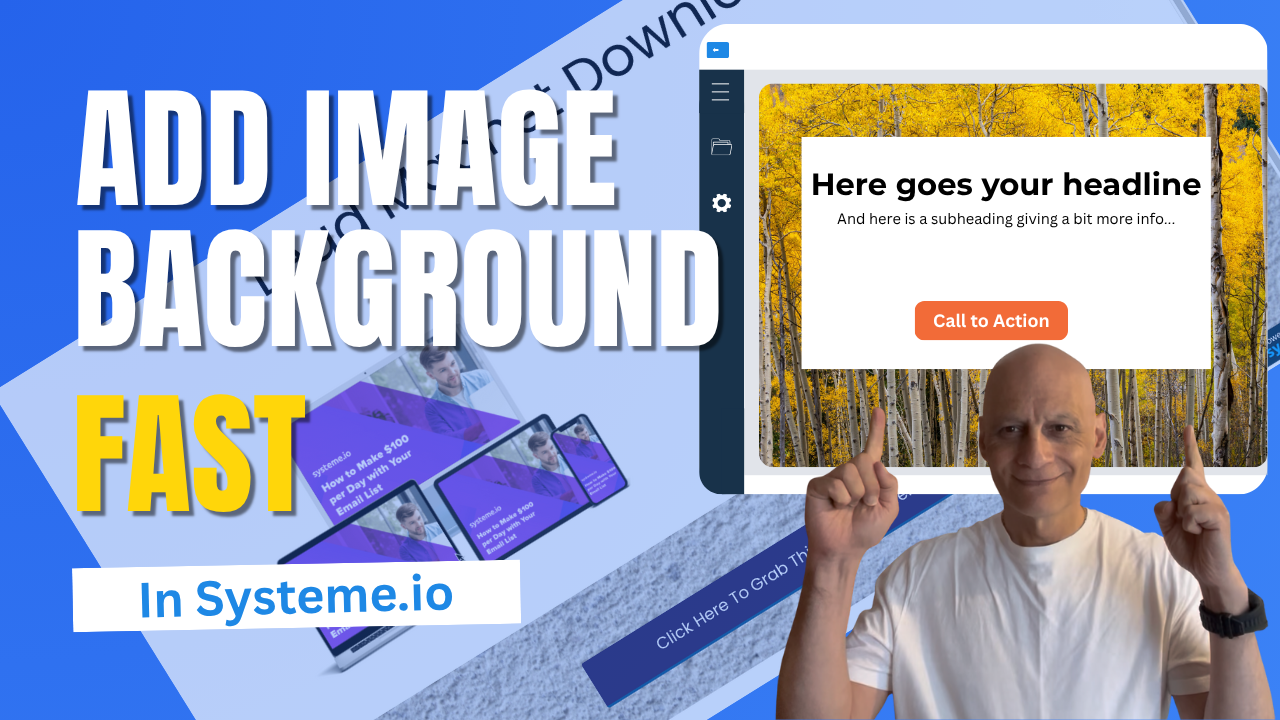
The Easiest Way to Add Stunning Backgrounds in Systeme.io
Want to make your Systeme.io pages stand out and look more professional?In this quick tutorial, you’ll learn step-by-step how to add an image background section in Systeme.io — no design skills needed!Whether you’re building a landing page, sales page, or funnel, adding a background image is one of the easiest ways to give your pages…
-
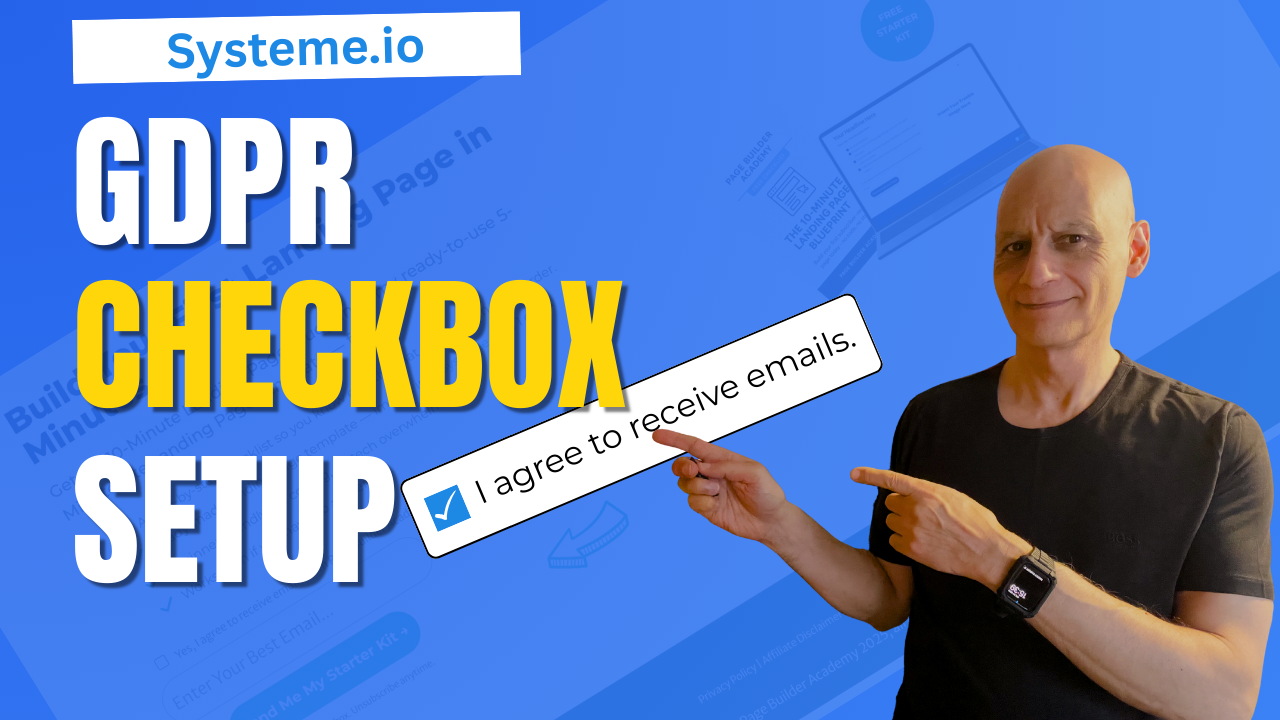
Add GDPR Consent to Your Systeme.io Forms the Easy Way
Want to make your Systeme.io forms GDPR compliant? In this short beginner-friendly tutorial, you’ll learn exactly where to add GDPR checkboxes inside Systeme.io so you can collect emails safely, transparently, and in line with best practices.I’ll walk you through where to find the legal checkbox settings, how to customise the consent text, and how to…
-
How to find unsubscribed contacts in Systeme.io
Want to know who unsubscribed from your Systeme.io emails? In this quick beginner tutorial, you’ll learn how to find unsubscribed contacts step-by-step—so you can keep your list clean and stay compliant. Perfect for anyone using Systeme.io for email marketing or funnels. What you’ll learn: How to view unsubscribed contacts in Systeme.io How to filter by…
-
Change Your Button Hover Colour Fast In Systeme.io
Want your Systeme.io buttons to stand out and look more professional?In this beginner-friendly tutorial, I’ll show you exactly how to change the hover colour on any button inside Systeme.io. It’s a tiny design tweak that makes a huge difference in how your pages feel and how confidently people click your calls-to-action. You’ll learn: Where to…
-
How to add GDPR checkboxes in Systeme.io forms
Want to stay GDPR compliant when collecting emails in Systeme.io?In this quick beginner-friendly tutorial, I’ll show you exactly how to add GDPR checkboxes to your forms so subscribers know what they’re agreeing to — and your list stays clean and transparent.You’ll learn where the checkbox settings are, how to customise the text, and how to…
-
How to trigger automation when a tag is added in Systeme.io
Want to know if people are actually clicking the links in your emails?In this quick Systeme.io tutorial.You’ll learn where to find your click stats for both newsletters and email campaigns, so you can see which emails perform best and what to improve next.Perfect for beginners who want to get confident using Systeme.io’s built-in email analytics.…
-
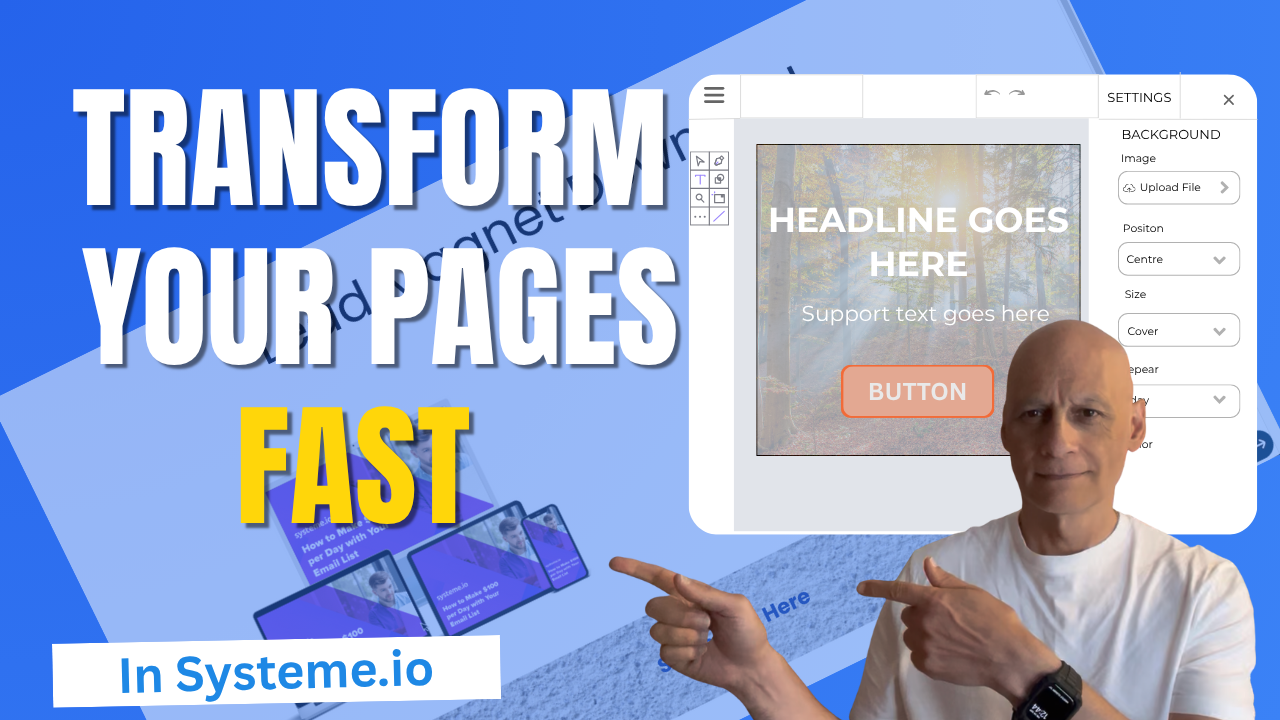
How to add an image background section in Systeme.io
Want to make your Systeme.io pages stand out? In this quick tutorial, you’ll learn step-by-step how to add an image background section inside Systeme.io.Perfect for beginners who want to make their landing pages look more professional without needing any design skills. In this video, you’ll learn: How to add a section in Systeme.io How to…
-
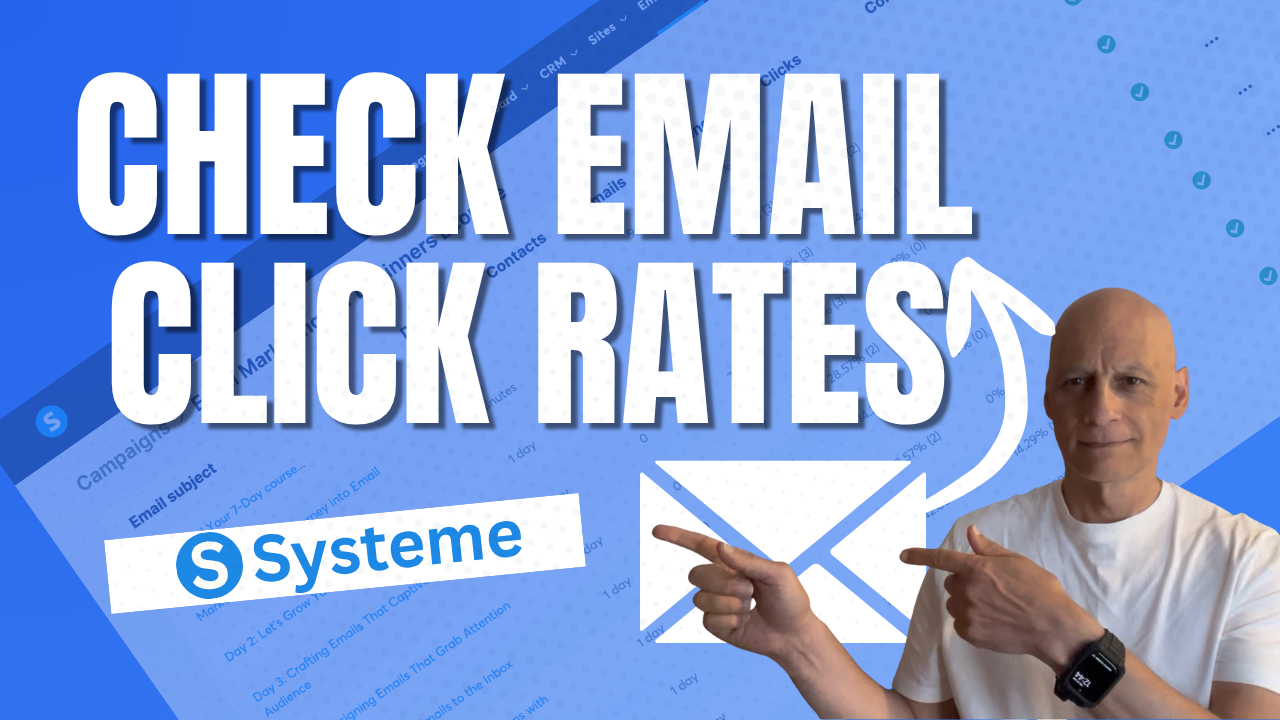
How to check email click rates in Systeme.io
Want to know how to check your email click rates in Systeme.io?In this short, step-by-step video, Zaf from Page Builder Academy shows you exactly where to find your click rate stats for both newsletters and campaigns — so you can quickly see what’s working and improve your email performance. Perfect for beginners who want to…